


Short browser games that practice each lesson with new examples. Students play on a computer or tablet, with no account and nothing to install. Use one with the lesson or instead of the paper activity.
See the gamesWhat's in Every Lesson
All 8 lessons follow the same folder system, so you learn the layout once and teach the whole unit.


See the Actual Pages
Real pages from Unit 8, the same clean design in every lesson.
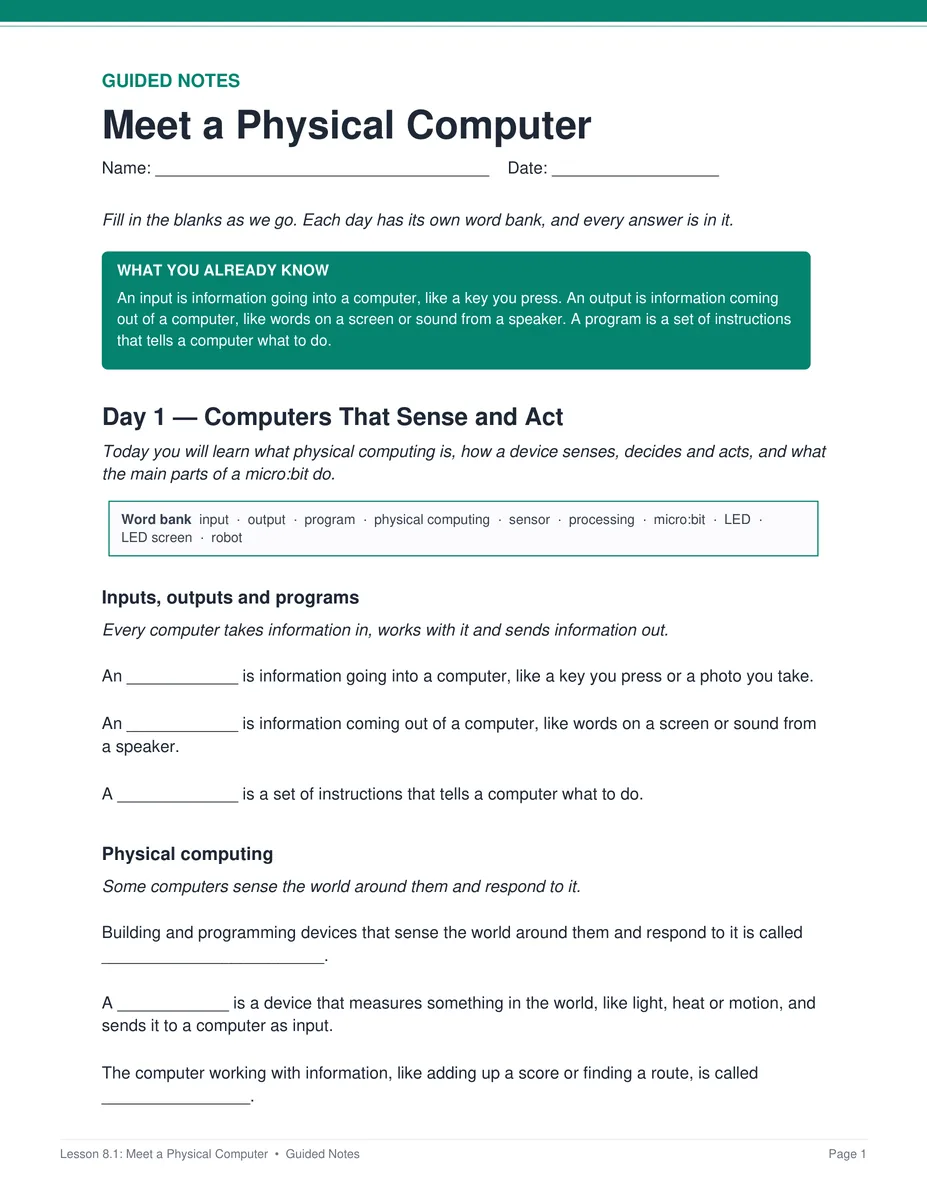
Notes that follow the slides
Students fill in the blanks during the slides, with the word bank right on the page.
- ✓ PDF and editable Word
- ✓ A key for every day
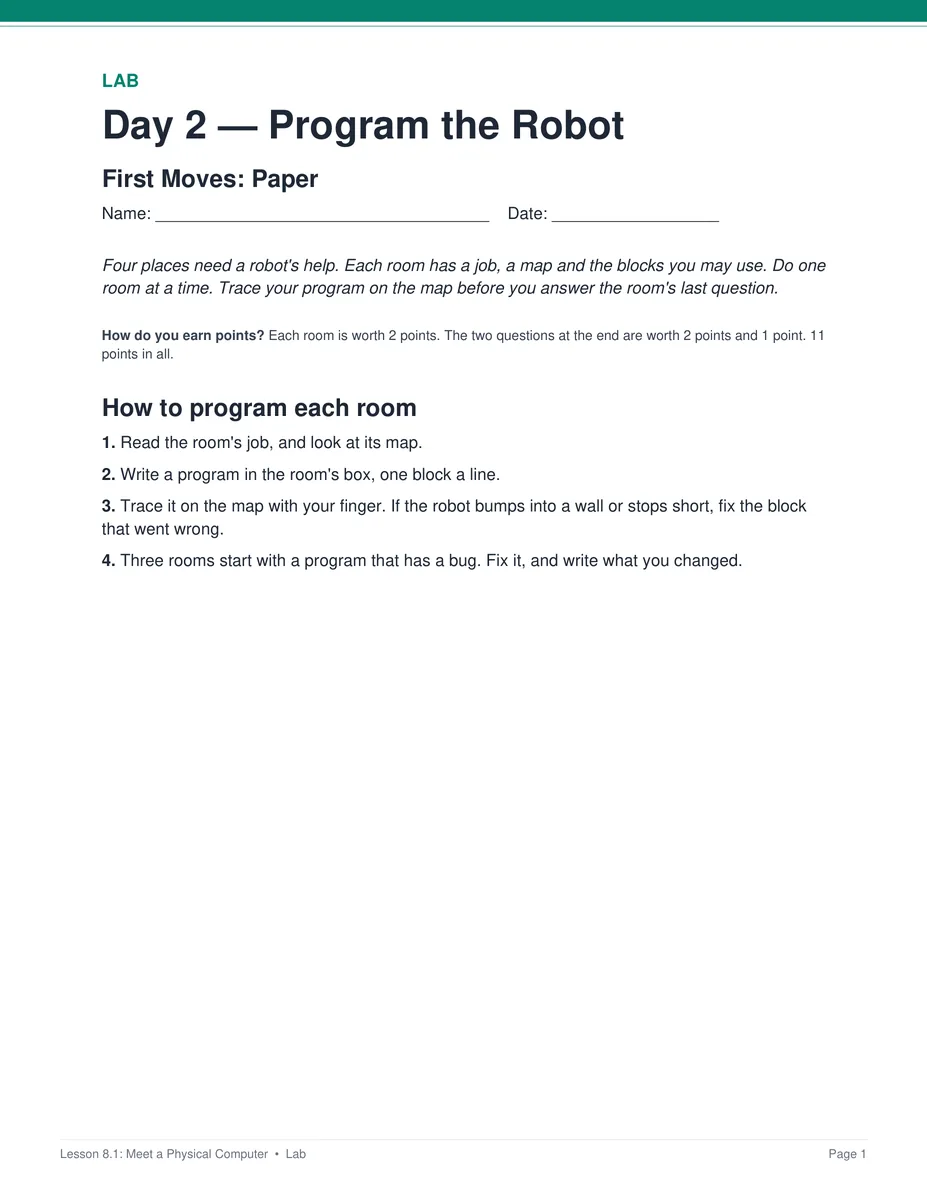
Practice with real cases
Students program a robot, build products and test prototypes, on paper, in Robot Maze or in MakeCode.
- ✓ A paper version of every online activity
- ✓ A key for every sheet
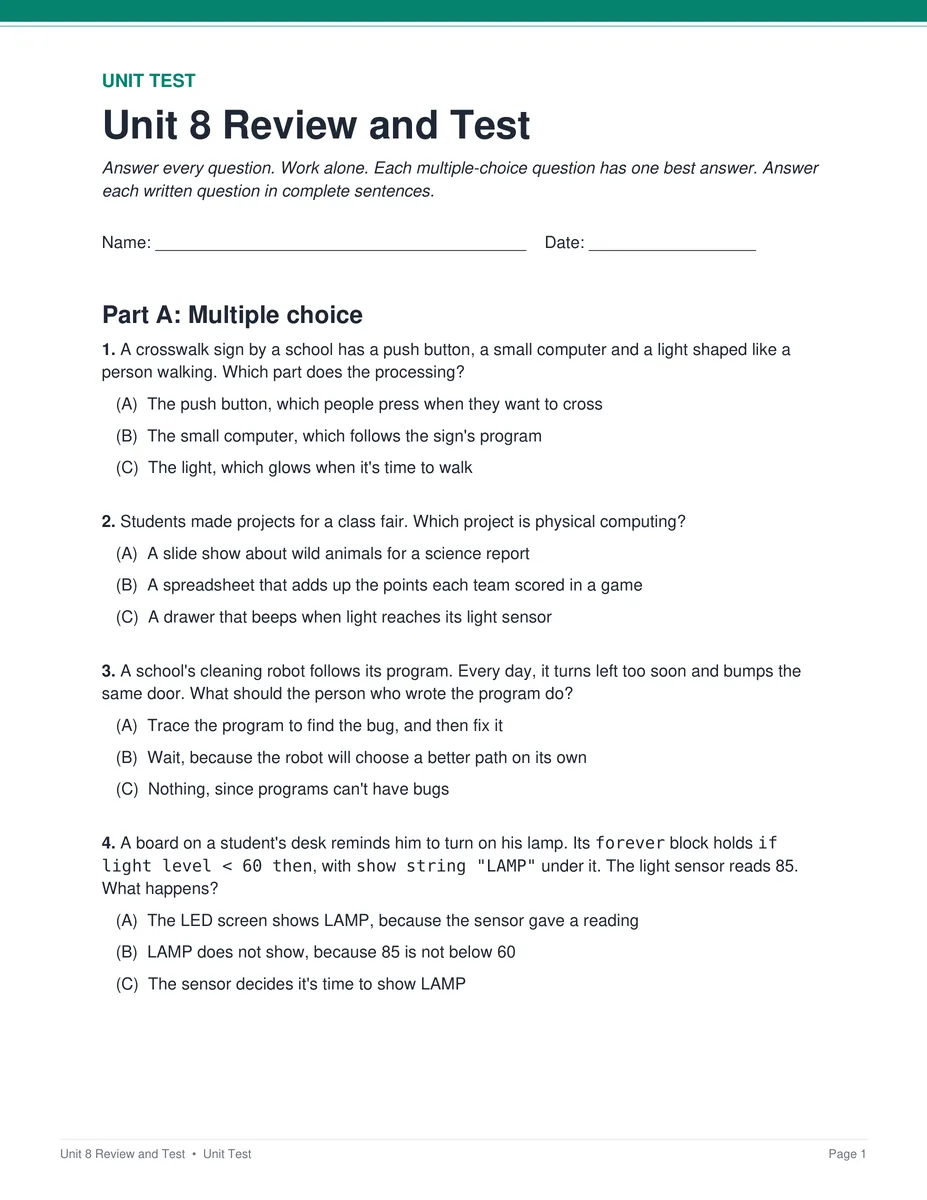
A review and test to close the unit
The bonus folder has a review lesson, the unit test and a Form B retake, each with a Google Form and a key.
- ✓ Word copies of both tests
- ✓ Pacing guide and standards crosswalk
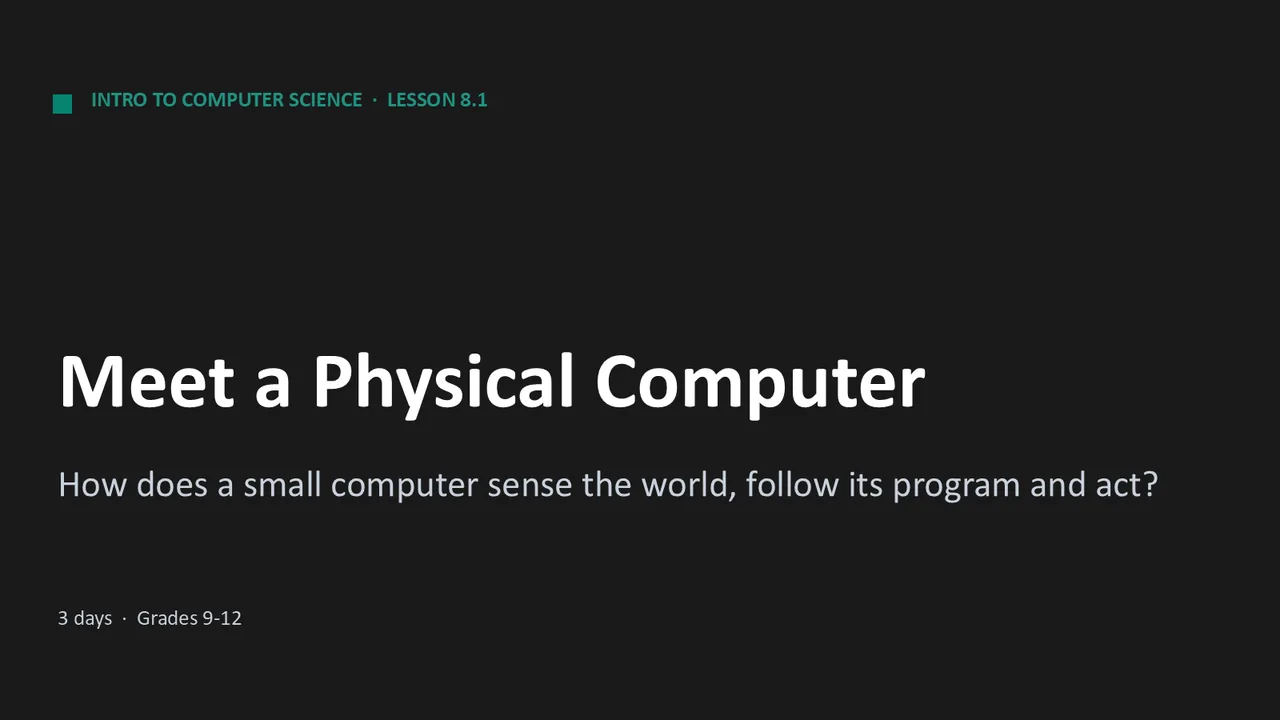
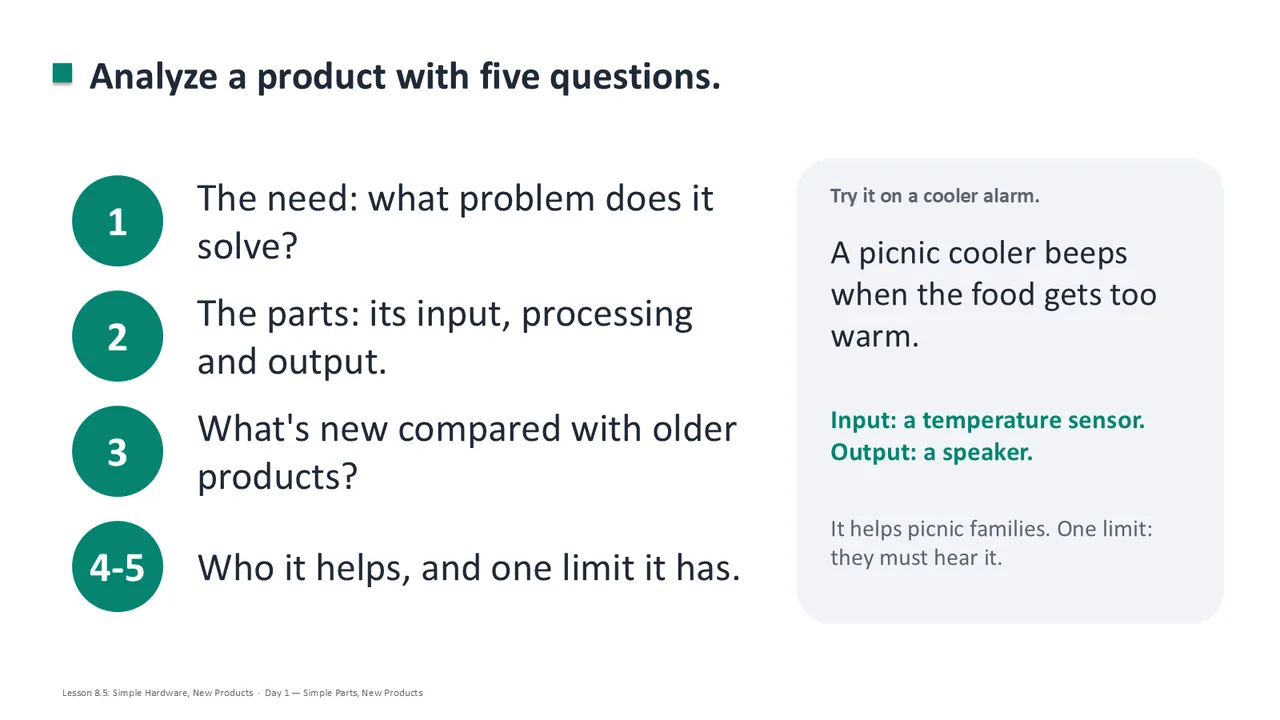
Slides that run every day
Each lesson has one editable deck. Every day starts at its own Day slide, and the speaker notes say what to say.
- ✓ Editable PowerPoint
- ✓ Google Slides™ for Google Classroom™
The 8 Lessons in Unit 8

This unit is also part of the complete Computer Science Fundamentals course: all 8 units plus the Course-Wide Bonus folder.
Why Teachers Choose It

Partners try each prototype, and students make a change for the next version, the way real design teams work.
They trace programs, predict what a robot will do and fix the block that went wrong, so they can find their own bugs.

Every page is a print-ready PDF, and the Google Forms™ and Google Slides™ let you teach the same unit in Google Classroom™.

Each day's plan is timed activity by activity against real reading and writing speeds.
What Teachers Say
Be the first to review this
Reviews help me a lot, and they help other teachers pick the right resources for their classes. It takes about a minute.
Leave a review