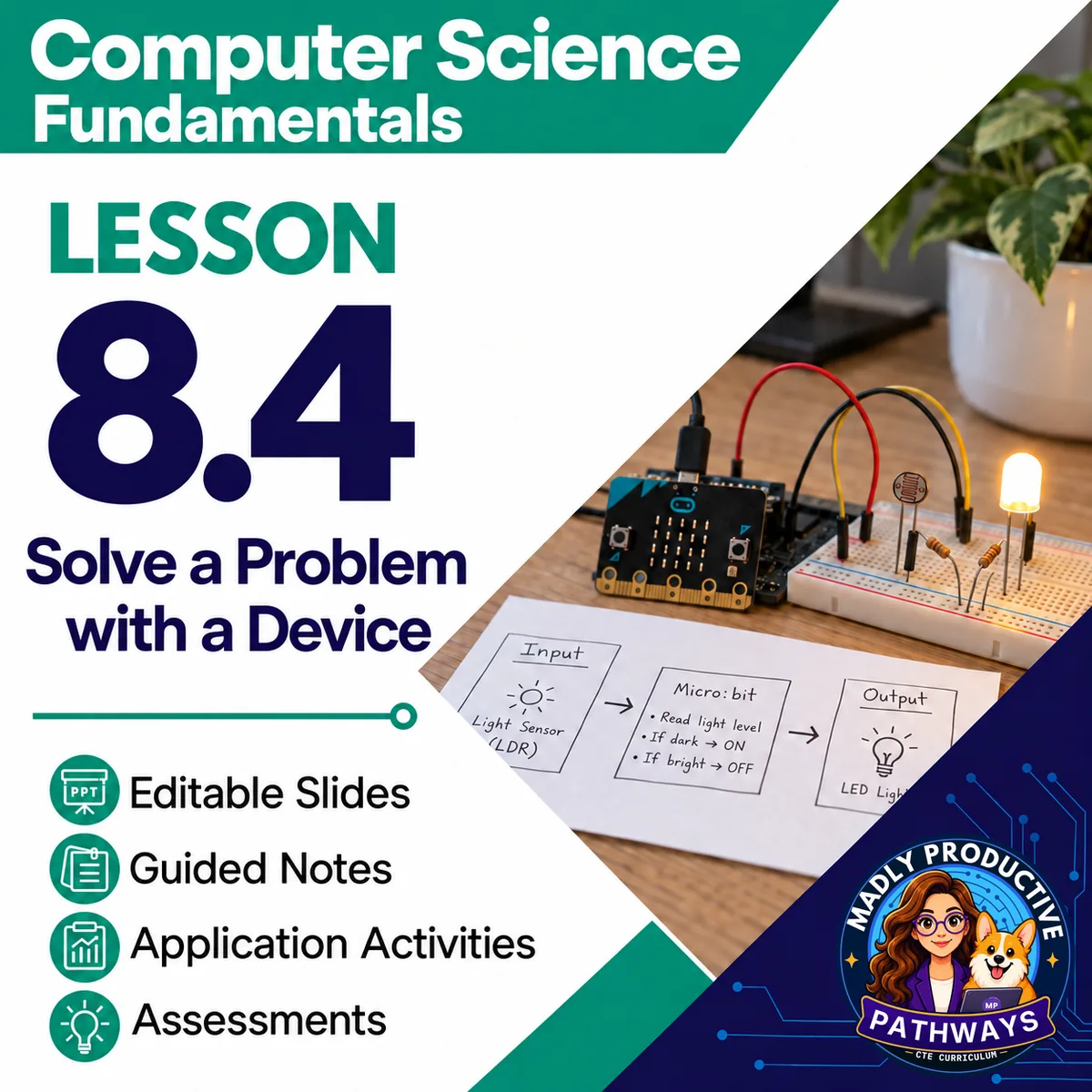
Solve a Problem with a Device
 Computer Science Fundamentals Grades 9–12 3-day lesson 26 deliverables
This coding lesson teaches students to solve a problem with a device in clear, testable steps. They plan devices for problems at Sassafras Road Horse Stable, naming the input, the condition, the output and the cases to try.
● Instant download · Lifetime access · Editable & print-ready
 Print + digitalPDF, PowerPoint, Word & Google
 Answer keysA key for every page
 Built-in assessmentExit tickets + lesson quiz
 45-minute daysEvery day planned and timed
A short browser game practices this lesson with new examples. Students play on a computer or tablet, with no account and nothing to install. Use it with the lesson or instead of the paper activity.
Play itWhat does this lesson cover?
Students often see a program work once and call it done, or start over when it fails. This lesson teaches them to try every test case before they trust a fix. When a test fails, they learn to find the block that went wrong and fix just that part.
The lab on Day 2 has an online version that uses Robot Maze, our online game, in the Fix It With Code level. It practices solving each room's problem in steps: check the soil, water only dry plants and use Repeat for steps that happen again. Every online version comes with a paper version, so no internet is needed. Our game is free, with no accounts or sign-ins.
Fix It With Code
Students solve rooms with a robot's blocks, try each program in every test and write about four rooms, on paper or in Robot Maze.
Everything that's included
 00 Start Here
- READ FIRST: every file in the lesson and when you use it
- Teacher guide and pacing: the plan for each day, what to print and how to grade
- Skills map: which standards each day teaches
 01 Present
- One editable PowerPoint deck for all three days, 25 slides, with speaker notes
- Slide script: the speaker notes, printed
- Bell ringers: a short warm-up for each day
 02 Student Handouts
- Guided notes for all three days, in PDF and editable Word, with the word bank on the page
- Vocab slip: the lesson's words and what they mean, on one page
 03 Labs
- Fix It With Code: solve rooms with a robot's blocks, try each program in every test and write about four rooms, on paper or in Robot Maze
 04 Activities
- Plan the Fix: plan a device for two of the horse stable's problems: the problem, the input, the condition, the output and two cases to try
- Find the Bug: find and fix a bug in a stable robot's program on paper
 05 Assessment
- Exit tickets, one per day: quick questions that show who needs more help
- Lesson quiz: 10 multiple-choice questions and 2 written answers about all three days
06 Answer Keys
- 5 answer key files: a key for each day (its bell ringer, notes and exit ticket) and the activity and lab keys, plus the quiz key

 Digital: Google Forms™ + Google Slides™
- 4 Google Forms™ of the exit tickets and the quiz, ready to copy into your Drive
- The multiple choice grades itself, and you grade the written answers
- A Google Slides™ copy of the deck, with the same slides and speaker notes, for Google Classroom™
 Online: Robot Maze
- Robot Maze, Fix It With Code level: the online version of the Day 2 lab
- Every online version has a paper version, so no internet is needed
- Free to play, with no accounts or sign-ins
Why teachers love this lesson
 Bugs are treated as a normal part of coding
Students learn that a bug is a mistake in the program and not a broken computer.
 Loops make programs shorter
Students use a repeat block for steps that happen again, so their programs are shorter and easier to check.
Print and digitalEvery page is a print-ready PDF, and the Google Forms™ and Google Slides™ let you teach the same lesson in Google Classroom™.
Real online activitiesStudents can use Robot Maze on a computer or tablet, and every online version has a paper version that works with no internet.
A key for every pageEvery day has its own answer key, and every written question has a sample answer and what to look for.
Every day fits a 45-minute classEach day's plan is timed activity by activity against real reading and writing speeds.
What Teachers Say
Be the first to review this
Reviews help me a lot, and they help other teachers pick the right resources for their classes. It takes about a minute.
Leave a reviewQuestions teachers ask
How do I get the files after I buy?
Instant download right after checkout: PowerPoint and Word files you can edit, print-ready PDFs, and links that copy the Google Forms™ and Google Slides™ into your Drive.
Can I buy the whole unit or course instead?
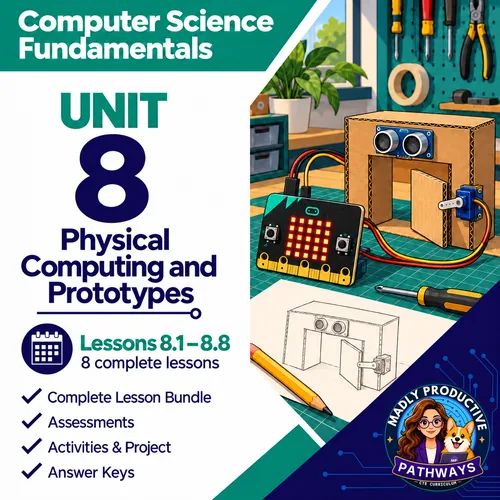
Yes. This lesson is part of the Unit 8 bundle and the complete Computer Science Fundamentals course. Both cost less than buying the lessons one at a time.
Is this AP Computer Science?
No. It is a full-year, non-AP intro course for grades 9 to 12. For AP, see AP Computer Science Principles and AP Computer Science A.
What formats are the files in?
Every page is a print-ready PDF. The slides are an editable PowerPoint and the guided notes an editable Word file. The exit tickets and the quiz also come as Google Forms™, and the deck as Google Slides™.
Which standards does it cover?
Written for Florida's Advanced Information Technology course (9007610). The skills map in the lesson shows which standards each day teaches.
Do I need micro:bits or robots?
No. Robot Maze is a free browser game, and every online version comes with a paper version.