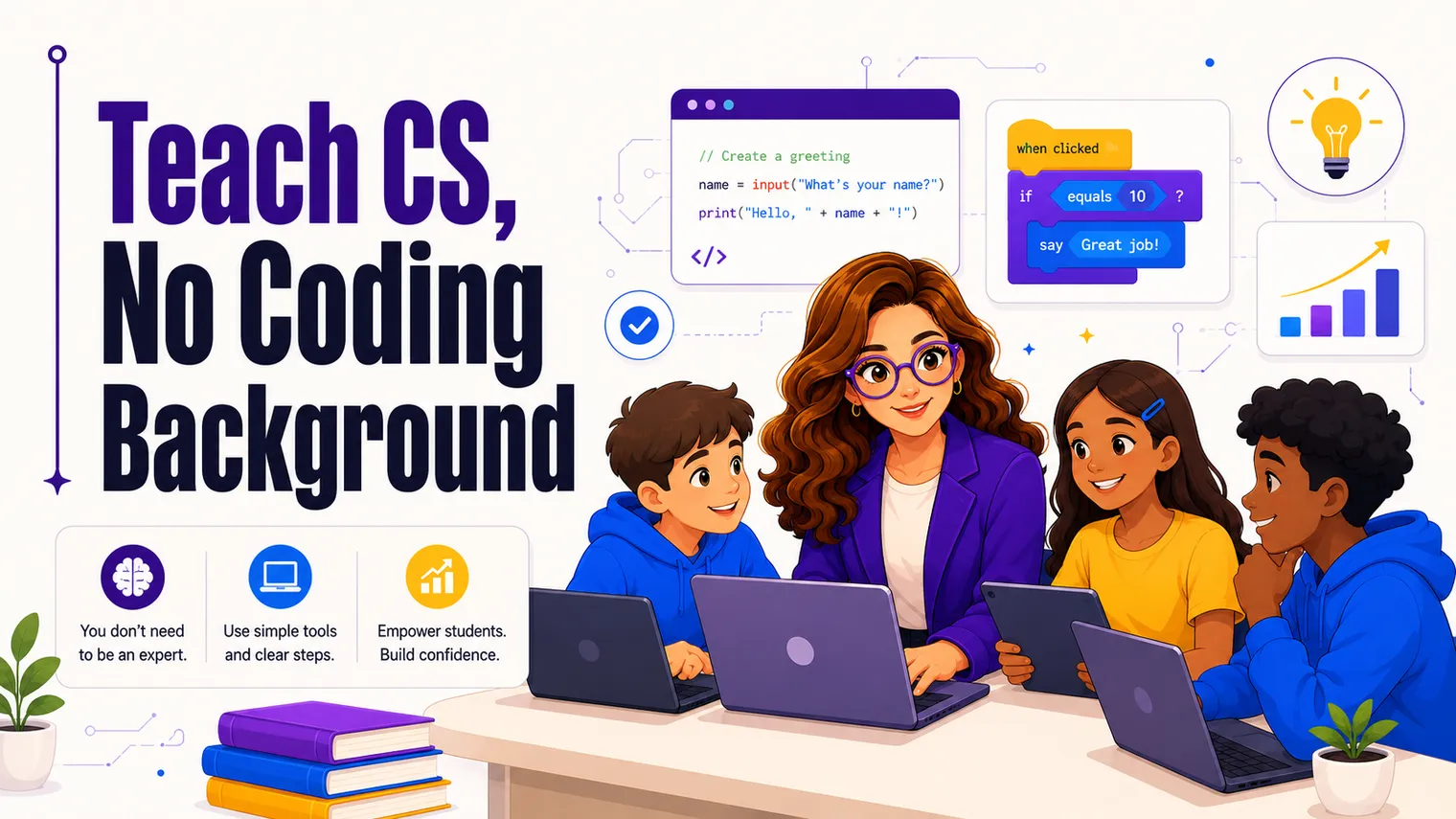
I taught my first computer science course without a CS degree and without much code under my belt. I came up through business and finance, got there through Florida’s alternative-cert route, and was interning at Florida Virtual School when computer science landed on my schedule. So when I say the gap between “I can’t really code” and “I’m teaching this Monday” is crossable, I’m not guessing. I walked it.
If a CS course just got handed to you and your stomach dropped, this is the practical version of “you’ve got this.” Not a pep talk: a plan.
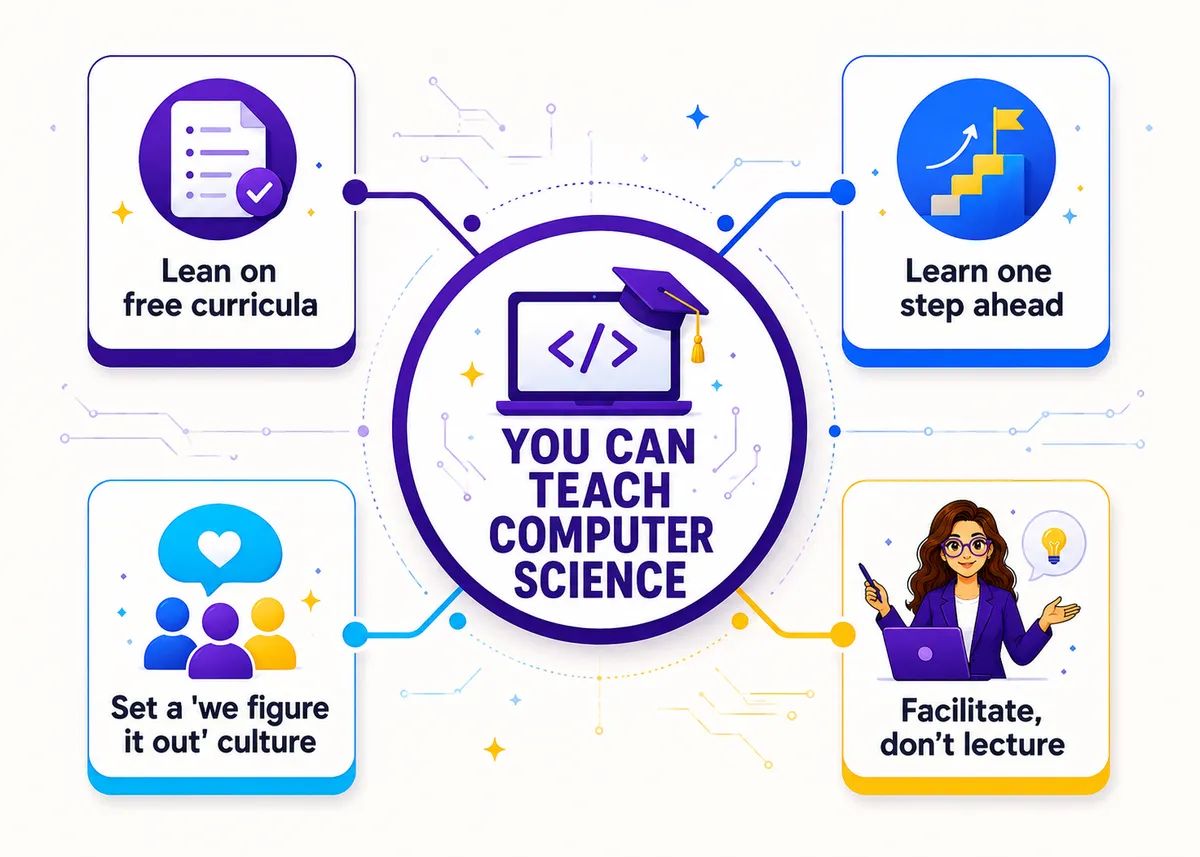
Can you teach computer science if you can’t code?
Yes. This is the fear that keeps good teachers out of these rooms, and it’s mostly unfounded.
A large share of high school CS teachers come to the course out of field, learning a step or two ahead of their students. The subject is built for it. Your job in a CS classroom is less “lecture from mastery” and more “set up the room, point students at good material, and troubleshoot alongside them.” You do not need to be a programmer to do that well. You need to be organized, a little fearless about being wrong in public, and willing to learn out loud.
Here’s the reframe that matters most: in tech, not knowing and then figuring it out is the job. Every working developer hits errors they’ve never seen and Googles their way out. When you model that in front of students, you’re not exposing a weakness. You’re teaching the actual skill.
Why “learning one step ahead” actually works
It feels too good to be true, so let’s be honest about why it holds up.
You are not trying to teach everything you know. You are trying to teach the next concept students need, and that concept is usually one you can learn the night before in twenty minutes. The curriculum sequences it for you (more on that below), so you’re never staring at a blank year wondering what comes next. You read the lesson, you do the exercise yourself first, you note where you got stuck (because that’s where they’ll get stuck), and you walk in ready.
Two things make this sustainable:
- The material is leveled and built. You’re learning alongside a structure, not inventing one.
- You only need to be ahead, not expert. A guide on a trail doesn’t need to have built the mountain. They need to know the next turn.
One quiet bonus: because you recently learned the thing, you remember what was confusing about it. Teachers who have known something for fifteen years often forget why it was ever hard. You won’t have that problem this year.
What free curricula do the heavy lifting?
You are not building this from scratch, and you shouldn’t try to. Three free resources carry most of the load, and they’re genuinely good:
- Code.org. Full courses with sequenced lessons, auto-graded practice, and a real teacher PD program (including in-person and online workshops). The auto-grading alone saves you hours and gives students instant feedback while you circulate.
- CodeHS. Lesson plans, an in-browser coding environment, auto-graded exercises, and teacher dashboards plus professional development. Strong if you want everything (assignments, grading, progress tracking) in one place.
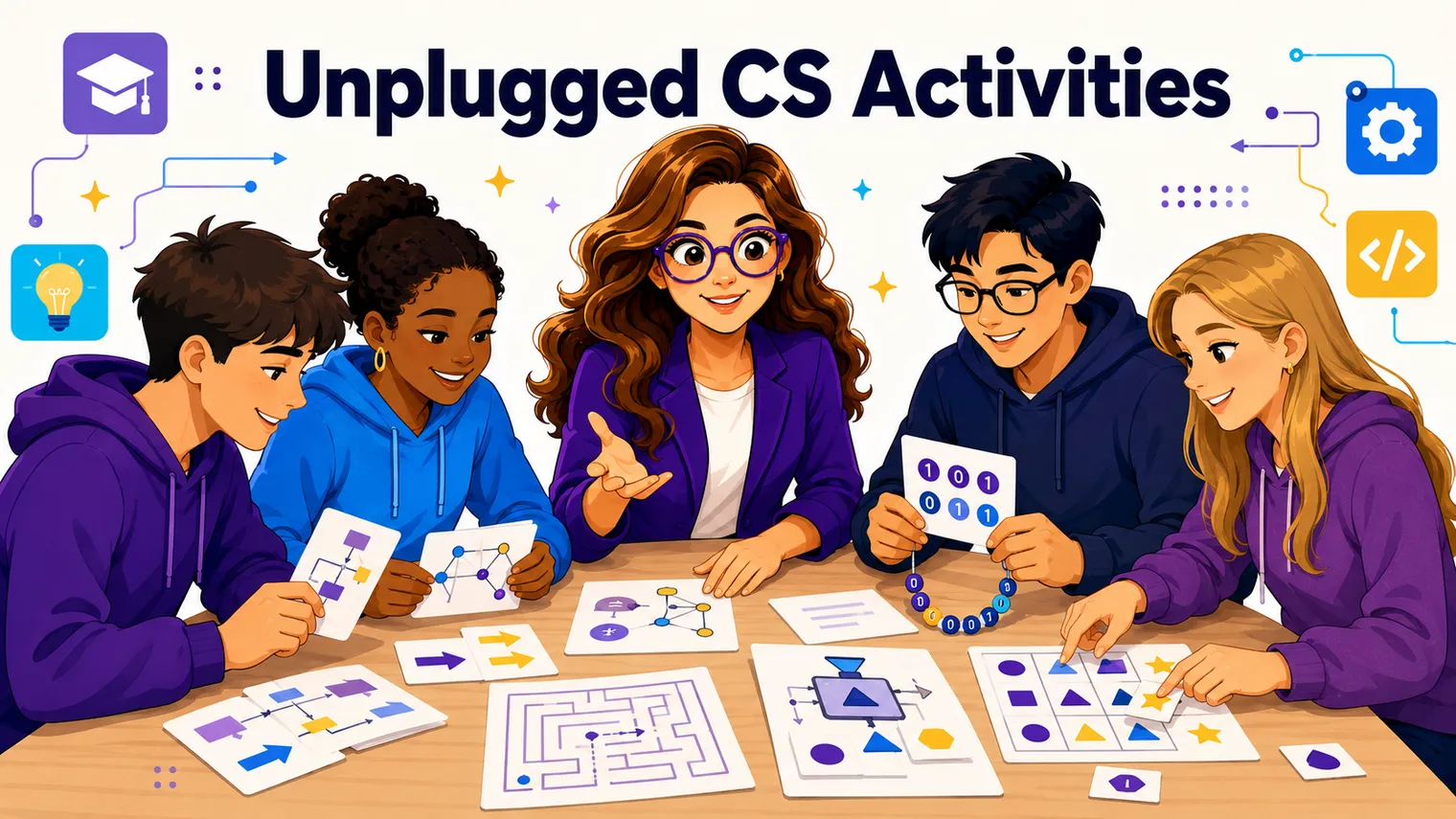
- CS Unplugged. Free activities that teach computer science concepts with no computer at all (sorting networks, binary with cards, “be the algorithm” games). Perfect for week one when logins are broken, and perfect for any day you want the concept to land before the keyboard gets involved.
Here’s how they tend to fit together:
| Resource | What it gives you | Best for |
|---|---|---|
| Code.org | Sequenced courses, auto-graded practice, teacher PD | A ready-made spine for the whole course |
| CodeHS | Curriculum, in-browser IDE, grading, dashboards | One platform that handles assigning and grading |
| CS Unplugged | Screen-free concept activities | Week one, and teaching ideas before code |
A reasonable first move: pick Code.org or CodeHS as your spine, and keep CS Unplugged in your back pocket for unplugged days. You do not need all three running at once.
How do you set up a “we figure it out together” classroom culture?
This is the part that actually makes a CS room work, and it’s the part you control completely regardless of how much code you know.
Set the culture before you set the curriculum. Two moves do most of the heavy lifting:
- Make errors normal, out loud, early. Tell students on day one that red error messages are information, not failure, and that everyone’s screen is going to break. A room where being wrong is embarrassing is a room where kids stop trying things, and trying things is the whole subject.
- Use “ask three, then me.” Students check the error message, check a neighbor, and check the resource before they raise a hand. It builds independence and keeps you from being pulled in twelve directions at once (which matters even more when you can’t instantly answer every question yourself).
Then debug out loud. When something breaks (and it will, often on your own projected screen), narrate it: “Okay, it says line 12, let me read the actual error, let me check the spelling, let me try changing one thing.” You might worry this exposes you. It does the opposite. You’re showing thirty teenagers exactly how a real person solves a problem they didn’t already know the answer to. That demonstration is worth more than any lecture, and you can only give it because you’re genuinely figuring it out.
What should you do in the first month?
Resist the urge to dive straight into syntax. The first month is about routines and confidence, not coverage. A rough arc:
- Week one: start unplugged. Logins, accounts, and devices are always a mess the first week, so don’t fight it. Run CS Unplugged activities and logic puzzles. You lower the intimidation factor and buy yourself time to sort the tech.
- Week two: get on the platform with a tiny win. Get everyone into Code.org or CodeHS and make something work on the first day of coding, even something trivial. A working tiny thing beats two weeks of theory every time.
- Week three: drill the routines. Lock in your screens-down signal, your “ask three then me” rule, and your entry and exit habits. Routines set in the first month hold all year; routines you try to install in October never do.
- Week four: your first small build. A short, low-stakes project students can finish and feel good about. The goal is momentum and the message “this is a class where we make things,” not a masterpiece.
If you want concrete openers, our first week of computer science activities gives you day-one lessons you can run as-is, and coding activities for beginners has the low-stakes builds for weeks two through four.
How do you handle the student who knows more than you?
You will have one. Maybe three. The kid who’s been coding since middle school and asks a question you can’t answer in week two. Here’s the secret: this is good news, and it’s completely manageable.
A few moves:
- Name it honestly. “Great question, I don’t know off the top of my head, let’s find out.” Then actually find out, together or by next class. You just modeled the exact behavior you want from everyone else.
- Give them a real job. Advanced students get bored, and bored students get disruptive. Hand them extension challenges, let them help classmates (teaching cements their own learning), or point them at a harder track in the curriculum. CodeHS and Code.org both have material that goes deeper than your average pace.
- Let them be an asset, not a threat. A student who knows more than you isn’t a referendum on your competence. They’re a resource. The teachers who struggle with this are the ones pretending to know everything; the moment you drop that act, the advanced kid stops being a problem and starts being a co-conspirator.
You’re the one who runs the room, sets the culture, assesses fairly, and keeps thirty different skill levels moving forward. That’s the job, and knowing the most code in the room was never part of it.
A few honest notes on certification
Can you actually get certified to teach CS without a CS degree? In many places, yes, often through an alternative or out-of-field route (that’s the path I took). The specifics vary a lot by state, so check your own state Department of Education rather than trusting a blanket answer. The bigger CS-teaching picture lives in our cornerstone guide, how to teach high school technology.
Free resources to get you started
You do not have to build your first CS course alone. The Free Library has no-prep starting points (first-week activities, a lab-routines planner, beginner-friendly bell ringers) that pair well with Code.org, CodeHS, and CS Unplugged. Grab what’s useful, see if the style fits how you teach, and build from there.
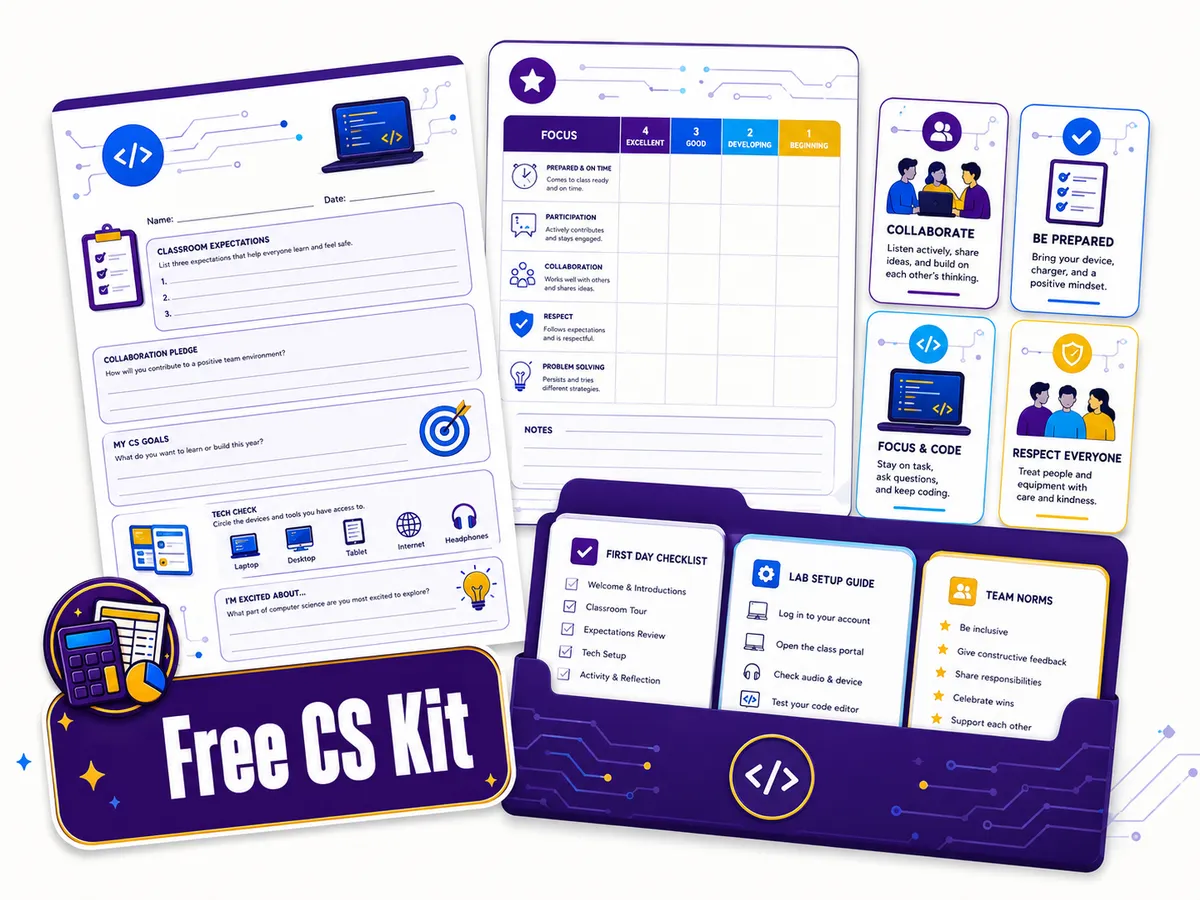
Want the planning done for you? Our editable AP Computer Science Principles curriculum was built with the out-of-field teacher in mind: every unit sequenced, every project scaffolded, so learning one step ahead stays a twenty-minute evening instead of a lost weekend. The AP Computer Science A curriculum follows the same design for the Java course, and the AP Cybersecurity curriculum covers the security pathway.
Frequently asked questions
Can you teach computer science without a coding background? Yes. Many high school CS teachers come to the course out of field and learn a step ahead of their students, leaning on free, fully built curricula (Code.org, CodeHS) that include lessons, auto-graded practice, and teacher PD. Your job is facilitating and troubleshooting, not lecturing from mastery.
What free curriculum should a new CS teacher use? Code.org and CodeHS both give you sequenced courses, auto-graded exercises, and teacher professional development, so either makes a solid spine for the year. CS Unplugged adds screen-free concept activities that are perfect for week one. Pick one main platform and keep CS Unplugged for unplugged days.
How do you handle a student who knows more than you in CS? Name it honestly when you don’t know something, then find out together. Give advanced students extension challenges or a peer-teaching role so they stay engaged. A student who knows more code than you is a resource, not a threat, because running the room and setting the culture was always the actual job.
Do you need a degree in computer science to teach it? Often no. Many states offer alternative or out-of-field certification routes into CS. Requirements vary widely, so check your own state Department of Education for the specifics. (The full picture is in how to teach high school technology.)
What should I teach in the first month of CS class? Start unplugged in week one while logins get sorted, get a tiny working program on the platform in week two, drill your routines in week three, and run one small low-stakes build in week four. Routines and confidence first, syntax coverage second.