Here’s the thing nobody tells you before your first CS class: the devices will not be ready. Logins won’t work, half the accounts won’t exist yet, and a third of your roster will swear they’ve never used the platform you’re about to assign. So the worst possible day-one plan is “open your laptop and start coding.” It’s a setup for thirty hands in the air and a room that decides, in the first ten minutes, that this class is going to be stressful.
The fix is to spend the first day (sometimes the first few days) away from screens entirely. You set the culture, you teach the actual thinking that coding requires, and you buy yourself time while IT sorts out the logins. This post is the concrete openers: what to run, in what order, and how to set the tone you’ll live with all year. For the bigger picture of teaching the tech side of CTE, the How to Teach High School Technology guide is the map this fits into.
What should you do on the first day of a CS class?
Not code. We mean that.
Your first day has three jobs, and writing a program is none of them:
- Set the culture. Two rules, said out loud, do most of the work all year (more on those below).
- Teach one piece of real thinking without a computer in sight, so students learn that “computer science” is about precise instructions, not memorizing syntax.
- Lower the intimidation factor. Some of your students are terrified of this class. An unplugged activity nobody can “fail” at gets them in the door before the stakes go up.
The two culture rules worth establishing on day one, before any keyboard is involved:
- Errors are normal. Say it plainly: everyone’s screen turns red, error messages are information and not failure, and being wrong is the job. A room where mistakes are embarrassing is a room where kids stop trying things.
- Ask three, then me. Before a hand goes up, students check the problem again, check a neighbor, and check the resource. It builds independence and keeps you from being yanked in twelve directions the second the laptops open.
You can teach both of these with the unplugged activities below, which is the point. The culture isn’t a speech you give once; it’s something the first week’s activities quietly install.
Why start unplugged?
Two reasons, and they stack.
The practical one: the first week of a tech class is a logistics mess. Accounts, passwords, device carts, the platform that’s down for “scheduled maintenance” on the exact morning you needed it. Every minute you spend troubleshooting logins on day one is a minute the room spends bored and restless. Screen-free activities give you a buffer that doesn’t depend on a single thing working.
The pedagogical one (the bigger one, honestly): computer science is precise thinking before it’s any particular language. A student who can break a task into exact, ordered steps will pick up syntax later. A student who can’t will struggle no matter how clean the platform is. Unplugged activities teach that core skill with zero technical overhead, and they teach it to everyone in the room at once, regardless of who’s been coding since middle school and who signed up because it fit their schedule.
Unplugged first-day activities
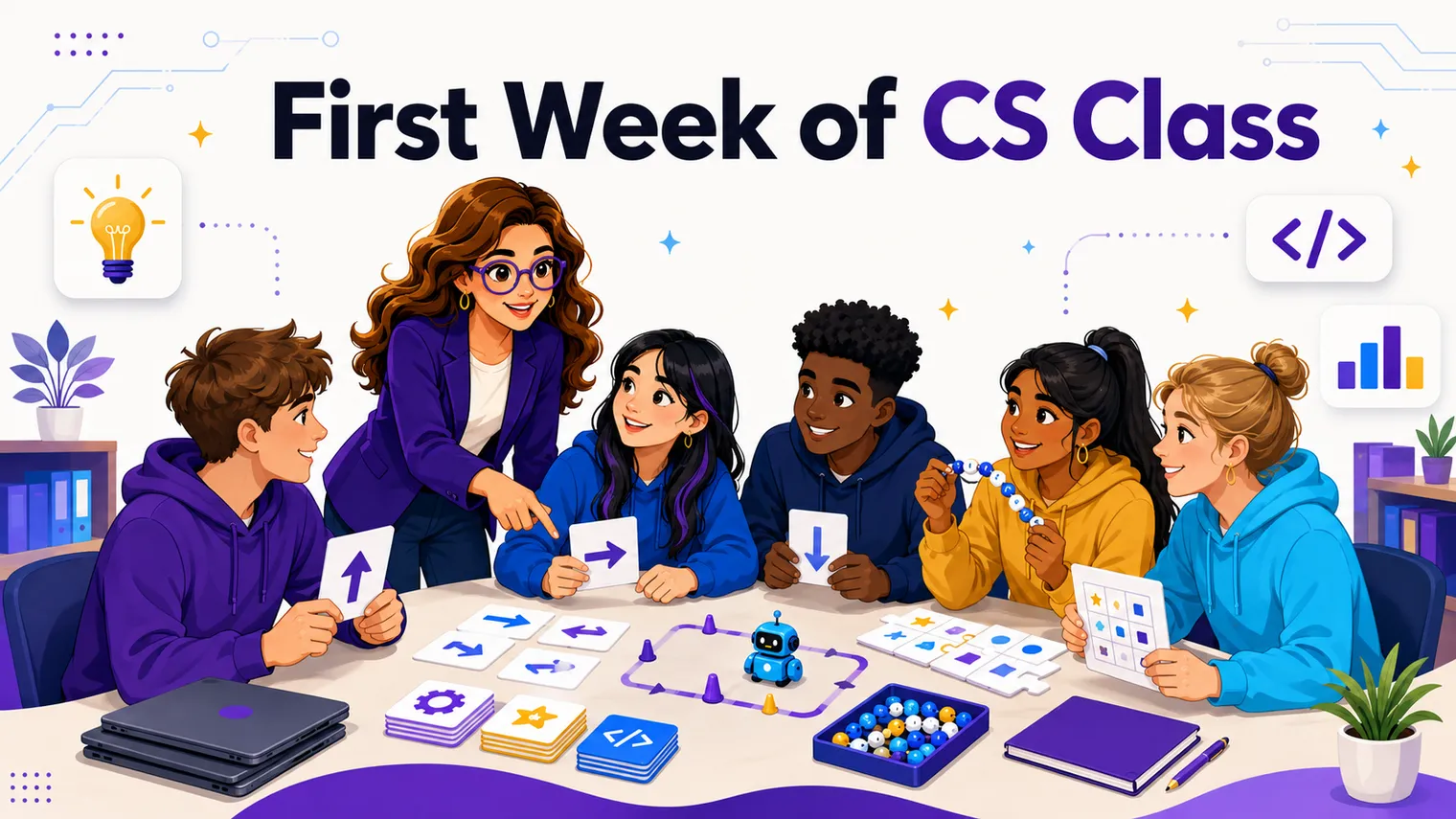
These need nothing but paper, maybe some markers, and a willingness to look a little silly. Pick one or two for day one and save the rest for later in the week.
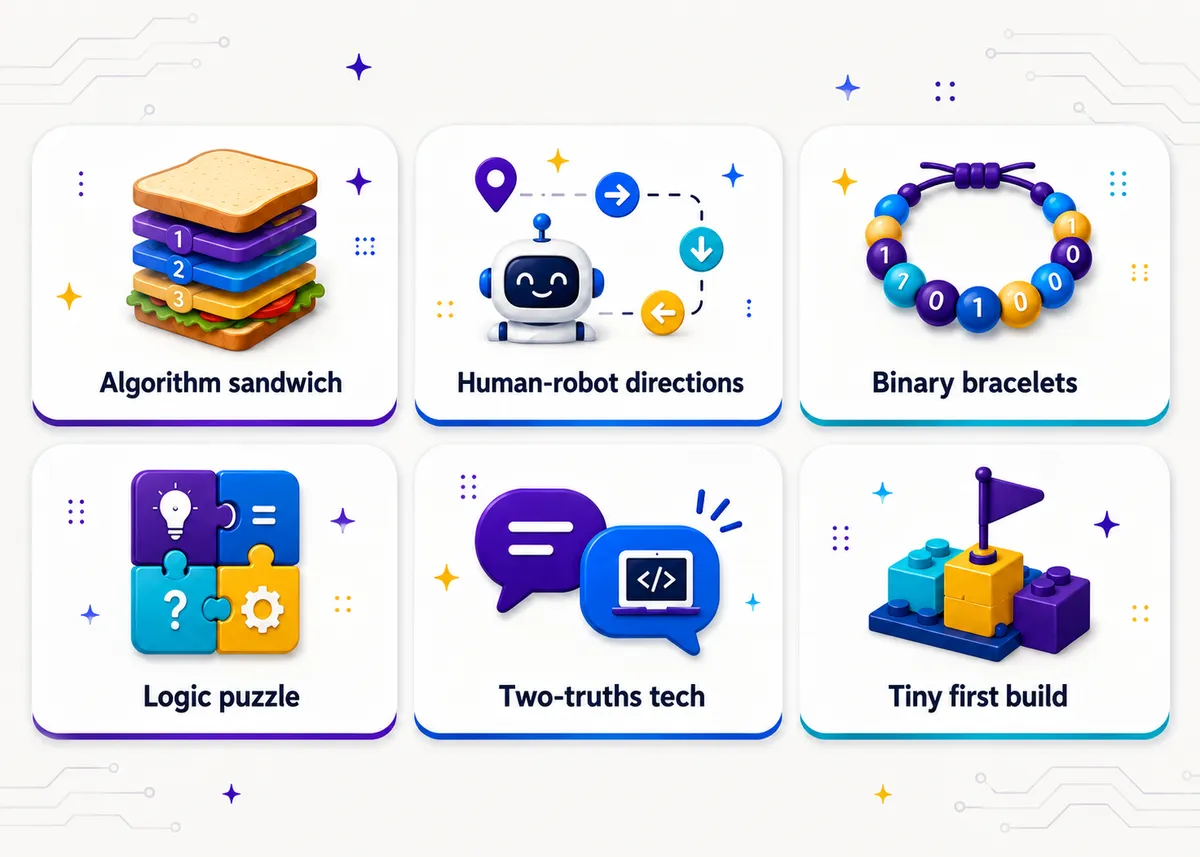
Write the algorithm for a sandwich. The classic, and it earns its reputation. Students write step-by-step instructions for making a peanut butter sandwich, then you (or a brave volunteer) follow the instructions literally. “Put the peanut butter on the bread” gets you a hand smearing a closed jar against an unopened loaf. The room loses it, and then they rewrite, more precisely, until it actually works. The lesson lands without you having to say it: computers do exactly what you tell them, not what you meant. (No real food required. Pantomime works fine, and it’s less of a mess.)
The human-robot directions game. One student is the “robot” and can only move on explicit commands: “step forward,” “turn right ninety degrees,” “stop.” Their partner has to navigate them from the door to a target across the room using only those commands, no “go over there.” Add an obstacle or two. Students feel, in their bodies, why ambiguity breaks a program and why order matters. It’s loud, it’s funny, and it’s secretly a lesson on sequencing and debugging.
A binary-bracelet or pixel-art intro. Give students a key (A equals 01000001, and so on) and have them spell their initials in binary, then string a bracelet of two colors of beads to match, or color it in on graph paper. For pixel art, hand out a tiny grid and a set of “on/off” or color codes and have them reveal an image cell by cell. Either way, students walk out having physically encoded information the way a machine does, and they’ve got something to take home.
A logic or pattern puzzle. A short grid-logic puzzle, a “what comes next in the sequence” set, or a simple sorting challenge (put these cards in order using only pairwise swaps). These mirror the reasoning coding demands without a single line of code. Keep them low-stakes and let students work in pairs, because the talking-it-out is half the learning.
Icebreakers for a coding class
You still want students to know each other and to feel like the room is theirs, but the generic “share a fun fact” icebreaker wastes an opportunity. Tie it to the subject:
- Two truths about tech. Each student shares two things about their relationship with technology, one true and one not (or just two honest ones if you want to skip the guessing). “I’ve built a PC,” “I’ve never written code,” “I once deleted my whole family’s photo library.” It surfaces the range in the room in a way that’s useful to you and normalizing for them: the kid who’s nervous hears that plenty of people here are starting from zero.
- Where’s the code? Go around and have students name a piece of tech they used before they walked in (alarm, bus app, a game, the door scanner). You’re quietly making the point that code is everywhere, and the class is about to pull back the curtain.
- Rank your comfort. A no-talking line-up: students arrange themselves from “never touched this stuff” to “I basically run my family’s IT.” It shows everyone, visibly, that mixed levels are the norm here and nobody’s behind.
The goal of all three is the same: name the range out loud so nobody feels secretly behind, and connect the room to the subject before any pressure shows up.
First activities once you go to devices
When logins finally work, resist the urge to assign a big project. The move is a tiny, guaranteed win first.
- Run the setup as the first task. Logging in, finding the platform, and getting to “hello, it works” is a real activity on day one of devices. Treat it like one. Build in a buffer, pair students up, and expect it to take longer than it should.
- Ship one tiny thing. A one-screen project: a single sprite that moves when you press a key, a few lines that print their name in a pattern, a button that changes a color. The bar is “it runs and it’s theirs,” not “it’s impressive.” A working tiny thing on the first real day beats two weeks of theory, and it cements the culture: you tried something, it worked, errors were survivable.
- Debug something on purpose. Hand students a short program that’s broken in one small way and let them find it. It puts “errors are normal” into practice immediately, and it’s lower-pressure than writing from scratch because the scaffolding is already there.
That’s the whole arc of week one: unplugged thinking, then a guaranteed small win, with the two culture rules running underneath the entire time. From here you can move into real builds, and Coding Activities for Beginners picks up exactly where this leaves off.
A simple first-week shape
If you want a skeleton to hang it on:
| Day | Focus | Example |
|---|---|---|
| 1 | Culture + one unplugged win | Sandwich algorithm, set the two rules |
| 2 | Sequencing, hands-on | Human-robot directions, an icebreaker |
| 3 | Encoding / logic | Binary bracelets or a logic puzzle |
| 4 | Devices, setup as the task | Logins, find the platform, “hello it works” |
| 5 | First tiny build | A one-screen project + debug a broken program |
Slide it around to fit your bell schedule and how fast IT moves. The order matters more than the exact days.
Frequently asked questions
Should students code on the first day of a CS class? No. Start unplugged. Logins and devices are rarely ready in week one, and unplugged activities teach the precise, step-by-step thinking coding requires with zero technical overhead. Save the first real build for when the platform actually works.
What unplugged activity is best for day one? The sandwich algorithm is hard to beat: students write literal instructions for making a sandwich, you follow them exactly, and the room learns that computers do what you say, not what you mean. It’s funny, needs almost nothing, and nobody can fail it.
How do I handle the chaos when devices aren’t ready? Plan for it instead of fighting it. Keep two or three unplugged activities in your back pocket, and treat the login-and-setup process itself as a real day-one task with extra time built in, not a five-minute warmup.
What two rules should I set first? “Errors are normal” (red screens are information, not failure) and “ask three, then me” (check the problem, a neighbor, and the resource before raising a hand). Establish both unplugged in week one and they pay off all year. There’s more on lab routines in Computer Lab Classroom Management Tips.
What’s a good first build once devices are working? Ship one tiny, guaranteed win: a single sprite that moves on a key press, a few lines that print a name in a pattern, or a button that changes a color. The bar is “it runs and it’s theirs,” not “it’s impressive.” Pair that with debugging a short broken program so “errors are normal” gets practiced right away. For where to go next, Coding Activities for Beginners picks up from here.
Grab the first-week activities
You don’t have to build all of this from scratch the week before school starts. The First-Week Activities Set has no-prep first-week activities, including unplugged openers and a few low-stakes icebreakers, that drop straight into a CS class. Want more unplugged options to stretch the runway? The Unplugged Computer Science Activities post is a deeper bank.
Want the first month planned for you? The Creative Development unit that opens our editable AP Computer Science Principles curriculum follows this exact arc: culture and collaboration first, then a small build students can call their own. Teaching the Java course instead? The AP Computer Science A curriculum starts its year the same low-stakes way.