The first few weeks of a coding class are where you win or lose the room. Push too hard, too fast, and the kids who’ve never written a line decide it’s “not for them” by Friday. The fix is a stack of short, low-stakes activities where being wrong is cheap and feedback is instant. That’s the whole game with beginners: small wins, fast loops, no high-stakes grade hanging over the first attempt.
This is the activities post (short skill-builders you can run in a class period or less). If you want the bigger graded builds, that’s the Computer Science Project Ideas for High School post, and this one is the on-ramp to it. Run these first, then send students into projects once they’ve got reps under their belt.
Where do absolute beginners start?
Before code, set the culture: error messages are information, not failure, and everyone’s screen turns red eventually. Then start with something a beginner can finish today. A working tiny thing on day one beats two weeks of theory, because the kid who runs their own code and sees it do something is a kid who comes back tomorrow.
Three rules make the early activities work:
- Keep the stakes near zero. Score these for completion or effort, not correctness. The grade comes later, in projects.
- Make the loop fast. Students should be able to run something and see a result inside a minute or two, not at the end of the period.
- Make a working result the default, not the prize. Pick activities where almost everyone finishes something, even if the “something” is small.
What language should beginners start with?
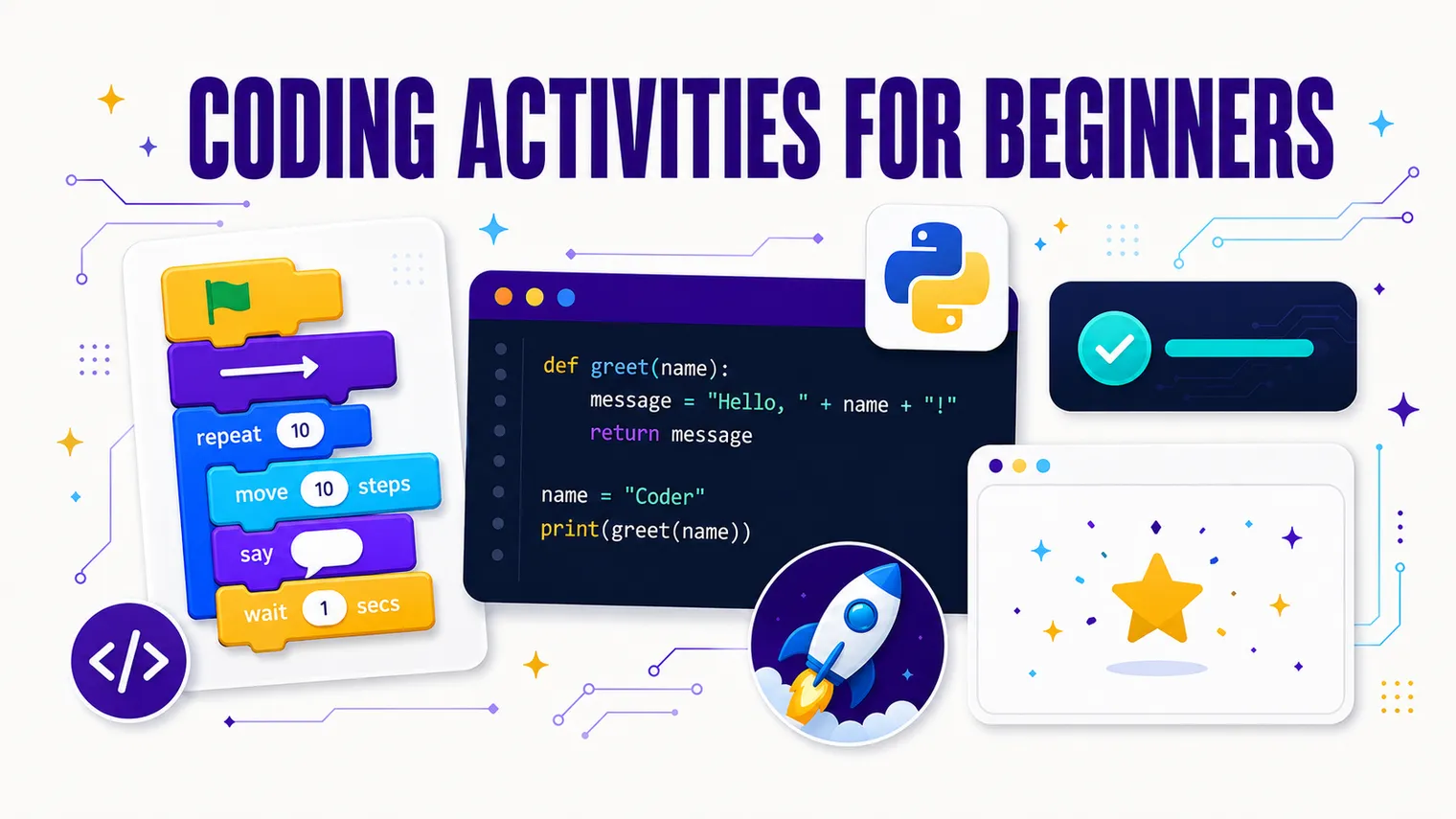
Short answer: start with Scratch or a block-based puzzle for your true beginners, then move to Python as the first text language. Save JavaScript for later or for students who specifically want to build web pages.
Here’s the reasoning, quickly:
| Tool | Best for | Why |
|---|---|---|
| Scratch / blocks | Total beginners, younger or anxious students | No syntax to get wrong; instant visual results; you can’t “break” it |
| Python | First real text-based language | Reads almost like English; tiny programs do real things; huge free support |
| JavaScript | Students aiming at web, or a second language | Runs in any browser, but the syntax and setup trip up beginners |
If you only pick one to commit a semester to, pick Python. It gets students writing actual code fast without drowning them in punctuation, and almost every free curriculum supports it. Use Scratch as a warm-up bridge, not the destination.
Quick beginner coding activities (short, low-stakes)
Each of these fits in a class period or less, gives instant feedback, and ends with something that runs. Mix and match.
-
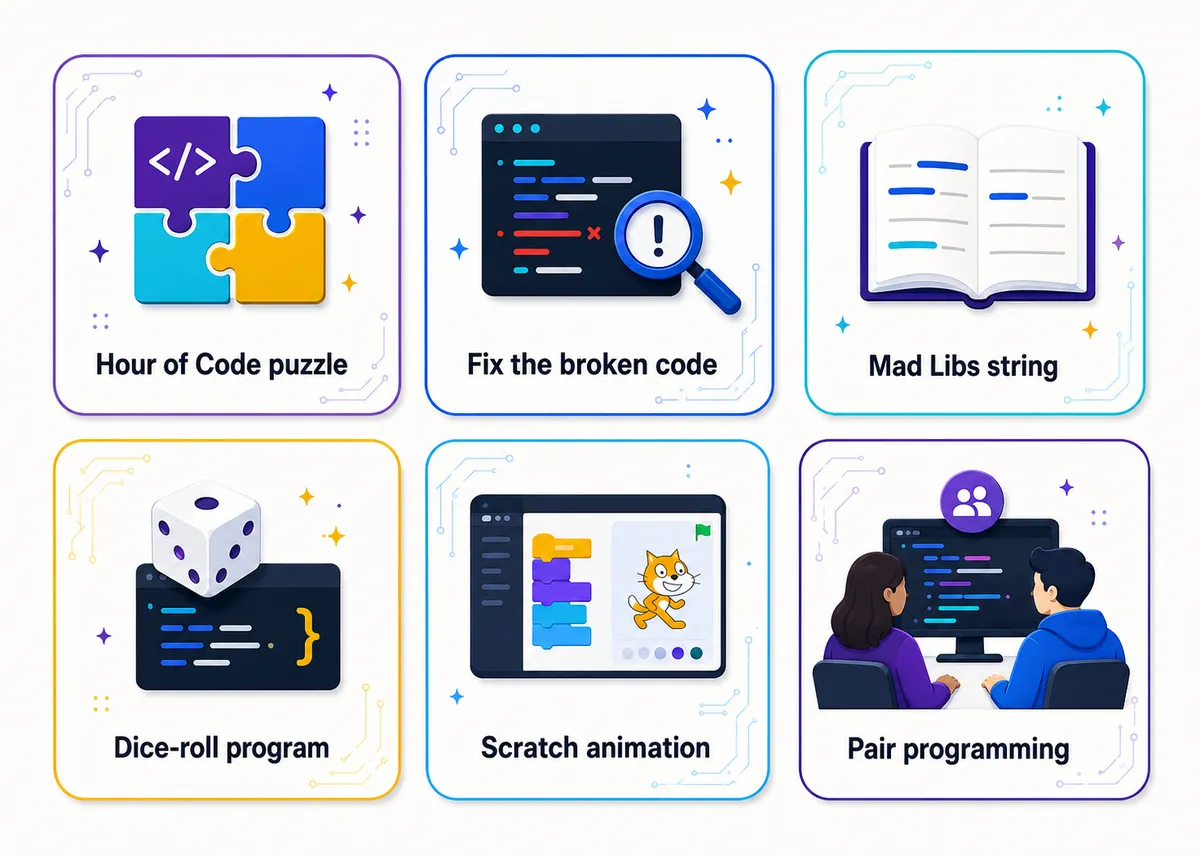
Hour-of-Code puzzle round. Open with a block-based puzzle set (drag-and-drop logic, no typing). Students solve a maze or sequence by snapping blocks together. It teaches sequencing and loops without a single syntax error, and the puzzle tells them immediately when they’ve got it. Perfect day-one confidence builder.
-
Fix the broken code. Hand out a tiny program with three planted bugs (a missing colon, a misspelled variable, a wrong indent). Students find and fix them until it runs. Debugging is lower-stakes than writing from scratch (the answer is mostly there), and the “it runs now!” moment is genuinely satisfying. This is the single best confidence activity I run.
-
Mad Libs string project. Students write a program that asks for a noun, a verb, and an adjective, then drops the answers into a silly pre-written paragraph and prints it. It teaches input, variables, and string joining, and the output is funny, which means kids actually want to run it five times. Low floor, instant payoff.
-
Dice-roll random program. Students build a program that “rolls” one or two dice and prints the result, then loops it on request. It introduces random numbers and a simple loop, and it’s easy to extend (roll until you hit doubles, count how many rolls it takes). Games hook students who think they don’t like coding.
-
Scratch animation in one class. Make a sprite move across the screen, change color, and say something when clicked. Students get a finished, shareable thing by the end of one period, with zero syntax. Great for your most hesitant kids and a clean bridge before text code.
-
Simple input/output calculator. Ask for two numbers, print the sum (then build up to a tip calculator or a grade average). It’s the smallest possible “this does something useful” program, and it cements the input then process then output pattern that every program follows.
-
Pair programming: driver and navigator. Two students, one keyboard. The driver types; the navigator reads the instructions and watches for mistakes. They swap roles every few minutes. It halves the “I’m stuck and alone” panic, gets quieter students talking through logic, and doubles as classroom management. Run almost any activity above in pairs.
-
“What did this code do?” prediction round. Show a four-line program on the board. Students write down what they think it’ll print before you run it. Then run it. They get instant feedback on their mental model, and the surprises spark the best discussions. Costs five minutes, teaches more than it should.
-
Remix a working program. Give students a finished program that already runs (a guessing game, a simple quiz) and challenge them to change one thing: the messages, the number range, the win condition. Modifying working code is far less scary than a blank screen, and it sneaks in real understanding.
-
Emoji or ASCII art printer. Students use print statements to draw a shape or picture out of characters. It’s pure output, so nobody gets stuck on logic, and it’s a gentle way to practice typing exact syntax with an immediate, visible reward.
Unplugged coding activities
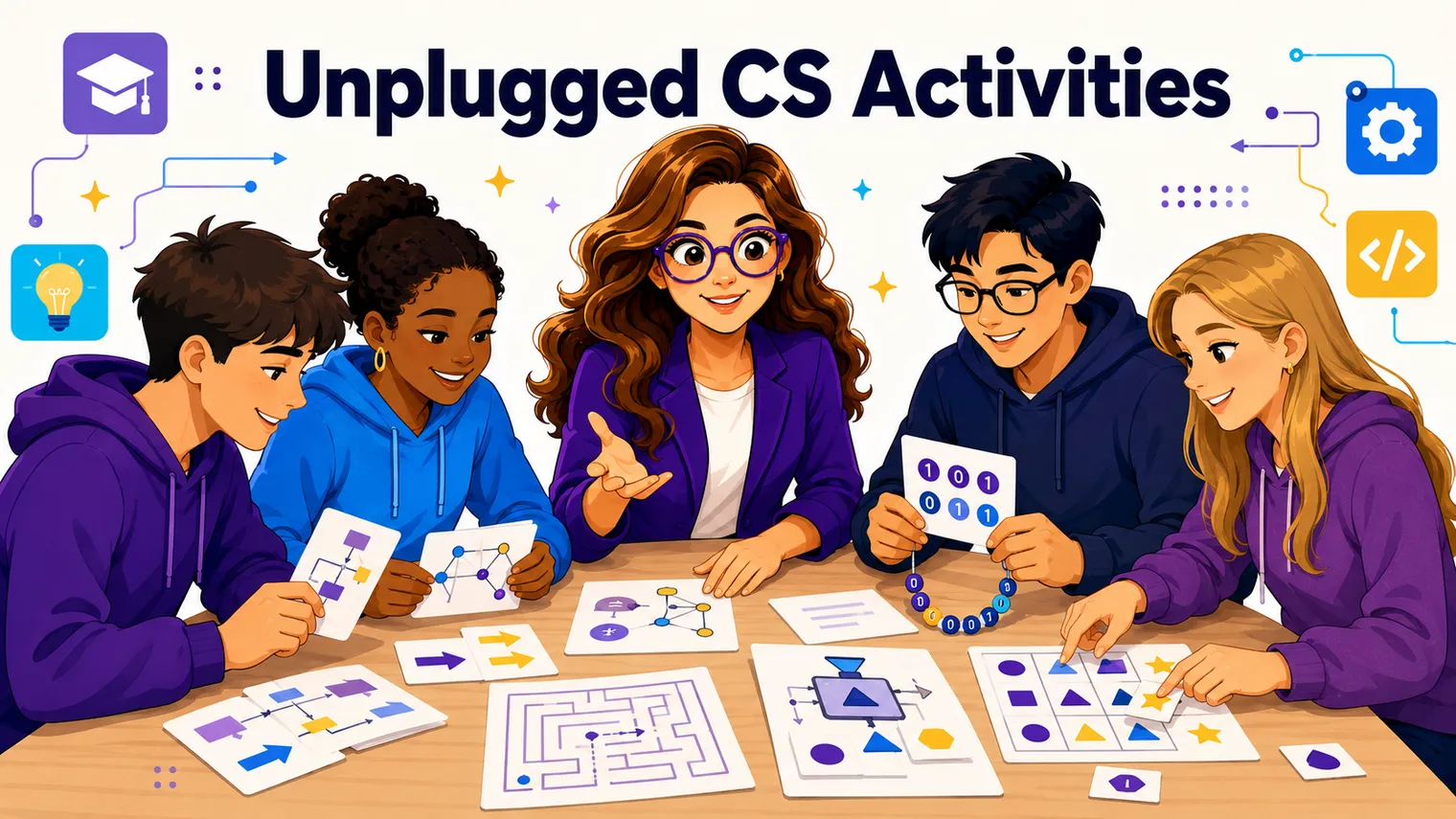
Some of the best beginner work happens with no computer at all. Unplugged activities lower the intimidation factor, dodge the first-week login chaos, and teach the thinking before the typing.
-
Write an algorithm for a sandwich. Students write step-by-step instructions to make a peanut butter sandwich, then you follow them literally. “Put peanut butter on bread” gets you a jar pressed against a closed loaf. They learn that computers do exactly what you say, not what you mean. It’s a classic for a reason.
-
Be the computer. Hand a student a short list of instructions and have them execute it on the board while the class checks each step. It makes “running code” physical and slows the logic down enough to see it.
-
Human robot maze. One student is the “robot,” others write the movement commands (forward, turn, forward) to navigate to a target. Wrong command, wrong path. Same lesson as the sandwich, with movement and a built-in debugging loop.
-
Sort it by hand. Give pairs a shuffled stack of numbered cards and ask them to sort it, then describe the exact steps they used. You’ve just introduced algorithms and the idea that there’s more than one way to solve a problem.
These pair well with the broader unplugged work in Unplugged Computer Science Activities, which goes deeper on screen-free lessons for the whole year.
Free tools to run all of this
You do not need to buy anything to start, and the free options here are genuinely excellent.
-
Code.org runs the Hour of Code and full course sequences, with block-based puzzles for beginners that move into JavaScript and Python. The puzzles auto-check and give instant feedback, which is exactly what beginners need. It’s free, no install, and the lessons come built.
-
CodeHS offers free curriculum across Scratch, Python, JavaScript, and more, with auto-graded exercises and a teacher dashboard. (It has paid tiers, but there’s a real free version to start with.) Strong if you want a structured sequence rather than one-off activities.
-
Scratch (from MIT) is free, browser-based, and unbeatable for visual, block-based creating. No accounts strictly required to start tinkering.
These do a lot of the heavy lifting, which matters most if you came to this course out of field. For more on teaching tech when you’ve never coded, the cornerstone guide How to Teach High School Technology is the start-here map.
Frequently asked questions
What’s the easiest coding activity for absolute beginners? A “fix the broken code” debug drill. The answer is mostly there already, so students aren’t staring at a blank screen, and the moment it runs is a real win. Pair it with a Hour-of-Code block puzzle for the kids who aren’t ready to type yet.
Should beginners start with Scratch or Python? Use Scratch as a warm-up for true beginners (no syntax to get wrong), then move to Python as the first text-based language. If you can only commit to one for the semester, pick Python.
How long should a beginner coding activity take? Aim for something that runs inside one class period, ideally with a result in the first few minutes. The whole point is a fast feedback loop, so the student sees their code do something before the bell.
Do I need to know how to code to run these? Not really. Free tools like Code.org and CodeHS come with the lessons and auto-graded practice, so you’re facilitating more than lecturing. Modeling how you debug something you don’t immediately know is one of the most useful things you can show beginners.
What are some coding activities with no computer at all? Unplugged activities like writing a step-by-step algorithm for making a sandwich, “be the computer,” a human robot maze, or sorting numbered cards by hand. They teach the logic before the typing and dodge first-week login chaos. Unplugged Computer Science Activities goes deeper on screen-free lessons.
When are beginners ready to move from activities to real projects? Once they have a handful of these reps and can run, read, and modify small programs without panic. That’s the on-ramp to graded builds in Computer Science Project Ideas for High School.
Where to go next
Once students have a few of these reps in, it’s time for something they can build over several days and put their name on. The Computer Science Project Ideas for High School post is the graded next step, and Unplugged Computer Science Activities gives you more screen-free options for first weeks and review days.
Want ready-to-run versions of all of this? The Free Library has no-prep beginner activities and bell ringers you can drop into next week’s plans. When the class is ready to grow past one-period wins, the Algorithms and Programming unit of our editable AP Computer Science Principles curriculum turns these same fast-feedback reps into full lessons, and the AP Computer Science A curriculum is there for the students who want to go deep on the code itself.