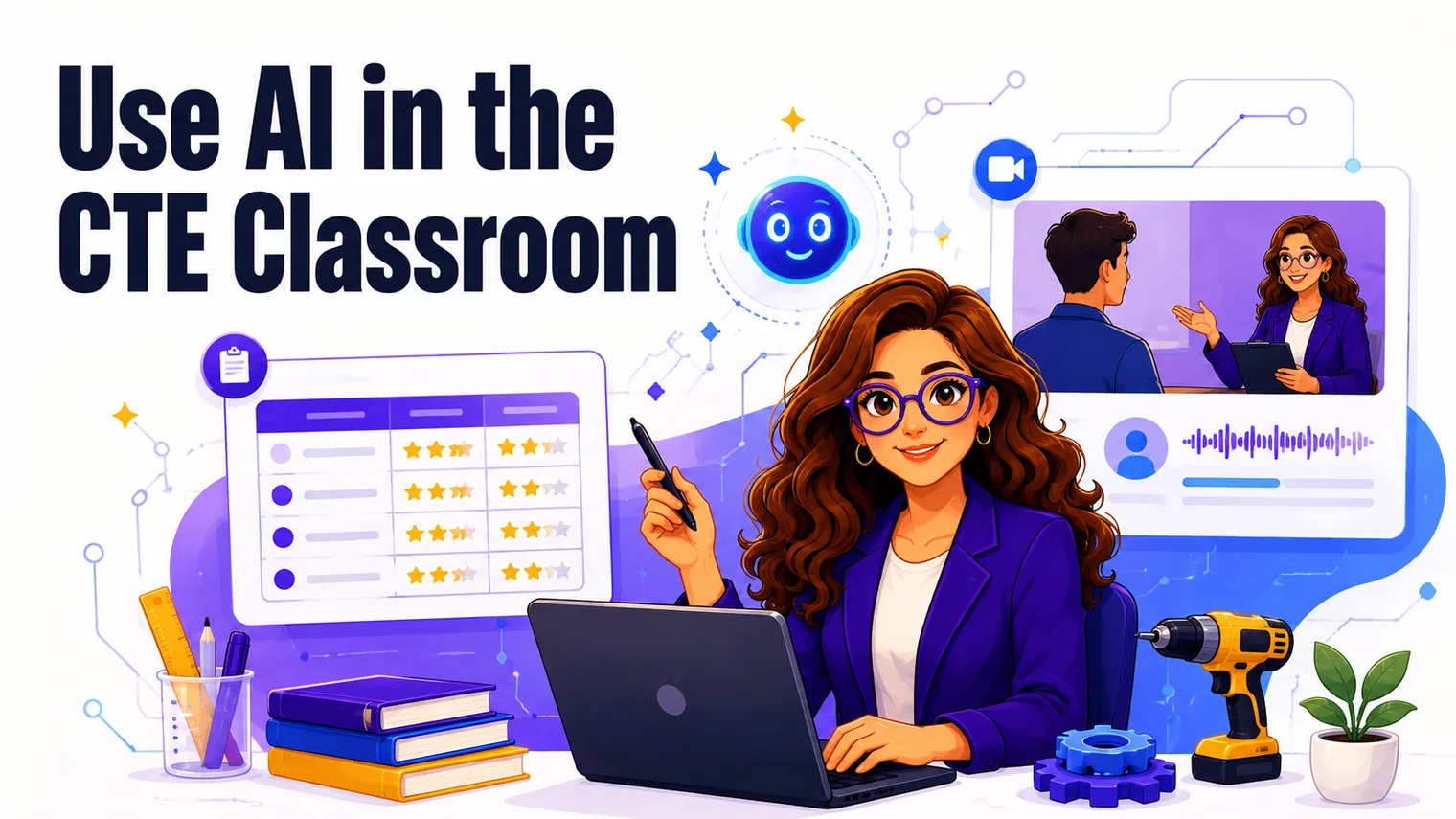
Most of the AI advice aimed at teachers is either breathless (“it’ll change everything”) or vague (“try a prompt”). Neither one helps you on a Tuesday when you have a rubric to write, three versions of a reading to level, and a stack of feedback to draft before tomorrow. So this is the un-breathless version: specific things a CTE teacher can hand off to AI, the few things you really shouldn’t, and how to set norms so the whole thing doesn’t turn into a cheating problem.
A quick frame first. AI is a fast, confident first-draft machine that’s occasionally wrong and never accountable. That’s not a knock, it’s the job description. Used that way (draft, then you edit) it saves real hours. Treated as a source of truth, it’ll burn you. Keep that line in mind and most of this gets easy.
How can AI save a CTE teacher time?
The honest answer: it’s best at the writing-adjacent grunt work that eats your prep period. Not the teaching. The scaffolding around the teaching.
Where it actually earns its keep:
- First drafts of anything text-heavy: rubrics, project briefs, scenario prompts, parent emails, sub plans.
- Reformatting and leveling material you already have (turn one reading into three reading levels, turn a paragraph into guided notes).
- Volume work: a bank of 30 warm-ups, 20 discussion questions, a week of exit tickets.
- Getting unstuck: you know the project you want but the blank page is winning, so you have AI rough it in and then fix what’s wrong.
What it’s bad at, and where you’ll lose time if you lean on it: anything that has to be factually current and correct (tax rules, specific tool versions, this year’s threat landscape), and anything that needs your read on your specific kids. It doesn’t know that third period can’t handle open-ended yet.
How do you use AI to build CTE materials?
This is the meat of it. Here are concrete builds, with the kind of prompt detail that actually changes the output.
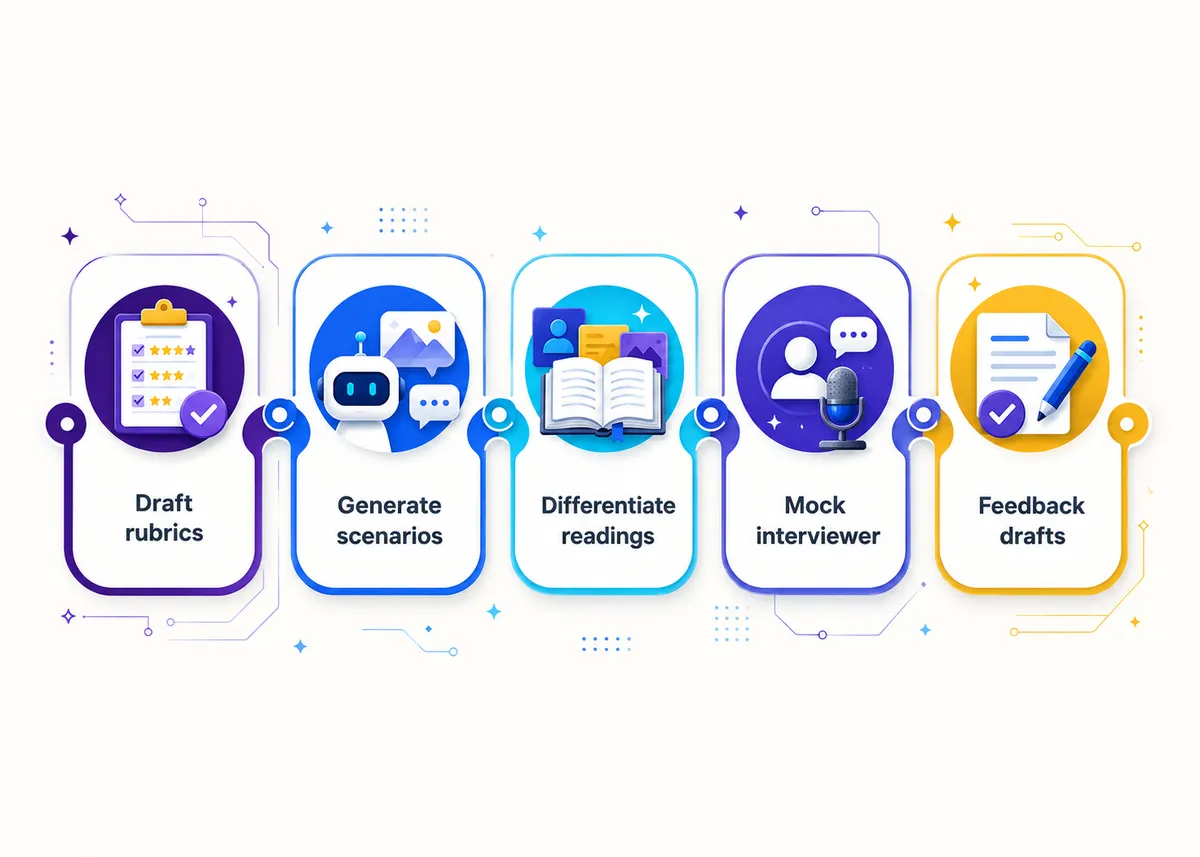
Draft a project rubric. Give it the assignment, the grade level, and the skills you care about, then tell it to grade reasoning, not just the product (that’s the CTE move). A starting prompt: “Write a 4-level rubric for a high school marketing project where students defend a $500 ad-spend decision. Weight the justification and the use of evidence over presentation polish.” Then you edit the language to sound like you and fix the level descriptors, because the middle two levels are usually mush.
Generate a realistic scenario. This is where AI shines for CTE. You need a believable client brief, a small-business situation, or a cybersecurity incident, and you need it fast. “Write a phishing scenario for a high school cyber class: a fake invoice email to a school district employee, with three plausible red flags and one detail that makes it convincing.” Or for business: “Give me a struggling food-truck case with a real cash-flow problem the students have to diagnose.” You’ll tweak the numbers and the details, but the skeleton arrives in seconds.
Create leveled versions of a reading. Paste your reading and ask for it rewritten at a lower reading level and at a stretch level, same content, different complexity. Now your mixed-ability room (the permanent CTE reality) has an on-ramp and a stretch lane without you writing three articles by hand.
Build a bank of warm-ups. “Give me 25 bell ringers for a personal finance unit on credit, each a quick real-world decision a student could face, no longer than three sentences.” Skim, cut the weak ones, keep the rest. You just filled a month of openers.
Simulate a mock interviewer. This one’s underused. Have AI play a hiring manager in your field and run a student through a practice interview, or generate a question bank tailored to the pathway: “Act as an IT help-desk hiring manager. Ask me eight interview questions a real candidate would face, one at a time, and give brief feedback after each.” Great for employability units, and students can run it themselves.
Draft feedback you then edit. Paste an anonymized student response and the rubric, and ask for two strengths and one specific next step in plain language. You’re not outsourcing grading. You’re getting a draft you read, correct, and make true before it reaches a kid. (More on that “anonymized” part below, because it matters a lot.)
Here’s the same set as a quick reference:
| Task | What you give AI | What you still do |
|---|---|---|
| Project rubric | Assignment, level, skills to weight | Fix the level descriptors, match your voice |
| Scenario or case | Field, situation, difficulty | Adjust numbers and details for realism |
| Leveled reading | Your original text | Verify nothing important got dropped |
| Warm-up bank | Topic, format, length limit | Cut the weak ones |
| Mock interviewer | Role, field, number of questions | Spot-check the questions for your industry |
| Feedback draft | Anonymized response, rubric | Edit until it’s true and yours |
How do you teach students to use AI like a professional in your field?
Here’s the part the panic-driven coverage misses: in most CTE pathways, using AI well is now part of the actual job. A marketing professional drafts copy with it. A developer pair-programs with it. A help-desk tech uses it to triage. Pretending it doesn’t exist doesn’t protect students, it just sends them into the field a step behind.
So teach it as a professional skill, with the same standards a workplace would expect:
- Frame AI as a first draft or a thinking partner, never the final word. The professional uses it to get started faster, then applies judgment. That’s the model students should copy.
- Require disclosure. “If you used AI, say where and how” should be a normal line on assignments, the way citing a source is. It’s not a confession, it’s professional practice.
- Make them check the output. The single most career-relevant habit you can build is “verify before you trust.” Have students find where the AI was wrong, vague, or made something up. In tech especially, run it and watch it fail.
- Teach prompting as a real skill. A bad prompt gets a bad result. Specific role, context, and constraints get usable output. That’s transferable to almost any field they’ll enter.
For ready-to-run versions of this, the AI literacy activities for high school students guide has the classroom versions, and in a coding context the tension gets sharper, which is its own piece: how to stop AI cheating in a coding class.
Where should you NOT rely on AI?
This is the short list that keeps you out of trouble. Treat it as firm.
- Never put student data into a public AI tool. No names, no grades tied to names, no IEP details, no anything that identifies a kid. Anonymize first, every time. This is a privacy and FERPA matter, not a style preference.
- Don’t trust it for current facts. Tax brackets, certification requirements, specific software steps, this year’s cybersecurity headlines: verify against a real source before it goes in front of students. AI is confidently out of date constantly.
- Don’t let it be the final grader. It can draft feedback. It cannot make the judgment call about a student’s growth, effort, or what they need next. That’s you.
- Don’t use it to write the things that should be yours. A recommendation letter, a hard conversation with a parent, a note to a struggling kid. AI can’t fake that and students and families can tell.
- Don’t assume the output is unbiased or complete. It reflects its training and it leaves things out. Read it like a draft from a smart intern who’s never met your class.
The rule of thumb: AI drafts, you decide. The moment a task requires accountability, current accuracy, or knowing your actual students, it’s back in your hands.
How do you set classroom AI norms?
Vague rules (“don’t cheat with AI”) fail because students genuinely don’t know where the line is. Specific norms work. Set them before the first assignment, not after the first incident.
A simple three-tier system, posted and consistent:
- No AI: for this task, the point is your own thinking. Quizzes, in-class writes, anything assessing a skill they need to own.
- AI as assistant: allowed for brainstorming, drafting, or feedback, with disclosure. This covers most project work.
- AI required: the assignment is about using the tool well, so not using it misses the point.
Then make disclosure normal, not punitive. A one-line “did you use AI, where, and how” prompt on submissions does more than any detector (which are unreliable enough that I wouldn’t hang a grade on one). And design at least some assessments AI can’t quietly do for a student: have them explain their work, build on a draft live, or defend a decision out loud. If AI can produce the whole thing invisibly, the assignment was probably testing the wrong thing anyway.
This connects straight back to assessing the reasoning rather than the artifact, which is the through-line of all good CTE. The wide-angle view of how this fits the bigger picture is in how to teach CTE.
A few quick answers
Which AI tool should I use? Whatever your district has approved and vetted for privacy. That part matters more than which model is “best.” If nothing’s approved yet, ask before you put anything school-related into a consumer tool.
Won’t students just use it to cheat? Some will try. The fix isn’t a ban (unenforceable) or a detector (unreliable), it’s assignment design that asks them to explain, defend, or build live. We get specific for coding in how to stop AI cheating in a coding class.
Is it okay to grade with AI? It’s okay to draft feedback with AI and then edit it. It’s not okay to let it assign the grade or to feed it identifiable student data. Anonymize, then treat its output as a starting point.
How much time does this actually save? It cuts your drafting time, not your thinking time. The rubric you’d spend an hour on becomes a 15-minute edit. That adds up across a week, but it never teaches the class for you.
What should I never use AI for in my classroom? Never put identifiable student data into a public tool, never trust it for current facts (tax rules, certification requirements, software steps), and never let it assign the final grade. Anonymize first, verify against a real source, and keep the judgment calls yours.
How do I set AI rules students will actually follow? Use a posted three-tier system (No AI, AI as assistant with disclosure, AI required) and set it before the first assignment, not after the first incident. Make disclosure normal rather than punitive, and design some assessments AI can’t quietly complete by asking students to explain or defend their work. For ready-to-run versions, see the AI literacy activities for high school students guide.
Free starting points
You don’t have to build your AI-friendly materials from scratch to test whether any of this fits how you teach. The Free Library has no-prep starting points (bell ringers, a project rubric, first-week activities) that pair well with the AI workflows above, so you can see the structure before you commit to anything.
Want the planning done for you? Browse editable, full-year business, technology, and AP Career Kickstart curriculum, including the AP Cybersecurity curriculum, built around real projects and rubrics that grade the reasoning, which is exactly the kind of assessment AI can’t quietly do for a student. Every unit arrives planned, so the hours AI saves you on drafts don’t get spent rebuilding lessons.
AP® is a trademark registered by the College Board, which is not affiliated with, and does not endorse, this product.