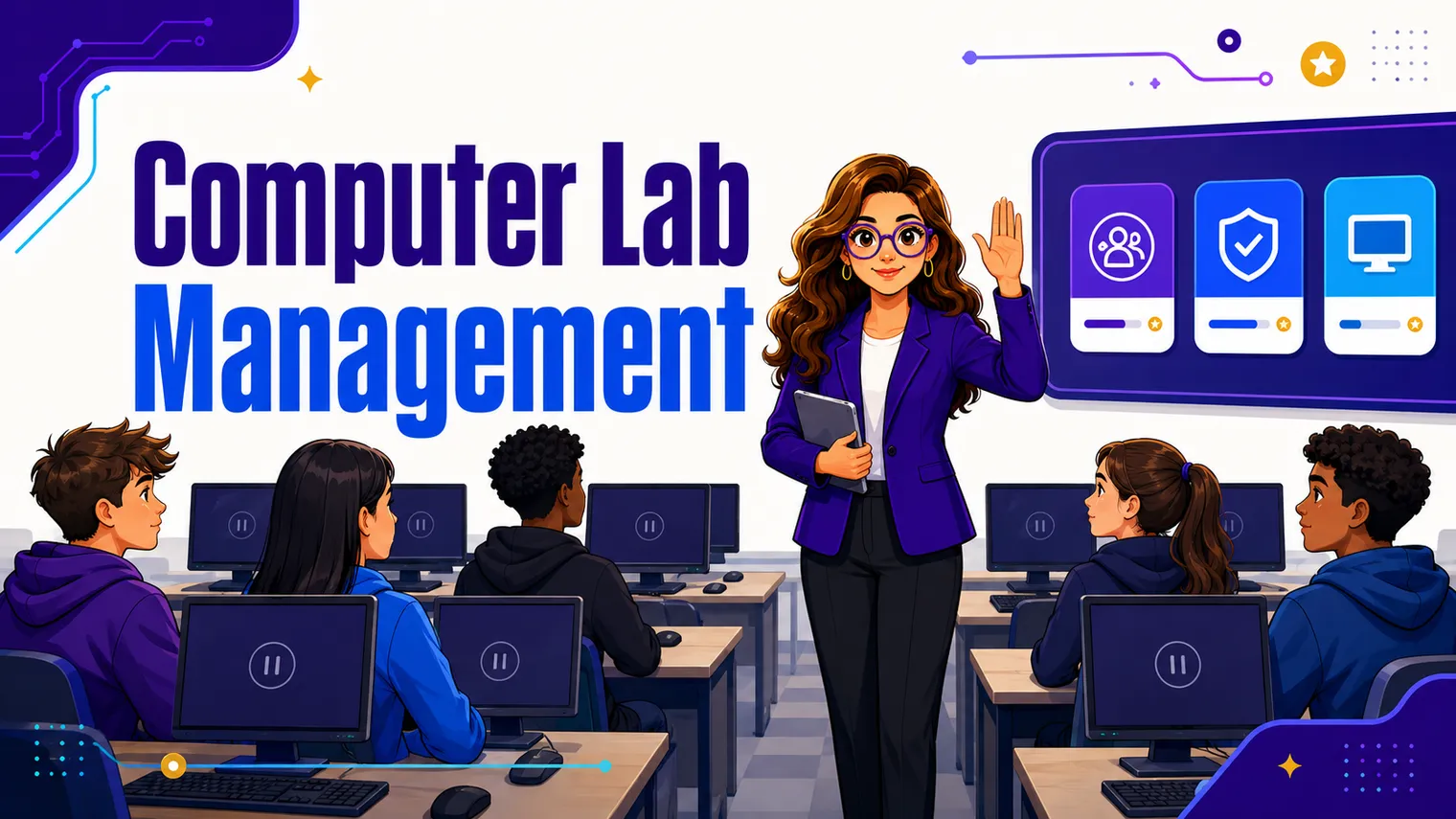
A computer lab is its own special kind of chaos. The moment students touch keyboards, half your usual attention-getting tools stop working, and a room you could run on instinct in a regular classroom suddenly needs systems. The good news: lab management is almost entirely routines, and routines are buildable. You drill them in the first two weeks, and they carry you the rest of the year.
This is the high-school playbook. Most lab-management advice you will find is written for ten-year-olds with mouse-handling worksheets, which is not your problem. Your problem is thirty teenagers, thirty glowing screens, and the open internet. Here are the rules, signals, and routines that actually hold up in that room.
What are good computer lab rules?
Keep the list short enough that students can recite it, and frame every rule around the machine, not around behavior in the abstract. Five is plenty:
- Screens go where I say, when I say. When the signal drops, lids go down or monitors go off. No “just finishing this one thing.”
- The lab is a workspace, not a lounge. No food or drink near the keyboards (one spilled soda is a dead machine), bags off the desks, chairs at the station they belong to.
- You break it, you report it. A cracked key or a frozen machine gets reported, not hidden. Nobody is in trouble for a hardware problem they tell me about.
- Your login is yours. You do not share it, you do not use someone else’s, and you log off when you leave.
- On-task means on-task. The tab open is the tab the assignment needs. We will come back to this one, because it is the whole game.
Post them where students sit, not just by the door. The point of a short list is that you can point at it instead of relitigating it every period.
How do you get attention over thirty monitors?
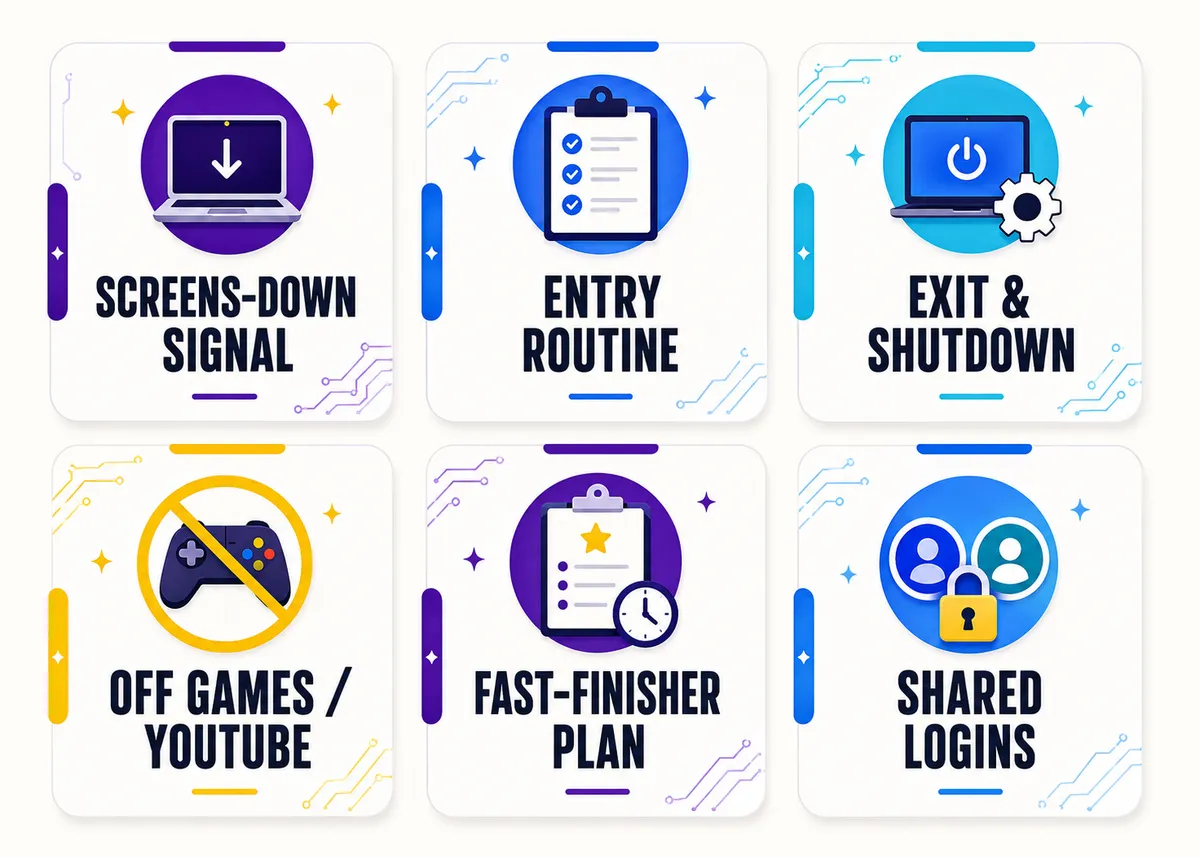
You cannot teach over the glow of thirty screens, so the single most important routine in the lab is a fast, non-negotiable screens-down signal. Build one and drill it until it is automatic.
Pick a verbal cue and a physical action that go together, and keep them identical every time:
- “Lids at 45.” For laptops. Not closed (they will lose their place and groan), just tilted down to forty-five degrees so no one is reading while you talk. Students can flip back up the instant you finish.
- “Monitors off, eyes up.” For desktops. Power button on the monitor, not the tower. Screen goes dark, faces come up.
- “Hands off mice.” A lighter version for a quick interruption when you do not need full darkness, just thirty hands to stop clicking.
Drill it like a fire drill in week one. Give the cue, count how long it takes the room to comply, and do it again until the slow kids are embarrassed into speed. Praise the fast rooms. The goal is a reflex, so that on the day you actually need silence (a fire alarm, a guest, a kid who needs help fast) you get it in three seconds and not thirty.
One rule for yourself: do not start talking until every screen is down. The first time you talk over the glow, the signal is dead, because you just taught them it is optional.
Entry and exit routines
The bookends keep the middle calm. If students know exactly what to do in the first ninety seconds and the last ninety seconds, the whole period runs tighter.
On the way in, the screen they walk up to should already tell them what to do. Have a start-of-class screen or a slide projected with the day’s first task, the login they need, and where today’s work lives. The target is heads-down and working before the bell finishes, with no crowd at your desk asking what to open.
On the way out, the room has to reset for the next class, and that is on them, not on you. A standard shutdown sequence, drilled the same way every time:
- Save and submit (or save to the right place).
- Log off the account.
- Shut down or sign out per your lab’s rule.
- Push in the chair, headphones on the hook, trash gone.
Hold the class accountable as a group: nobody lines up at the door until every station is reset. It takes a week of you standing firm and then it runs itself.
How do you keep students off games and YouTube?
This is the one every lab teacher loses sleep over, and no single trick solves it. It is a stack of small frictions, and the stack works.
Circulate behind the students, not in front. This is the highest-leverage move in the whole room. When you walk the back perimeter, every screen is visible to you and invisible to them as a warning. Standing at the front, you see nothing but the backs of monitors. Spend most of the period moving along the back wall.
Make the work visible and the task obvious. A “now / next” board (a corner of the whiteboard, or a pinned slide) that says exactly what students should be doing this minute and what comes after kills the “I’m done, what now” drift that sends kids to a new tab. If there is always a clear next thing, there is less room to wander.
Require visible progress, not just a final product. Check-ins at the twenty-minute mark, a screenshot submitted halfway, a “show me where you are” lap. Students who know you will look at their progress (not just the end result) stay in the assignment, because the game tab cannot fake a half-finished build.
Use whatever monitoring tool the district gives you, but lightly. Tools like GoGuardian or your LMS lab view let you glance at thumbnails or push a tab to every screen. They are a backstop, not a babysitter: the teacher walking the back wall catches more, because students respond to a person, not to the abstract chance of being watched.
Close the loop fast and quietly. When you spot a game, you do not announce it to the room. You appear behind the student, say the tab name, and wait. Calm and immediate beats loud and delayed.
What do students do when they finish early?
In a tech room, fast finishers are a management problem, not a luxury. The student who races through the assignment and has nothing to do is the student who opens a game, and then their neighbor sees it, and now you have a cluster. Extension work is classroom management.
Have a real next step ready before the lesson starts, not improvised when the first kid looks up:
- A posted extension challenge tied to the day’s skill: add a feature, optimize the code, break and then fix it, take it one level harder.
- A standing “when you’re done” menu on the wall, so finishers self-direct instead of asking. Think a typing-speed tracker, a logic puzzle, a leveled-up version of the current project, a peer-help role.
- A peer-tutor role for your strongest students, which keeps them engaged and lightens your load (so long as they are coaching, not coding it for the other kid).
The bank of leveled challenges in Extension Activities for Advanced CS Students is built for exactly this drift problem, and it pairs well with the openers in First Day & First Week of CS Class Activities.
Managing shared devices and logins
Shared machines are where a lot of lab time quietly leaks away. A few habits keep it from eating your period.
Assign seats and assign machines. When a student owns a numbered station, a problem at machine 14 has a name attached, damage gets traced, and the “it was broken when I got here” excuse goes away. Seating charts in the lab are accountability for the equipment, not just for behavior.
Pre-stage logins wherever you can. The first week of any tech class is a swamp of account resets, forgotten passwords, and devices that are not ready. Have a plan: a printed roster of usernames, a slide with the login steps, and a few backup accounts for the inevitable lockouts. If logins eat the first ten minutes every day, that is fifty minutes a week gone.
Build a “machine down” routine so a broken station does not derail you: a spare seat or two, a partner-up rule, and a quick log where students note what went wrong. You triage at a calm moment, not mid-lesson with twenty-nine other kids waiting.
| Lab situation | The routine that handles it |
|---|---|
| Need the room’s attention now | A drilled screens-down signal (“lids at 45,” “monitors off, eyes up”) |
| Off-task games and video | Circulate behind, visible-progress check-ins, a “now / next” board |
| Fast finishers drifting | A posted extension challenge and a standing “when you’re done” menu |
| Forgotten or shared logins | Assigned machines, pre-staged credentials, a “machine down” plan |
| Chaotic transitions | Start-of-class screen on entry, a fixed shutdown sequence on exit |
A quick FAQ
What is the most important computer lab routine to teach first? The screens-down signal. Everything else depends on being able to get the room’s attention fast, so drill that in week one before you teach much content at all.
How do I stop students from playing games during class? Stack small frictions: circulate behind the students so every screen is visible, run a “now / next” board so there is always an obvious task, require visible progress check-ins, and use your district monitoring tool as a backstop. No single move does it; the stack does.
How do I handle a student who finishes everything early? Have extension work ready before the lesson starts. A posted challenge, a “when you’re done” menu, or a peer-tutor role keeps fast finishers engaged instead of drifting to a new tab. See Extension Activities for Advanced CS Students.
Do I need a monitoring app to manage a computer lab? No. The teacher walking the back wall catches more than any dashboard. A monitoring tool is a useful backstop, but routines and circulation do the real work.
How long does it take to get lab routines running smoothly? About two weeks of consistent drilling. You teach the screens-down signal, the entry screen, and the shutdown sequence in week one, then hold the line through week two until they run on their own. After that the routines carry the rest of the year with almost no effort from you, which is exactly why the first day and week are worth front-loading. The openers in First Day & First Week of CS Class Activities are built to drill these routines while students think they are just doing fun starter tasks.
Should I assign seats in a computer lab? Yes, assign both seats and specific machines. When a student owns a numbered station, damage and login problems get traced to a name, and the “it was broken when I got here” excuse disappears. Seating charts in the lab are accountability for the equipment first and behavior second, so build the chart around the hardware map rather than friend groups.
Where this fits
Lab management is one piece of teaching the tech side of CTE. For the wider map (where to start, which subjects teach best, and how the lab fits the whole course) see How to Teach High School Technology. The no-prep Free Library has a lab-routines planner and first-week activities you can drop in tomorrow. And if you want the planning done for you, our editable AP Computer Science Principles and AP Computer Science A curricula build these routines and extension challenges straight into the lessons, so the systems and the content show up together.