Every tech room has one: the student who reads the assignment, types for five minutes, and then leans back with the project finished and twenty-five minutes left on the clock. Left alone, that student opens a game, the neighbor notices, and now you have a cluster instead of a kid. Fast finishers are not a luxury problem. In a lab, they are a management problem with a curriculum-shaped fix.
This is the bank you reach for when “you’re done already?” comes out of your mouth. The goal throughout is challenge, not busywork: the advanced kid can smell filler from across the room, and the second your extension reads as just more keystrokes, they are back on the game tab. Here is how to keep them deep, not just busy.
What do you do with the student who finishes in five minutes?
First, accept that this kid is going to keep finishing early no matter how you pace the lesson. You will not slow them down, and you should not try. The student who races ahead is telling you the floor is too low for them. Your job is not to add a ceiling, it is to open a door.
So have the next thing ready before the lesson starts, posted where they find it without asking you. A finisher who has to come to your desk and wait for a custom assignment has already drifted. A finisher who glances at the wall and picks one of three harder options stays in the work.
Why “more of the same” is the wrong move
The instinct is to hand the fast finisher another problem just like the one they finished. Resist it. Ten more of the same teaches a strong student that being good at this gets you punished with volume, so they learn to slow down or hide that they are done. None of that is what you want from your best kid.
Depth beats speed. A good extension does not ask “can you do five more of these,” it asks “can you make this one better, harder, or real.” The test for every extension: does it require a new thought, or just more typing?
Extension ideas that go deeper, not just faster
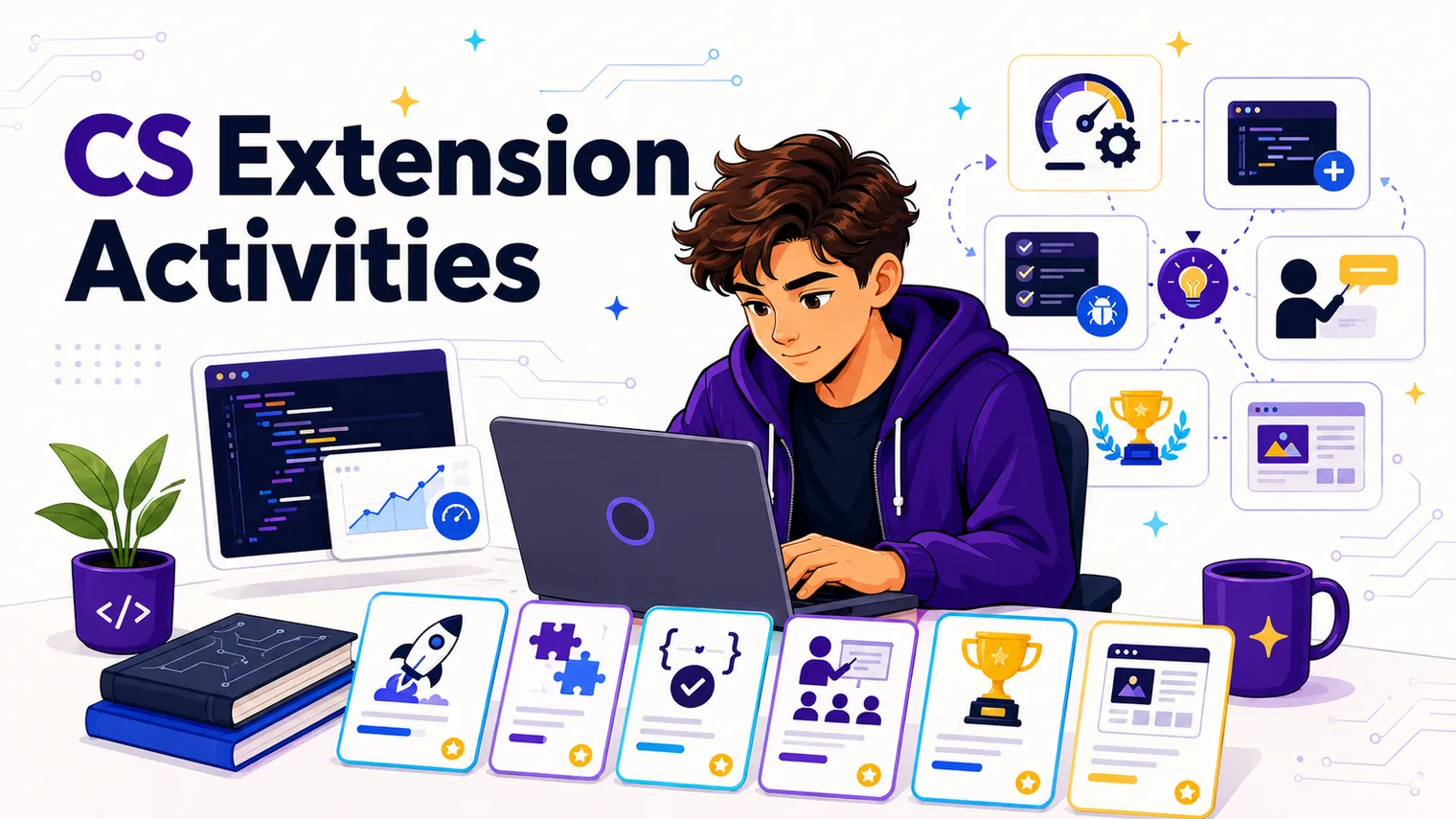
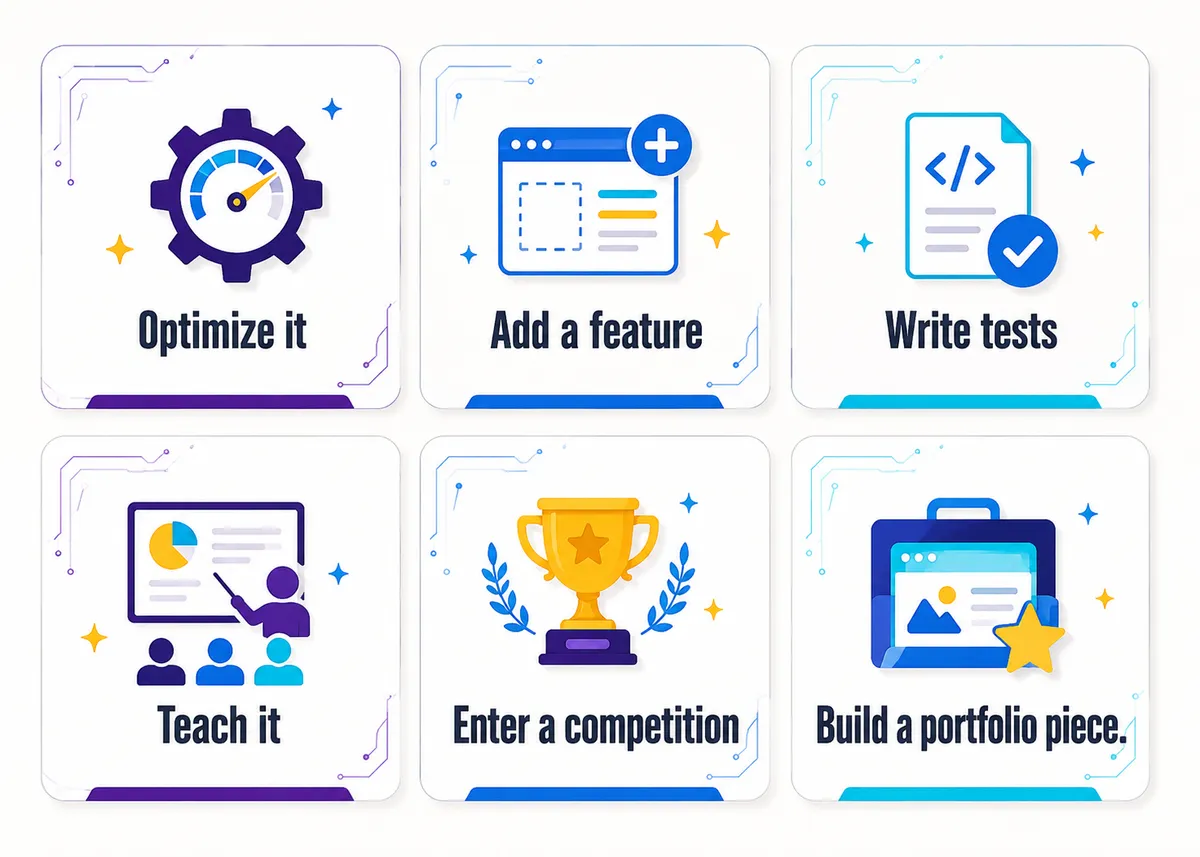
Here are nine extensions that hold up with advanced high schoolers, sorting into four moves: optimize it, break it, teach it, ship it. Post a handful, not all nine, and tie each to the day’s skill so it reads as a level-up, not a detour.
- Refactor for efficiency. The code works. Now make it good: cut the line count, remove a nested loop, rename variables so a stranger could read it. “It runs” and “it’s well built” are two different bars, and most students have never cleared the second.
- Add a feature. Bolt something onto the finished project that was not asked for: a score counter, an input check, a second difficulty level, a save button. Intentional feature creep teaches them to extend a working system, not start fresh.
- Write tests, then break it. Have them try to crash their own program on purpose. What happens if the user types a letter where a number goes? A negative number? Nothing at all? Writing the edge cases that break your code and handling them is the thinking that separates a hobbyist from a developer.
- Run a help desk for peers. Your strongest student becomes the room’s second tier of support, with structure so it does not become them doing other kids’ work: a rule (coach, do not type) and a script (“what have you tried, where does it break, what does the error say”).
- Enter a competition. Point them at something real with a deadline and a name attached: CyberPatriot, the Congressional App Challenge, a local hackathon. An external bar carries a weight your worksheets never will.
- Build a portfolio piece. Have them take one project from “it works” to “I would show this to someone”: clean code, a short write-up, a screenshot or a demo. By junior year this is a real application asset.
- Try a new language. A student fluent in Python ports their project to JavaScript, or rebuilds a Scratch project in real code. Seeing the same idea wear different syntax is how a coder stops being a one-language tourist.
- Take on a real client micro-project. Find a tiny actual need around the building: a teacher who wants a quick attendance tool, a club that needs a landing page. A real user is worth ten invented prompts.
- Create a tutorial. Have them document how they solved something so the next student can follow it: a one-page guide, a short screen recording, a worked example. It quietly builds you a library of student-made help.
The thread through all nine: a new thought, not more keystrokes.
Self-directed challenges and passion projects
Past a certain point, the best extension is to get out of the way. The student who has cleared everything you can throw at them needs permission and a guardrail, not another assignment. Set up a standing passion-project lane: once they have genuinely finished the required work, they may build a thing of their own choosing, within two rules. It has to be in scope (a coding project, not a Minecraft session), and they show progress when you ask. A game they have wanted to make, a tool for their own life, a website for their band. Self-direction does not develop if every minute is assigned. For the kid who freezes at a blank page, post a few on-ramps: a harder version of the current project, a “solve a problem you actually have” prompt, or a standing code-golf challenge.
How do you manage extensions without making more grading for yourself?
This is the real reason extension work does not happen: teachers picture a second stack of papers and decide the game tab is the lesser evil. It is not, and you do not have to grade any of this like core work. Extensions are enrichment, so a few light-touch systems keep the load near zero:
- Mastery menu, not a gradebook column. Post the extensions, let students pick, and make completion the credit (or do not grade it at all). The point is engagement, not a data point.
- Badges over scores. A simple, visible system (a name on a “refactor club” board, a role unlocked) motivates advanced kids more than points do. They are chasing the status, not the grade. Let them.
- Self- and peer-checked. Hand the checking to the students: a partner signs off, or they self-report against a short checklist. You spot-check, you do not grade thirty.
- Show, do not submit. The credit is a thirty-second “show me” lap, not a turn-in. No pile, no Sunday marathon.
| Extension type | Quick example | How to “grade” it |
|---|---|---|
| Optimize it | Cut the line count, time two versions | Show-me lap, self-check |
| Break it | Write tests, handle edge cases | Peer sign-off |
| Teach it | Help-desk role, write a tutorial | Badge or status, not points |
| Ship it | Portfolio piece, real client tool, competition | Completion credit, showcased |
A quick FAQ
What should advanced students do when they finish early? Go deeper, not faster. Refactor working code, add a feature, write tests, teach a peer, or start a passion project. Skip “ten more of the same,” which teaches strong students that finishing gets punished with volume.
How do I give extension work without doubling my grading? Do not grade it like core work. Use a mastery menu, badges instead of points, peer and self-checks, and a quick “show me” lap rather than a submission. Extensions are enrichment, so completion is plenty.
What is the difference between an extension activity and busywork? An extension requires a new thought, while busywork just requires more typing. The test for any task is simple: does “ten more of the same” describe it? If so, it is busywork, and your advanced students will smell it instantly and drift back to the game tab. Real extensions ask them to make the one project better, harder, or real (refactor it, break it, ship it), not to repeat a skill they already proved.
How do I challenge a gifted student who has finished everything I assigned? Open a passion-project lane with two guardrails. Once they have genuinely finished the required work, let them build a thing of their own choosing as long as it stays in scope (a coding project, not a Minecraft session) and they show progress when you ask. Self-direction does not develop if every minute is assigned, so the goal is permission plus a guardrail, not another worksheet. For the kid who freezes at a blank page, post a few on-ramps like a harder version of the current project or a standing code-golf challenge.
Can fast finishers help me instead of just doing more work? Yes, a peer help-desk role turns your strongest students into the room’s second tier of support. Give it structure so it does not become them doing other kids’ work: one rule (coach, do not type) and a script (“what have you tried, where does it break, what does the error say”). It keeps them engaged, lightens your load, and builds their ability to explain code, which is its own advanced skill. For projects worth taking deeper than a help-desk shift, see the leveled bank in Computer Science Project Ideas for High School.
Where this fits
Fast finishers are one slice of running a tech room well. The wider map is in How to Teach High School Technology, and since extension work is a management tool, it pairs with Computer Lab Classroom Management: Rules, Routines, and Tips. For projects worth taking deeper, see the leveled bank in Computer Science Project Ideas for High School. The no-prep Free Library has a “when you’re done” menu and challenge cards you can post tomorrow. And if you’d rather have the deeper lane pre-built, our editable AP Computer Science A curriculum bakes extension work into every unit, and the Class Creation unit in particular hands your refactorers and feature-adders real design problems to chew on.