Every CS teacher hits the same wall around week six: the built-in exercises are done, the fast kids are bored, and you need something students will actually build (not just another worksheet). A strong CS project doesn’t require a fancy setup or a comp-sci degree to grade. It requires a real goal, a clear constraint, and an idea matched to where a student actually is.
These are classroom projects, not college-admissions résumé builders. The goal isn’t a publishable app. It’s a student who made something work, can explain why they built it that way, and leveled up a notch. Below are 12 concrete ideas, each tied to a skill level, plus a by-level table so you can hand the right one to the right student.
What makes a good CS class project?
The same thing that makes any CTE project work: a goal, a limit, and a reason. “Build whatever you want” tends to produce either paralysis or a copy of someone’s YouTube tutorial. A constraint (“a quiz app with at least five questions and a running score”) gives students a clear target and gives you something to grade.
A CS project that holds up in a real classroom usually has four things:
- A working thing at the end, even a small one. Students remember the project that ran, not the one that stayed theoretical.
- A constraint that forces a decision. A budget, a required feature, a data source they didn’t choose. The constraint is where the thinking happens.
- Room to stretch, so the student who finishes early adds a feature instead of sitting idle.
- A “walk me through it” requirement. Students explain their code, their choices, or what broke and how they fixed it. (This is also your AI-resistant assessment: a tool can write the function, but it can’t defend the tradeoffs.)
If you’re building the whole course around projects like these, the project-based learning in CTE guide is the engine room for structuring, scaffolding, and grading them without the chaos.
Beginner project ideas (Scratch, no/low code)
Beginner projects are for students who’ve never written a line of code, or who froze the first time a screen turned red. The move here is to lower the cost of being wrong: visual, block-based tools and tiny scopes so a student sees something work on day one.
- Choose-your-own-adventure text game. Students write a branching story where each choice sends the reader somewhere new. It’s pure logic (conditionals and branching) with zero syntax pain, and it works in Scratch, in a simple text-based tool, or even on paper first. The constraint that makes it good: at least three real decision points and one “you lose” ending.
- A basic game in Scratch or Code.org Game Lab. A catch-the-falling-object game, a maze, or a simple Pong clone. Students touch loops, variables (the score), and event handling without realizing they’re learning the vocabulary. Set a required feature (a score that counts, a win condition) so “I made a sprite move” isn’t the whole project.
- A budget calculator. Give students a scenario (a $200 monthly allowance, a list of expenses) and have them build something that adds it up and tells the user what’s left. In Scratch or a no-code tool this is approachable, and it sneaks in input, math, and output. Bonus: it connects straight to personal-finance content if you teach across both.
For openers that warm a room up to its first build, coding activities for beginners has the low-stakes, unplugged-to-plugged on-ramps these projects sit on top of.
Intermediate project ideas (Python, web)
Intermediate projects are for students who’ve got the basics (variables, loops, conditionals) and are ready to leave the safety of blocks for real text-based code. Python and basic web building are the usual landing spots. The scope goes up, but keep it bounded: one feature done well beats five features half-broken.
- A personal portfolio site. A simple web page about themselves: an “about me,” a few projects, contact info. It teaches HTML and CSS, it’s genuinely useful, and it’s endlessly differentiable (a strong student adds JavaScript, a struggling one styles three sections). The constraint: navigable and readable, not just “technically a website.”
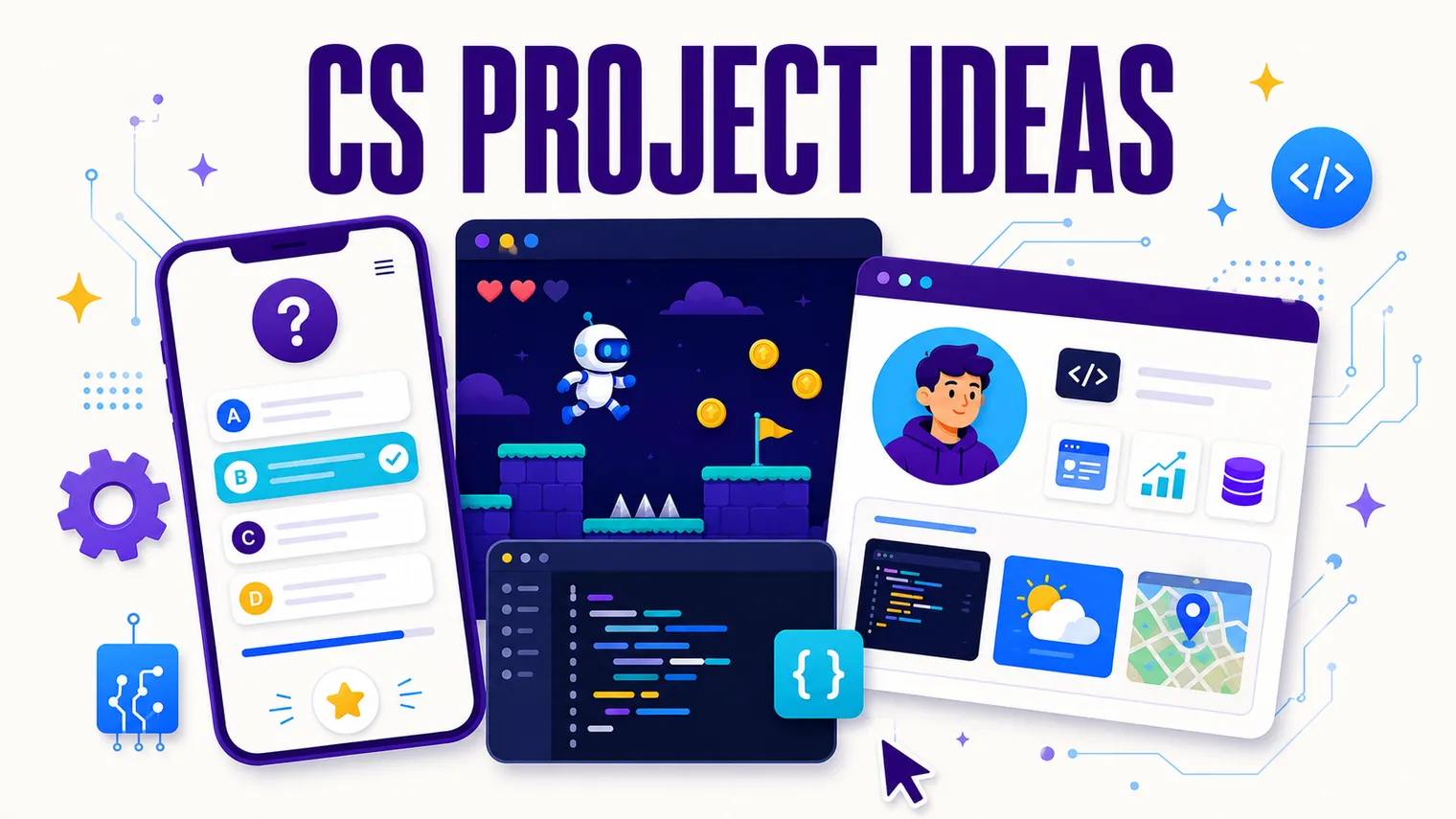
- A quiz app. A Python or web app that asks questions, checks answers, and tracks a score. This is the sweet-spot intermediate project: loops, conditionals, variables, and user input all show up naturally, and the requirement (at least five questions, a running score, a final result) is easy to grade. Let them pick the topic so it stays theirs.
- A simple chatbot. A rule-based bot that responds to keywords (no AI required). Students map inputs to responses and handle the “I didn’t understand that” case, which is real logic design. It feels modern, and it sets up the AI conversation later without any of the heavy machinery yet.
- A data visualization of real data. Students grab a real dataset (sports stats, weather, something public) and turn it into a chart. They learn to read data, pick a chart type, and tell a true story with it. The constraint that keeps it honest: the chart has to answer a specific question they write down first.
Advanced and AI/ML project ideas
Advanced projects are for the students who finish everything early and ask “what else can I do.” These reach into data wrangling, a first taste of machine learning, and real-world accessibility. You do not need to be an ML expert to assign these. Beginner-friendly platforms (block-based ML trainers and the like) do the heavy lifting, and your job is to keep the student reasoning about what’s happening.
- A “scrape and chart” project. Students pull data from a source (a simple API or a beginner-friendly scraping tool), clean it, and visualize it. It’s the data-viz project leveled up: now they’re handling messy real-world input, not a tidy file you handed them. Great for a student who liked the data-viz project and wants more.
- A beginner ML image classifier. Using a no-code or low-code tool that trains a model in the browser, students build something that tells cats from dogs, or sorts their own photos into categories. Then (this is the important part) they interrogate it: where does it get confused, what bias did the training data introduce, what is it actually doing under the hood. The build is fast; the questioning is the lesson.
- An accessibility audit and redesign. Students take an existing web page (one of their own portfolio sites works) and audit it for accessibility: color contrast, alt text, keyboard navigation, readable structure. Then they fix it. This teaches real professional skills, it has a clear right-and-wrong to grade against, and it reframes “good code” as “code that works for everyone.”
For where the AI-specific projects fit in the broader picture (and how to teach the “use it, then question it” loop), see how to teach high school technology, the cornerstone this post hangs off of.
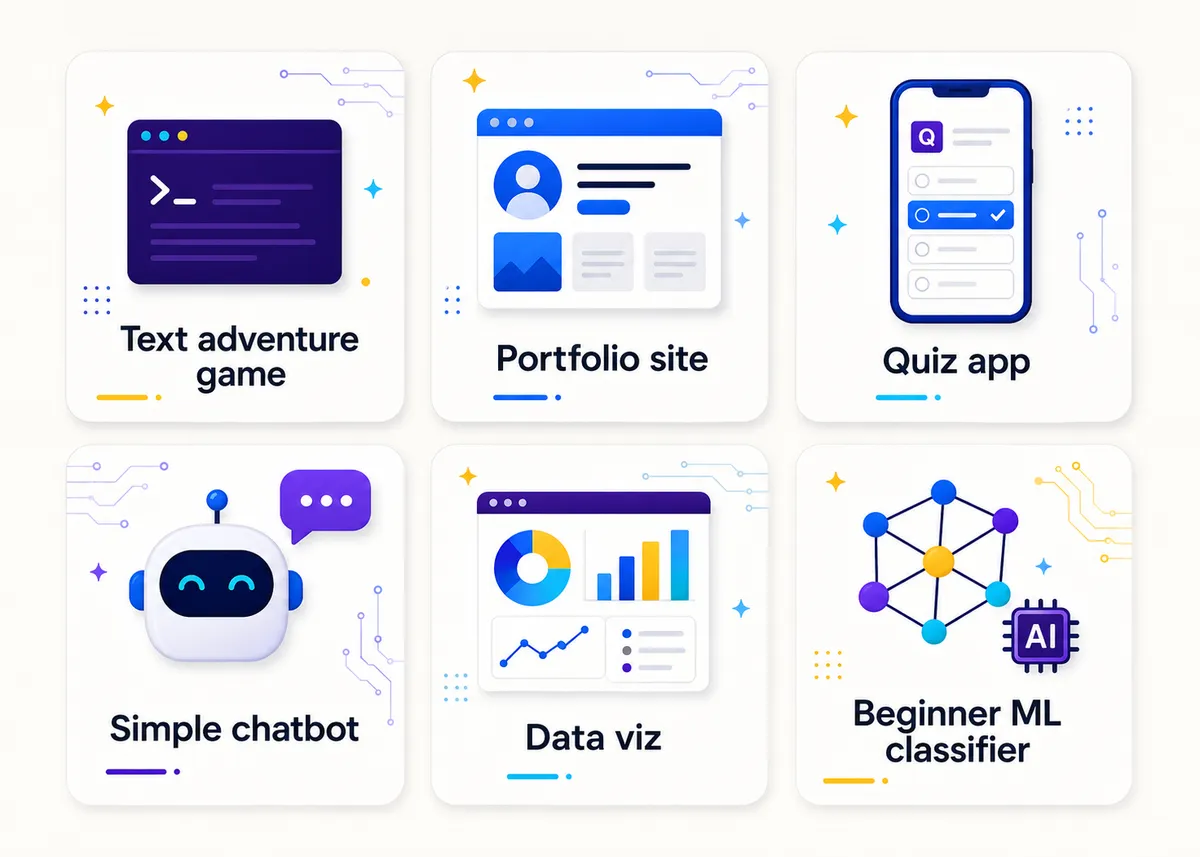
A leveled project menu
Here’s the whole bank as a quick reference, so you can match a project to a student at a glance:
| Project | Level | Tools | Skills it builds |
|---|---|---|---|
| Choose-your-own-adventure text game | Beginner | Scratch, text tool, paper | Conditionals, branching |
| Game in Scratch / Game Lab | Beginner | Scratch, Code.org Game Lab | Loops, variables, events |
| Budget calculator | Beginner | Scratch, no-code tool | Input, math, output |
| Personal portfolio site | Intermediate | HTML, CSS (JS optional) | Web structure, styling |
| Quiz app | Intermediate | Python or web | Loops, conditionals, input |
| Rule-based chatbot | Intermediate | Python | Input mapping, logic design |
| Data visualization of real data | Intermediate | Python, charting tool | Reading data, chart choice |
| Scrape and chart | Advanced | API or scraping tool | Data cleaning, real input |
| Beginner ML image classifier | Advanced | No-code ML trainer | ML basics, bias, evaluation |
| Accessibility audit and redesign | Advanced | Browser, existing page | Accessibility, debugging, standards |
Group vs. independent and portfolio projects
Most of these run as either solo or group work, and the choice matters more than people expect.
Independent projects are best when you need to actually see each student’s skill (early in a unit, or before a grade that counts). The portfolio site and the quiz app are perfect here because everyone’s looks different and you can tell who did what.
Group projects shine on the bigger builds (the ML classifier, the scrape-and-chart) where there’s enough work to split and a real reason to divide roles. The classic failure mode (one kid does everything) comes from projects too small to need a team. Give a group project enough scope that hiding is hard, and assign roles (data, code, testing, presentation) so everyone has a lane.
A few of these also make a great portfolio piece, which is worth being intentional about. The portfolio site, the game, and the ML classifier are all things a student can show off (in a college application, a job interview, or just to a parent). When a project is going to live past grading day, tell students that up front. It changes how they treat the work.
Free starting points and done-for-you projects
You don’t have to build every one of these from scratch. The Free Library has no-prep starting points (a project rubric, first-week activities, leveled openers) that pair with the big free curricula and slot right into the projects above.
Want the projects already built and leveled? Our editable AP Computer Science Principles curriculum ships with project briefs, rubrics, and scaffolds, and its Algorithms and Programming unit is the natural home for builds like the quiz app and the rule-based chatbot. For the Java track, the AP Computer Science A curriculum gives its projects the same treatment.
Frequently asked questions
What’s a good first coding project for high schoolers? A choose-your-own-adventure text game or a Scratch game. Both teach real logic (conditionals, loops, variables) with a low cost of being wrong, and students see something work fast. Start unplugged if logins and devices aren’t ready yet.
How do I give one project to a class at five different skill levels? Pick a project that flexes, like the portfolio site, and set a baseline requirement plus optional stretch features. The struggling student styles a few sections; the strong one adds JavaScript. Same project, different ceilings.
Do I need to know machine learning to assign an ML project? No. Beginner-friendly, no-code ML trainers do the technical work in the browser. Your job is to keep students reasoning about what the model is doing, where it fails, and what bias the training data introduced. That’s the actual lesson.
How do I stop students from using AI to do the whole project? Grade the reasoning, not just the artifact. Add a “walk me through it” requirement: students explain their code, modify part of it live, or defend a design choice. A tool can write the function, but it can’t sit in the chair and explain the tradeoffs. (More in how to teach high school technology.)
Should CS projects be group work or independent? Independent when you need to see each student’s real skill, group when the build is big enough to need divided roles. The “one kid does everything” problem usually means the project was too small to require a team.
Looking for the bigger picture? How to Teach High School Technology is the start-here map, coding activities for beginners covers the warm-up on-ramps, and project-based learning in CTE is the full method for running projects like these without the chaos.