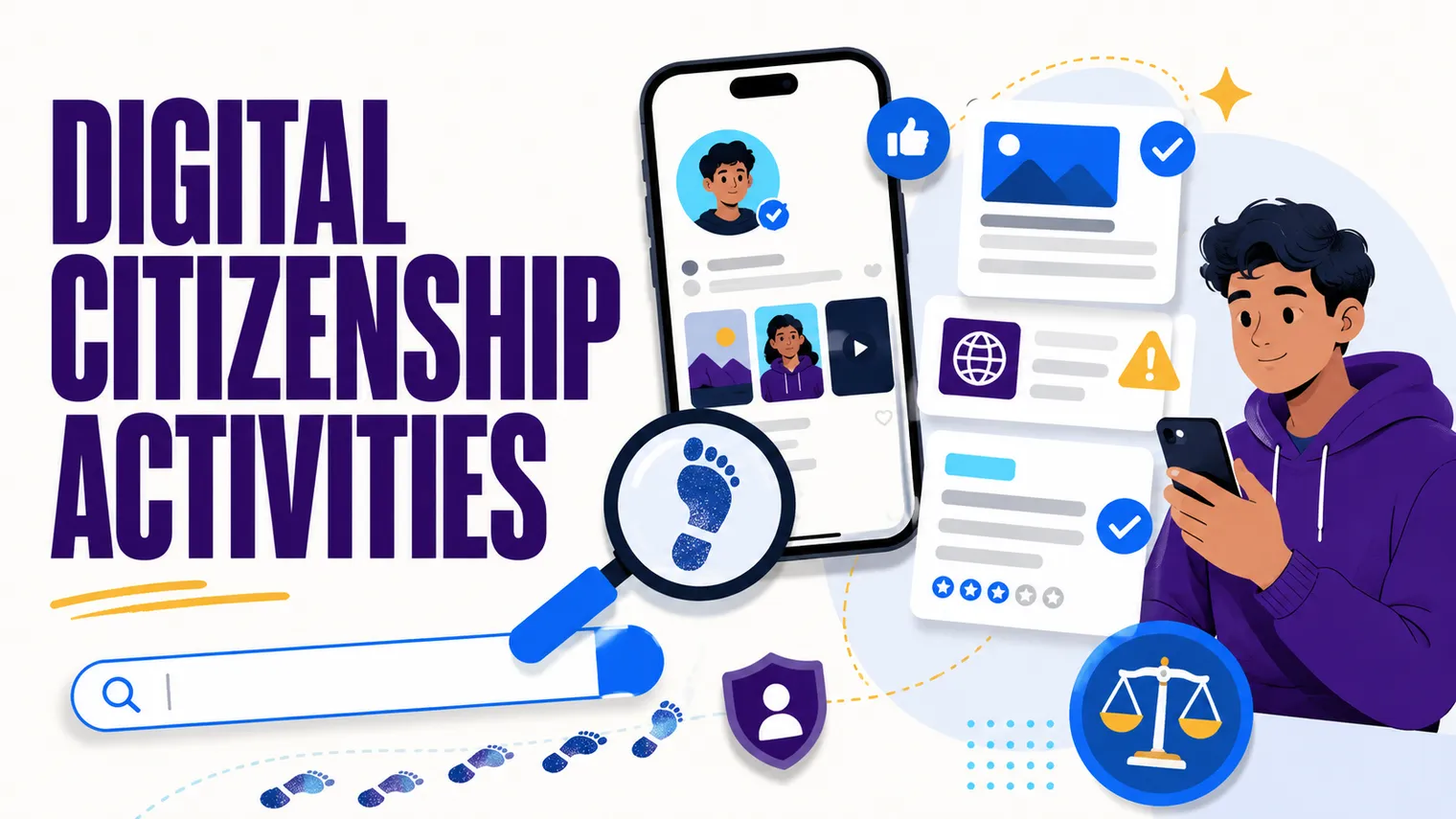
Most digital citizenship material was written for sixth graders, and your high schoolers can smell it from across the room. The cartoon mascot, the “be a good digital citizen” poster, the worksheet about not sharing your password: a senior who’s been online since elementary school tunes all of it out in about four seconds. The frustrating part is that the topic matters more at this age, not less, because these students are about to apply to colleges, jobs, and scholarships with a public trail behind them. The fix isn’t to skip digital citizenship. It’s to teach the grown-up version.
This is a bank of activities built for that older, more skeptical audience: concrete enough to run next week, mature enough that students don’t roll their eyes. For the wide-angle view of where this fits, see How to Teach High School Technology.
What does digital citizenship look like for high schoolers (not middle schoolers)?
The middle school version is about safety rules: don’t talk to strangers, don’t share your address, be kind online. Useful at twelve. Patronizing at seventeen.
The high school version is about consequences and judgment in a world where students already have a footprint they didn’t fully choose. The shifts:
- From “be careful what you post” to “audit what’s already out there.” They’ve posted for years. The work now is looking at the trail with adult eyes.
- From “don’t believe everything online” to “here’s how to verify a claim.” Skepticism without a method is just cynicism. Give them the method.
- From “protect your privacy” to “understand the trade you’re making.” They won’t stop using the apps. They can learn what they’re handing over.
- From “be nice” to “reputation is an asset.” Online behavior is part of how the world reads them. That’s a career conversation, not a manners one.
Everything below is built on those four shifts. Pick what fits your course.
Digital footprint and online reputation activities
This is the unit students think they already understand and almost never do. Make it personal and a little uncomfortable (in a safe way) and it lands.
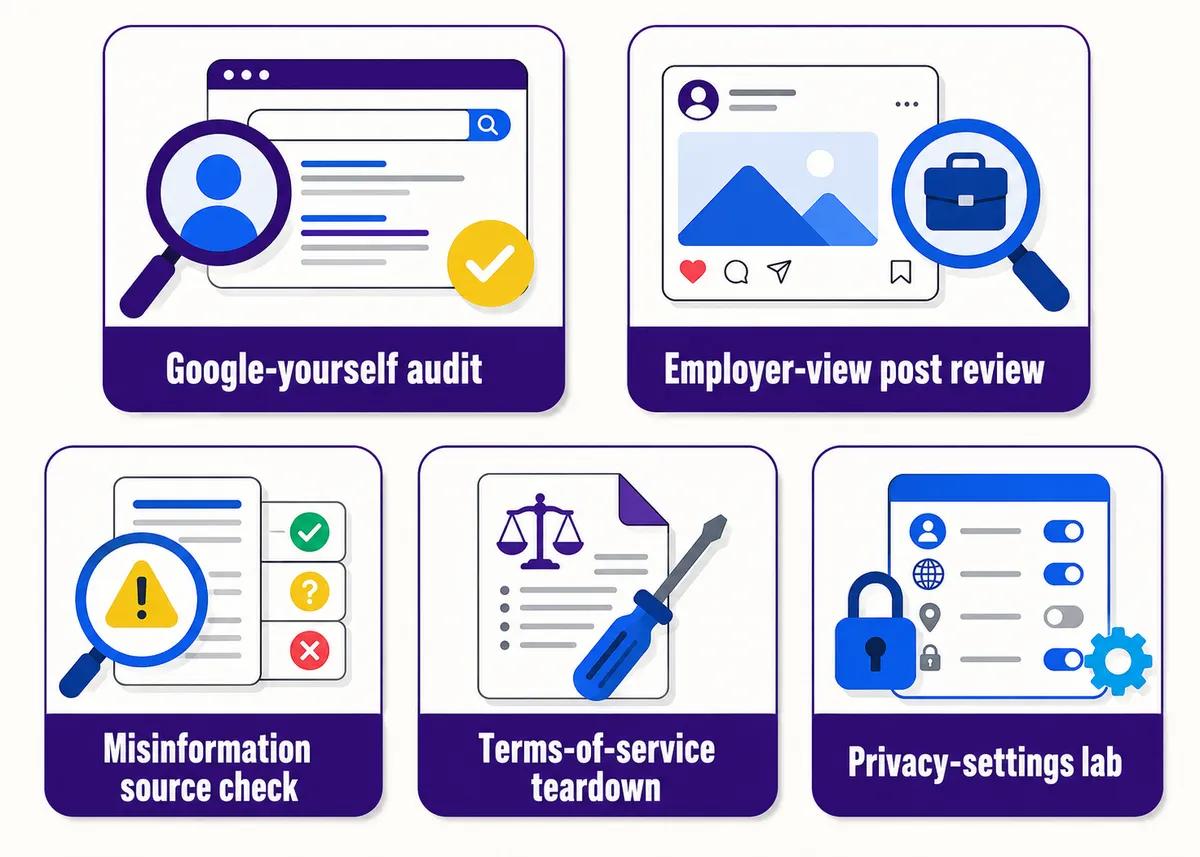
The “google yourself” footprint audit. Students search their own name (in quotes, plus their town or school) and document what a stranger would find: images, old accounts, tagged posts, a parent’s tagged photo from eight years ago. They write up what surprised them and one thing they’d clean up. For students with common names or almost no footprint, the assignment flips: search a public figure or fictional persona, or analyze why a blank footprint is its own kind of signal. (Never require a student to share results aloud. Private by default.)
The college and employer post review. Give students real-looking sample posts (you write them, so nobody’s actual account is on the table) and have them sort each one the way an admissions officer or hiring manager would: green, yellow, red. Then the harder question: why? The interesting discussions are the yellow ones (a joke that reads fine to peers and badly to a 45-year-old recruiter). This teaches audience and context far better than a list of rules. For a stretch, have them write a 30-day plan to clean up and rebuild a fictional applicant’s messy footprint, which turns “your posts matter” from a warning into a strategy.
How do you teach media literacy and spotting misinformation?
Telling teenagers “don’t trust everything online” accomplishes nothing; they already know that and do it anyway. What they’re missing is a repeatable process for checking a claim in under two minutes. Teach the process, then drill it.
The lateral-reading drill. Professional fact-checkers don’t sit on the suspicious page analyzing it. They open new tabs and check what other sources say about the source. Model it once, then hand students three claims (one true, one false, one misleading-but-technically-accurate) to verify with lateral reading. Speed matters: the goal is a habit, not a research paper.
The deepfake and source-check station. Show a mix of real and AI-generated or manipulated media (images, a short clip, a quote attributed to a public figure). Students work a checklist: Who’s the original source? When was this first published? Does a reverse image search turn up an older version? Can a reputable outlet confirm the quote? The point isn’t catching every fake. It’s building the reflex to ask before sharing. This pairs with AI Literacy Activities for High School Students, since the line between media literacy and AI literacy is now mostly gone.
The headline-versus-article gap. Give students a handful of articles and have them rate how well each headline matches the content. They quickly notice how often a headline oversells, omits, or flat-out misrepresents the body. Cheap to run, and it sticks.
Activities on privacy, AI, and online behavior
Privacy taught as fear (“they’re watching you”) makes students shrug. Privacy taught as a trade they can understand and adjust makes them act on it.
The terms-of-service teardown. Pick one app every student uses and read the actual terms and privacy policy together (or a fair summary, since the full text is brutal on purpose). What data does it collect? Who is it shared or sold to? What rights did the user sign away? Students are usually startled, which is the point. Then: knowing this, do you change anything? “I’ll keep using it anyway” is a legitimate, informed answer.
The privacy-settings lab. A guided walkthrough of the privacy and security settings on the platforms they actually use: who can see posts, location sharing, ad personalization, connected apps, two-factor authentication. They make real changes on their own accounts during class (or audit a demo account if doing it live isn’t appropriate). One of the rare activities where students leave having materially improved their own situation.
The real-stakes case study. This is the one they remember. Use a documented case where a post cost someone a job offer, a scholarship, or a college admission (these are easy to find and grimly plentiful). Students analyze what happened, where it could have gone differently, and what they’d advise. It reframes the unit from abstract rules to “this happens to real people, including people not much older than you.”
A quick map of the activities by what they build:
| Activity | What it builds | Stakes |
|---|---|---|
| Google-yourself audit | Footprint awareness | Personal, private |
| Employer post review | Audience and context | Low (fictional) |
| Lateral-reading drill | Verification habit | Low |
| Deepfake source-check | Misinformation defense | Low |
| Terms-of-service teardown | Privacy literacy | Low |
| Privacy-settings lab | Account hardening | Personal, real |
| Real-stakes case study | Consequence reasoning | High (real cases) |
A natural neighbor here is Cybersecurity Activities for High School Students, since privacy hygiene and security thinking overlap heavily.
Free curriculum for digital citizenship
You don’t have to build this from scratch. The most established free source is Common Sense Education, which offers a full K-12 Digital Citizenship Curriculum with lessons, videos, and ready-made activities. For high school, lean on their older-grade units (digital footprint, news and media literacy, privacy and security) and skip anything that skews young. The material is genuinely good; you just have to age-target it, which is the theme of this whole post. For the misinformation side, fact-checking organizations and university media-literacy programs publish free lateral-reading lessons too.
Our own Free Library has no-prep starting points that pair with all of this: bell ringers, a project rubric, and first-week activities. Grab what’s useful and see if the style fits how you teach.
Want the unit built for you? The Introduction to Security unit of our editable AP Cybersecurity curriculum picks up right where this post’s privacy and account work leaves off, teaching the passwords, accounts, and digital-hygiene side at the same grown-up pitch. It’s a natural next unit for a class that responded to the footprint audit.
Frequently asked questions
Isn’t digital citizenship just an elementary school topic? The safety-rules version is. The high school version (footprint audits, media literacy, privacy trade-offs, reputation as a career asset) is more relevant at this age, not less, because students are about to apply to colleges and jobs with a public trail behind them.
How do I teach media literacy without it becoming a research project? Teach lateral reading: checking other sources about a source instead of overanalyzing the suspicious page. Then drill it for speed. The goal is a two-minute habit, not a paper.
What’s a good free digital citizenship curriculum? Common Sense Education offers a full free K-12 Digital Citizenship Curriculum. For high school, use their older-grade units on footprint, media literacy, and privacy, and skip the younger material.
How do I run a footprint audit without privacy problems? Keep results private by default and never require sharing aloud. Offer an opt-out (a public figure or fictional persona) for students with common names, little footprint, or any discomfort.
How is digital citizenship different from cybersecurity for high schoolers? Digital citizenship is about how students present themselves and judge information online: footprint, reputation, media literacy, and privacy trades. Cybersecurity is about defending systems against attacks. They overlap on privacy and safety, so the two pair well; see the neighboring cybersecurity activities for high school students for the security side.
Common Sense Education is a program of Common Sense Media, which is not affiliated with, and does not endorse, this product.