Computer Science Fundamentals Unit 4: The Internet and Online Information
UNIT BUNDLENEW · GRADES 9–12

Computer Science Fundamentals Unit 4: The Internet and Online Information

The complete Unit 4, all 7 lessons

This unit teaches how the Internet and the Web work, how to browse safely, and the skills of evaluating sources and spotting bias. Students trace messages around the world, read web addresses part by part and choose safe browser settings for different users.

7 lessons · 20 days Unit review + test Print + digital Google Forms + Slides
$40

● Instant download · Lifetime access · Free updates · Secure checkout

See inside the curriculum

What's in Every Lesson

All 7 lessons follow the same folder system, so you learn the layout once and teach the whole unit.

Slides + Speaker Notes
One editable deck per lesson, with notes that say what to say.
Guided Notes
Fill-in notes that follow the slides, with a word bank.
Activities + Labs
Hands-on practice with real cases, every day.
Bell Ringers + Exit Tickets
A warm-up to open each day and a quick check to close it.
Lesson Quizzes
Multiple choice and written answers for each lesson.
Unit Project
Make a Smart-Browsing Guide, graded with a 16-point rubric.
Answer Keys
A key for every day, with sample written answers.
Google Forms + Slides
Forms of the quizzes and exit tickets, Slides of every deck.

See the Actual Pages

Real pages from Unit 4, the same clean design in every lesson.

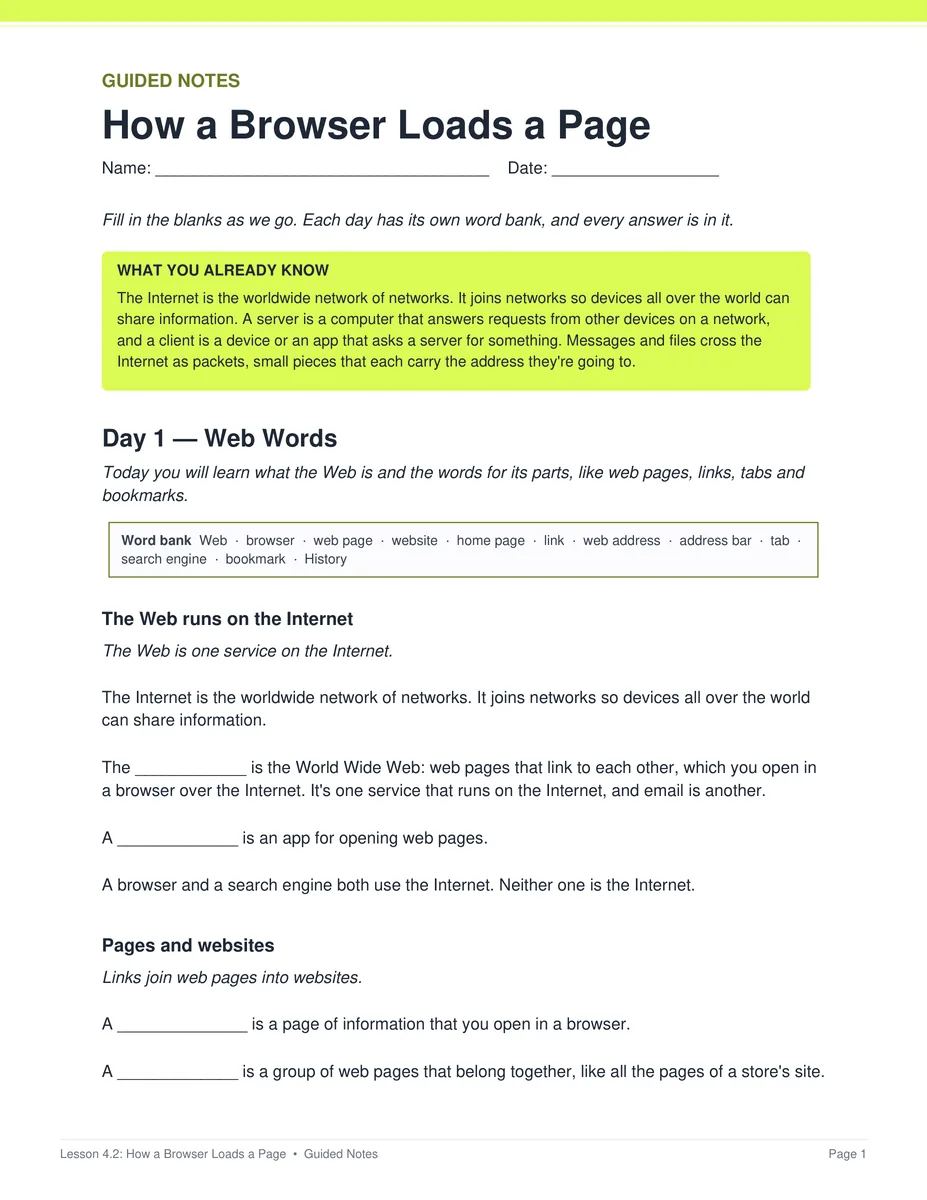
Guided notes

Notes that follow the slides

Students fill in the blanks during the slides, with the word bank right on the page.

  • ✓ PDF and editable Word
  • ✓ A key for every day
Lesson 4.2 guided notes, page 1
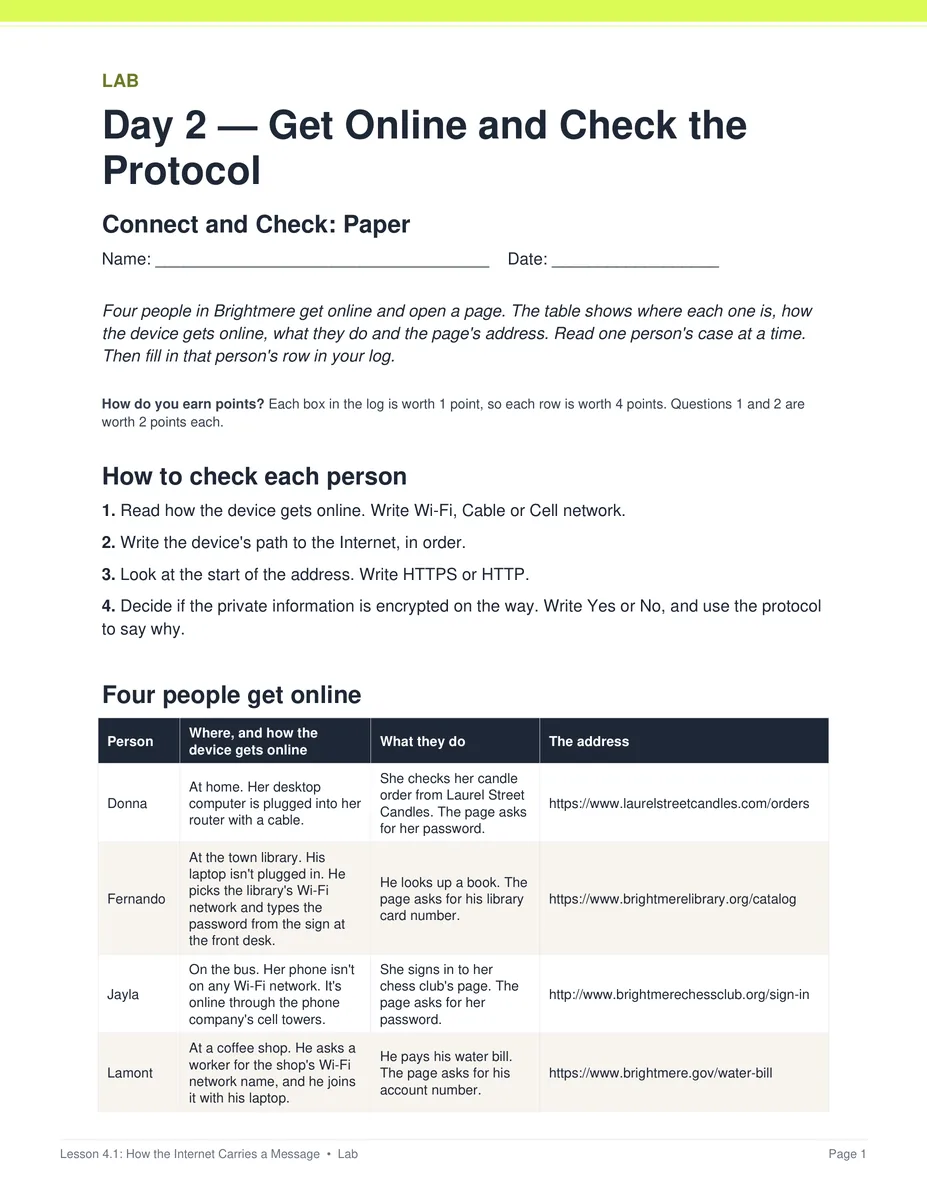
Labs

Practice with real cases

Students trace messages, read web addresses, rate sources and compare news stories, on paper or on Connect and Check.

  • ✓ A paper version of every online activity
  • ✓ A key for every sheet
Lesson 4.1 Connect and Check lab, page 1
Unit test

A review and test to close the unit

The bonus folder has a review lesson, the unit test and a Form B retake, each with a Google Form and a key.

  • ✓ Word copies of both tests
  • ✓ Pacing guide and standards crosswalk
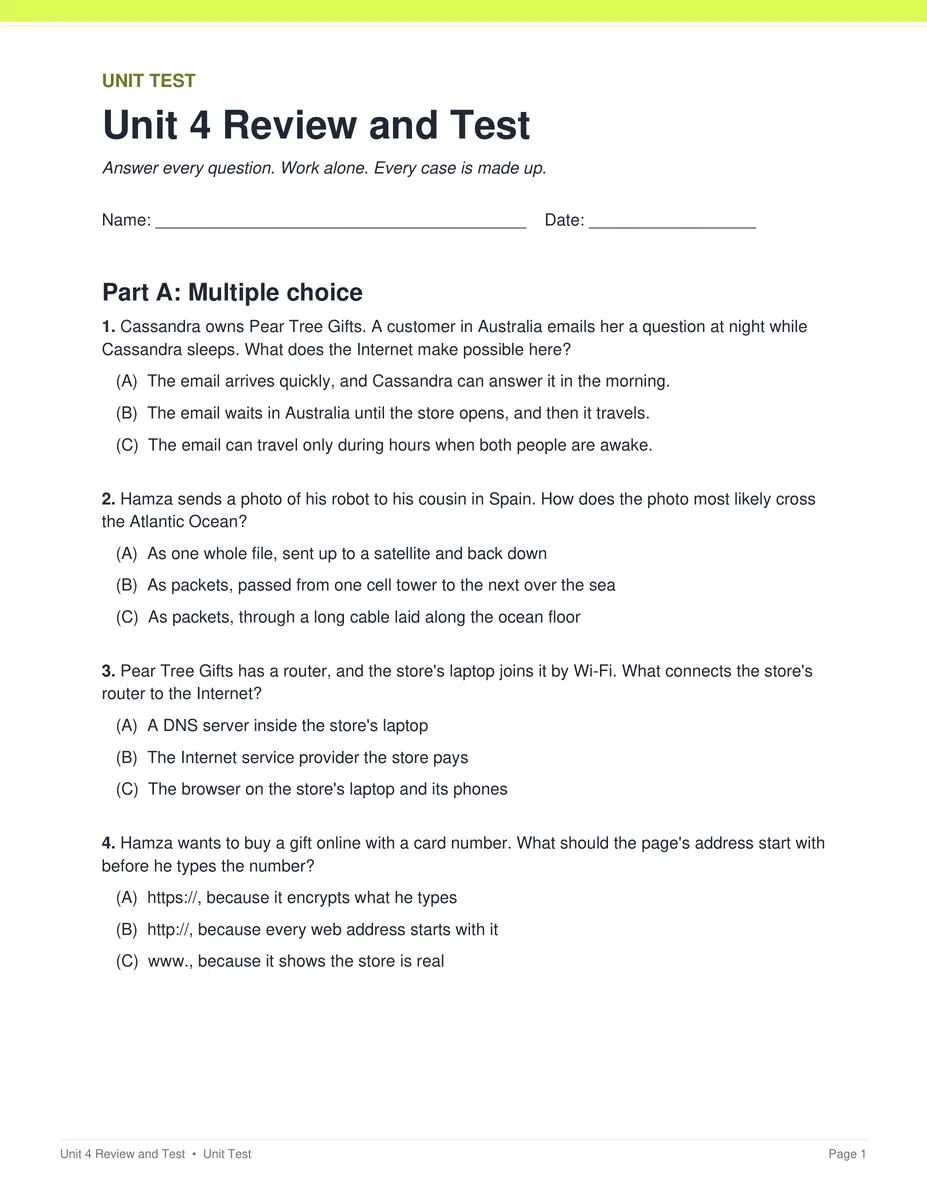
Unit 4 test, page 1
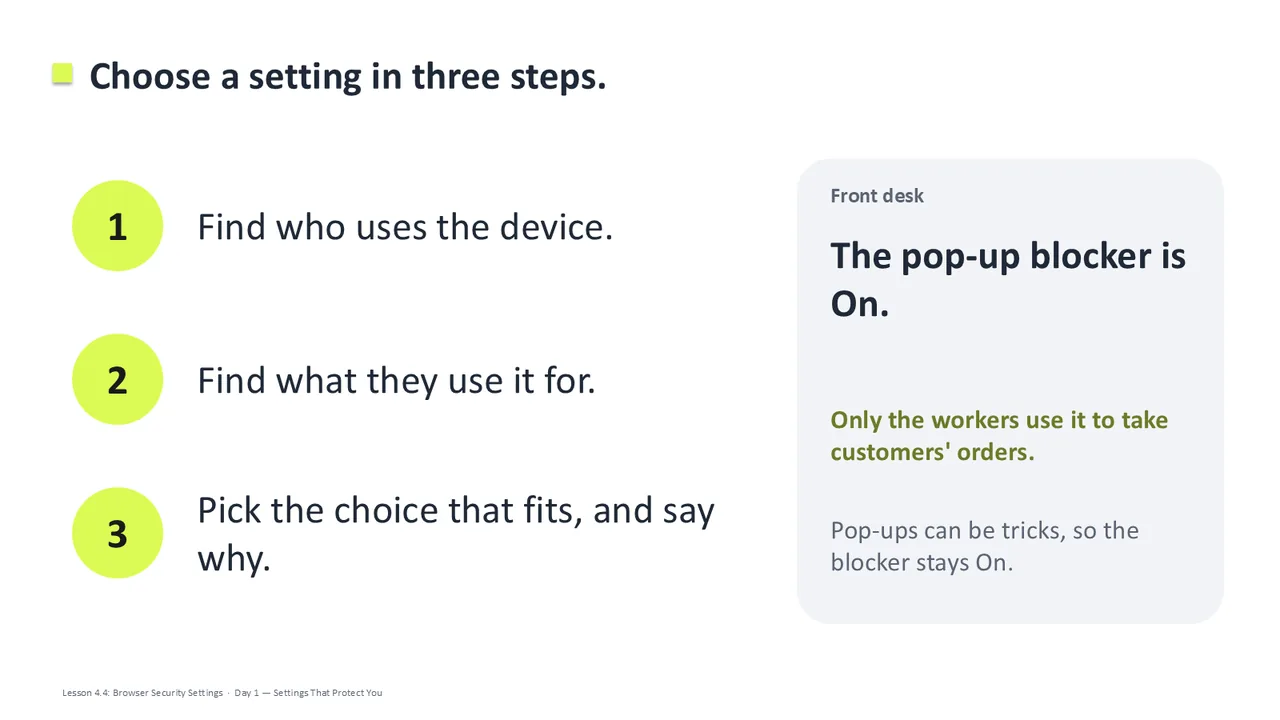
Slides

Slides that run every day

Each lesson has one editable deck. Every day starts at its own Day slide, and the speaker notes say what to say.

  • ✓ Editable PowerPoint
  • ✓ Google Slides™ for Google Classroom™
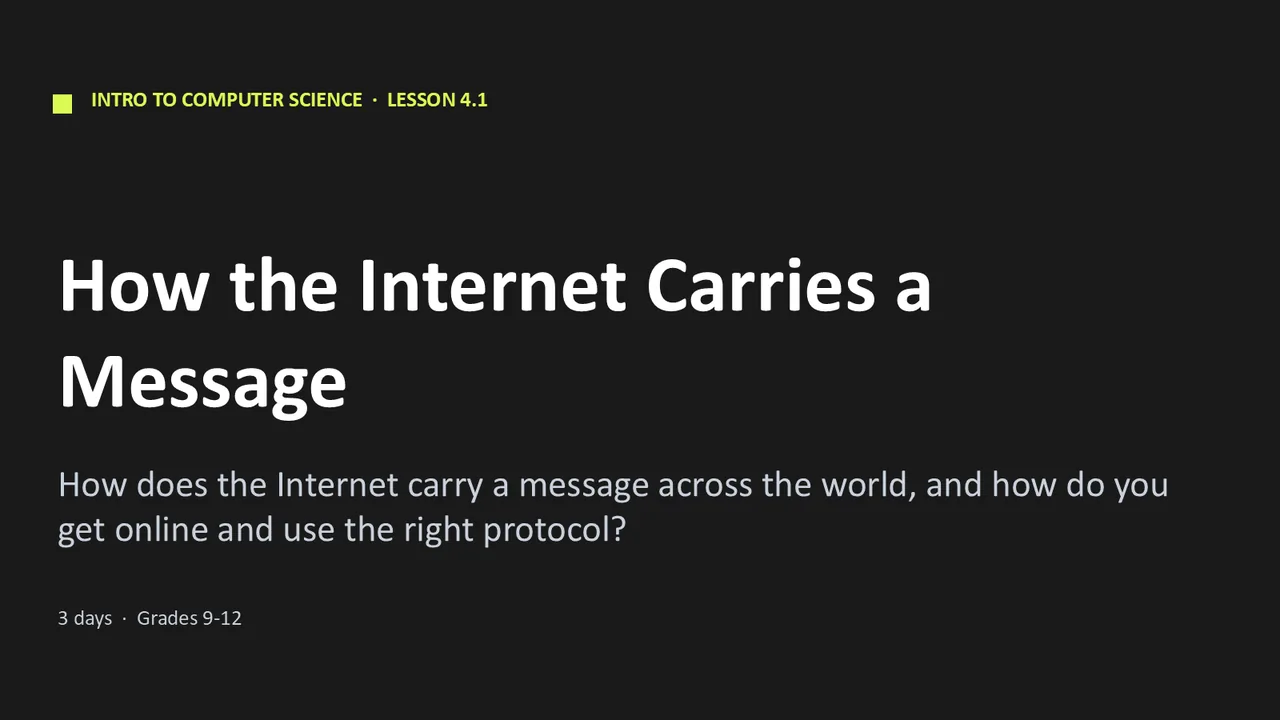
Unit 4 lesson title slideUnit 4 content slide

The 7 Lessons in Unit 4

4.1
How the Internet Carries a Message
3 days
4.2
How a Browser Loads a Page
3 days
4.3
Reading a Web Address
2 days
4.4
Browser Security Settings
3 days
4.5
Is This Source Reliable?
3 days
4.6
Whose Point of View Is This?
3 days
4.7
Project: Make a Smart-Browsing Guide
3 days
Unit 4 Bonus folder
Unit review + test
Form B retake test
Pacing guide
Standards crosswalk
Vocabulary Bingo

This unit is also part of the complete Computer Science Fundamentals course: all 8 units plus the Course-Wide Bonus folder.

Why Teachers Choose It

Students learn the technical side and the everyday side

The unit connects the technical side, like packets, protocols and web addresses, to everyday choices, like which settings to keep and which source to trust.

Students never have to pick a side

The news stories lean in opposite directions from the same made-up facts. Students judge how each message leans, and no task asks them which side they're on.

Print and digital

Every page is a print-ready PDF, and the Google Forms™ and Google Slides™ let you teach the same unit in Google Classroom™.

Every day fits a 45-minute class

Each day's plan is timed activity by activity against real reading and writing speeds.

What Teachers Say

Be the first to review this

Reviews help me a lot, and they help other teachers pick the right resources for their classes. It takes about a minute.

Leave a review

FAQ

What's in the Unit 4 bundle?
All 7 lessons, each with slides, guided notes, labs, activities, exit tickets and answer keys, plus a quiz in 6 lessons and the unit project. The Unit 4 Bonus folder adds a review, a unit test with a Form B retake, a pacing guide, a standards crosswalk and Vocabulary Bingo.
Can I buy single lessons or the whole course?
Yes. Each lesson sells on its own, and this unit is part of the complete Computer Science Fundamentals course, which costs less than buying the eight units.
Is this AP Computer Science?
No. It is a full-year, non-AP intro course for grades 9 to 12. For AP, see AP Computer Science Principles and AP Computer Science A.
How is it delivered?
Instant download right after checkout: PowerPoint and Word files you can edit, print-ready PDFs, and links that copy the Google Forms™ and Google Slides™ into your Drive.
Which standards does it cover?
Written for Florida's Advanced Information Technology course (9007610). Each lesson's skills map and the unit's standards crosswalk show which standards it teaches.
Do students need computers?
No. Computers help, but every online version comes with a paper version, so the whole unit works with no internet.

Want the whole Computer Science Fundamentals course?

Unit 4 is one of 8. Get the full year for less than the eight units cost separately.

See the full course