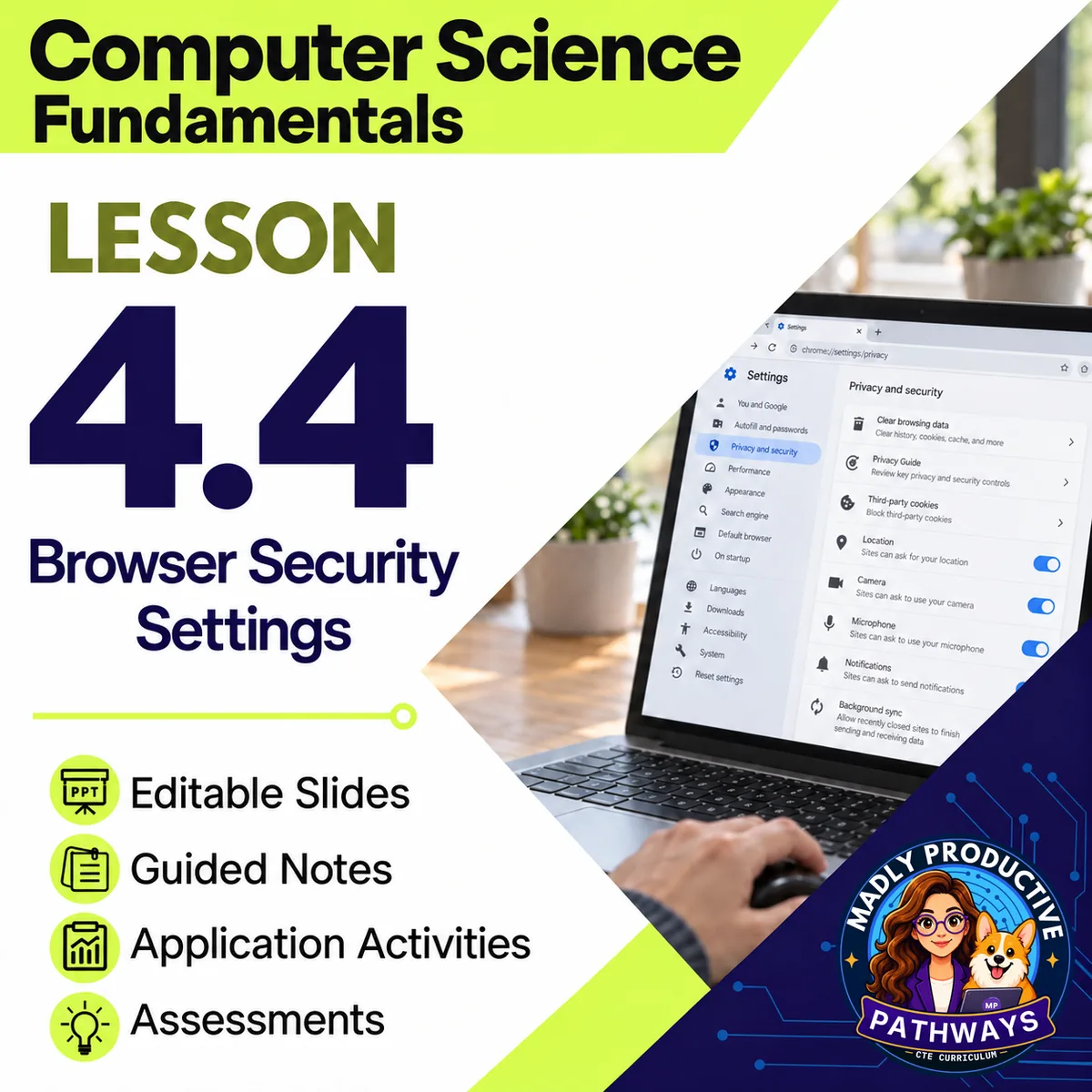
Browser Security Settings
 Computer Science Fundamentals Grades 9–12 3-day lesson 25 deliverables
This computer science lesson shows students which browser settings help keep people safe, and what private browsing, cookies and the lock icon really do. They choose settings for different users on a made-up settings page, then decide if claims about private browsing, history, cookies and HTTPS are true or false.
● Instant download · Lifetime access · Editable & print-ready
 Print + digitalPDF, PowerPoint, Word & Google
 Answer keysA key for every page
 Built-in assessmentExit tickets + lesson quiz
 45-minute daysEvery day planned and timed
What does this lesson cover?
Every browser's menus look different, so a lesson on settings can get stuck on where to click. This lesson uses a made-up settings page on paper, so the whole class talks about the same choices. Nobody changes a setting on a real browser, phone or computer.
Set It Safe
Students use a made-up settings page to choose and explain the settings for three users, then name one setting that fits all three.
Everything that's included
 00 Start Here
- READ FIRST: every file in the lesson and when you use it
- Teacher guide and pacing: the plan for each day, what to print and how to grade
- Skills map: which standards each day teaches
 01 Present
- One editable PowerPoint deck for all three days, 29 slides, with speaker notes
- Slide script: the speaker notes, printed
- Bell ringers: a short warm-up for each day
 02 Student Handouts
- Guided notes for all three days, in PDF and editable Word, with the word bank on the page
- Vocab slip: the lesson's words and what they mean, on one page
 04 Activities
- Set It Safe: use a made-up settings page to choose and explain the settings for three users, then name one setting that fits all three
- Does It Protect You? Decide if each of eight claims is True or False, then write why for each True claim and rewrite each False claim so it's true
- Finley at the Library: give advice to a student at a town library computer on paper
 05 Assessment
- Exit tickets, one per day: quick questions that show who needs more help
- Lesson quiz: 10 multiple-choice questions and 2 written answers about all three days
06 Answer Keys
- 5 answer key files: a key for each day (its bell ringer, notes and exit ticket) and the activity keys, plus the quiz key

 Digital: Google Forms™ + Google Slides™
- 4 Google Forms™ of the exit tickets and the quiz, ready to copy into your Drive
- The multiple choice grades itself, and you grade the written answers
- A Google Slides™ copy of the deck, with the same slides and speaker notes, for Google Classroom™
Why teachers love this lesson
 Students fix the false claims
For each false claim about private browsing, cookies or the lock icon, students rewrite it so it's true. This shows what each one really does and doesn't do.
 The attacker is the one to blame
When a fake page tricks someone, the lesson is clear that the attacker is to blame, not the person who was tricked. Students learn that safe settings and habits lower the risk, and that telling an adult right away helps.
Print and digitalEvery page is a print-ready PDF, and the Google Forms™ and Google Slides™ let you teach the same lesson in Google Classroom™.
A key for every pageEvery day has its own answer key, and every written question has a sample answer and what to look for.
Every day fits a 45-minute classEach day's plan is timed activity by activity against real reading and writing speeds.
 Written for your students
Every student page is checked for reading level, with plain words and complete sentences.
What Teachers Say
Be the first to review this
Reviews help me a lot, and they help other teachers pick the right resources for their classes. It takes about a minute.
Leave a reviewQuestions teachers ask
How do I get the files after I buy?
Instant download right after checkout: PowerPoint and Word files you can edit, print-ready PDFs, and links that copy the Google Forms™ and Google Slides™ into your Drive.
Can I buy the whole unit or course instead?
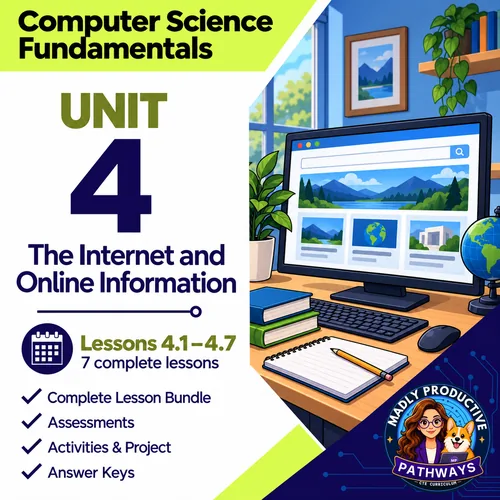
Yes. This lesson is part of the Unit 4 bundle and the complete Computer Science Fundamentals course. Both cost less than buying the lessons one at a time.
Is this AP Computer Science?
No. It is a full-year, non-AP intro course for grades 9 to 12. For AP, see AP Computer Science Principles and AP Computer Science A.
What formats are the files in?
Every page is a print-ready PDF. The slides are an editable PowerPoint and the guided notes an editable Word file. The exit tickets and the quiz also come as Google Forms™, and the deck as Google Slides™.
Which standards does it cover?
Written for Florida's Advanced Information Technology course (9007610). The skills map in the lesson shows which standards each day teaches.