The flu hits at 5 a.m., or your own kid is the one throwing up, and now you have 90 minutes to either build a day’s worth of plans or go in sick. CTE makes this worse than most subjects, because a sub almost never knows your content. Nobody off the sub list can run your network-hardening lab or your accounting unit. So the plan has to teach without you, without your expertise, and often without logins.
This is the post that fixes that. We’ll cover what makes a CTE sub plan hold up, give you 10 no-prep activities for business and tech classes, and walk through building a folder you can point a sub at and walk away. (It lives under the bigger picture in How to Teach CTE.)
What makes a good CTE sub plan?
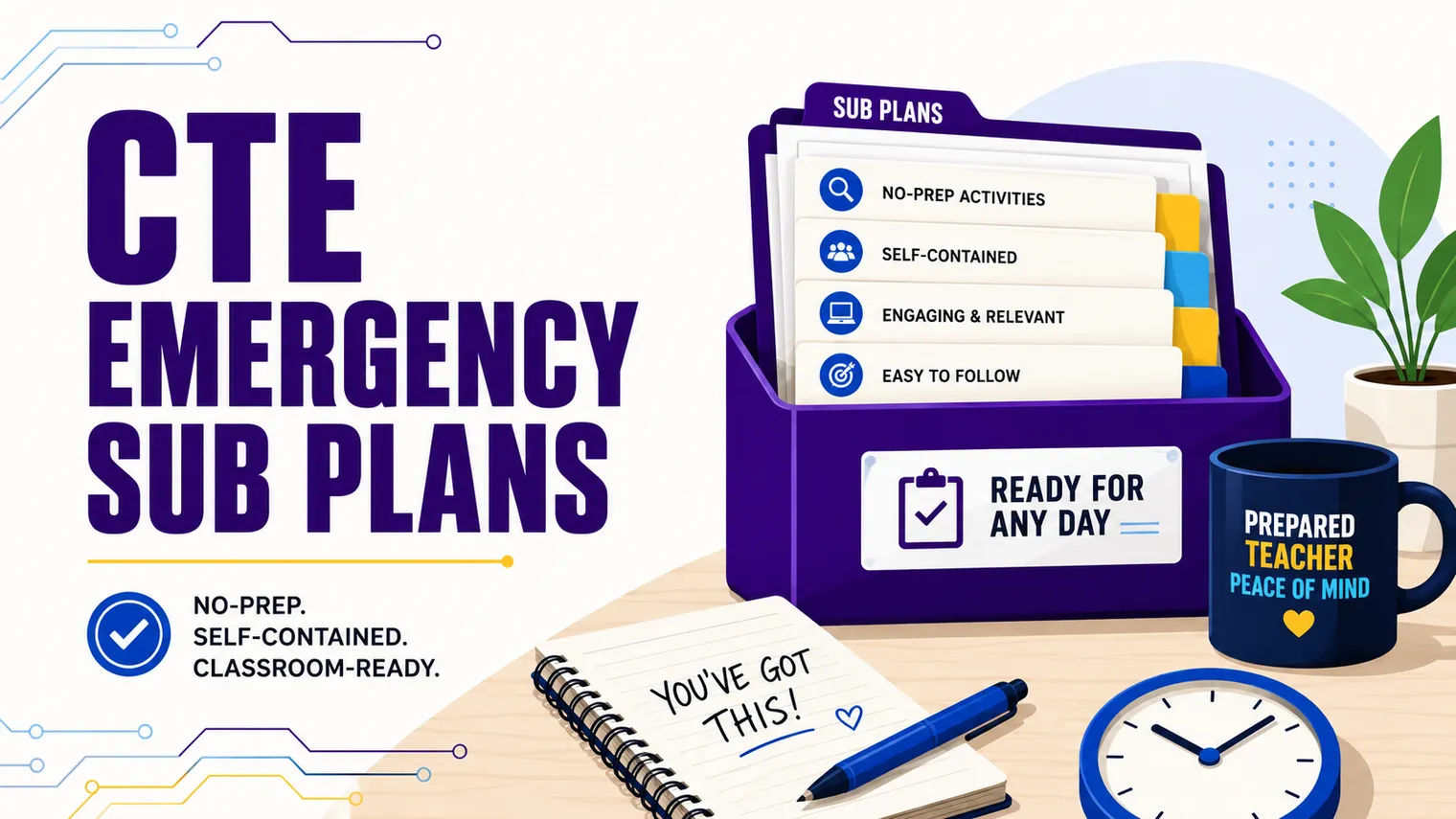
A good sub plan is one a stranger can run with zero knowledge of your course. That’s the whole bar. Hold every activity up to it before it goes in the folder.
In practice that means four things:
- No logins required. Assume the sub can’t reset a password and the platform is down. If the activity dies without a login, it’s not an emergency plan.
- No teacher expertise needed. The sub should never have to explain a concept or grade judgment on the spot. The work has to teach itself.
- Self-contained. Everything the student needs is on the page: directions, the reading, the questions, the example. No “see the slides from Tuesday.”
- Screen-optional. Sometimes the cart didn’t get charged or the wifi is out. The best sub plans run on paper if they have to.
Notice what’s missing: anything that depends on you. An emergency plan is not a normal lesson with you swapped out. It’s built to survive your absence.
No-prep CTE sub activities that still teach
Here are 10 activities that meet the bar above. Each works in a business class or a tech class with almost no change, each is self-contained, and each runs on paper if the screens fall through.
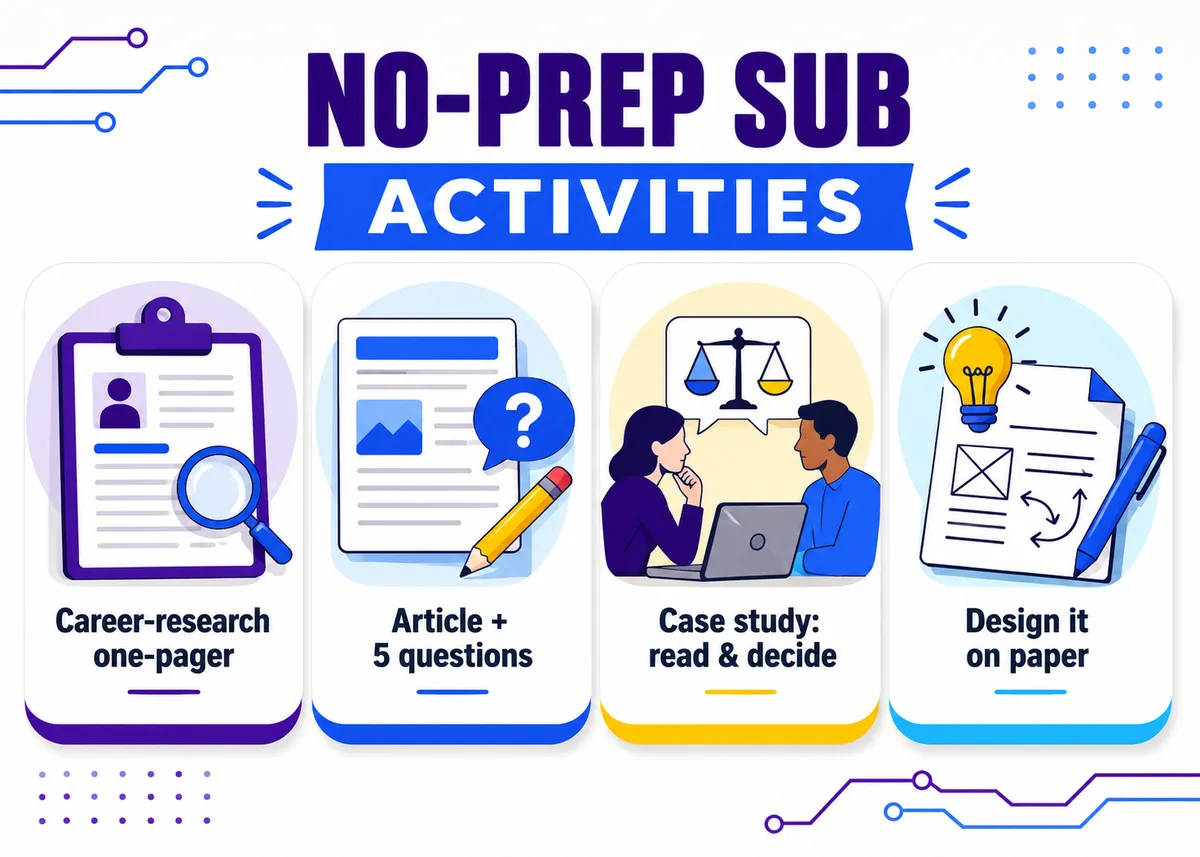
1. The career-research one-pager. Students pick a job in the field (cybersecurity analyst, marketing coordinator, accountant, UX designer) and fill one page: what the job does, what it pays, what credentials it needs, and one thing that surprised them. Give a short job list so nobody stalls on choosing. Print a couple of sample profiles for the no-wifi version.
2. Industry article plus a structured response. Pick one current, readable article (a data breach, a product launch, a company that folded) and pair it with the same four prompts every time: What happened? Why does it matter? Who’s affected? What would you have done differently? Print the article so it survives a dead login. The structure carries the thinking, not the sub.
3. The “real-world problem” worksheet. One realistic scenario with a constraint and a decision. Business: “You have a $500 launch budget and three places to spend it. Pick, and defend it.” Tech: “A small office keeps losing files to ransomware. List three changes you’d make and why.” No single right answer, which is the point.
4. Documentary or short video plus guided questions. Queue a relevant documentary or a 20-minute clip and hand out 8 to 10 questions spaced across its runtime so students can’t sleep through it. (The American Factory and The Social Dilemma type films work; so do shorter explainers.) Always include a paper backup, because sometimes the video won’t load.
5. Vocabulary-in-context task. Not a definitions worksheet. Give 10 key terms and a short passage, and have students spot each term in use and explain how they knew. (“Where is ‘fixed cost’ showing up in this bakery’s numbers?”) It grades itself against an answer key in the folder.
6. Design-a-something on paper. Pure paper, pure thinking. Business: design a logo and tagline for a made-up local business, then explain the choices. Tech: sketch the wireframe for an app’s home screen, or diagram a simple home network. Deliverable is a drawing plus a short rationale, so the sub grades effort, not correctness.
7. Case-study read-and-decide. A one-page case ending in a decision: a small business deciding whether to take on debt, an IT team deciding whether to pay a ransom. Students read, pick, and justify in a paragraph. Self-contained, and it builds the exact “defend your call” muscle CTE is supposed to build.
8. The “find it in the wild” hunt. Students find three real examples of a concept and explain each. Business: three ads using a specific persuasion tactic. Tech: three apps that ask for permissions they don’t seem to need. If screens are down, hand out printed examples instead.
9. Mock professional document. Students draft one workplace artifact from a prompt: a cover letter for a posted job, a project proposal, an email to a difficult client, a short incident report. Self-contained, and it practices a career skill that transfers everywhere.
10. Reflection plus goal-setting. Best for a day near the end of a unit. Students write about what they’ve learned, what’s still fuzzy, and one goal for the rest of the term. Low-stakes, zero-prep, and it gives you something useful to read when you get back.
How do you build a reusable emergency sub folder?
The goal is a folder you build once and pull off the shelf for years, not a fresh scramble every time you’re sick.
Put together a physical folder (and a mirror copy in your shared drive) with these pieces:
- A one-page sub note. Room norms, where supplies live, how attendance works, the bathroom and phone rules, who to call next door, and which activity to run today. Keep it boring and complete.
- Three to five printed activities, ready to go. Pull from the list above. Print a full class set of each, or clear directions plus the masters. The sub should not have to make a single decision about content.
- An answer key or rubric for each. Even a loose one. “Full credit for a complete, on-topic response” is enough to let a sub grade fairly.
- A seating chart and a roster. Tiny thing, huge difference for a stranger trying to keep order.
- A “no-tech” fallback labeled clearly. At least one activity that needs nothing but paper, marked as the break-glass option.
Rotate the activities each semester so the same kids don’t see the career one-pager three times. And restock the folder the day you use it, while you remember, because the next emergency never warns you.
What to avoid in sub plans
The fastest way to lose a day is to build a plan that quietly depends on you. Watch for these:
- Anything that needs a login or a specific platform. The day it breaks is the day you’re not there to fix it.
- “Continue the project.” Group projects need your facilitation. A sub can’t unstick a team or judge whether the work is on track, so the room drifts.
- Busywork the students can smell. A word search teaches nothing and they know it, so behavior follows. The activities above ask for real thinking, which is what keeps a class settled for a stranger.
- Open-ended tech time. “Work on your assignments” with a sub and a lab full of computers is how you come back to a mess. Give a specific, finishable task.
FAQ
How many sub plans should I keep ready? Three to five generic, self-contained activities covers almost any single-day absence, and the folder repeats across all your preps. Build it once, restock after each use.
What if the technology doesn’t work that day? Build for that from the start. Every activity should run on paper, and at least one should be labeled the clear no-tech fallback.
Can these work for a multi-day absence? Yes. Stack three or four of the activities above and leave the order in your sub note. They don’t build on each other, so a sub can run them in any order.
What should I leave for the substitute besides the activities? A one-page sub note with room norms, attendance steps, bathroom and phone rules, who to call next door, and which activity to run that day. Add a seating chart and a roster so a stranger can keep order, plus a loose answer key for each task.
How is a sub plan different from a regular lesson? A regular lesson assumes you’re in the room to explain, facilitate, and adjust. A sub plan has to teach without any of that, so it drops anything that needs your expertise, a login, or live facilitation. If you want the same low-prep style for normal days you’re present, the CTE bell ringers and warm-ups post is the daily cousin of this one.
Take the easy version
You don’t have to build all of this the night before you’re sick. The ready-made sub plans pack gets your folder started, and the editable activity packs in our business and technology curriculum drop straight in alongside it. For the daily-warmup cousin of this post, see CTE Bell Ringers and Warm-Ups, and if you’re new to all of this, the First-Year CTE Teacher Guide is written for exactly the person juggling three preps and a sub folder they haven’t built yet.