Lesson 1.1
Open It Up
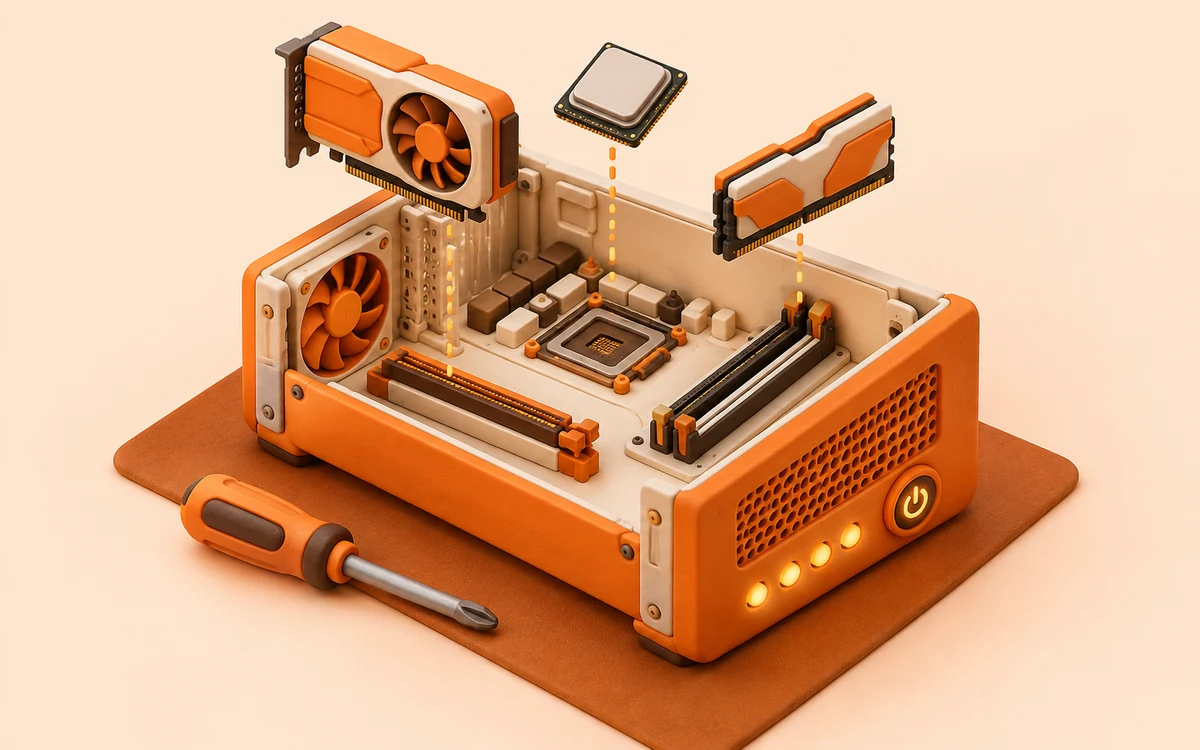
Put each part in its slot, then power the computer on.
Free. No login. Needs a computer or tablet.
What students do
Six customers bring a new computer in a box. Students put each part in the slot for its job, then power on and watch the four startup lights.
What it adds to the lesson
It's the extension on Day 2 of the lesson. Students watch each computer start one step at a time (power, CPU, memory, then storage), so each part's job is something they see happen.
- Course
- Computer Science Fundamentals
- Lesson
- Lesson 1.1: The Parts of a Computer System
- Game
- A level of Tech Shop
- In the game
- 6 customers · No timer
- Grades
- 9 to 12
More games in this unit: Hook It Up · Speed and Space · Fix It · Help Desk · Shop Day: Custom Build
Link copied