
First Programs
Six lessons on first programs: printing, planning before you code, variables, input, and finding and fixing bugs. Each level is a short program students write and check in CodeGrove.
Short coding levels for every unit of the course. For each one, students write a real Python program, run it and check it in CodeGrove, our code lab that works right in the browser.
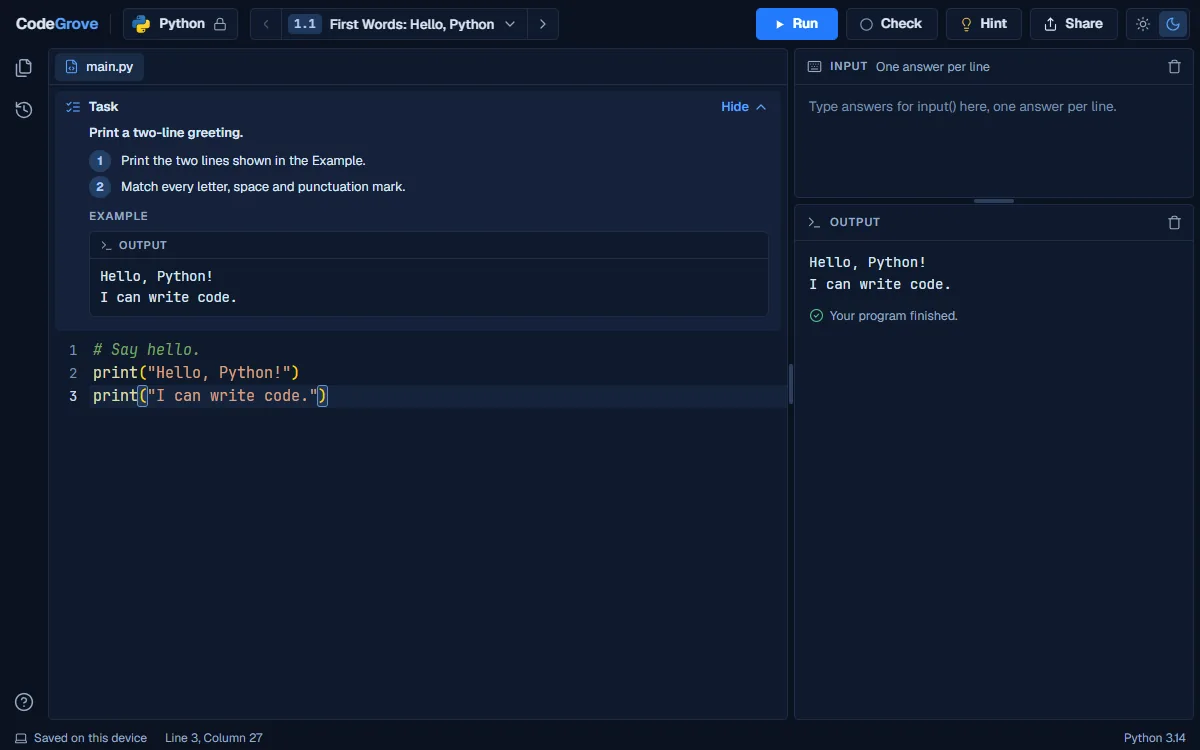
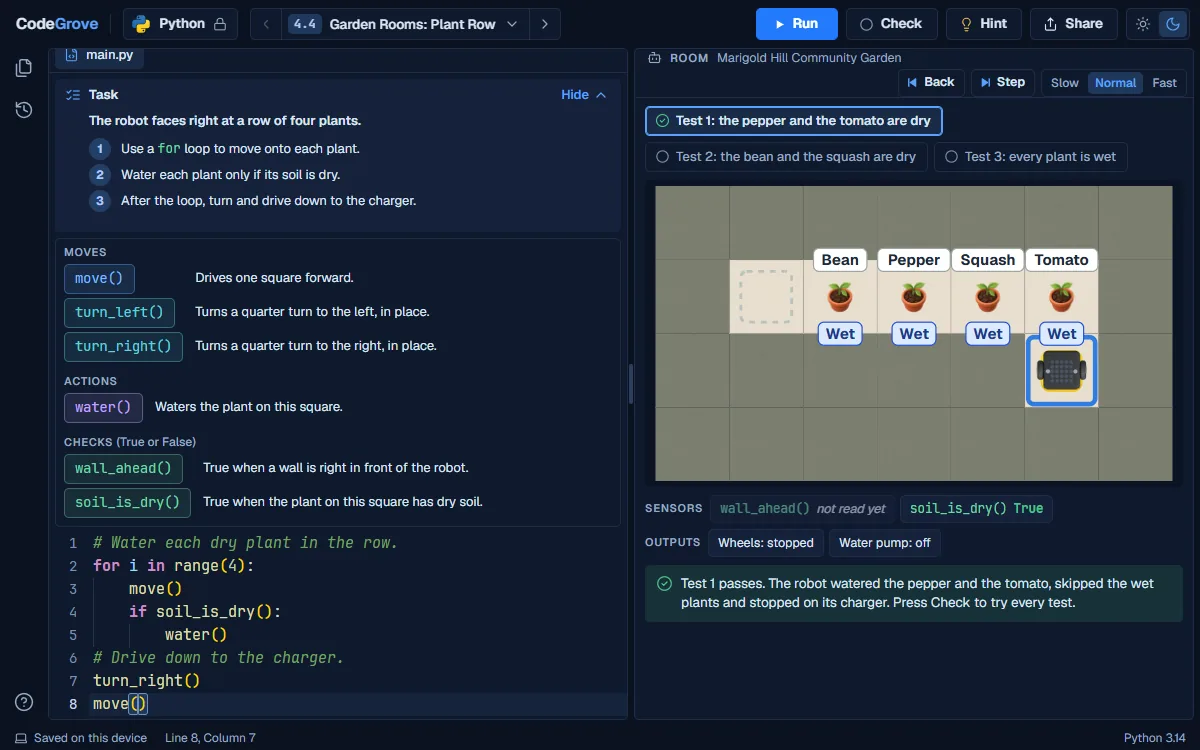
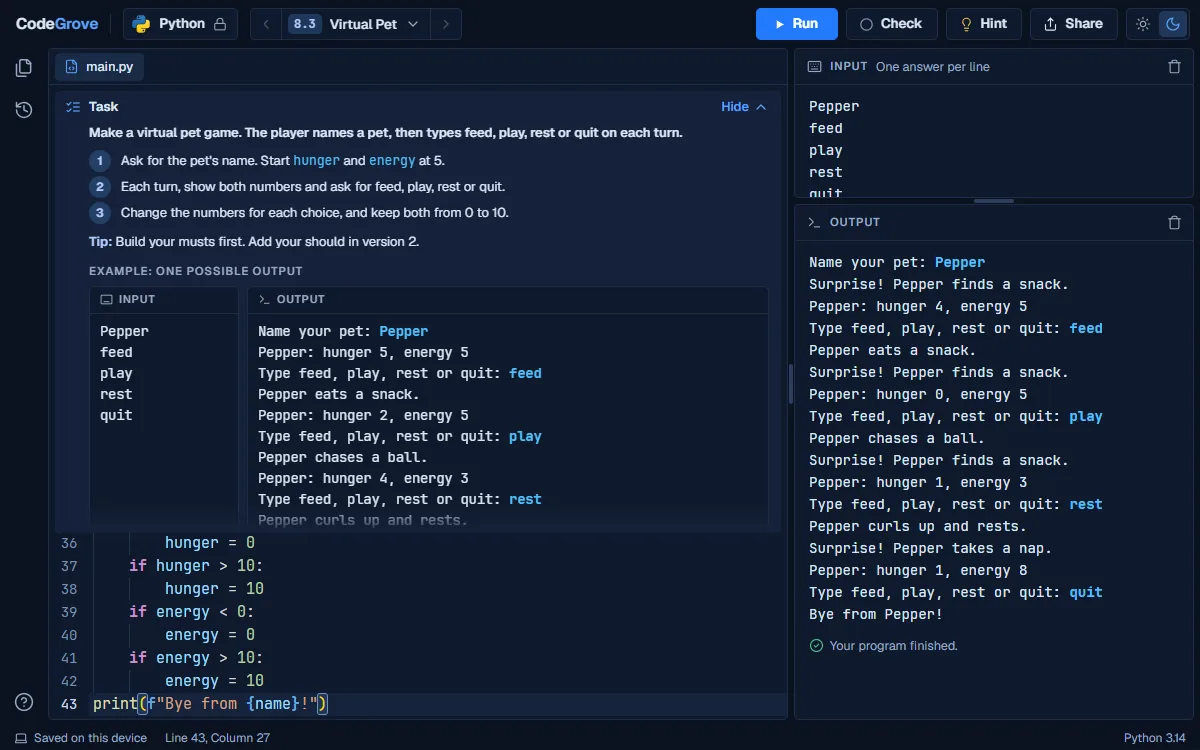
Six lessons on first programs: printing, planning before you code, variables, input, and finding and fixing bugs. Each level is a short program students write and check in CodeGrove.

Six lessons on data types, math in Python, working with text, input and IPO charts, ending with a calculator program. Each level is a short program students write and check in CodeGrove.

Six lessons on comparisons, if, else and elif, and, or and not, and robots that decide, ending with a decision program. Each level is a short program students write and check in CodeGrove.

Six lessons on for loops and range, while loops, counting and adding up, and decisions inside loops, ending with a loop program. Each level is a short program students write and check in CodeGrove.

Seven lessons on lists, data and information, binary and hexadecimal, memory, ASCII and Unicode, and the cloud, ending with a data program. Each level is a short program students write and check in CodeGrove.

Six lessons on privacy and security, the law, software licenses, honest work and technology for everyone. Three of them come with a level: a short program students write and check in CodeGrove.

Seven lessons on the development cycle, how teams work, testing, libraries and version control, ending with a build that follows the cycle. Each level is a short program students write and check in CodeGrove.

Five lessons that take one program from plan to demo day. Lesson 8.3 has four starting points for version 1 in CodeGrove: a virtual pet, a word guessing game, a text adventure, or the student's own idea.
Yes. Every level is free to use, with no trial and nothing to buy. They are companions to our course, and you can use them without owning it.
No. A student opens the link and the level starts. There is nothing to install: the code runs in the web browser.
Chromebooks, yes; phones, no. CodeGrove runs in a web browser on Chromebooks, laptops, desktops and larger tablets. Students type code, so it needs more room than a phone gives and says so when it is opened on one.
CodeGrove never asks for a name, an email or an account. A student's code runs inside their own browser and is never sent to us, and their work is saved on that device only. The page itself counts anonymous visits with Google Analytics, the same as the rest of this site.
Each level gives a task and a starting program. Run shows what the program prints. Check tests it with the task's example and some hidden tests, then says what passed and what to fix. Check is practice feedback, not a grade.
Yes. CodeGrove also opens as a blank editor with no task, for practice outside the levels.It is atmadlyproductivepathways.com/codegrove.
Grades 9 to 12, and no coding experience is needed to start. Each level was built for one lesson of the course and uses the same vocabulary as that lesson.
No. Every level explains its task, so it can stand alone. It lands best right after the lesson it was built for, which is why each level is tied to a specific lesson of the course.