Intro to Python Unit 8: The Big Project
UNITNEW · GRADES 9–12

Intro to Python Programming Unit 8: The Big Project

The complete Unit 8, all 5 lessons, sold as one unit

Guide students through a Python project they plan, design, build, improve and present. Students set priorities and goals, review designs with classmates and build from their plans while tracking progress. They test the program, use a partner's experience to guide repairs, add a planned feature and prepare release notes and a demo for their audience.

5 lessons · 16 days A rubric for every stage Print + digital Google Forms + Slides
$35

● Instant download · Lifetime access · Free updates · Secure checkout

Free for your students

4 coding levels come with this

See the levels

Short coding levels practice the unit's lessons in CodeGrove, our code lab that runs in the browser. Students write each program, run it and check it, with no account and nothing to install. Use one with the lesson or as practice later.

See the levels
See inside the curriculum

What's in Every Lesson

All 5 lessons follow the same folder system, so you learn the layout once and teach the whole unit.

Slides + Speaker Notes
One editable deck per lesson, with notes that say what to say.
Guided Notes
Fill-in notes that follow the slides, with a word bank.
Activities + Labs
11 activity sheets and 16 lab sheets, on paper or in CodeGrove.
Bell Ringers + Exit Tickets
A warm-up to open each day and a quick check to close it.
Project Rubrics
A rubric in every lesson, from the plan to Demo Day.
The Big Project
Students plan, design, build, test and show their own program.
Answer Keys
A key for every day, with sample written answers.
Google Forms + Slides
18 Google Forms and 5 Google Slides decks.

See the Actual Pages

Real pages from Unit 8, the same clean design in every lesson.

Guided notes

Notes that follow the slides

Students fill in the blanks during the slides, with the word bank right on the page.

  • ✓ PDF and editable Word
  • ✓ A key for every day
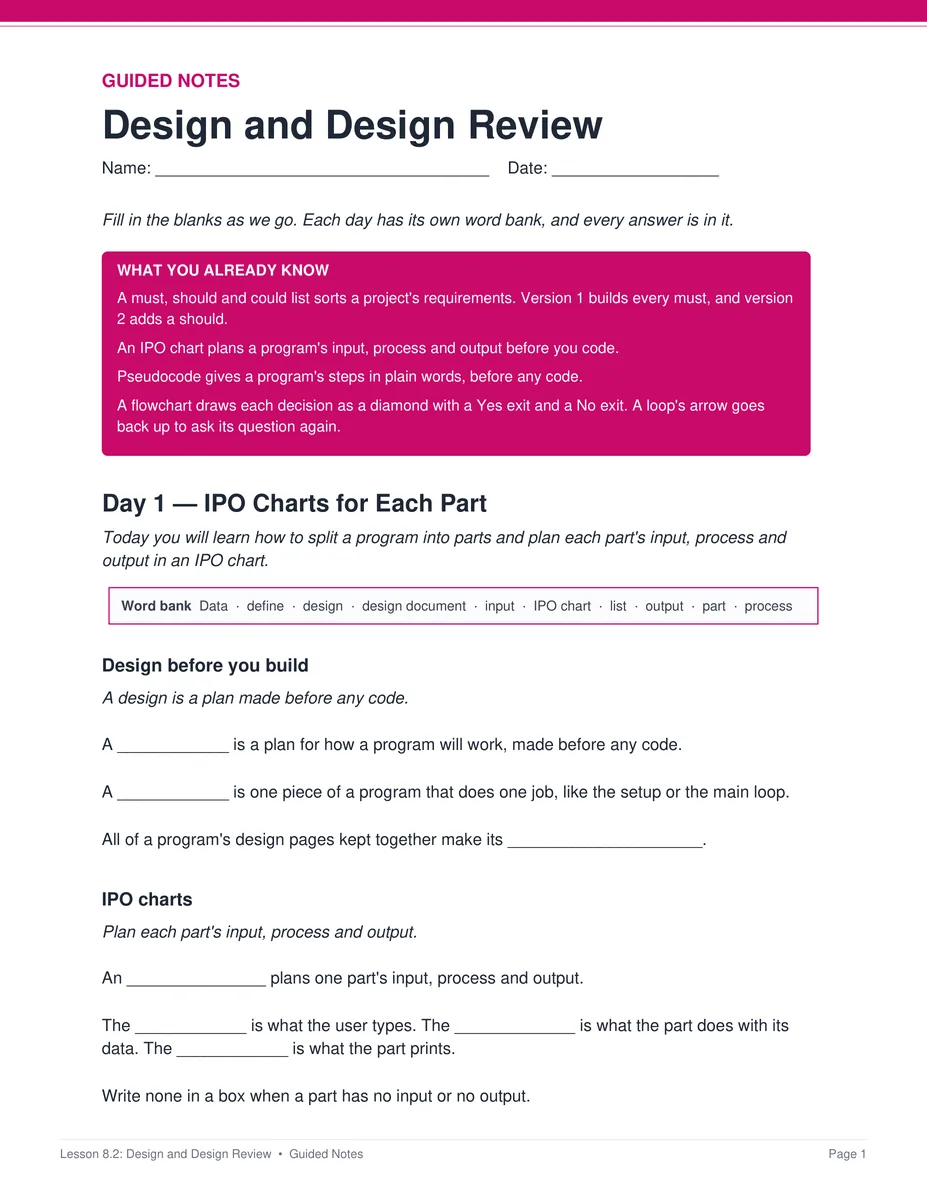
Lesson 8.2 guided notes, page 1
Labs

Practice with real programs

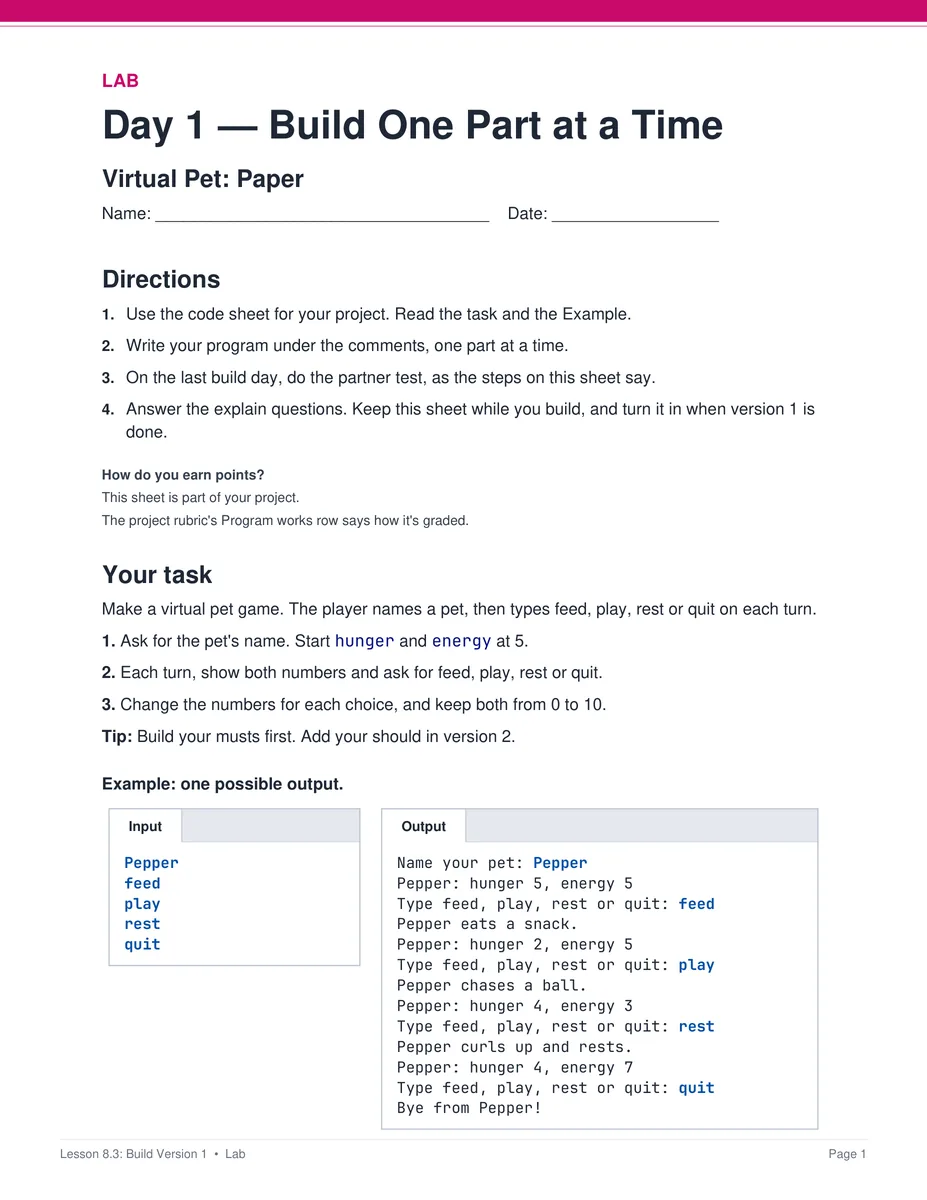
Students work through labs like Build Version 1: Virtual Pet, on paper or in CodeGrove, our in-browser code lab.

  • ✓ A paper version of every online activity
  • ✓ A key for every sheet
Lesson 8.3 Build Version 1: Virtual Pet lab, page 1
Project rubrics

A rubric at every stage

Each lesson of the project has its own rubric, so you can grade the plan, the design, both versions and the demo.

  • ✓ Full, part or no credit for each row
  • ✓ A pacing guide and standards crosswalk in the bonus
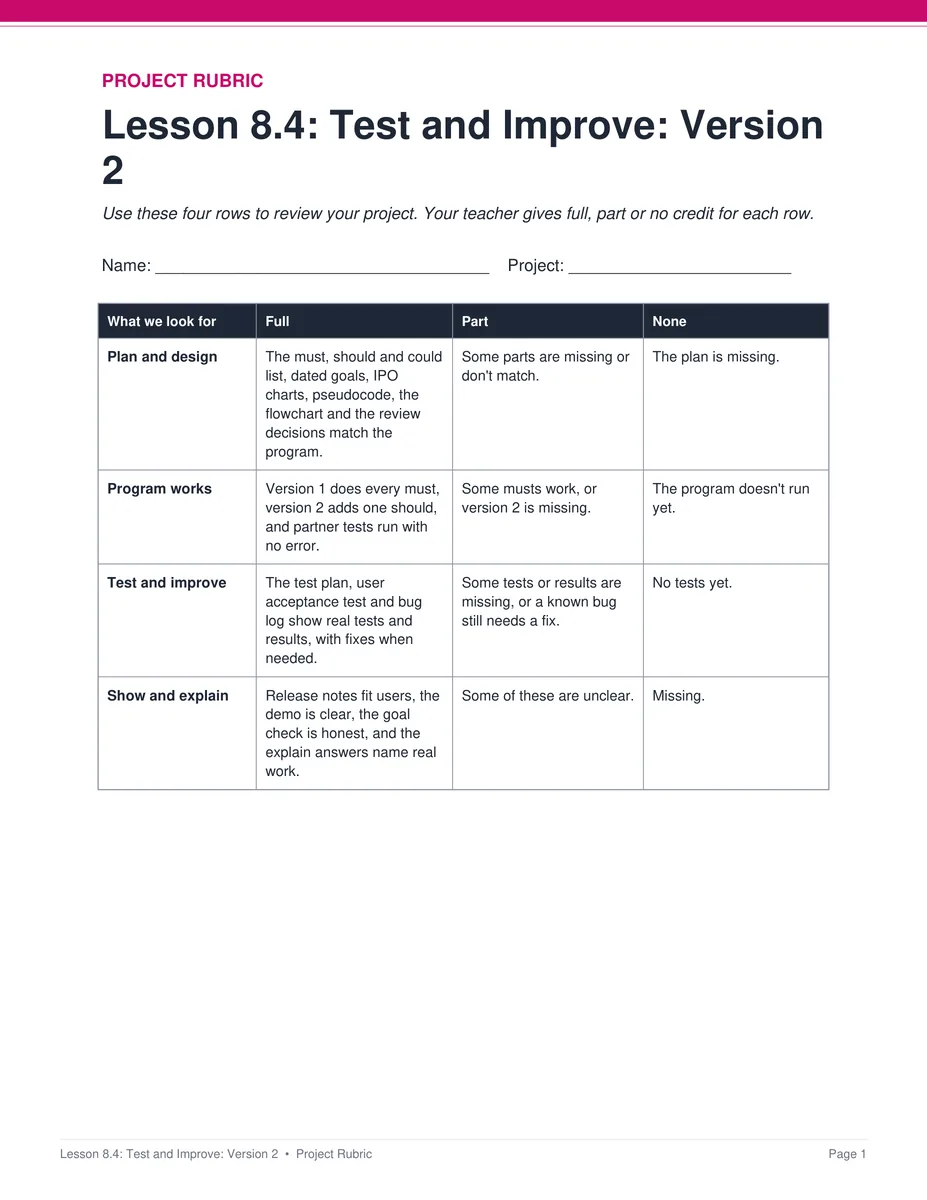
Lesson 8.4 project rubric, page 1
Slides

Slides that run every day

Each lesson has one editable deck. Every day starts at its own Day slide, and the speaker notes say what to say.

  • ✓ Editable PowerPoint
  • ✓ Google Slides™ for Google Classroom™
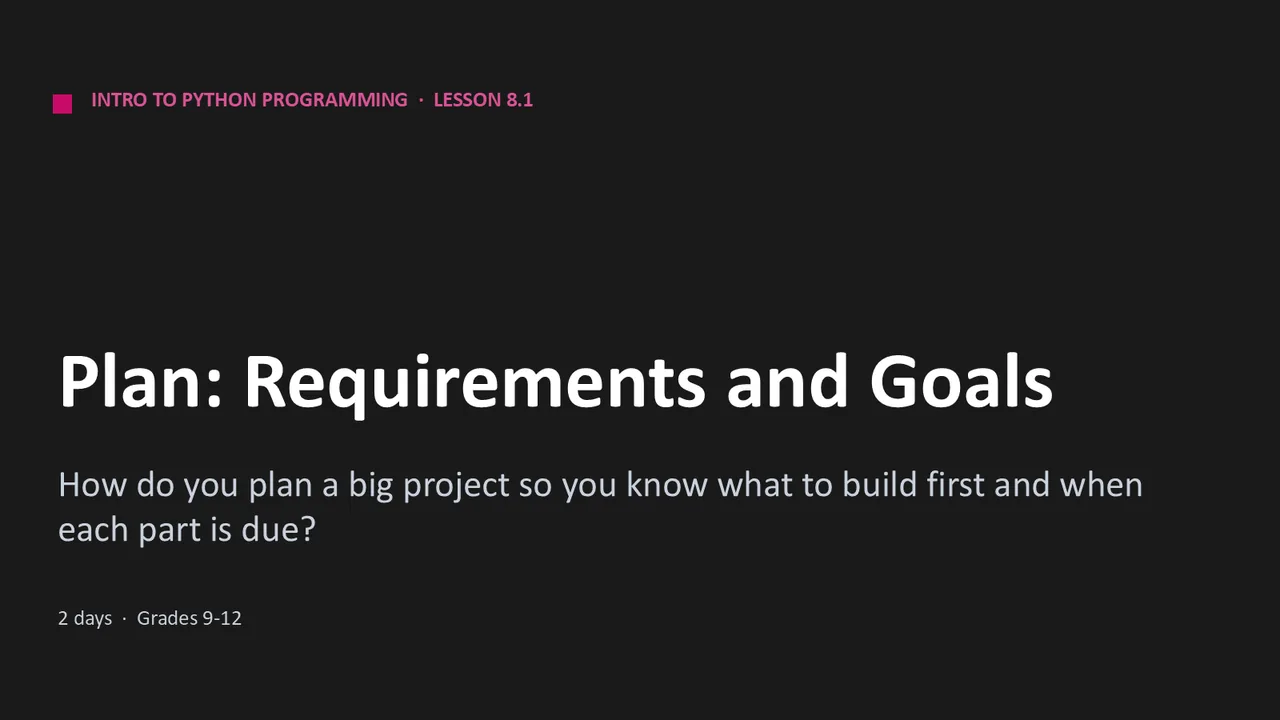
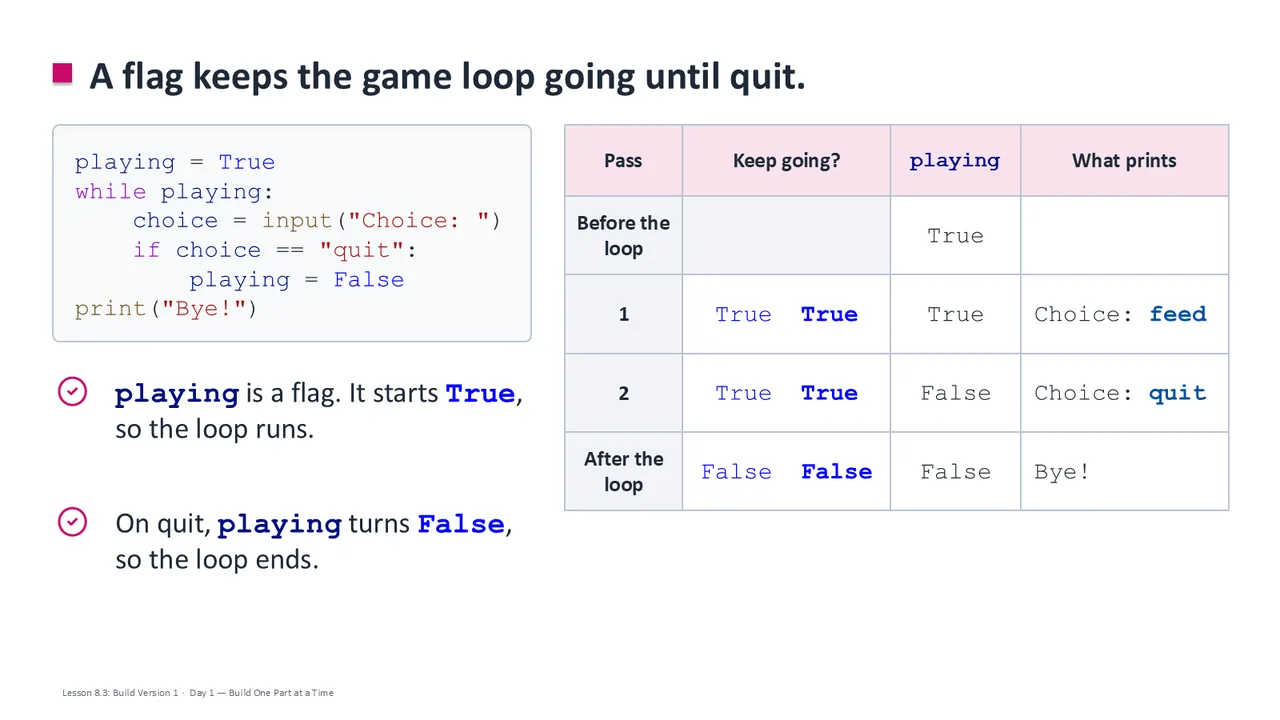
Unit 8 lesson title slideUnit 8 content slide

The 5 Lessons in Unit 8

8.1
Plan: Requirements and Goals
2 days
8.2
Design and Design Review
4 days
8.3
Build Version 1
4 days
8.4
Test and Improve: Version 2
4 days
8.5
Show It: Demo Day
2 days
Unit 8 Bonus folder
Pacing guide
Standards crosswalk
Vocabulary Bingo

Unit 8 is sold only whole: its 5 lessons are one project, so they do not sell one at a time. It is also part of the complete Intro to Python Programming course.

Why Teachers Choose It

Students keep decisions and progress visible

Goals, design reviews and logs help students explain what they plan to build and how their work changes.

Improvement includes users and earlier tests

Students watch a partner try the program, fix bugs and retest working behavior as they add a feature.

Print and digital

Every page is a print-ready PDF, and the Google Forms™ and Google Slides™ let you teach the same unit in Google Classroom™.

Every day fits a 45-minute class

Each day's plan is timed activity by activity against real reading and writing speeds.

What Teachers Say

Be the first to review this

Reviews help me a lot, and they help other teachers pick the right resources for their classes. It takes about a minute.

Leave a review

FAQ

What's in Unit 8?
All 5 lessons of the big project, each with slides, guided notes, exit tickets, a project rubric and answer keys, plus 11 activity sheets and 16 lab sheets in 3 lessons. The Unit 8 Bonus folder adds a pacing guide, a standards crosswalk and Vocabulary Bingo.
Can I buy the Unit 8 lessons one at a time?
No. Unit 8 is sold only as a whole unit, because its five lessons are one project, from the plan to Demo Day. It is also part of the complete Intro to Python Programming course.
Is this AP Computer Science?
No. It is a full-year, non-AP intro to Python course for grades 9 to 12. For AP, see our AP Computer Science A and AP CSP courses.
How is it delivered?
Instant download right after checkout: PowerPoint and Word files you can edit, print-ready PDFs, and links that copy the Google Forms™ and Google Slides™ into your Drive.
Which standards does it cover?
Written for Florida's Foundations of Programming course (9007210). Each lesson's skills map and the unit's standards crosswalk show which standards it teaches.
Do students need computers?
Computers help, but every online version comes with a paper version, so the whole unit works with no internet.

Want the whole Intro to Python Programming course?

Unit 8 is one of 8. Get the full year for less than the eight units cost separately.

See the full course