
Java Basics
Seven lessons on a first Java program: variables, input, math, decisions, loops and methods. Each level is a short program students write and check in CodeGrove. It ends with a review and a test task.

Coding levels for every unit of the course. Students write, run and check real Java programs in CodeGrove, our code lab that works right in the browser.
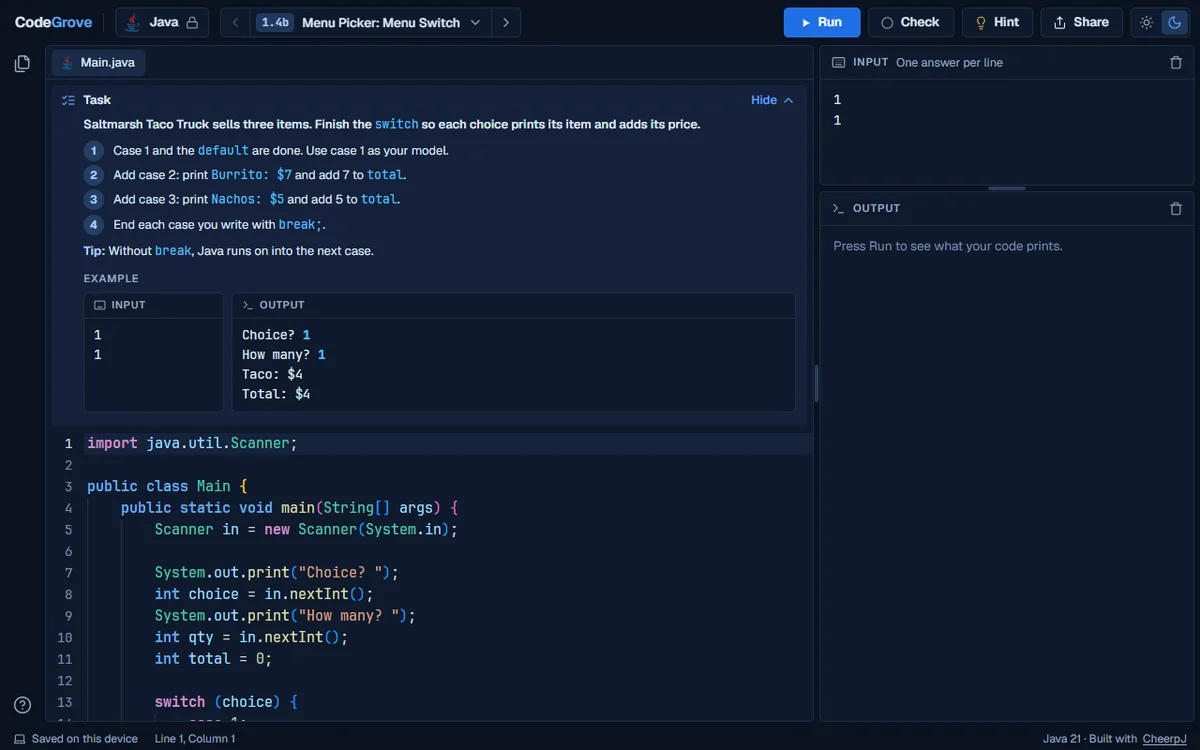
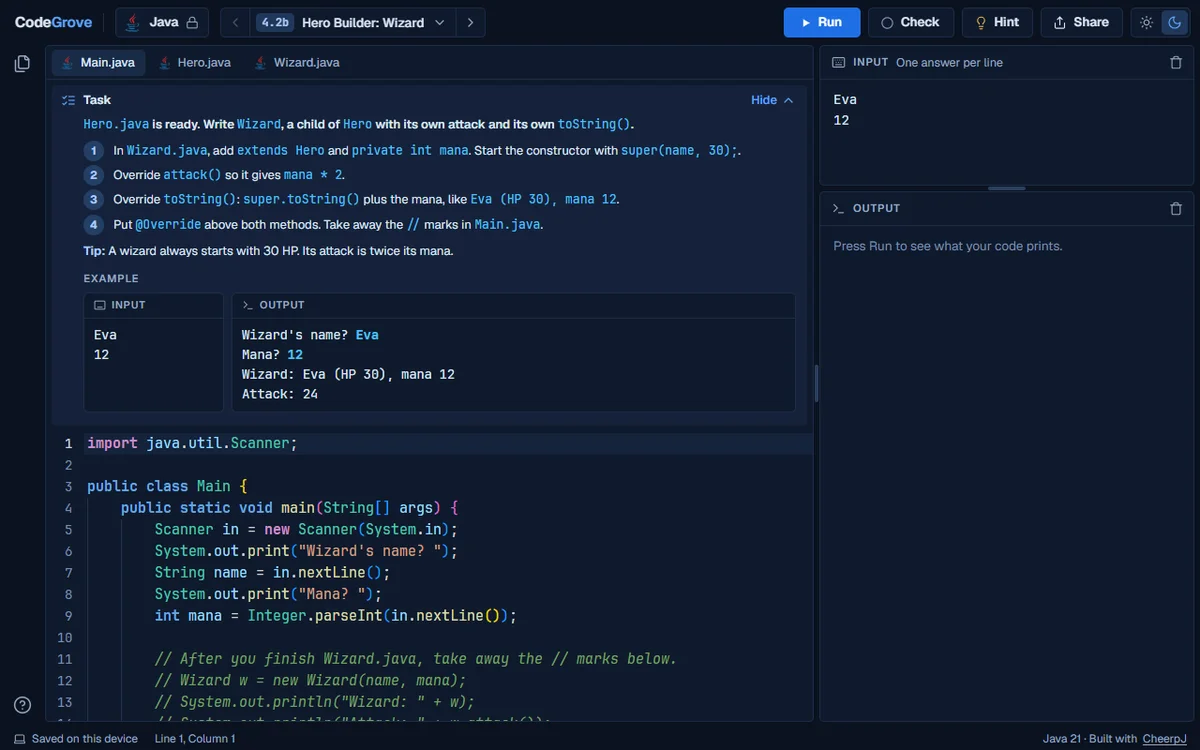
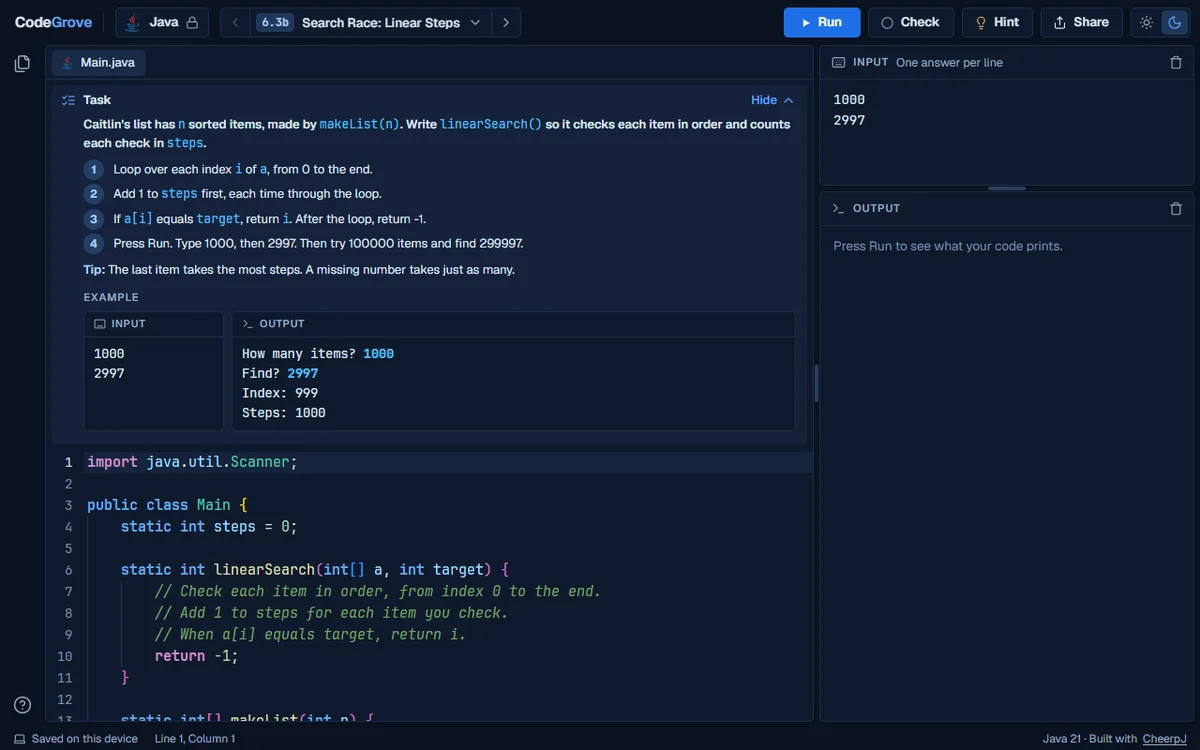
Seven lessons on a first Java program: variables, input, math, decisions, loops and methods. Each level is a short program students write and check in CodeGrove. It ends with a review and a test task.

Five lessons on working with text and lists of values in Java, from String methods to arrays and ArrayList. Each level is a short program students write and check in CodeGrove. It ends with a review and a test task.

Six lessons on writing classes of your own: fields, methods, constructors, private data and objects that work together. Each level is a short program students write and check in CodeGrove. It ends with a review and a test task.

Six lessons on parent and child classes, overriding methods and one call that works many ways. Each level is a short program students write and check in CodeGrove. It ends with a review, a test task and the midterm.

Seven lessons on exceptions, test plans, debugging and programs that read and write files. Each level is a short program students write and check in CodeGrove. It ends with a review and a test task.

Seven lessons on recursion, measuring searches and sorts, heuristics and running two things at once with threads. Each level is a short program students write and check in CodeGrove. It ends with a review and a test task.

Six lessons on event-driven programs, computers inside everyday devices, designing for every user and AI at work. Each level is a short program students write and check in CodeGrove. It ends with a review and a test task.

Six lessons on building one program as a team, from requirements and class diagrams to code reviews and a release. Each level is a short program students write and check in CodeGrove. It ends with the final review and the final task.
Yes. Every level is free to use, with no trial and nothing to buy. They are companions to our course, and you can use them without owning it.
No. A student opens the link and the level starts. There is nothing to install: the code runs in the web browser.
Chromebooks, yes; phones, no. CodeGrove runs in a web browser on Chromebooks, laptops, desktops and larger tablets. Students type code, so it needs more room than a phone gives and says so when it is opened on one.
CodeGrove never asks for a name, an email or an account. A student's code runs inside their own browser and is never sent to us, and their work is saved on that device only. The page itself counts anonymous visits with Google Analytics, the same as the rest of this site.
Each level gives a task and a starting program. Run shows what the program prints. Check tests it with the task's example and some hidden tests, then says what passed and what to fix. Check is practice feedback, not a grade.
No. CodeGrove runs Java right in the browser. The first run takes a few seconds while Java loads, and after that programs start quickly.
Grades 9 to 12, for students who have written programs before, in Python or another language. The levels start at a first Java program, and each one was built for one lesson of this course.
No. Every level explains its task, so it can stand alone. It lands best right after the lesson it was built for, which is why each level is tied to a specific lesson of the course.