Java Programming Unit 8: Team Software Project Black FridayCyber Monday 20% off5d 02h 07m 43s
UNIT BUNDLENEW · GRADES 9–12

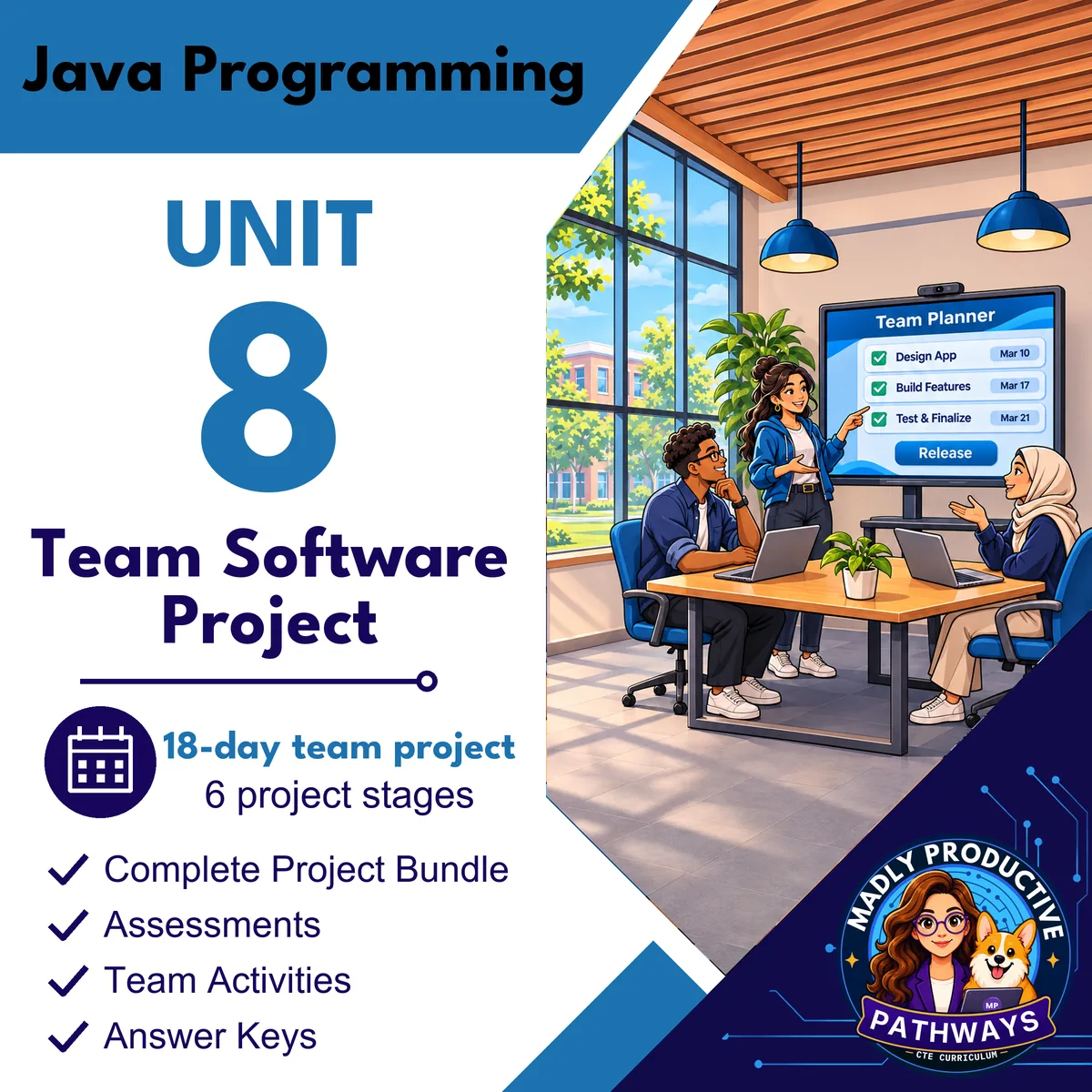
Java Programming Unit 8: Team Software Project

The complete Unit 8, all 6 lessons, sold as one unit

Guide students through a team software project in Java, from the first plan to a release that others can run. Teams write a requirements document, plan who builds each class and draw a class diagram. They estimate their tasks, review another team's design and build in sprints with stand-ups and code reviews. Then they join their files, test every requirement and release version 2 with a demo.

6 lessons · 18 days A rubric for every stage Print + digital Google Forms + Slides
Was $40, now $32

● Instant download · Lifetime access · Free updates · Secure checkout

Free for your students

7 coding levels come with this

See the levels

Short coding levels practice the unit's lessons in CodeGrove, our code lab that runs in the browser. Students write each program, run it and check it, with no account and nothing to install. Use one with the lesson or as practice later.

See the levels
See inside the curriculum

What's in Every Lesson

All 6 lessons follow the same folder system, so you learn the layout once and teach the whole unit.

Slides + Speaker Notes
One editable deck per lesson, with notes that say what to say.
Guided Notes
Fill-in notes that follow the slides, with a word bank.
Activities + Labs
14 activity sheets and 5 lab sheets, with the labs in CodeGrove.
Bell Ringers + Exit Tickets
A warm-up to open each day and a quick check to close it.
Project Rubrics
A rubric in every lesson, from the requirements to the release.
The Team Project
Teams plan, design, build in sprints, review and release one Java program.
Answer Keys
A key for every day, with sample written answers.
Google Forms + Slides
19 Google Forms and 6 Google Slides decks.

See the Actual Pages

Real pages from Unit 8, the same clean design in every lesson.

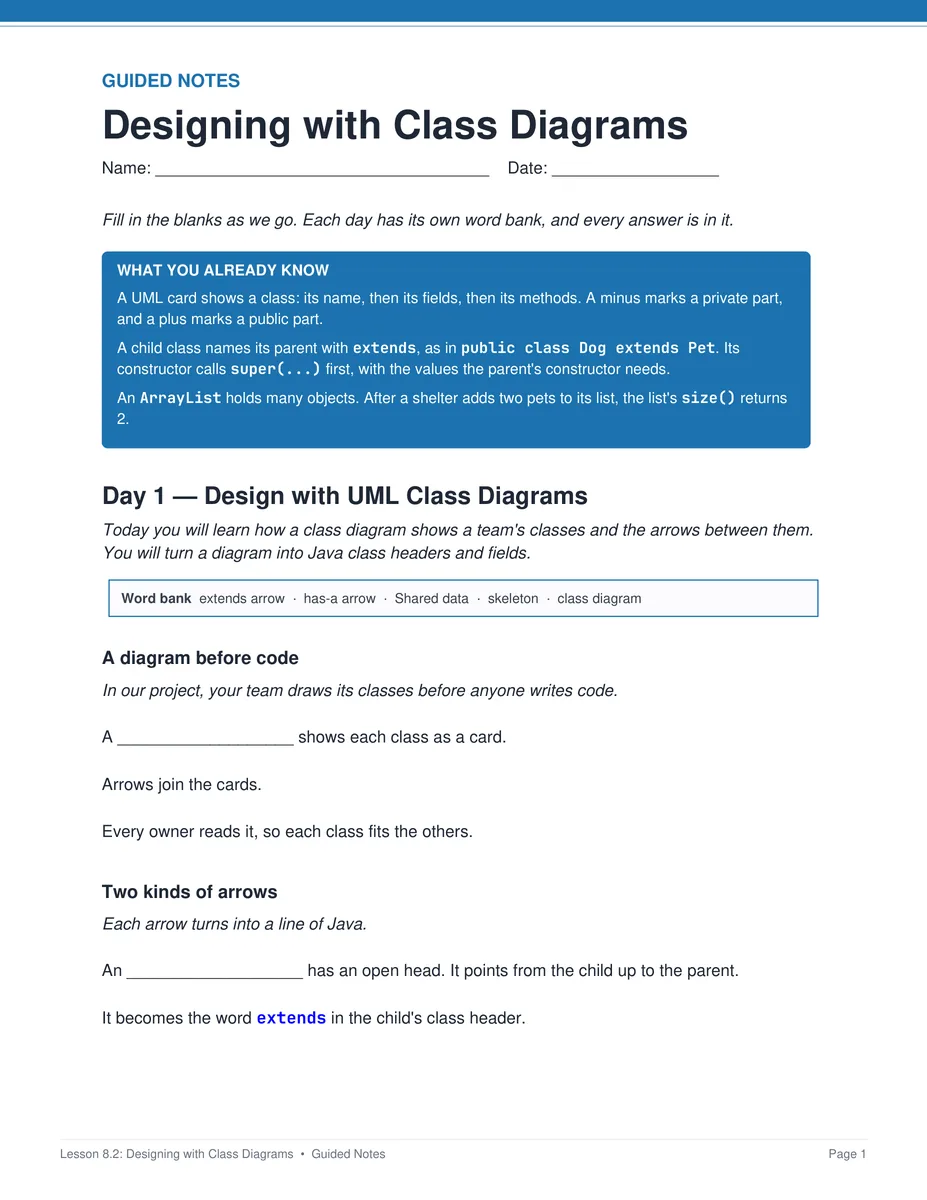
Guided notes

Notes that follow the slides

Students fill in the blanks during the slides, with the word bank right on the page.
  • ✓ PDF and editable Word
  • ✓ A key for every day
Lesson 8.2 guided notes, page 1
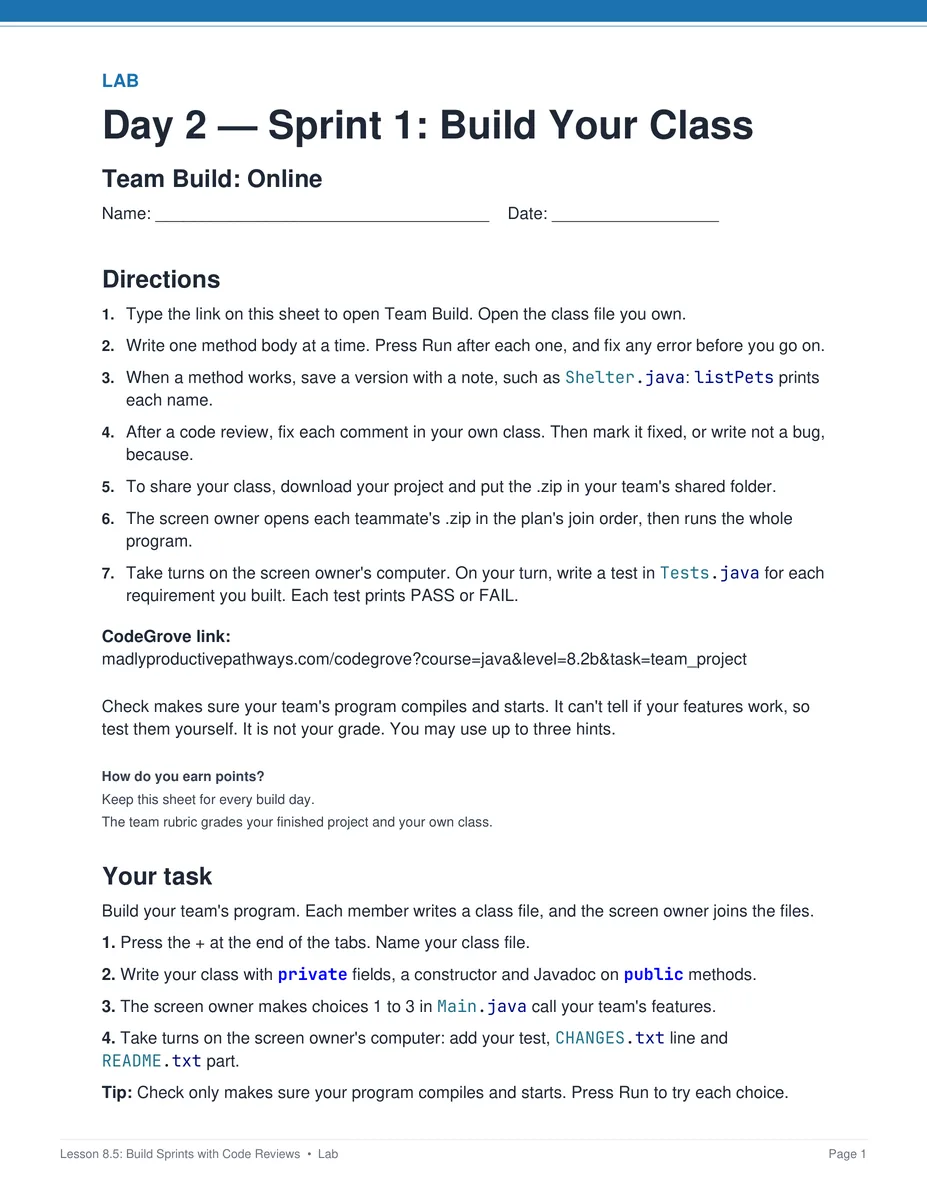
Labs

Real Java in every lab

Students work through labs like Team Build in CodeGrove, our in-browser code lab, then write their code, the output and a why answer on the lab sheet.
  • ✓ No accounts or installs
  • ✓ A key for every sheet
Lesson 8.5 Team Build lab, page 1
Project rubrics

A rubric at every stage

Each lesson of the team project has its own rubric, so you can grade the plan, the class diagram, the estimates, the design review, the sprints and the release.
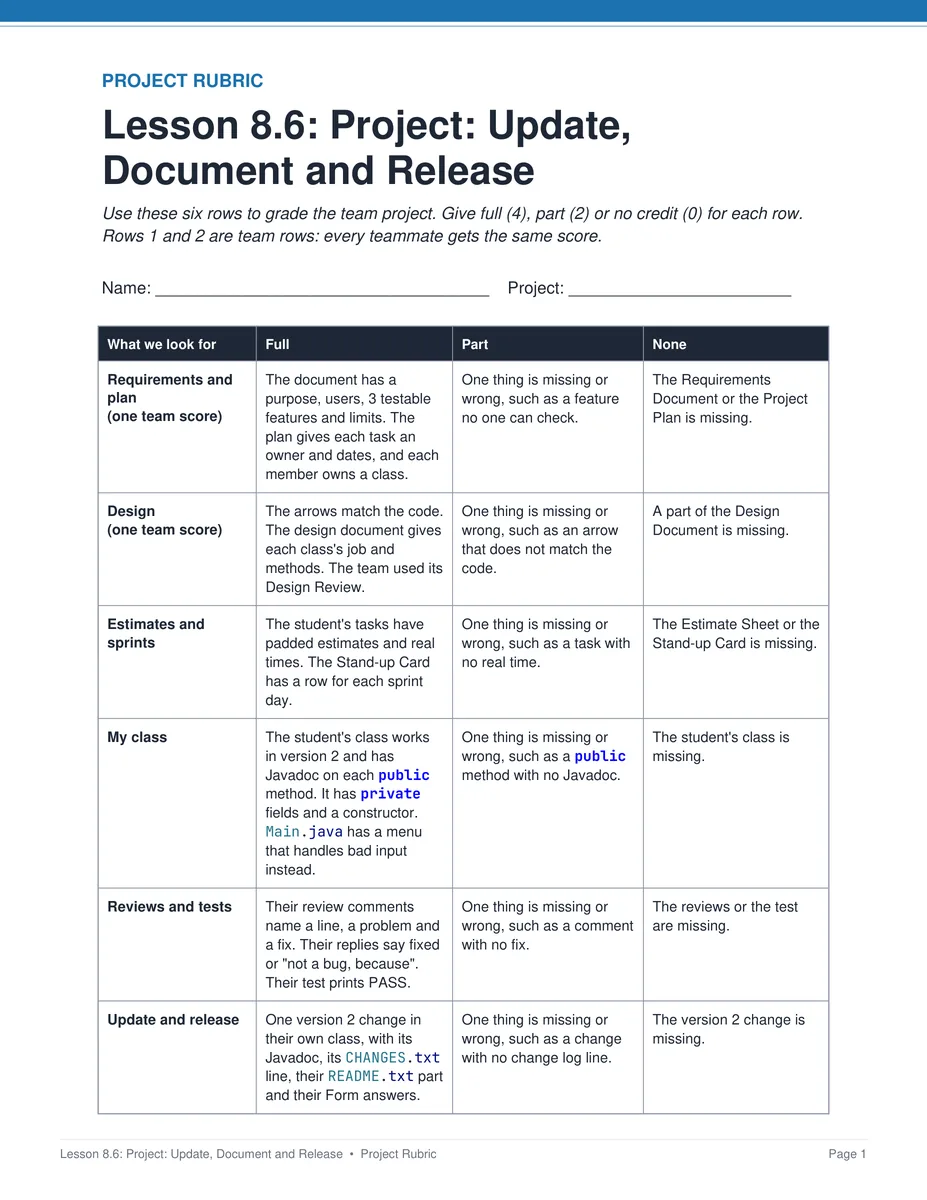
  • ✓ Full, part or no credit for each row
  • ✓ A pacing guide and standards crosswalk in the bonus
Lesson 8.6 project rubric, page 1
Slides

Slides that run every day

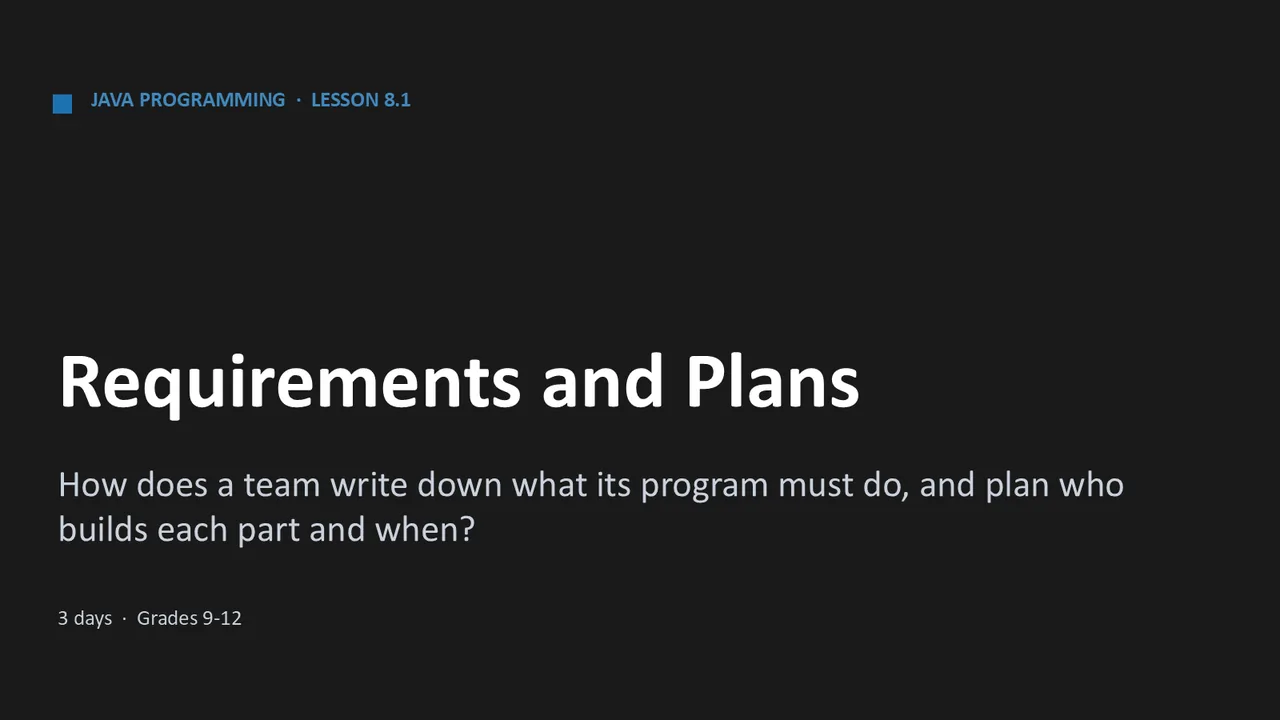
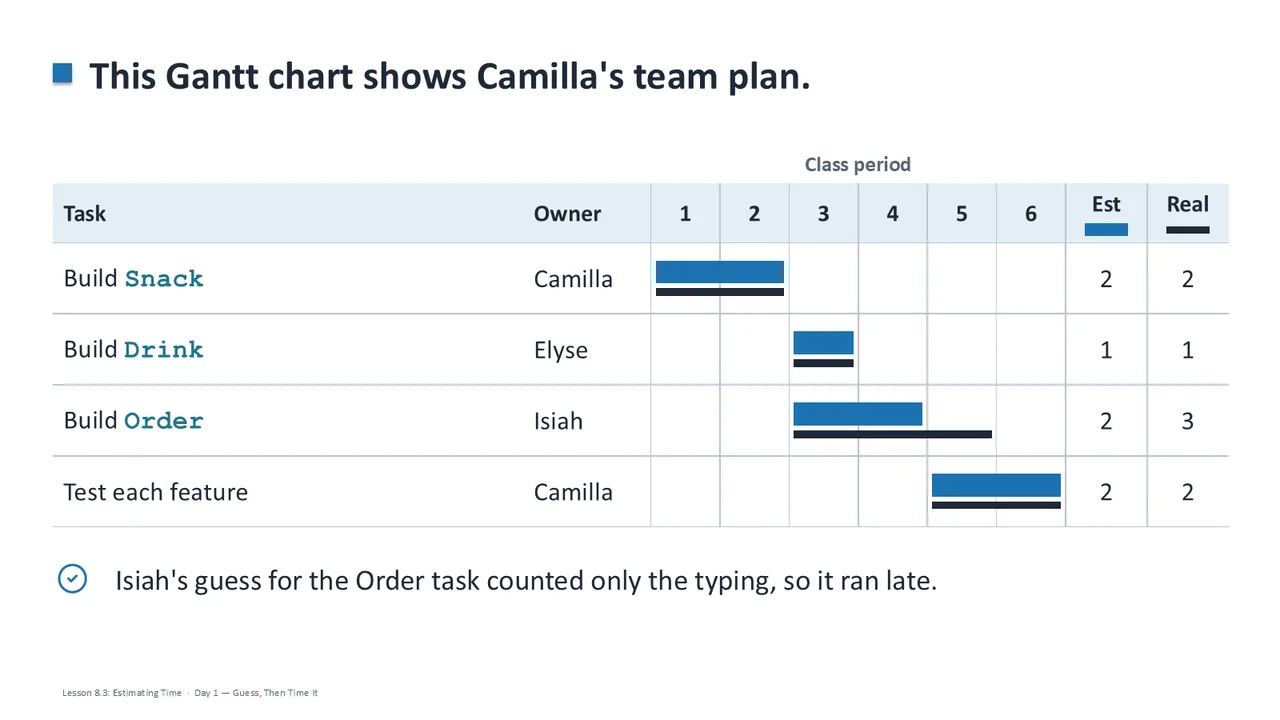
Each lesson has one editable deck. Every day starts at its own Day slide, and the speaker notes say what to say.
  • ✓ Editable PowerPoint
  • ✓ Google Slides™ for Google Classroom™
Unit 8 lesson title slideUnit 8 content slide

The 6 Lessons in Unit 8

8.1
Requirements and Plans
3 days
8.2
Designing with Class Diagrams
3 days
8.3
Estimating Time
2 days
8.4
The Design Review
2 days
8.5
Build Sprints with Code Reviews
5 days
8.6
Project: Update, Document and Release
3 days
Unit 8 Bonus folder
Pacing guide
Standards crosswalk
Vocabulary Bingo

Unit 8 is sold only whole: its 6 lessons are one team project, so they do not sell one at a time. It is also part of the complete Java Programming course.

Why Teachers Choose It

Teams plan the way software teams do

They write requirements that someone can check, a project plan with an owner for every class and estimates with time to test and fix.

Reviews make the code better before the release

Teams review another team's design, check each other's code with five checks and write a test for each requirement before they release.

Print and digital

Every page is a print-ready PDF, and the Google Forms™ and Google Slides™ let you teach the same unit in Google Classroom™.

Every day fits a 45-minute class

Each day's plan is timed activity by activity against real reading and writing speeds.

What Teachers Say

Be the first to review this

Reviews help me a lot, and they help other teachers pick the right resources for their classes. It takes about a minute.

Leave a review

FAQ

What's in Unit 8?
All 6 lessons of the team project, each with slides, guided notes, exit tickets, a project rubric and answer keys, plus 14 activity sheets and 5 lab sheets. The Unit 8 Bonus folder adds a pacing guide, a standards crosswalk and Vocabulary Bingo.
Can I buy the Unit 8 lessons one at a time?
No. Unit 8 is sold only as a whole unit, because its six lessons are one team project, from the requirements to the release. It is also part of the complete Java Programming course.
Is this AP Computer Science?
No. It is a full-year, non-AP Java course for grades 9 to 12, and it is not built for the AP exam. For AP, see our AP Computer Science A and AP CSP courses.
How is it delivered?
Instant download right after checkout: PowerPoint and Word files you can edit, print-ready PDFs, and links that copy the Google Forms™ and Google Slides™ into your Drive.
Which standards does it cover?
Written for Florida's Advanced Programming course (9007230). Each lesson's skills map and the unit's standards crosswalk show which standards it teaches.
Do students need computers?
Yes, on lab days. The team build runs online in CodeGrove, our in-browser code lab, so each student needs a computer or tablet. CodeGrove needs no account or install.

Want the whole Java Programming course?

Unit 8 is one of 8. Get the full year for less than the eight units cost separately.
See the full course