
What Cybersecurity Is
Six lessons on what cybersecurity protects and what threatens it. In ShellGrove's Linux labs, students find out who did what on a server, follow an attacker's footprints in its logs and patch a machine against known attacks.

Hands-on Linux labs for every unit of the course. Students type real commands on a pretend computer and network in ShellGrove, our online practice computer that works right in the browser.
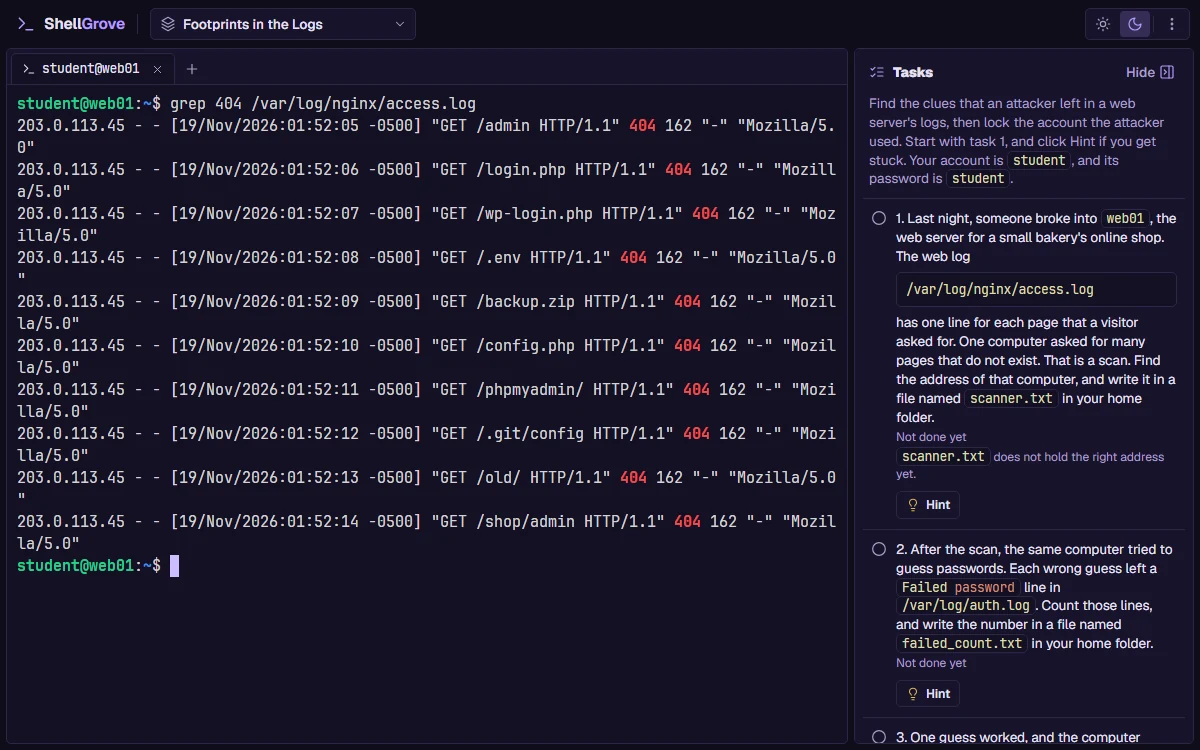
Six lessons on what cybersecurity protects and what threatens it. In ShellGrove's Linux labs, students find out who did what on a server, follow an attacker's footprints in its logs and patch a machine against known attacks.

Five lessons on the parts of a computer and what the operating system does with them. In ShellGrove's Linux labs, students take a hardware inventory, sort and back up files, merge records, fix a slow computer and work a help desk shift.

Five lessons on how a message gets from one computer to another, layer by layer. In ShellGrove's Linux labs, students follow a web request, list a server's ports, watch an ARP table fill in and fix network problems one layer at a time.

Six lessons on how networks are built and the new risks that come with the cloud and smart devices. In ShellGrove's Linux labs, students find a computer's addresses and lock a cloud server's firewall.

Five lessons on the ways a company keeps its computers and data safe. In ShellGrove's Linux labs, students use hashes to find a file someone changed and lock a payroll folder to one group.

Five lessons on the laws and the choices that come with work in cybersecurity. In a ShellGrove Linux lab, students find files with private data and lock them away.
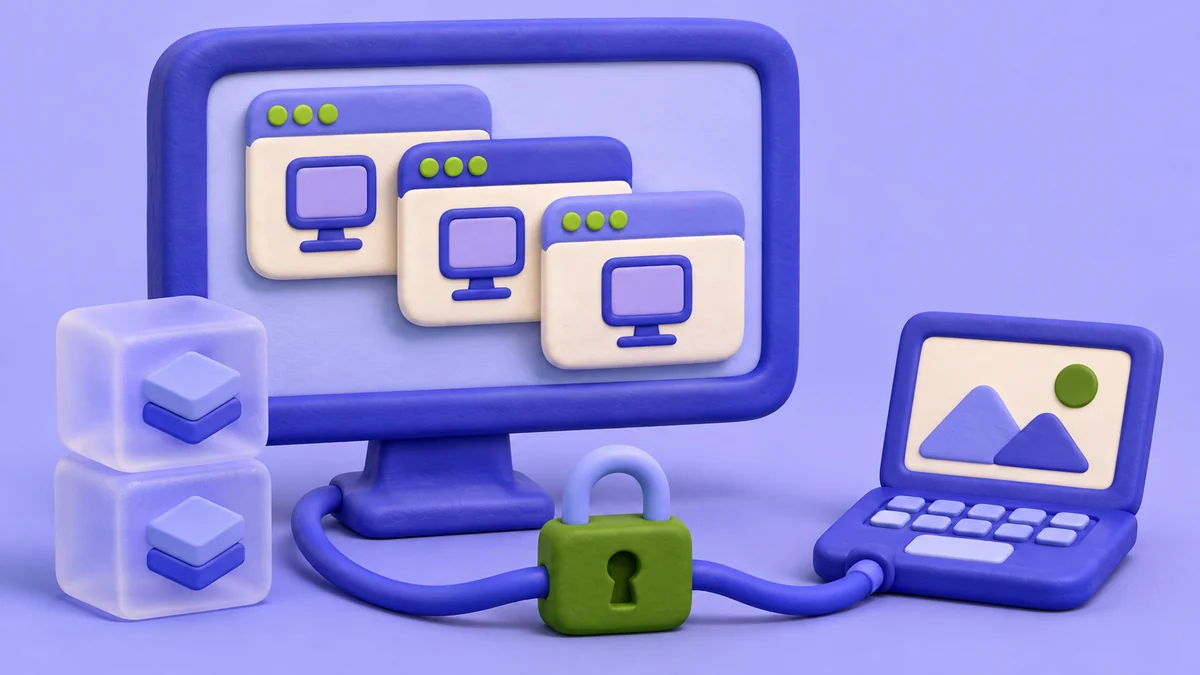
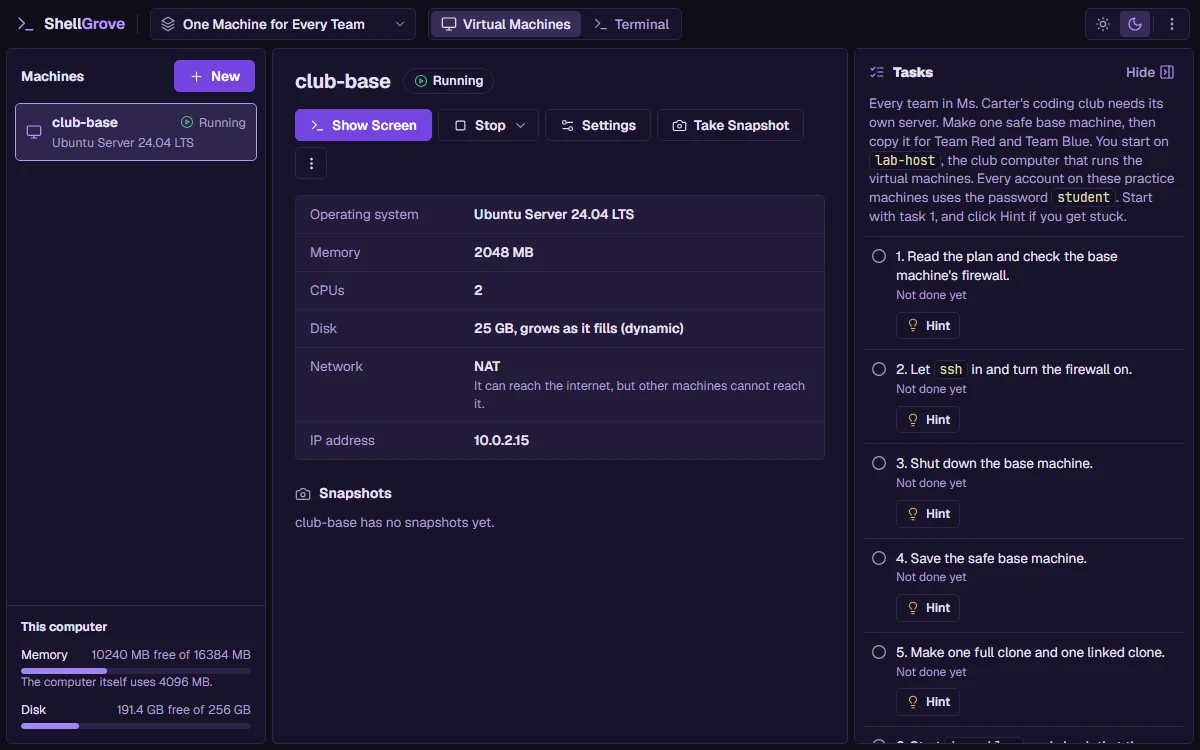
Six lessons on virtual machines and the safe ways to reach a computer from far away. In ShellGrove's Linux labs, students size, snapshot and clone virtual machines, put each one on the right network, switch a login to an SSH key and connect through a VPN.

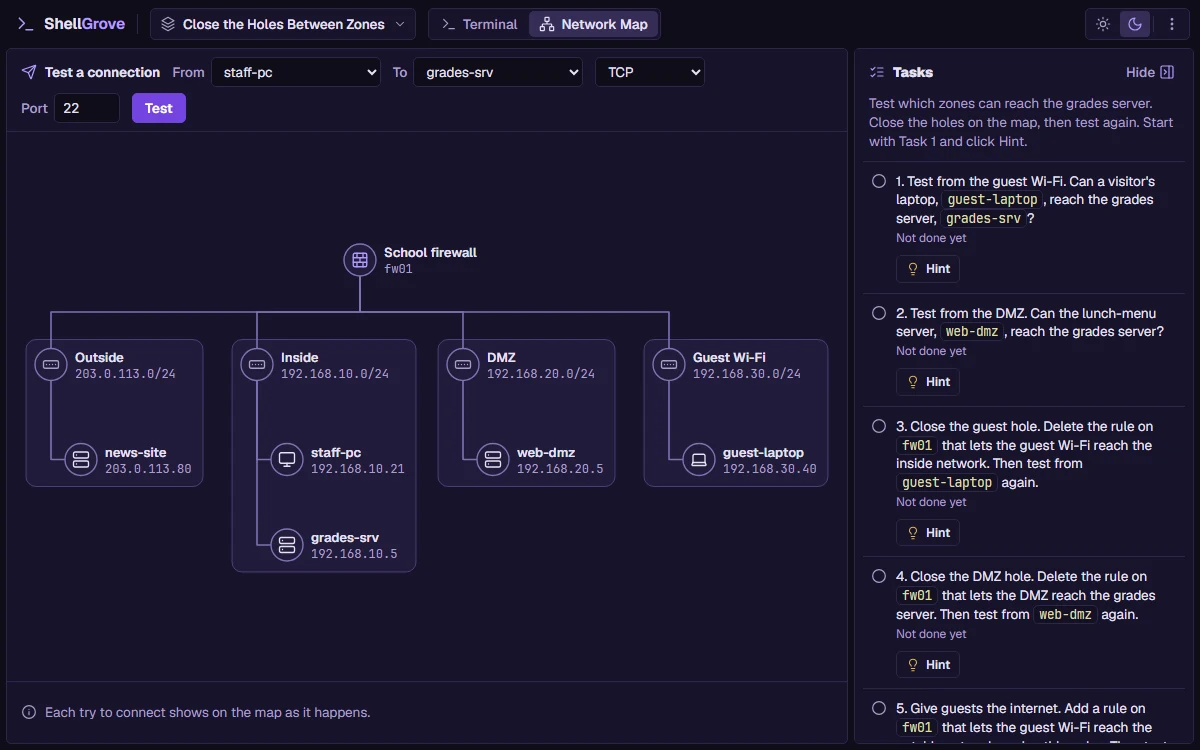
Six lessons on the steps that lock down a small business network. In ShellGrove's Linux labs, students build firewall rules on a network map, secure a router, watch a server's logs, lock down a computer, test a backup and audit a cafe's server.
Yes. Every lab is free to use, with no trial and nothing to buy. They are companions to our course, and you can use them without owning it.
No. A student opens the link and the lab starts. There is nothing to install: the whole pretend computer runs in the web browser.
Chromebooks, yes; phones, no. ShellGrove runs in a web browser on Chromebooks, laptops, desktops and tablets. Students type commands, so it needs more room than a phone gives and says so when it is opened on one. On a small tablet, turn it sideways.
ShellGrove never asks for a name, an email or an account. The pretend computer runs inside the student's own browser, and nothing they type is sent to us. Their work is saved on that device only, and they can copy it out to carry it to another device. The page itself counts anonymous visits with Google Analytics, the same as the rest of this site.
Each lab gives a short list of tasks on a pretend computer or a small pretend network, like reading a server's logs or locking a folder. Students type real Linux commands, and some labs add a network map or virtual machines. Each task shows when it is done, and each one has a hint for a student who is stuck.
Yes. ShellGrove also opens as free practice, a pretend computer with no tasks.It is atmadlyproductivepathways.com/shellgrove.
Grades 9 to 12, and no Linux experience is needed to start. Each lab was built for one lesson of the course and uses the same vocabulary as that lesson.
No. Every lab explains its tasks, so it can stand alone. It lands best right after the lesson it was built for, which is why each lab is tied to a specific lesson of the course.