Intro to Cybersecurity Unit 1: What Cybersecurity Is Black FridayCyber Monday 20% off5d 02h 07m 43s
UNIT BUNDLENEW · GRADES 9–12

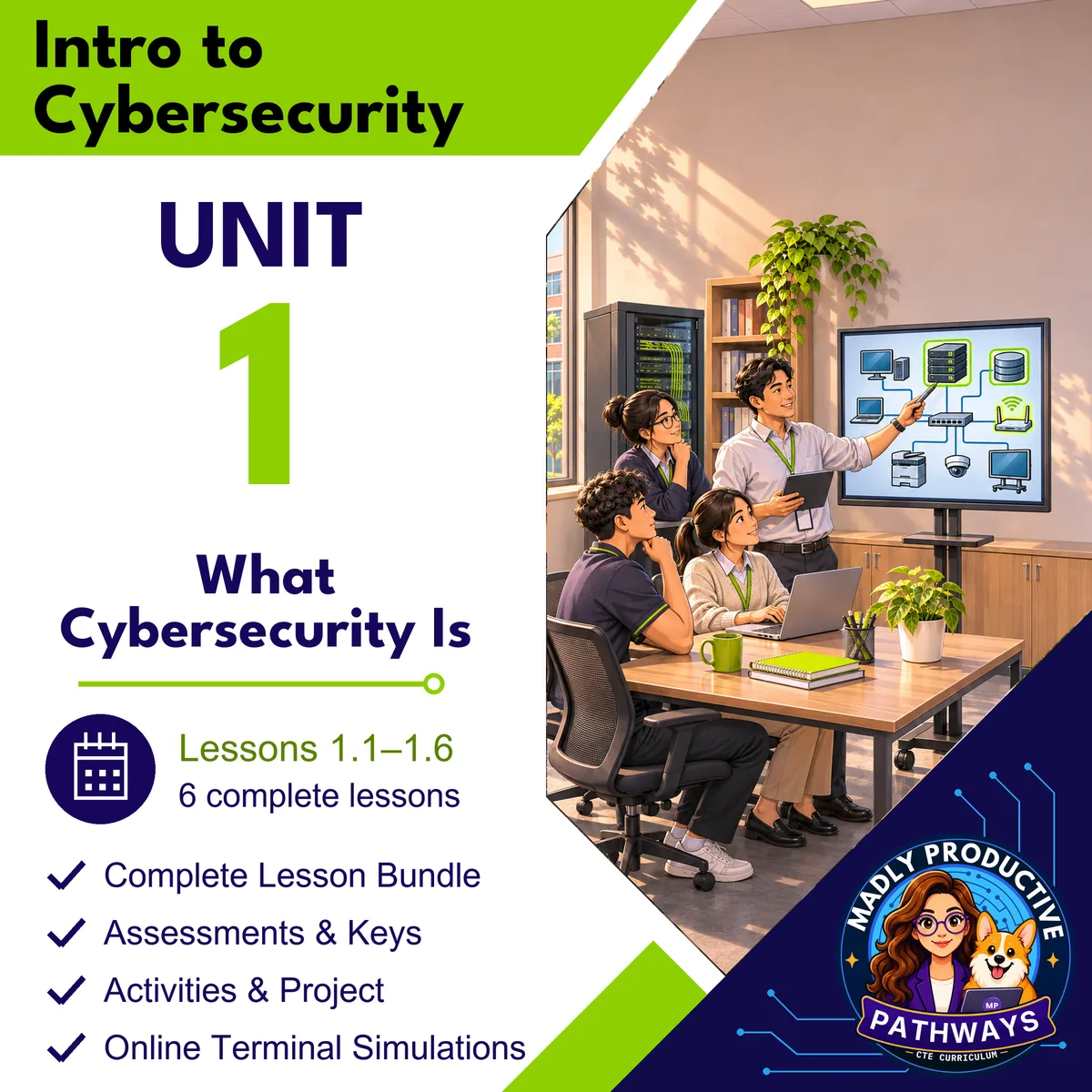
Intro to Cybersecurity Unit 1: What Cybersecurity Is

The complete Unit 1, all 6 lessons

Guide students through what cybersecurity protects and what threatens it. Students use the CIA triad and AAA to say what a breach breaks. They study the kinds of hackers, the stages of an attack, malware, and the agencies and laws that fight cybercrime. In ShellGrove, our online practice computer, they read a server's logs and patch a machine. The unit ends with a news brief about a real attack.

6 lessons · 21 days Unit review + test Print + digital Google Forms + Slides
Was $45, now $36

● Instant download · Lifetime access · Free updates · Secure checkout

Free for your students

3 Linux labs come with this

See the labs

Hands-on Linux labs practice the unit's lessons in ShellGrove, our online practice computer. Students type real commands on a pretend computer and network in the browser, with no account and nothing to install. Use one with the lesson or as practice later.

See the labs
See inside the curriculum

What's in Every Lesson

All 6 lessons follow the same folder system, so you learn the layout once and teach the whole unit.

Slides + Speaker Notes
One editable deck per lesson, with notes that say what to say.
Guided Notes
Fill-in notes that follow the slides, with a word bank.
Activities + Labs
18 activity sheets and 3 lab sheets. Every ShellGrove lab also comes on paper.
Bell Ringers + Exit Tickets
A warm-up to open each day and a quick check to close it.
Lesson Quizzes
Multiple choice and written answers, in 5 of the 6 lessons.
Unit Project
A Cyber News Brief, graded with a rubric.
Answer Keys
A key for every day, with sample written answers.
Google Forms + Slides
30 Google Forms and 7 Google Slides decks.

See the Actual Pages

Real pages from Unit 1, the same clean design in every lesson.

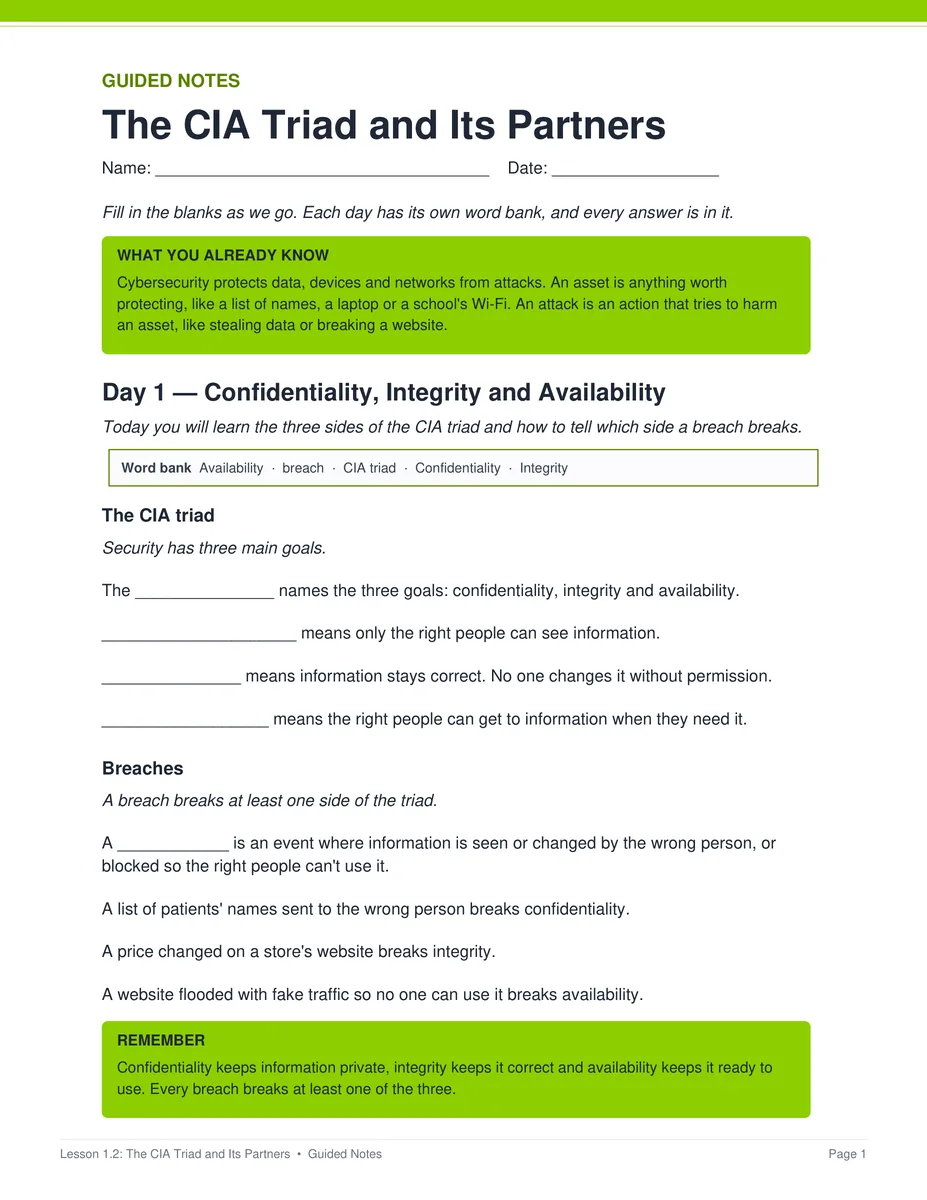
Guided notes

Notes that follow the slides

Students fill in the blanks during the slides, with the word bank right on the page.
  • ✓ PDF and editable Word
  • ✓ A key for every day
Lesson 1.2 guided notes, page 1
Labs

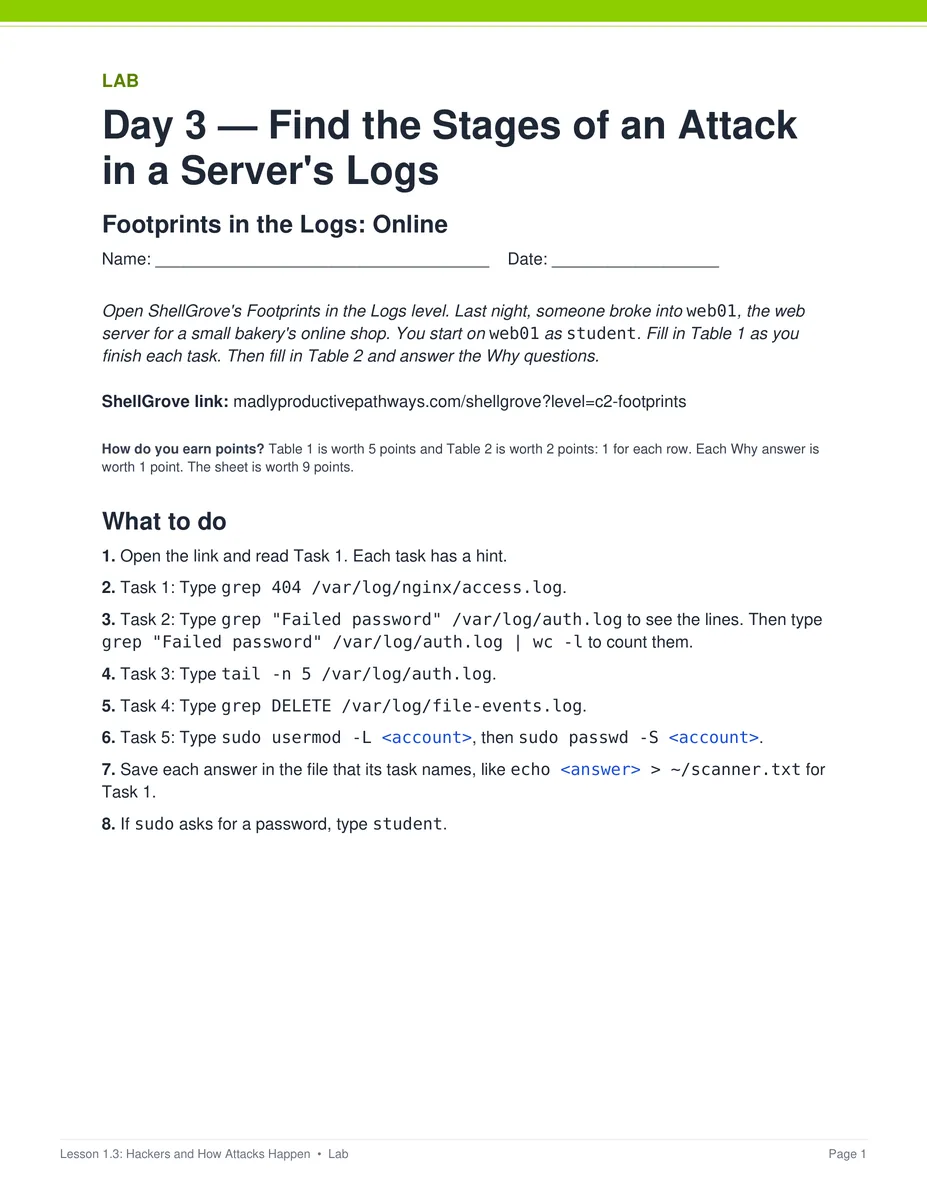
Real commands on a safe practice computer

Students work through labs like Footprints in the Logs in ShellGrove, our online practice computer, then write what they found and a why answer on the lab sheet.
  • ✓ An online and a paper version of each lab
  • ✓ A key for every sheet
Lesson 1.3 Footprints in the Logs lab, page 1
Unit test

A review and test to close the unit

The bonus folder has a review lesson, the unit test and a Form B retake, each with a Google Form and a key.
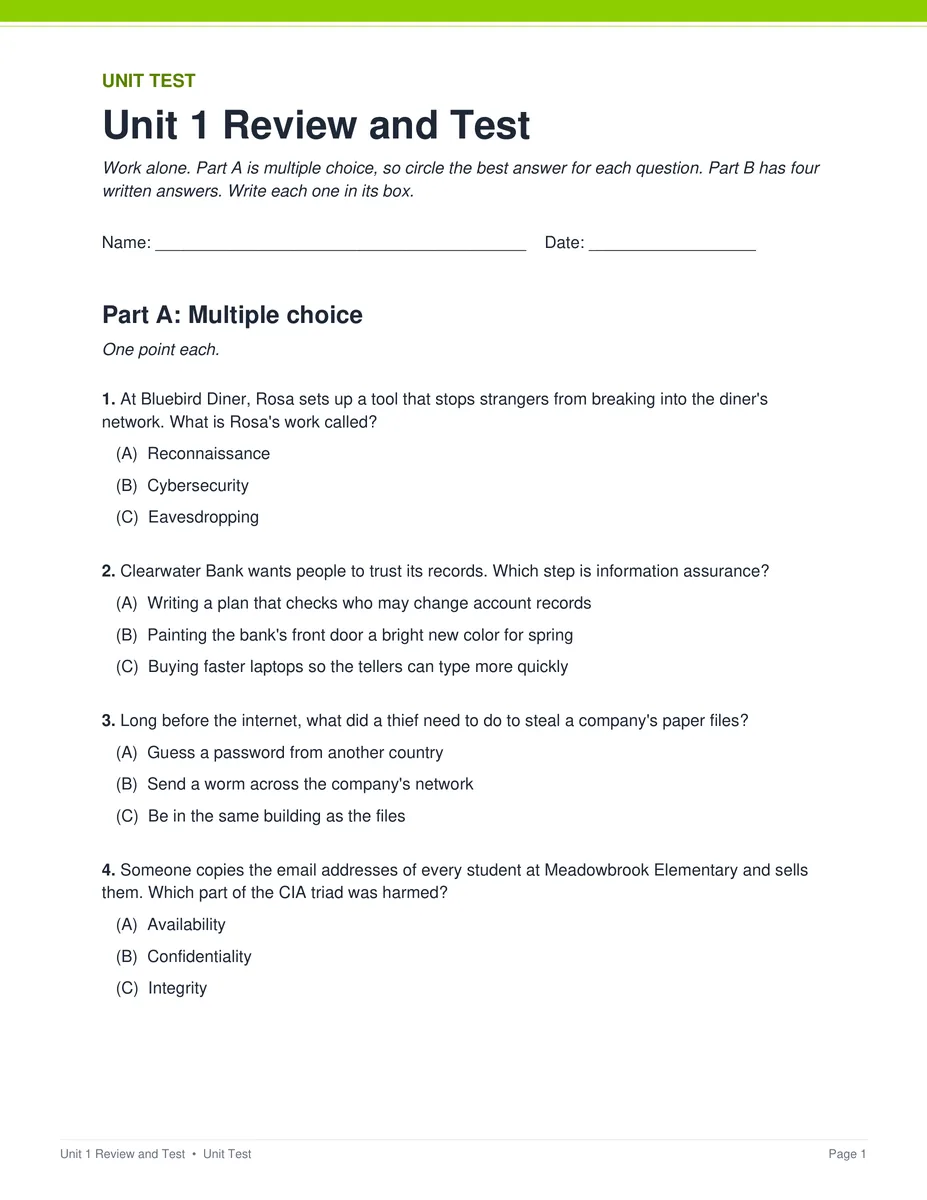
  • ✓ Word copies of both tests
  • ✓ Pacing guide and standards crosswalk
Unit 1 test, page 1
Slides

Slides that run every day

Each lesson has one editable deck. Every day starts at its own Day slide, and the speaker notes say what to say.
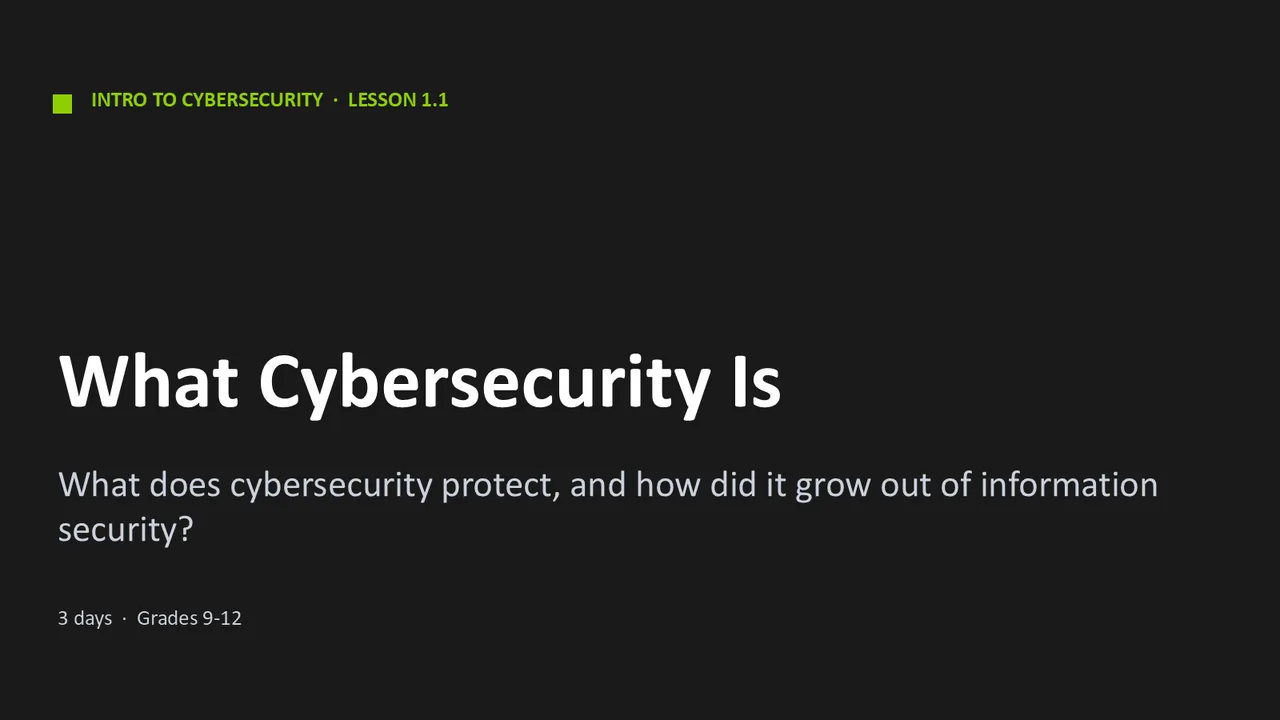
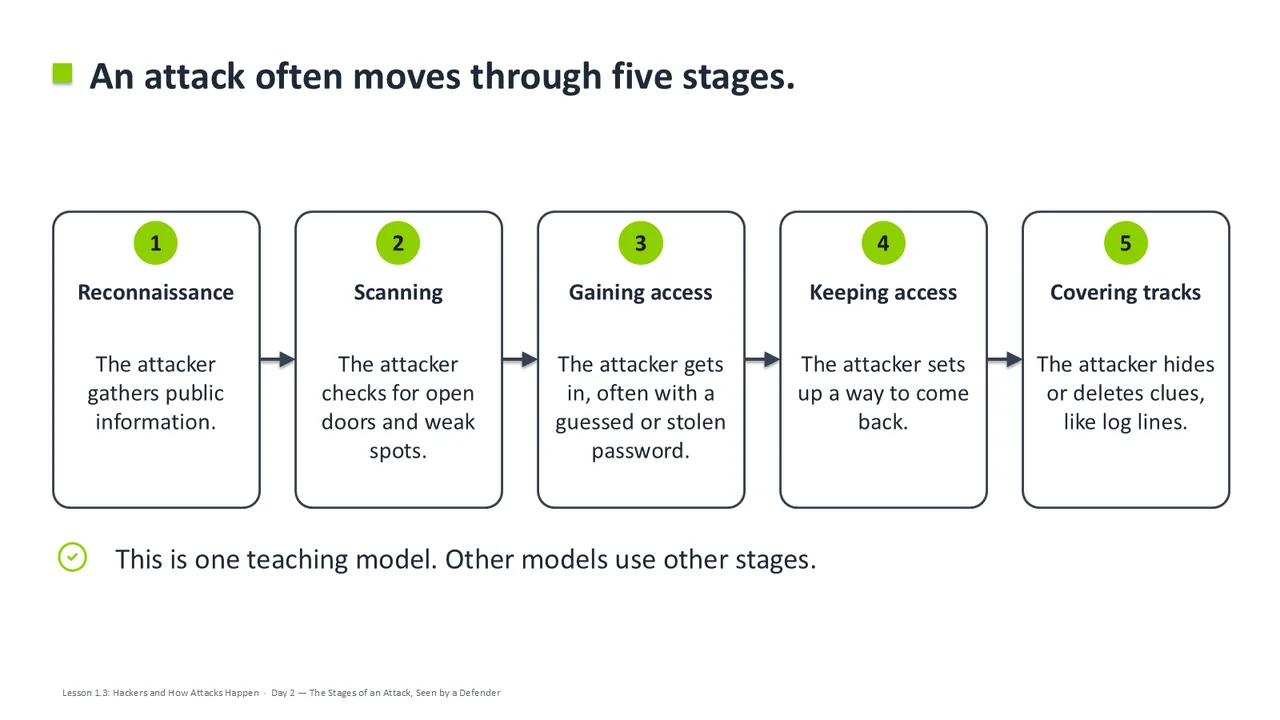
  • ✓ Editable PowerPoint
  • ✓ Google Slides™ for Google Classroom™
Unit 1 lesson title slideUnit 1 content slide

The 6 Lessons in Unit 1

Unit 1 Bonus folder
Unit review + test
Form B retake test
Pacing guide
Standards crosswalk
Vocabulary Bingo

This unit is also part of the complete Intro to Cybersecurity course: all 8 units plus the Course-Wide Bonus folder.

Why Teachers Choose It

Students think like defenders

They name the stage of an attack in short stories and write a defense that could stop each stage. Then they find an attack's clues in a server's logs.

Students check facts before they share them

In the project, partners research a real attack from a printed source packet. They build a timeline with a source list and give a news brief to a small group.

Print and digital

Every page is a print-ready PDF, and the Google Forms™ and Google Slides™ let you teach the same unit in Google Classroom™.

Every day fits a 45-minute class

Each day's plan is timed activity by activity against real reading and writing speeds.

What Teachers Say

Be the first to review this

Reviews help me a lot, and they help other teachers pick the right resources for their classes. It takes about a minute.

Leave a review

FAQ

What's in the Unit 1 bundle?
All 6 lessons, each with slides, guided notes, exit tickets and answer keys, plus 18 activity sheets, 3 lab sheets in 3 lessons, a quiz in 5 lessons and the unit project. The Unit 1 Bonus folder adds a review, a unit test with a Form B retake, a pacing guide, a standards crosswalk and Vocabulary Bingo.
Can I buy single lessons or the whole course?
Yes. Each lesson sells on its own, and this unit is part of the complete Intro to Cybersecurity course, which costs less than buying the eight units. Lesson 1.1 is free.
Is this AP Cybersecurity?
No. It is a full-year, non-AP cybersecurity course for grades 9 to 12, and it is not built for the AP exam. For AP, see our AP Cybersecurity course.
How is it delivered?
Instant download right after checkout: PowerPoint and Word files you can edit, print-ready PDFs, and links that copy the Google Forms™ and Google Slides™ into your Drive.
Which standards does it cover?
Written for Florida's Computer and Network Security Fundamentals course (9001320). Each lesson's skills map and the unit's standards crosswalk show which standards it teaches.
Do students need computers?
Only for the ShellGrove labs, and every online lab also has a paper version that prints the same screens, so a class with no computers still does every lab. On a computer or tablet, ShellGrove opens in the web browser with no account or install.

Want the whole Intro to Cybersecurity course?

Unit 1 is one of 8. Get the full year for less than the eight units cost separately.
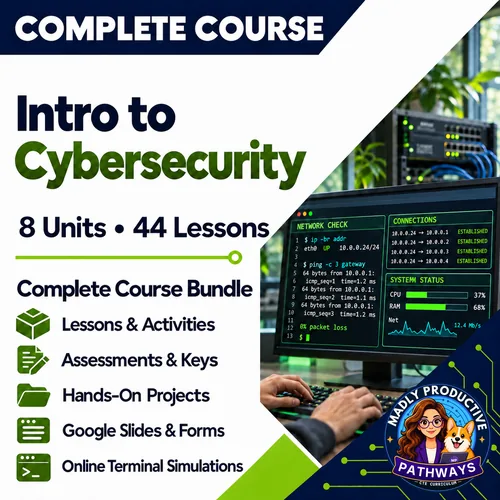
See the full course