 Java Programming Grades 9–12 3-day lesson 25 deliverables
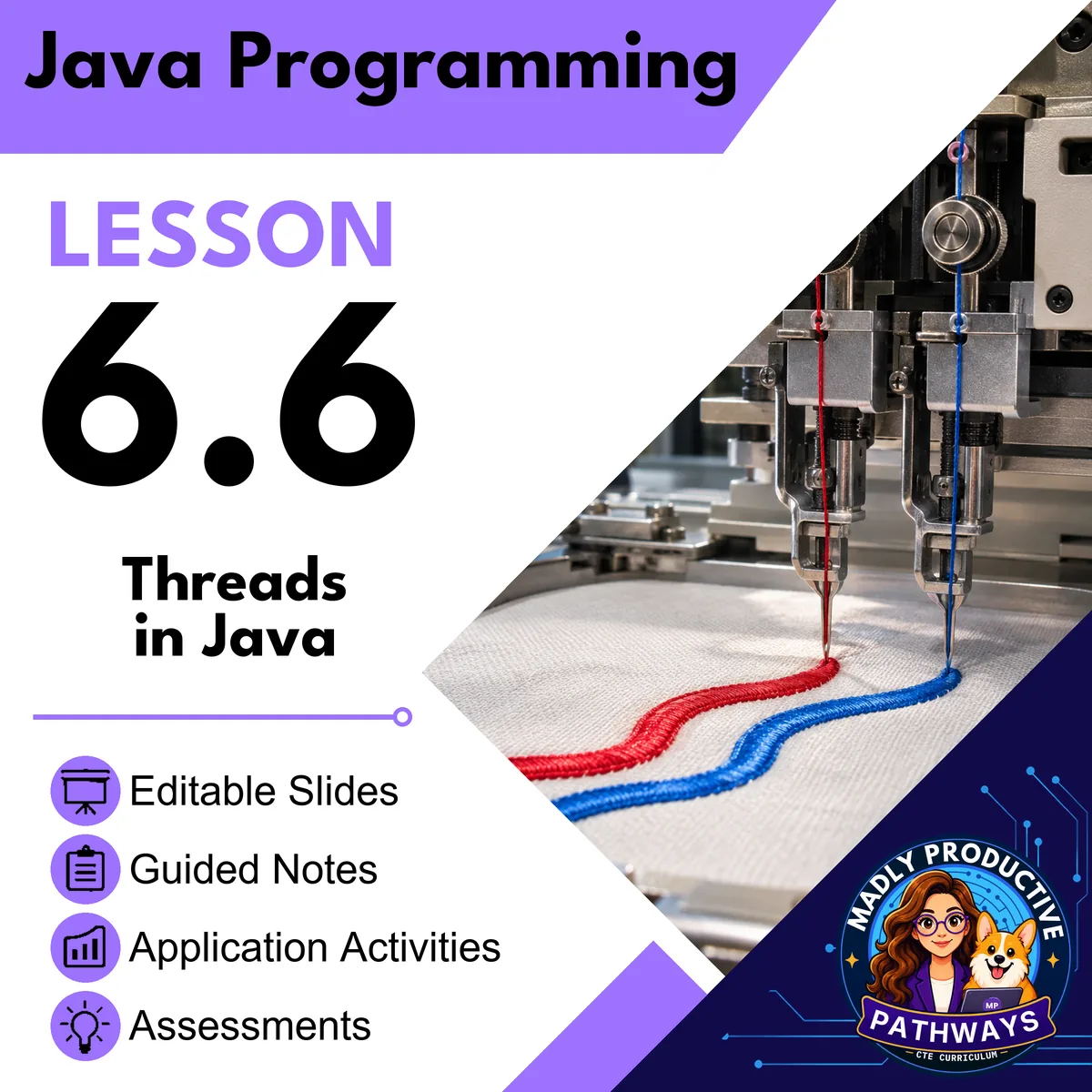
Teach students to run two jobs at the same time in Java with threads. Students read two short thread programs, write each printed line in the lane that prints it and guess the print order. In our online code lab, they start two threads, make main wait for both with join(), split a sum across them and fix a race with synchronized.
● Instant download · Lifetime access · Editable & print-ready
 Print + digitalPDF, PowerPoint, Word & Google
 Answer keysA key for every page
 Built-in assessmentExit tickets + lesson quiz
 45-minute daysEvery day planned and timed
Short coding levels practice this lesson in CodeGrove, our code lab that runs in the browser. Students write the program, run it and check it, with no account and nothing to install. Use them with the lesson or as practice later.
See the levels→Students often call run() and think they started a thread, or read a thread's answer before it is done. This lesson shows how start() differs from run(). It also shows why two threads can lose an add and how synchronized fixes it.
The try-it on Day 1, the lab on Day 2 and the quiz task on Day 3 run online in CodeGrove, our in-browser code lab, so students need a computer or tablet on those days. The Thread Split level practices starting two threads, making main wait for both with join(), and fixing a race with synchronized. CodeGrove is free, with no accounts, sign-ins or installs.
Students split a sum across two threads and fix a race in CodeGrove.
 00 Start Here
 01 Present
 02 Student Handouts
 03 Labs
 04 Activities
 05 Assessment06 Answer Keys

 Digital: Google Forms™ + Google Slides™
 Online: CodeGrove
 The main thread waits for its helpers
Students use join() so main reads the answer only after each thread finishes its part of the sum.
 Students see a race and fix it
Two threads that change one shared value can lose each other's work, because total = total + 10 is not one step.
Print and digitalEvery page is a print-ready PDF, and the Google Forms™ and Google Slides™ let you teach the same lesson in Google Classroom™.
Real online labsStudents write and run real Java in CodeGrove, our in-browser code lab, on a computer or tablet, with no accounts or installs.
A key for every pageEvery day has its own answer key, and every written question has a sample answer and what to look for.
Every day fits a 45-minute classEach day's plan is timed activity by activity against real reading and writing speeds.
Reviews help me a lot, and they help other teachers pick the right resources for their classes. It takes about a minute.
Leave a reviewInstant download right after checkout: PowerPoint and Word files you can edit, print-ready PDFs, and links that copy the Google Forms™ and Google Slides™ into your Drive.
Yes. This lesson is part of the Unit 6 bundle and the complete Java Programming course. Both cost less than buying the lessons one at a time.
No. It is a full-year, non-AP Java course for grades 9 to 12, and it is not built for the AP exam. For AP, see our AP Computer Science A and AP CSP courses.
Students can add one part of an array with sumRange, catch an error with try and catch, and use a static field that every method can change.
Yes, on the CodeGrove days. Each student needs a computer or tablet that's online, and CodeGrove needs no account or install. The bell ringers, notes, exit tickets and quiz are on paper.
Every page is a print-ready PDF. The slides are an editable PowerPoint and the guided notes an editable Word file. The exit tickets and the quiz also come as Google Forms™, and the deck as Google Slides™.
Written for Florida's Advanced Programming course (9007230). The skills map in the lesson shows which standards each day teaches.