 Java Programming Grades 9–12 3-day lesson 27 deliverables
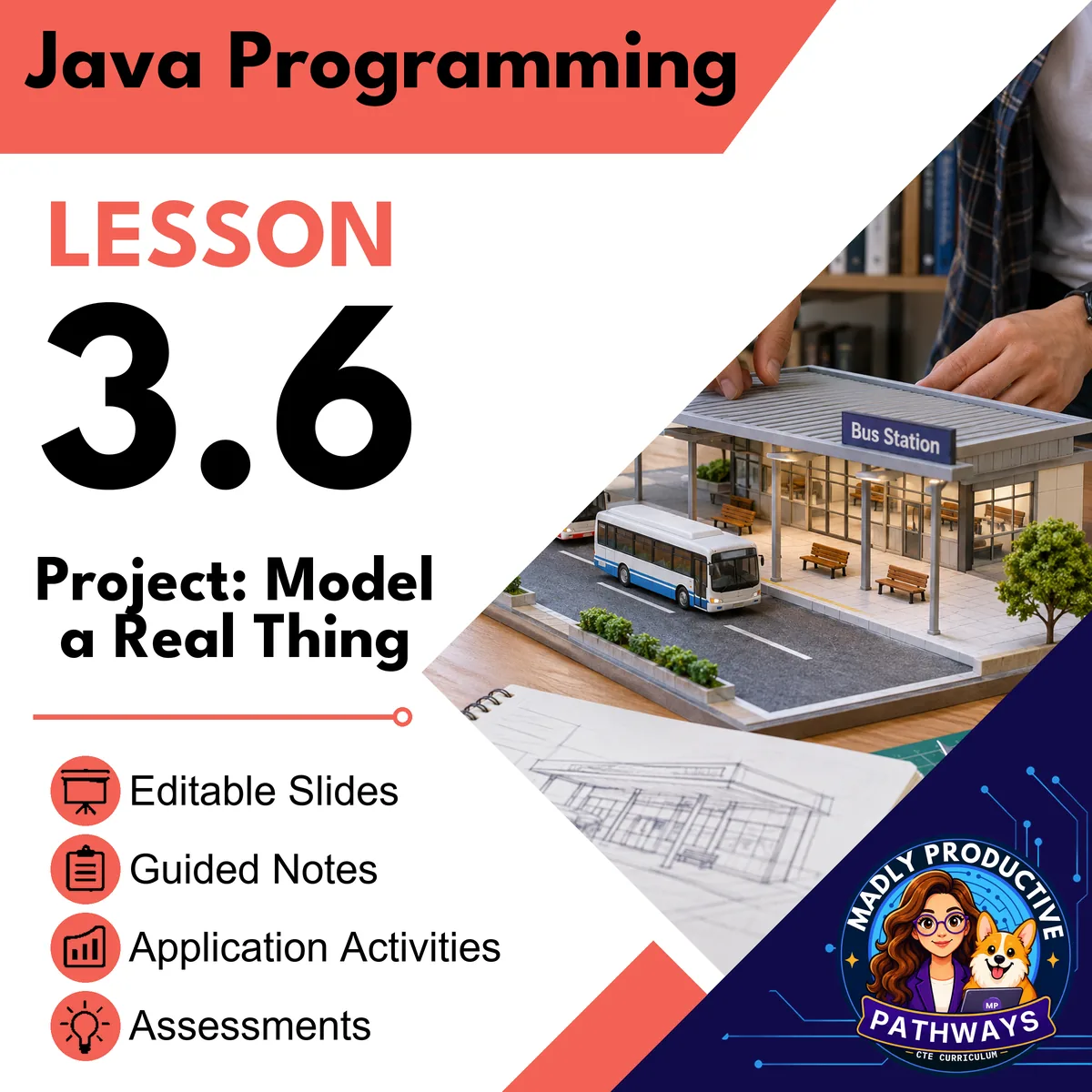
Teach students to plan, build and test two Java classes that work together to model a real thing. Students pick an idea, like Pet Shelter or Team Roster, or their own, and plan each class on a class card. In our online code lab, they build classes with private fields, constructors, a getter, a checking setter and toString(), where one class holds a list of the other.
● Instant download · Lifetime access · Editable & print-ready
 Print + digitalPDF, PowerPoint, Word & Google
 Answer keysA key for every page
 Built-in assessmentExit tickets + project rubric
 45-minute daysEvery day planned and timed
A short coding level practices this lesson in CodeGrove, our code lab that runs in the browser. Students write the program, run it and check it, with no account and nothing to install. Use it with the lesson or as practice later.
Open the level→A model with two classes is hard to debug when students write everything at once. This project has students build one class at a time and run it before the next one starts. Then they test a refused value and an empty list.
The build runs online in CodeGrove, our in-browser code lab, on all three days, so students need a computer or tablet. The Build: My Model level practices building two classes of their own, each with private fields and a constructor, plus a getter, a checking setter and a toString() in at least one of them, where one class holds a list of the other's objects and Main reads typed answers with a Scanner. On the last day, students send the turn-in Form with their CodeGrove link. CodeGrove is free, with no accounts, sign-ins or installs.
Students build their model in CodeGrove, one class at a time.
 00 Start Here
 01 Present
 02 Student Handouts
 03 Labs
 04 Activities
 05 Assessment06 Answer Keys

 Digital: Google Forms™ + Google Slides™
 Online: CodeGrove
 Class cards plan the model
Students name two classes and what each one is in charge of before they code. A partner checks the plan.
 Students test the hard cases
They run a refused value and an empty list, fix what fails and retest. Then they turn in their model and explain their code.
Print and digitalEvery page is a print-ready PDF, and the Google Forms™ and Google Slides™ let you teach the same lesson in Google Classroom™.
Real online labsStudents write and run real Java in CodeGrove, our in-browser code lab, on a computer or tablet, with no accounts or installs.
A key for every pageEvery day has its own answer key, and every written question has a sample answer and what to look for.
Every day fits a 45-minute classEach day's plan is timed activity by activity against real reading and writing speeds.
Reviews help me a lot, and they help other teachers pick the right resources for their classes. It takes about a minute.
Leave a reviewInstant download right after checkout: PowerPoint and Word files you can edit, print-ready PDFs, and links that copy the Google Forms™ and Google Slides™ into your Drive.
Yes. This lesson is part of the Unit 3 bundle and the complete Java Programming course. Both cost less than buying the lessons one at a time.
No. It is a full-year, non-AP Java course for grades 9 to 12, and it is not built for the AP exam. For AP, see our AP Computer Science A and AP CSP courses.
Students can write classes in their own files with private fields, constructors, getters, checking setters, toString() and static counters, and make one class hold objects of another.
Yes, on the CodeGrove days. Each student needs a computer or tablet that's online, and CodeGrove needs no account or install. The bell ringers, notes, exit tickets and quiz are on paper.
Every page is a print-ready PDF. The slides are an editable PowerPoint and the guided notes an editable Word file. The exit tickets and the turn-in Form also come as Google Forms™, and the deck as Google Slides™.
Written for Florida's Advanced Programming course (9007230). The skills map in the lesson shows which standards each day teaches.