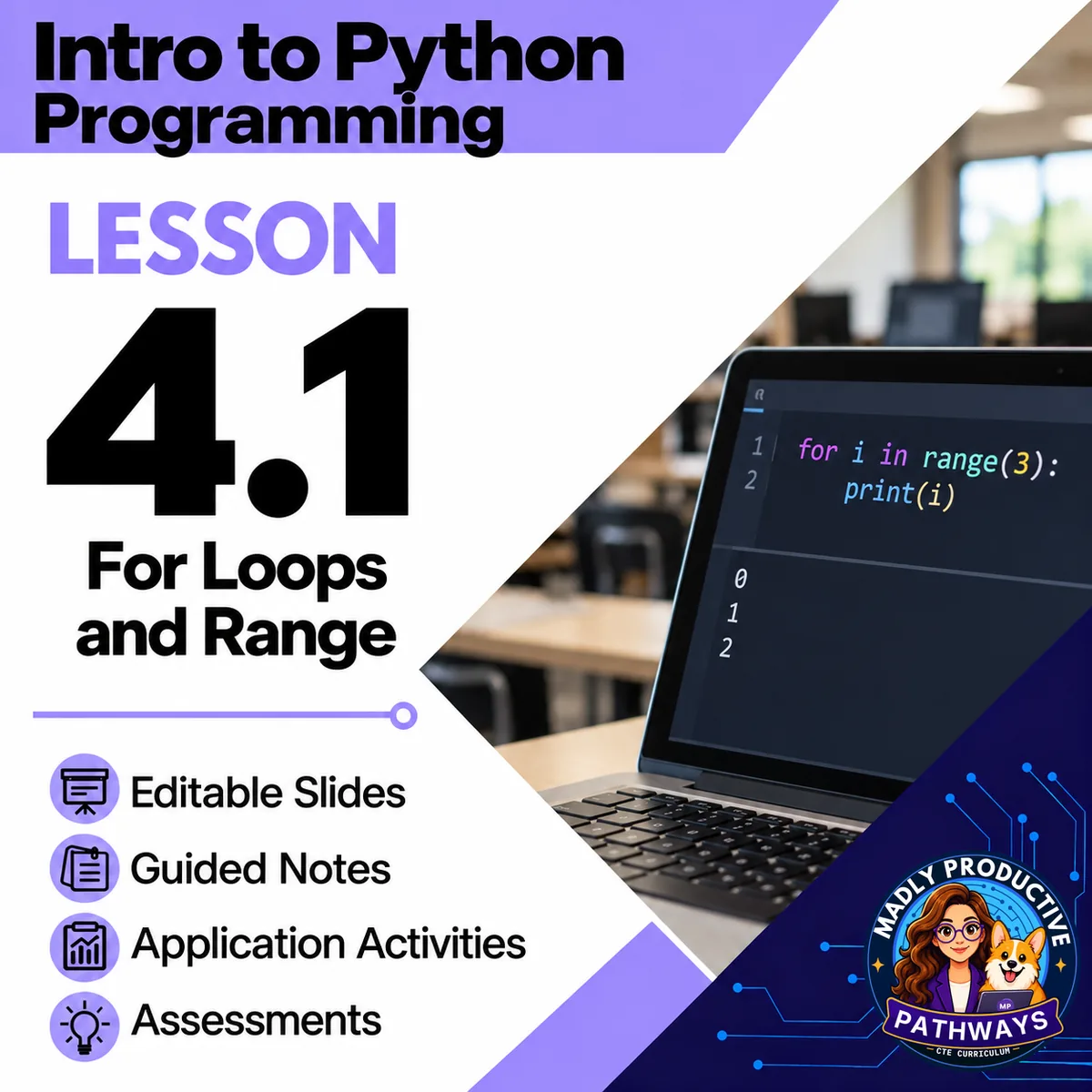
For Loops and Range
 Intro to Python Programming Grades 9–12 4-day lesson 32 deliverables
Teach students to replace repeated Python lines with for loops and use range() to control repetition. Students trace loop output, spot repeated robot steps and write loops that guide a robot through rooms. They also build countdowns, times tables and star patterns, then repair a loop whose body isn't indented.
● Instant download · Lifetime access · Editable & print-ready
 Print + digitalPDF, PowerPoint, Word & Google
 Answer keysA key for every page
 Built-in assessmentExit tickets + lesson quiz
 45-minute daysEvery day planned and timed
Short coding levels practice this lesson in CodeGrove, our code lab that runs in the browser. Students write the program, run it and check it, with no account and nothing to install. Use them with the lesson or as practice later.
See the levelsWhat does this lesson cover?
Students may copy repeated lines without seeing the pattern or understanding where a loop stops. This lesson links repeated actions to loop output and shows how the range controls what repeats.
The labs on Day 2 and Day 3, and the activity on Day 4 have online versions that use CodeGrove, our in-browser code lab, in the Repeat Rooms level. It practices writing for loops that drive a robot along long paths. Every online version comes with a paper version, so no internet is needed. CodeGrove is free, with no accounts or sign-ins.
Repeat Rooms
Students write a for loop for each of three robot rooms and draw the path their code makes, on paper or in CodeGrove.
Everything that's included
 00 Start Here
- READ FIRST: every file in the lesson and when you use it
- Teacher Guide and Pacing: the plan for each day, what to print and how to grade
- Skills map: which standards each day teaches
 01 Present
- One editable PowerPoint deck for all four days, 36 slides, with speaker notes
- Slide script: the speaker notes, printed
- Bell ringers: a short warm-up for each day
 02 Student Handouts
- Guided notes: one packet for all four days, in PDF and editable Word. Students fill in the blanks during the slides, with the word bank on the page
- Vocab slip: the lesson's words and what they mean, on one page
 03 Labs
- Repeat Rooms: students write a for loop for each of three robot rooms and draw the path their code makes, on paper or in CodeGrove
- Countdown: students write three loops that print a countdown, a times table and rows of stars, and explain how each one works, on paper or in CodeGrove
 04 Activities
- Loop It: students rewrite long programs as loops, write what four range() loops print and turn a robot's steps into a loop, on paper with computers closed
- Banner Bug: students fix a cheer program from a bug ticket in Banner Bug, on paper or in CodeGrove, and then they take the lesson quiz
 05 Assessment
- Exit tickets: quick questions that show who needs more help
- Lesson quiz: 8 multiple-choice questions and 2 written answers about all four days
06 Answer Keys
- 6 answer key files: a key for each day (its bell ringer, notes and exit ticket) and the activity and lab keys, plus the quiz key

 Digital: Google Forms™ + Google Slides™
- 5 Google Forms™ of the exit tickets and the quiz, ready to copy into your Drive
- The multiple choice grades itself, and you grade the written answers
- A Google Slides™ copy of the deck, with the same slides and speaker notes, for Google Classroom™
- Give a Form that asks students to read code only on school-managed Chromebooks in locked mode, and use the paper version on other devices
 Online: CodeGrove
- CodeGrove, Repeat Rooms level: the online version of the labs on Day 2 and Day 3, and the activity on Day 4
- Every online version has a paper version, so no internet is needed
- Free to use, with no accounts or sign-ins
Why teachers love this lesson
 Robot paths reveal the repeated steps
Students find the part of a route that repeats, put it in a loop and trace the path.
 Patterns give loop values a purpose
Students use the loop variable to print number and star patterns, including a countdown with a negative step.
Print and digitalEvery page is a print-ready PDF, and the Google Forms™ and Google Slides™ let you teach the same lesson in Google Classroom™.
Real online activitiesStudents can use CodeGrove, our in-browser code lab, on a computer or tablet, and every online version has a paper version that works with no internet.
A key for every pageEvery day has its own answer key, and every written question has a sample answer and what to look for.
Every day fits a 45-minute classEach day's plan is timed activity by activity against real reading and writing speeds.
What Teachers Say
Be the first to review this
Reviews help me a lot, and they help other teachers pick the right resources for their classes. It takes about a minute.
Leave a reviewQuestions teachers ask
How do I get the files after I buy?
Instant download right after checkout: PowerPoint and Word files you can edit, print-ready PDFs, and links that copy the Google Forms™ and Google Slides™ into your Drive.
Can I buy the whole unit or course instead?
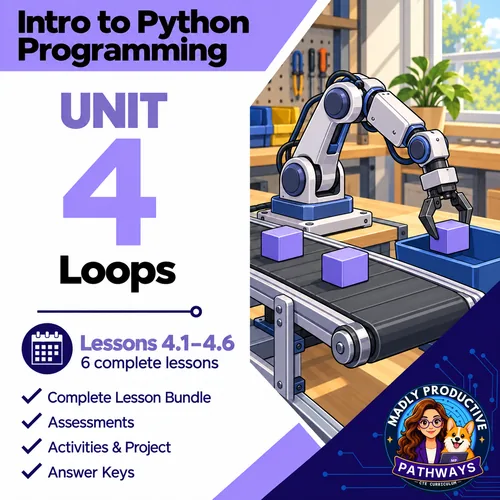
Yes. This lesson is part of the Unit 4 bundle and the complete Intro to Python Programming course. Both cost less than buying the lessons one at a time.
Is this AP Computer Science?
No. It is a full-year, non-AP intro to Python course for grades 9 to 12. For AP, see our AP Computer Science A and AP CSP courses.
What should students know before this lesson?
Students know how to use input() with int() to ask for a whole number, how to do math with Python's math operators and how to show values inside an f-string.
What formats are the files in?
Every page is a print-ready PDF. The slides are an editable PowerPoint and the guided notes an editable Word file. The exit tickets and the quiz also come as Google Forms™, and the deck as Google Slides™.
Which standards does it cover?
Written for Florida's Foundations of Programming course (9007210). The skills map in the lesson shows which standards each day teaches.