 Intro to Cybersecurity Grades 9–12 3-day lesson 25 deliverables
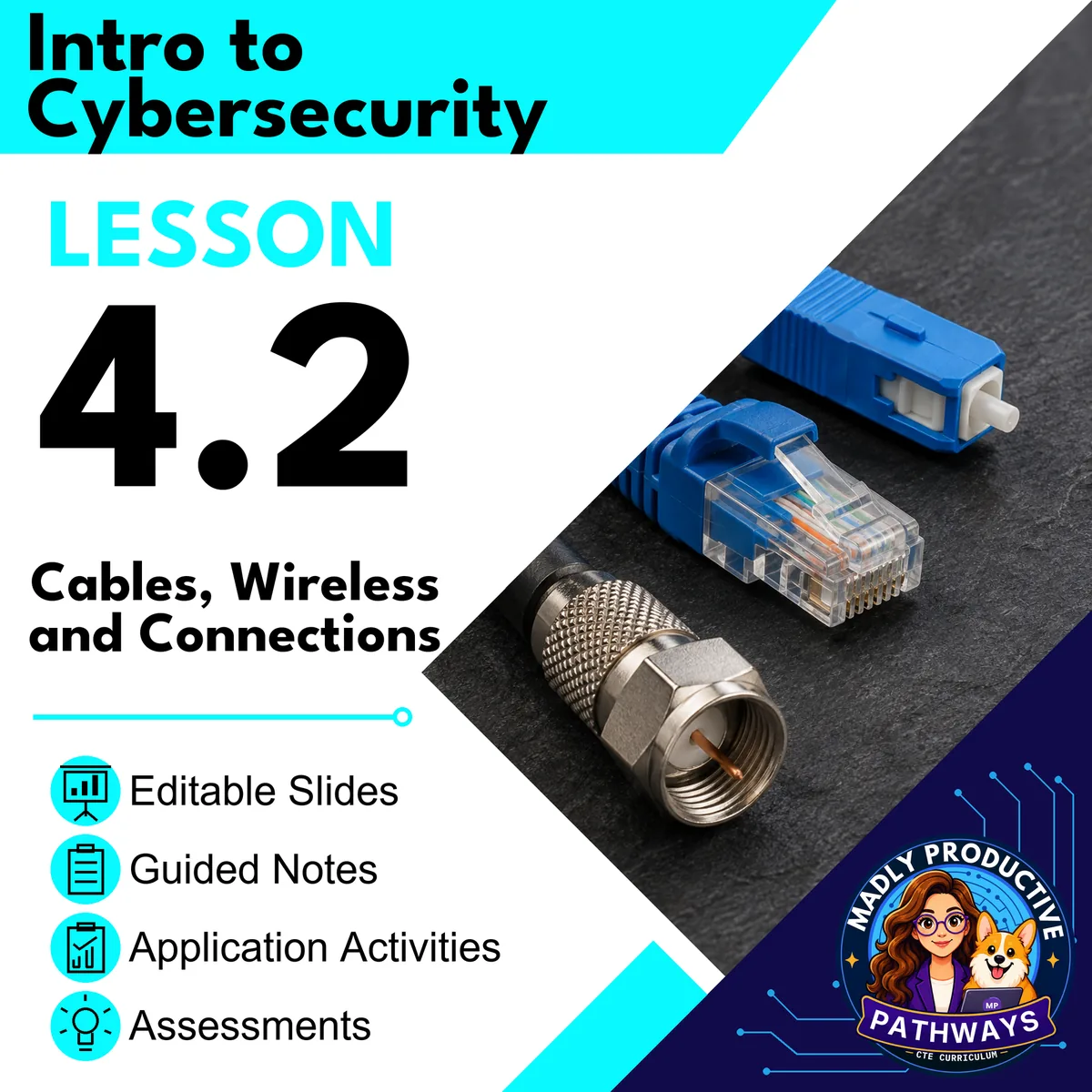
Teach students how data travels and how homes and businesses connect to the internet. Students write a pro and a con for twisted pair, coaxial cable, fiber-optic cable and wireless links. Then they pick the best media for six jobs. They read a menu of made-up internet offers and pick the best connection for four businesses, from DSL and cable to fiber and satellite.
● Instant download · Lifetime access · Editable & print-ready
 Print + digitalPDF, PowerPoint, Word & Google
 Answer keysA key for every page
 Built-in assessmentExit tickets + lesson quiz
 45-minute daysEvery day planned and timed
Students often think wireless is always faster than a cable, or that any Wi-Fi password keeps a network safe. This lesson shows the pros and cons of each kind of media. Students also learn that WEP is easy to break, so WPA2 and WPA3 replaced it.
Every day of this lesson runs on paper, so students need no computers. The exit tickets and quiz also come as Google Forms™ for classes that use devices.
Students write one pro and one con for each of four kinds of network media.
 00 Start Here
 01 Present
 02 Student Handouts
 04 Activities
 05 Assessment06 Answer Keys

 Digital: Google Forms™ + Google Slides™
 Students match the media to the job
With a partner, they circle the best media for each job and write why, like fiber where electrical noise is a problem.
 Students shop for an internet connection
They compare the speed, delay and price of each offer. Then they write why each business should pick its connection.
Print and digitalEvery page is a print-ready PDF, and the Google Forms™ and Google Slides™ let you teach the same lesson in Google Classroom™.
No computers neededEvery day of this lesson runs on paper, so you can teach it in any room.
A key for every pageEvery day has its own answer key, and every written question has a sample answer and what to look for.
Every day fits a 45-minute classEach day's plan is timed activity by activity against real reading and writing speeds.
Reviews help me a lot, and they help other teachers pick the right resources for their classes. It takes about a minute.
Leave a reviewInstant download right after checkout: PowerPoint and Word files you can edit, print-ready PDFs, and links that copy the Google Forms™ and Google Slides™ into your Drive.
Yes. This lesson is part of the Unit 4 bundle and the complete Intro to Cybersecurity course. Both cost less than buying the lessons one at a time.
No. It is a full-year, non-AP cybersecurity course for grades 9 to 12, and it is not built for the AP exam. For AP, see our AP Cybersecurity course.
Students know that Wi-Fi lets devices join a network by radio waves. They know that encryption scrambles data so only people with the right key can read it. They know that Ethernet is the common wired standard that moves frames using MAC addresses.
No. Every day of this lesson runs on paper. The exit tickets and quiz also come as Google Forms™ if your students have devices.
Every page is a print-ready PDF. The slides are an editable PowerPoint and the guided notes an editable Word file. The exit tickets and the quiz also come as Google Forms™, and the deck as Google Slides™.
Written for Florida's Computer and Network Security Fundamentals course (9001320). The skills map in the lesson shows which standards each day teaches.