 Entrepreneurship Grades 9–12 3-day lesson 20 deliverables
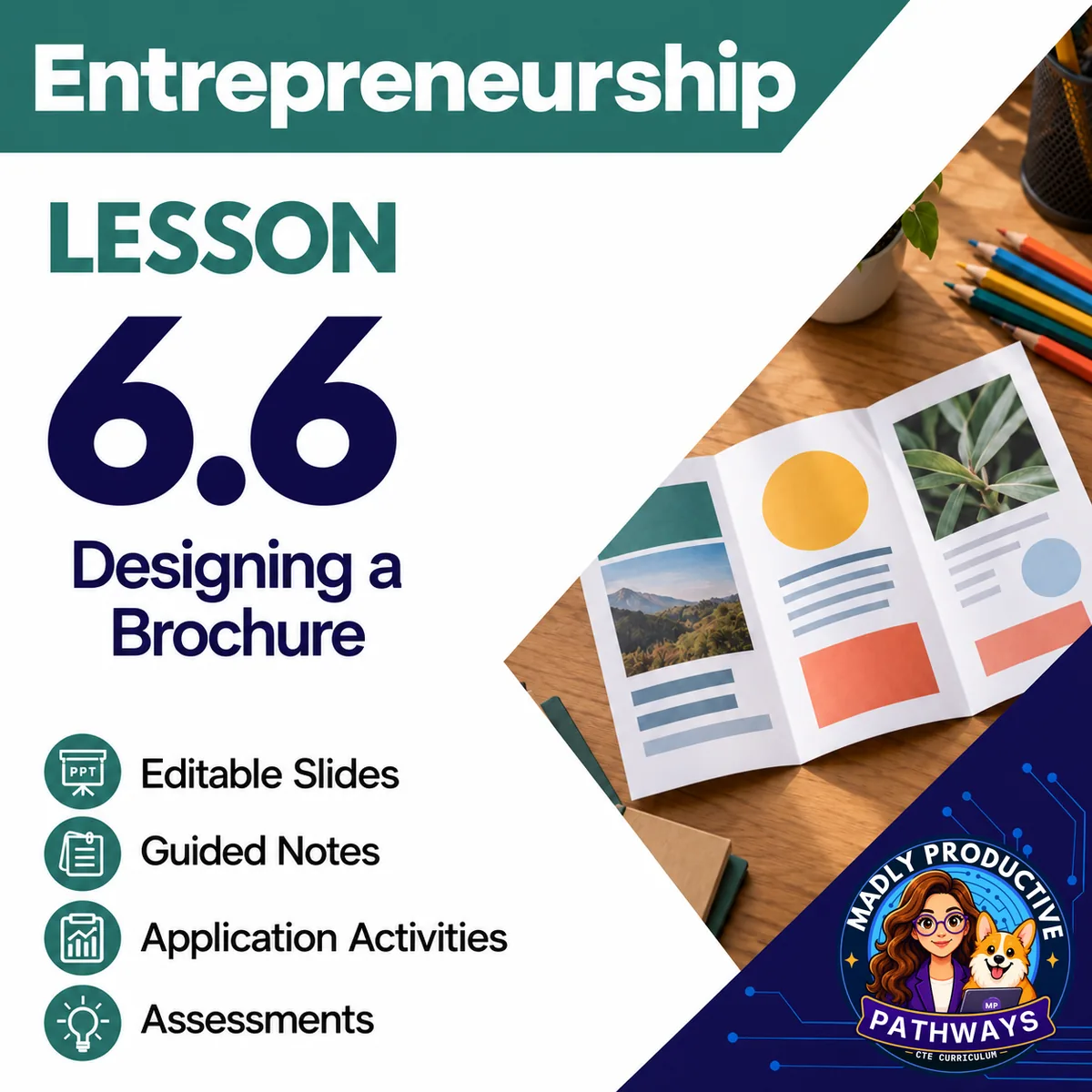
Teach students to plan, write and design an advertising brochure. They learn the six panels of a tri-fold, four design principles, hierarchy and white space and how to write headlines, benefits, proof and a call to action, then build a mock-up and revise it after peer review.
● Instant download · Lifetime access · Editable & print-ready
 Print + digitalPDF, PowerPoint, Word & Google
 Answer keysEvery key & scoring guide included
 Built-in assessmentScenario MCQs + short response
 Open and teachSame folder system every lesson
Students learn what a brochure is, when to use one and what each panel of a tri-fold does. They design and prepare a brochure for their own business with clear copy and sound design.
Day 1 covers what a brochure is, print vs. digital and the six panels of a tri-fold. Day 2 covers design principles and brochure copy, then students draft their purpose and copy. Day 3 covers the mock-up and design choices, then a peer review swap and revision. The MCQ set and the short constructed response work as homework.
Students plan all six panels on a printable mock-up, write the copy, apply design principles and revise after peer review.
 00 Start Here
 01 Present
 02 Student Handouts
 05 Assessment
 04 My Venture Project
 Digital: Google Forms™
 Builds a real business plan
Every lesson adds a step to the My Venture Project, so each student plans a business of their own all year and ends with an investor pitch.
 Open and teach
A READ FIRST guide says what to print and when, and the lesson plan is timed minute by minute.
 One locked design
Every lesson looks and works the same, so students always know where they are.
 Assessment built in
A scenario MCQ set, a short constructed response and an exit ticket, each with a key.
 Standards map included
Every lesson has a standards and skills map, with a guide to matching it to your state.
 Digital-ready
A Google Forms™ version of the MCQ set grades itself, ready for Google Classroom™.
Reviews help me a lot, and they help other teachers pick the right resources for their classes. It takes about a minute.
Leave a reviewInstant download right after checkout: editable PowerPoint and Word, print-ready PDF, and a link that copies the Google Forms™ quiz into your Drive.
Yes. This lesson is part of the Unit 6 bundle and the complete Entrepreneurship course. Both cost less than buying the lessons one at a time.
A year-long project in which each student plans a business of their own. This lesson's build step adds to Milestone 6, Marketing Plan, and the year ends with a full business plan and an investor pitch.
Editable PowerPoint and Word, print-ready PDF, and a Google Forms™ version of the MCQ set. You'll need PowerPoint or Google to edit.
Written for Florida's Business Ownership course (8812000). Each lesson's standards map shows which standards it teaches, with a guide to matching it to your state.