
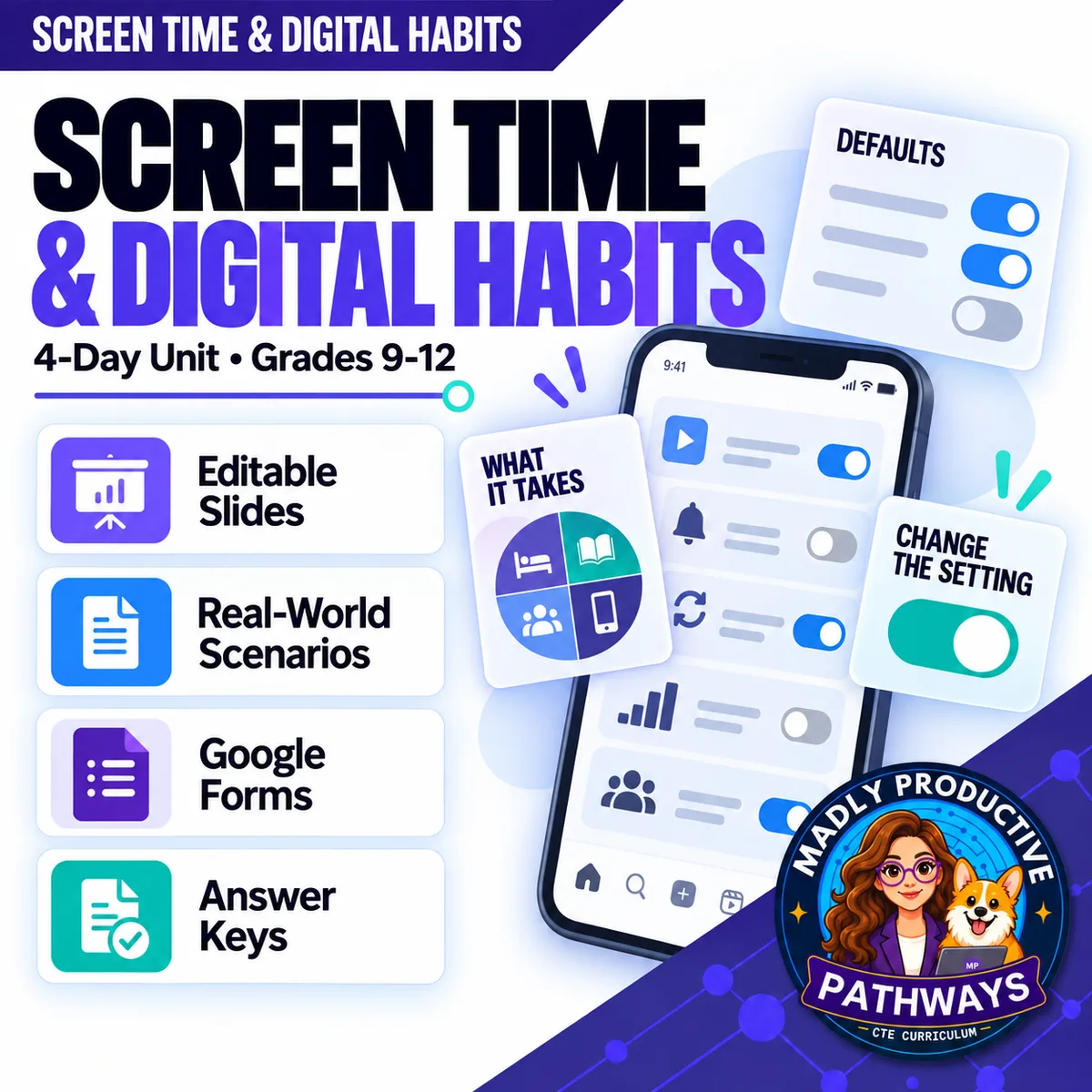
Screen Time & Digital Habits
 Digital Citizenship Grades 9–12 4-day unit 39 deliverables
 Your students have already heard that screens are bad for them and that they should try harder. Neither half helps. Four complete days that hand them the five design features they can see in any app, the setting behind each one, and a plan small enough to keep. Written for a general-education class and ready to print.
● Instant download · Lifetime access · Editable & print-ready
 Editable formatsPowerPoint, Word, PDF & Google
 Every page keyedNothing says “answers will vary”
 Self-grading formsThe quiz and all 4 exit tickets
 No background neededPrint it and teach it
What does this unit cover?
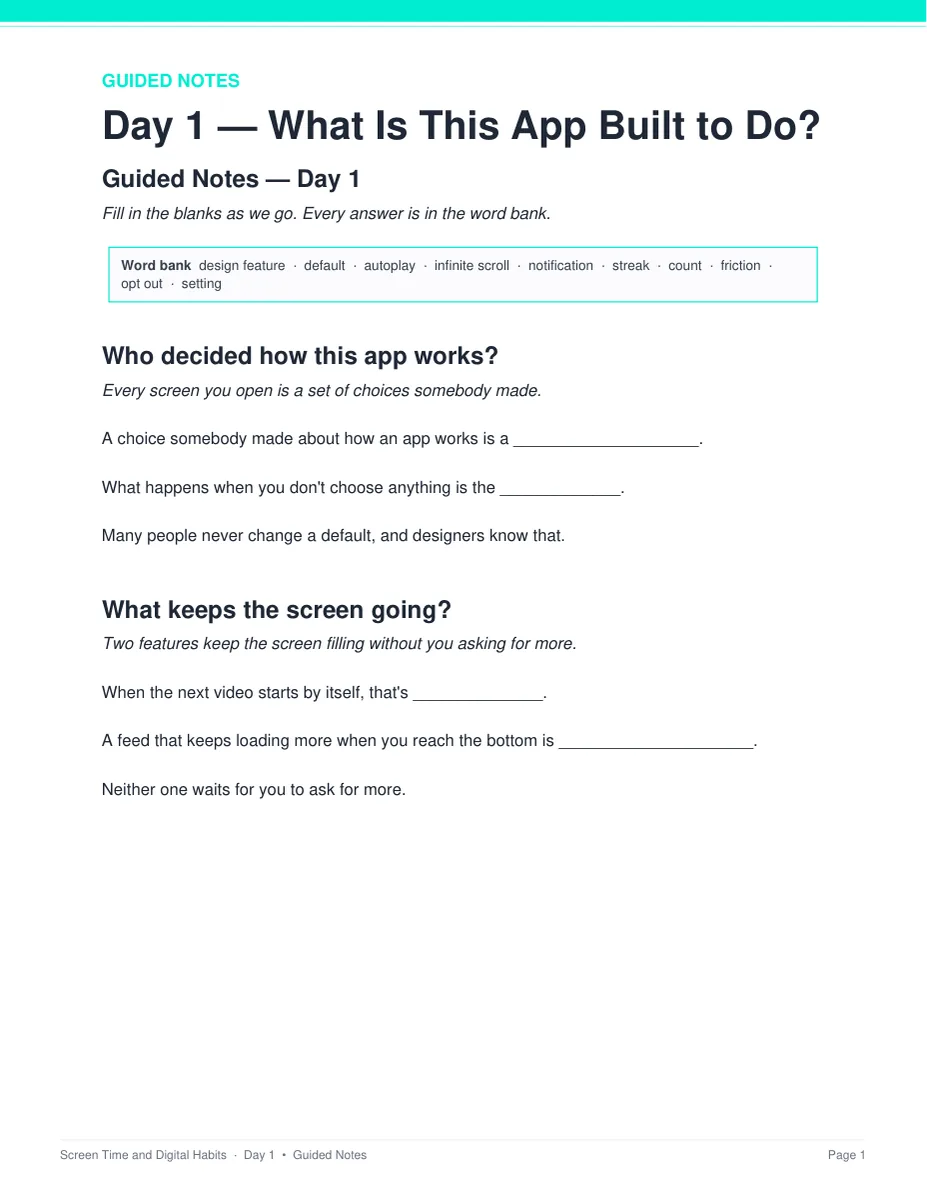
Four days that start from the settings rather than from willpower. Day 1 names five design features somebody chose — autoplay, infinite scroll, notifications, streaks and counts — two that keep the screen going and three that bring you back, and it pairs each one with the setting behind it. Friction is the last idea of the day: designers work to remove it, and a student can put some back.
Day 2 asks the only honest question about time, which is what the hour came out of. The sharpest comparison in the unit is here: the same forty minutes as one sitting, or as eighteen separate pickups. Day 3 is the research day, and it teaches students to read a finding instead of handing them a conclusion — a small effect is real and tiny at the same time, an average describes a group and cannot describe you, and together is not the same as caused.
Day 4 is the plan. The settings that keep working while you are asleep beat the ones that need you awake and deciding, and use that gets in the way of sleep, school or being with people is named by what it blocks — never by a number of hours. Everything follows the same open-and-teach folders as the rest of the line: 00 Start Here / 01 Present / 02 Student Handouts / 03 Scenarios / 04 Activities / 05 Assessment / 06 Answer Keys, and every student page uses short, complete sentences.
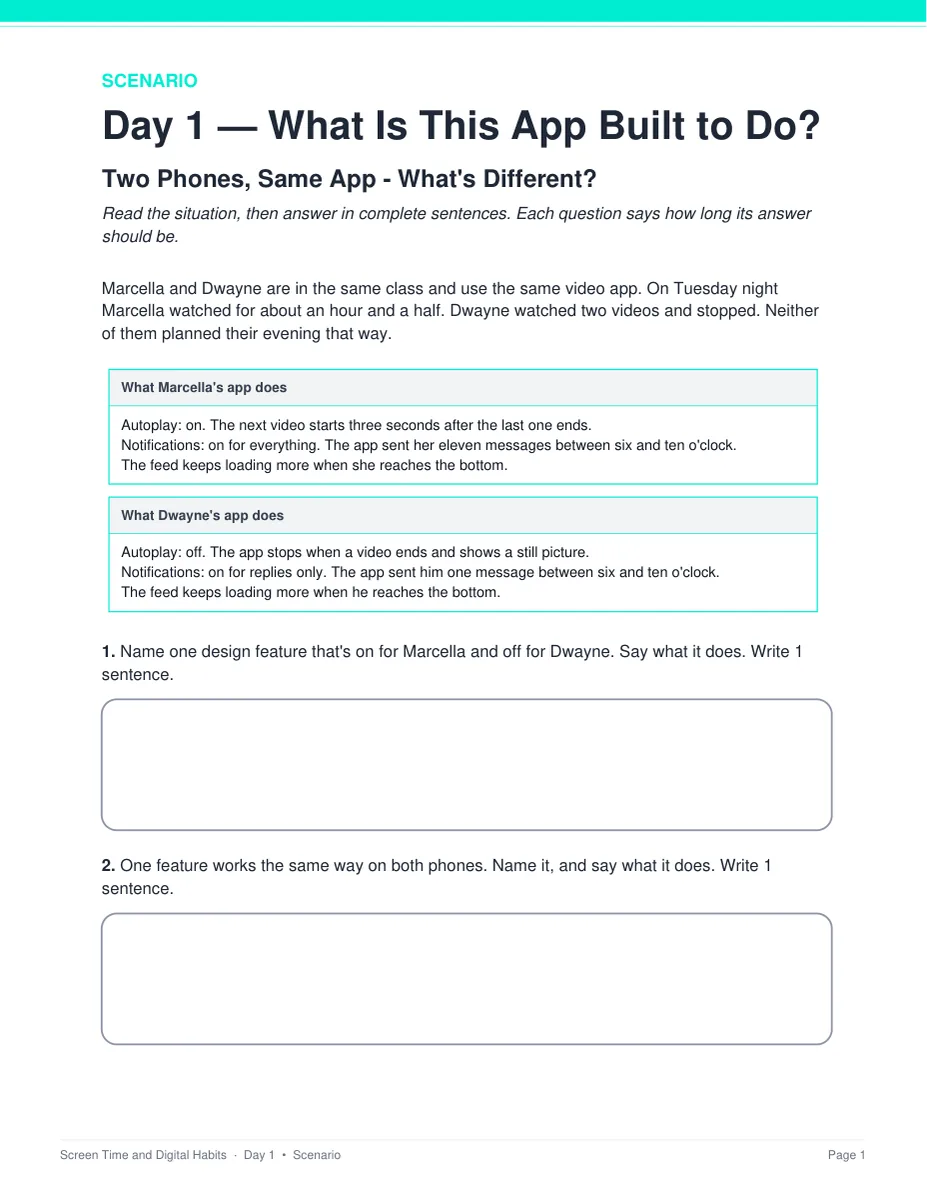
Two Phones, Same App — What's Different?
Two students open the same video app on the same Tuesday night. One watched for an hour and a half; one watched two videos. Their settings are printed side by side, so the difference is visible rather than asserted. Students find the settings that differ, say what each difference did to the evening, and name the change that mattered most. Two pages, with a key that gives a sample answer for every question and says when to give the point.
Everything that's included
 00 Start Here: Teacher
- READ FIRST teacher guide: what to print, in what order
- Teacher guide and pacing: each day's four slots, measured minute by minute
- Skills Map and state standards, each code checked against its official wording, plus a ready-to-paste prompt for your own state
 01 Present: Whole class
- One editable PowerPoint deck per day (52 slides, 13 a day, 8 of them with pictures)
- Four printable bell ringers, one warm-up per day
 02 Student Handouts
- Guided notes for all four days, in editable Word and print PDF
- Vocabulary glossary: all 40 terms, ten a day, defined
 03 Scenarios
- Two Phones, Same App — What's Different? — two pages, keyed
- The Week It Slipped — What Should Jaylen Do? — two pages, keyed
 04 Activities
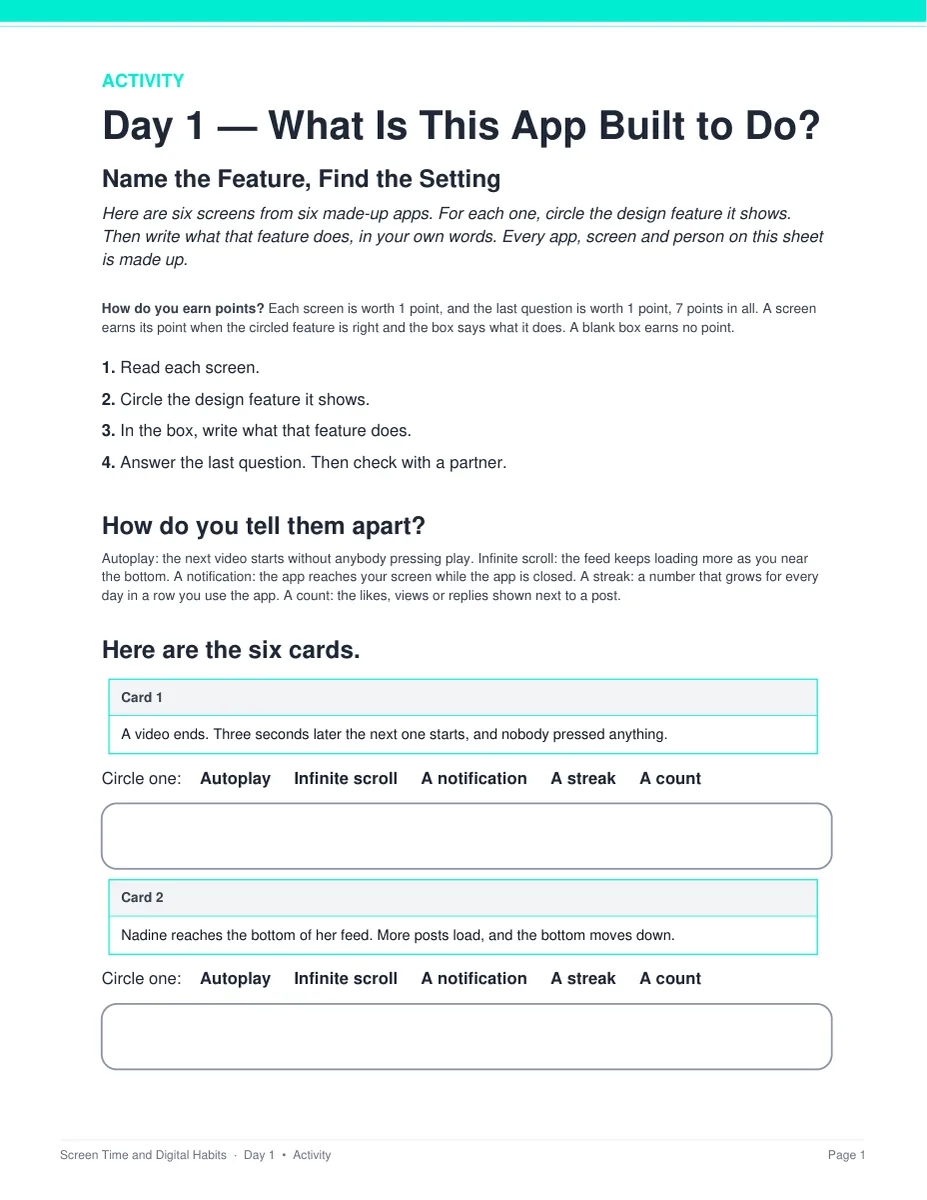
- Name the Feature, Find the Setting — Day 1: six made-up screens, 7 points
- Estimate, Then Check — Day 2: six made-up evenings, 7 points
- What Does This Finding Support? — Day 3: six made-up findings with the study behind each, 7 points across three pages
- Build the Plan — Day 4: six situations, and card 4 is the one where a setting is not enough, 7 points
- Everything prints on the sheet students write on — nothing to cut out or laminate
 05 Assessment
- Four exit tickets, one per day: 2 multiple choice and 1 written, 5 points each
- Unit quiz: 28 points, 20 multiple choice and 4 written, across five pages, about 25 minutes
Digital: self-grading Google Forms™
- Five ready-to-assign forms — the unit quiz and all four exit tickets — with 28 auto-graded items
- Multiple choice grades itself on submit, with feedback on every wrong answer; the 8 written items land in your response sheet for you to mark
06 Answer Keys
- Seven key PDFs, 19 pages: every activity, scenario, exit ticket and the quiz
- Every written prompt keyed with what to look for, a model response, what else to accept and what to reject — and every activity item carries a sample answer and a rule for the point
See the actual pages
Page one of four real files out of the download, exactly as they print.
One editable deck per day
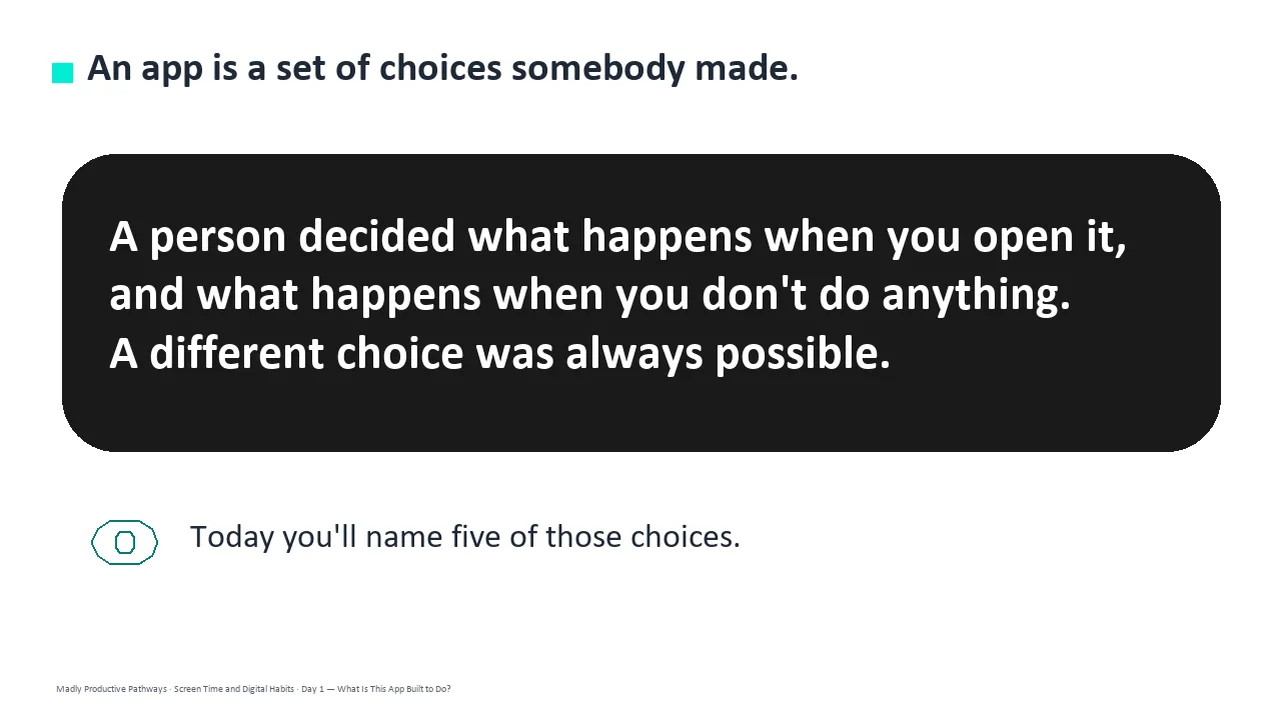
Thirteen slides a day, low text, with the icons and layouts built as real shapes rather than flat images. Recolor them to match your room, or delete any of them.
- ✓ 52 slides across the four days
- ✓ Native PowerPoint, opens in Google Slides
- ✓ 13 pictures, each one matching the words around it
Notes students fill in as you teach
One page per day with a word bank of that day's ten terms and real room to write. Editable Word and print-ready PDF, and every one has a complete key.
- ✓ Four days, Word and PDF
- ✓ Short, complete sentences on every student page
- ✓ Full answer key for every page
Two phones, printed side by side
Two long-form cases, two pages each. Every app, person and number in them is invented, and no student is ever asked to report their own use.
- ✓ Two Phones, Same App and The Week It Slipped
- ✓ Students diagnose first, then explain
- ✓ Teacher key with sample answers
Name the feature, find the setting
Six made-up screens printed on the sheet. For each one, students name the design feature and write what it does — then Day 4 turns the same move into a plan they could actually keep.
- ✓ Two pages, 7 points, Day 1
- ✓ Nothing to cut out or laminate
- ✓ Debrief script in the teacher key
Why teachers pick this unit
 It never says use your phone less
Somebody designed it, and you can change what it does. The unit hands students the settings and the words for what the design is doing, and starts there instead of with willpower.
Day 3 teaches the reading, not the verdictIt names mental health directly, then teaches students to read a finding: a small effect is real and tiny, an average cannot describe you, and together is not caused.
Nothing says “answers will vary”Every written question ships with what to look for, a model response, and what else to accept or reject.
 Measured to fit the period
Every activity was costed against real reading and writing rates. All four days come out at 41 minutes of work inside a 45-minute period.
 Nobody gets shamed
Every app, person and number is invented. Nothing sets a target number of hours, and no student is asked to report their own use. Use is named by what it gets in the way of.
Print and digitalPrint-ready PDFs plus five self-grading Google Forms™ for the quiz and all four exit tickets.
What Teachers Say
Be the first to review this
Reviews help me a lot, and they help other teachers pick the right resources for their classes. It takes about a minute.
Leave a reviewQuestions teachers ask
How do I get the files after I buy?
Instant download right after checkout. You get editable PowerPoint and Word, print-ready PDF of everything, and the links for the self-grading Google Forms™.
I don't know the research well enough to teach this.
You don't need to. Day 3 teaches students to read a finding rather than handing them a conclusion, and the speaker notes tell you what to say. The READ FIRST guide says exactly what to print and when, and every page has a key.
I don't want to shame anyone about their phone.
Nothing here sets a target number of hours, and no student is asked to report their own use. Every card is about a made-up student, and Day 4 names problematic use by what it gets in the way of — sleep, school, being with people — never by a number.
My students have heard the screens-are-bad talk already.
So has everyone, and this unit does the opposite. It hands them the five design features, the setting behind each one, and the words for what the design is doing.
I have 45 minutes and no prep time.
Each day is one bell ringer, one deck, one activity and one exit ticket, measured to fit a 45-minute period — all four come out at 41 minutes of work, with four minutes spare.
When does the unit quiz happen?
It sits after the four lessons, not inside them. The quiz is about 25 minutes and all four periods are full lessons. Run it as a Day 5 in class or set it as a take-home with the Google Form. Either way you already have a grade for every student from the four exit tickets.
What standards does it map to?
It is a general-education unit, so it maps onto reading, writing and speaking standards alongside health and ISTE codes rather than a computer science framework: RI.9-10.1 and RI.9-10.8, W.9-10.4, SL.9-10.1 with the 11-12 equivalents, Health 2.12.1, 3.12.1, 3.12.3, 6.12.1 and 6.12.3, and ISTE 1.1.d and 1.2.c. The Skills Map lists what students learn each day, with every code checked against its official wording, plus a ready-to-paste prompt for your own state.
Can I buy this with the other Digital Citizenship units?
Yes. The Digital Citizenship Unit Bundle holds this unit and seven more — 27 teaching days and 279 files in one download, for less than buying them one at a time.