
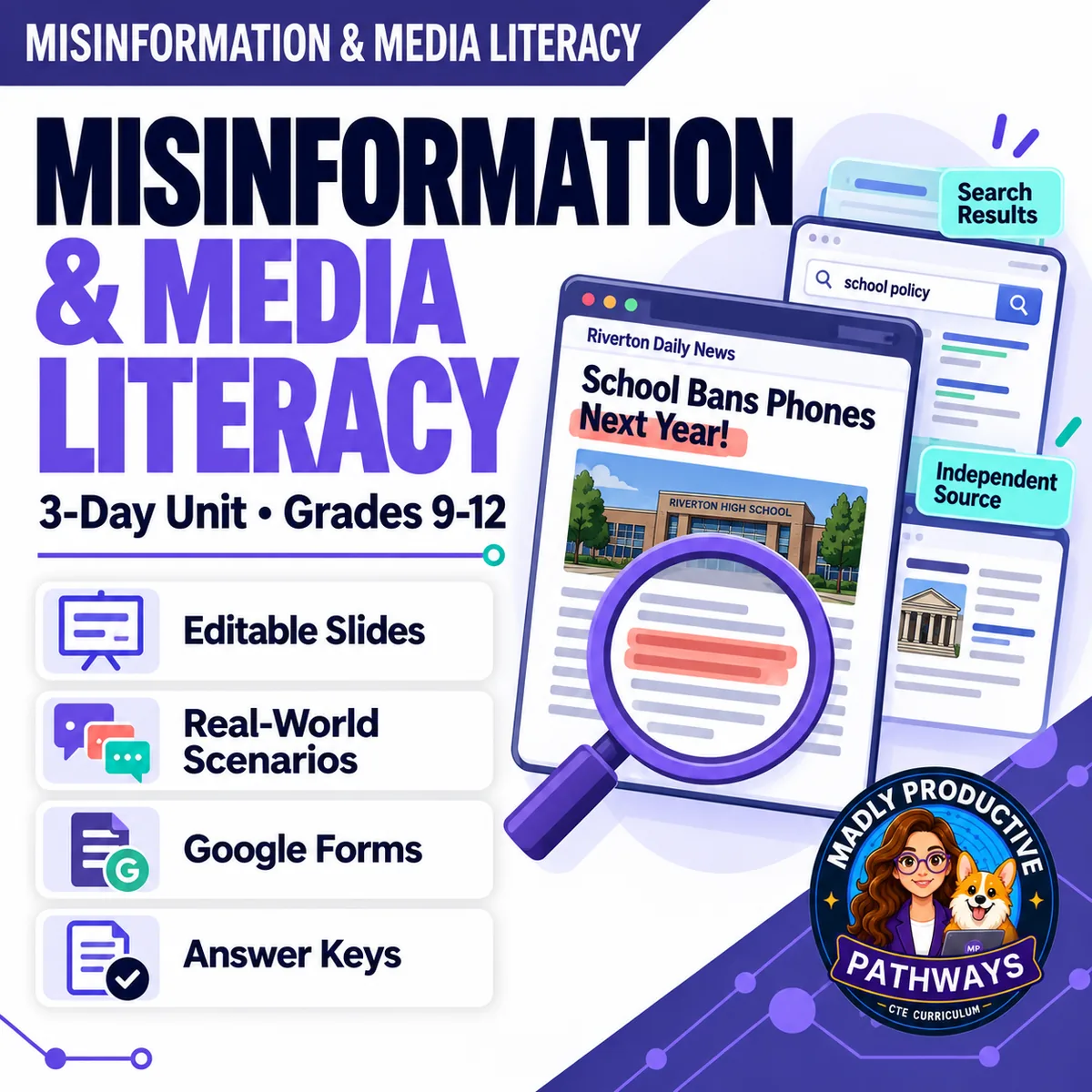
Misinformation & Media Literacy
 Digital Citizenship Grades 9–12 3-day unit 32 deliverables
 Most fake-news lessons hand students a checklist. This one teaches the step the checklist skips — say what the post is actually claiming — and then the check that works, which is leaving the website to see what independent sources say about it. Three complete lessons, ending with what to do before you share.
● Instant download · Lifetime access · Editable & print-ready
 Editable formatsPowerPoint, Word, PDF & Google
 Every page keyedNothing says “answers will vary”
 Self-grading formsThe quiz and all 3 exit tickets
 No background neededPrint it and teach it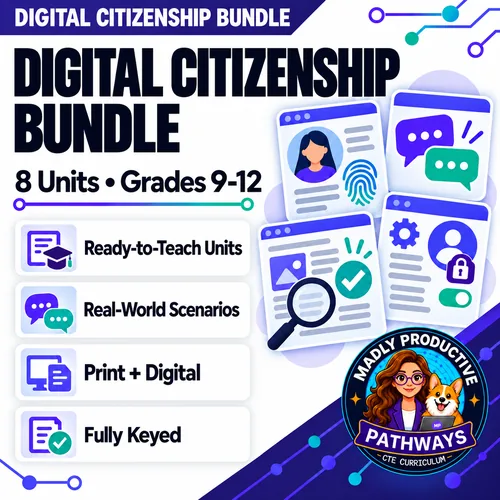
What does this unit cover?
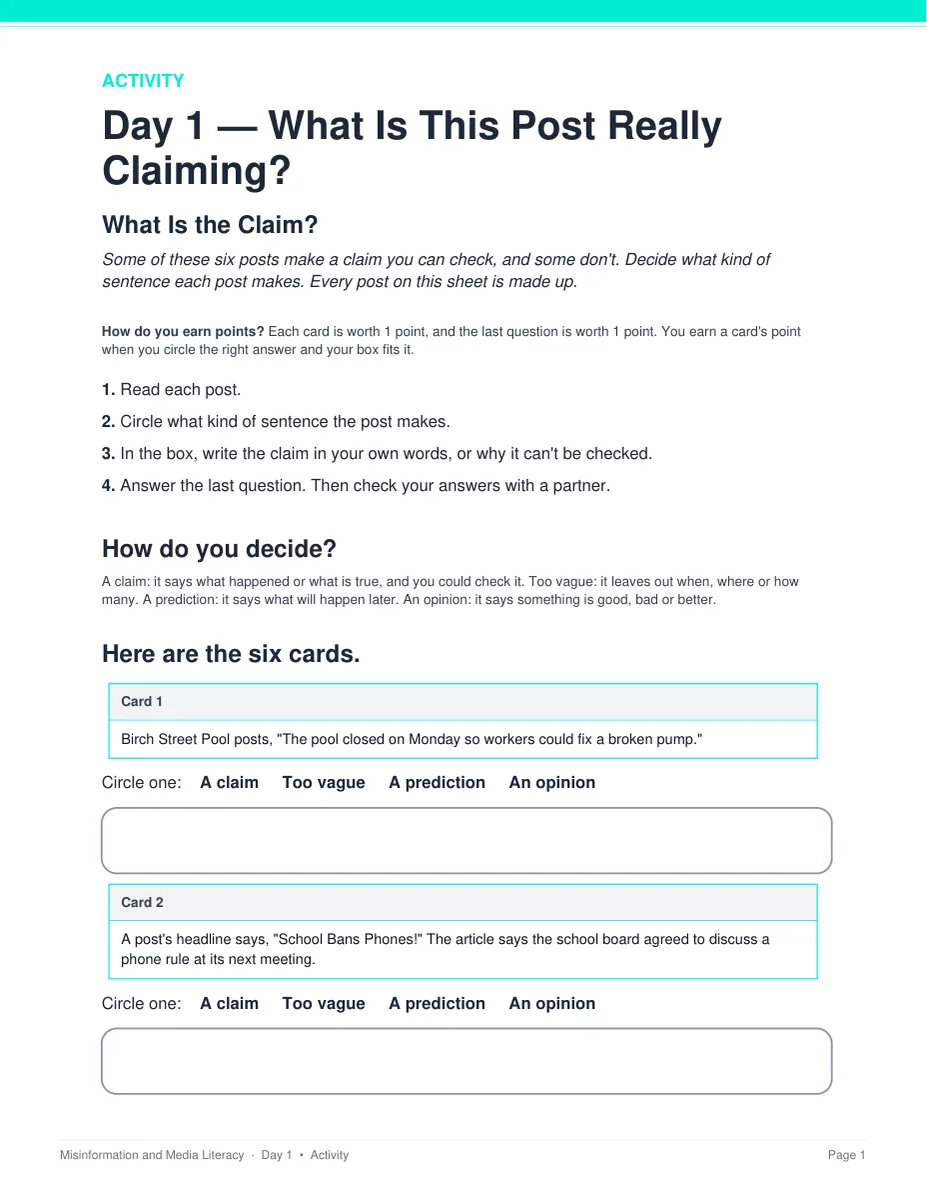
Three steps, in the order a person actually needs them: say what the post claims, check who is behind it, then decide what to do with it. Day 1 is the step almost every other lesson skips. Before you can check anything you have to know what is being claimed, so students restate a claim in their own words and learn that a headline can say more than the article under it without either one being false. They also learn which sentences cannot be checked at all — a prediction, an opinion, or a claim too vague to pin down.
Day 2 teaches the check that works. Everything on a website was chosen by the people who made it: the About page, the byline, the credentials, the design. The domain ending only says who could register the address. The checks that tell you something make you leave the site, which is lateral reading. Day 3 is about sharing, and it hands students three choices rather than two — send it, hold it, or send it with a line saying where it came from — plus how to write a correction that names what was wrong.
Each day runs the same way: a bell ringer (5 minutes), guided notes off the deck (13), the activity where the learning actually happens (20), and an exit ticket on the way out (7). Everything follows the same open-and-teach folders as the rest of the line: 00 Start Here / 01 Present / 02 Student Handouts / 03 Scenarios / 04 Activities / 05 Assessment / 06 Answer Keys. Every student page uses short, complete sentences, so students at every reading level can follow along.
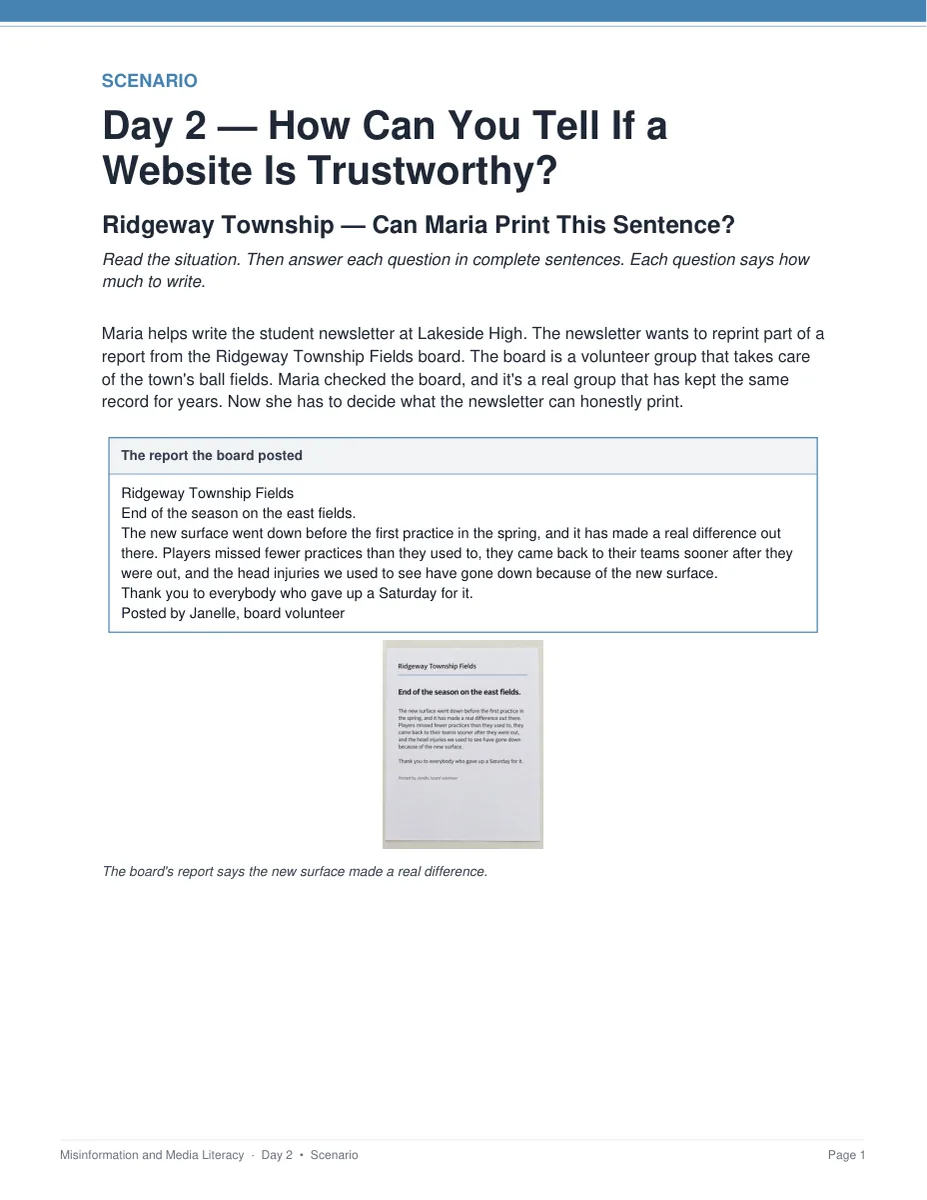
Ridgeway Township — Can Maria Print This Sentence?
A volunteer board publishes a report about its town's ball fields. The board is a real, steady group and the report is careful — and one part of it still says more than the board's own record counts. Students find the one sentence Maria cannot print, which is the sharpest idea in the unit: a trustworthy source can still say more than it checked. Keyed with a model answer for every question.
Everything that's included
 00 Start Here: Teacher
- READ FIRST teacher guide: what to print, in what order
- Teacher guide and pacing: measured minute-by-minute timings for all three days
- Skills Map and state standards, with step-by-step directions and a ready-to-paste AI prompt for your own state's codes
 01 Present: Whole class
- One editable PowerPoint deck per day (36 slides, 7 with pictures)
- Three printable bell ringers, one warm-up per day
 02 Student Handouts
- Guided notes for all three days, in editable Word and print PDF — 2 pages and 10 blanks each
- Vocabulary glossary: all 30 key words, 10 per day, every one taken from that day's word bank
 03 Scenarios
- Ridgeway Township — Can Maria Print This Sentence?, keyed
- Cedar Grove — What Should Zachary Send Now?, keyed
 04 Activities
- What Is the Claim?: label six posts a claim, too vague, a prediction or an opinion
- On the Page or Somewhere Else?: sort six checks by where the answer actually comes from
- Which Choice Fits?: send it, hold it, or send it with a line
 05 Assessment
- Three exit tickets, one per day, 5 points each
- Unit quiz: 23 points, 15 multiple choice and 4 written
Digital: self-grading Google Forms™
- The unit quiz and all three exit tickets as ready-to-assign forms — four forms, 21 auto-graded items
- Multiple choice grades itself on submit, with feedback on every wrong answer; written responses land in your response sheet. Every link ends in /copy, so you get your own copy of each form.
06 Answer Keys
- Six key PDFs: one per day, one for all three activities, one for both scenarios, and one for the quiz
- The quiz key goes further than the rest of the line: every explanation also names the tempting wrong answer and says why it is tempting
See the actual pages
Page one of four real files out of the download, exactly as they print.
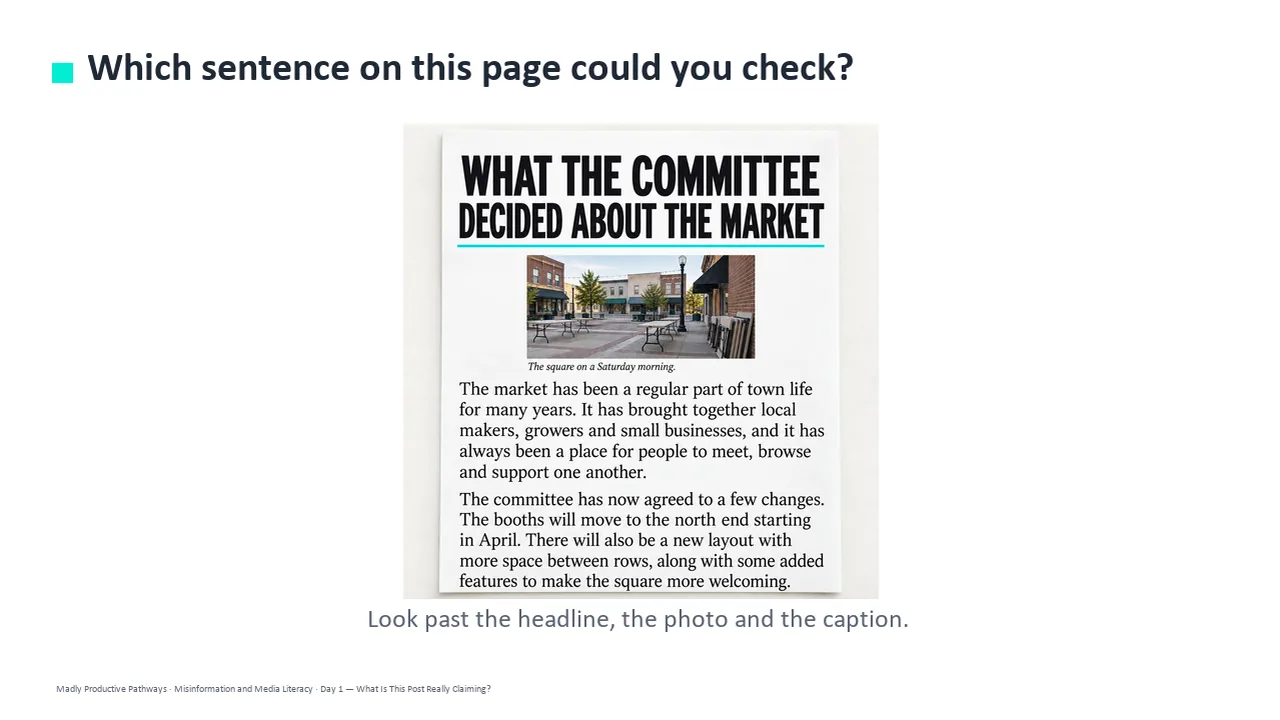
One editable deck per day
Twelve slides a day, low text, with the icons and layouts built as editable shapes rather than flat images. Recolor them to match your room, or delete any of them.
- ✓ 36 slides across the three days, 16 pictures in all
- ✓ Native PowerPoint, opens in Google Slides
- ✓ Speaker notes on every slide
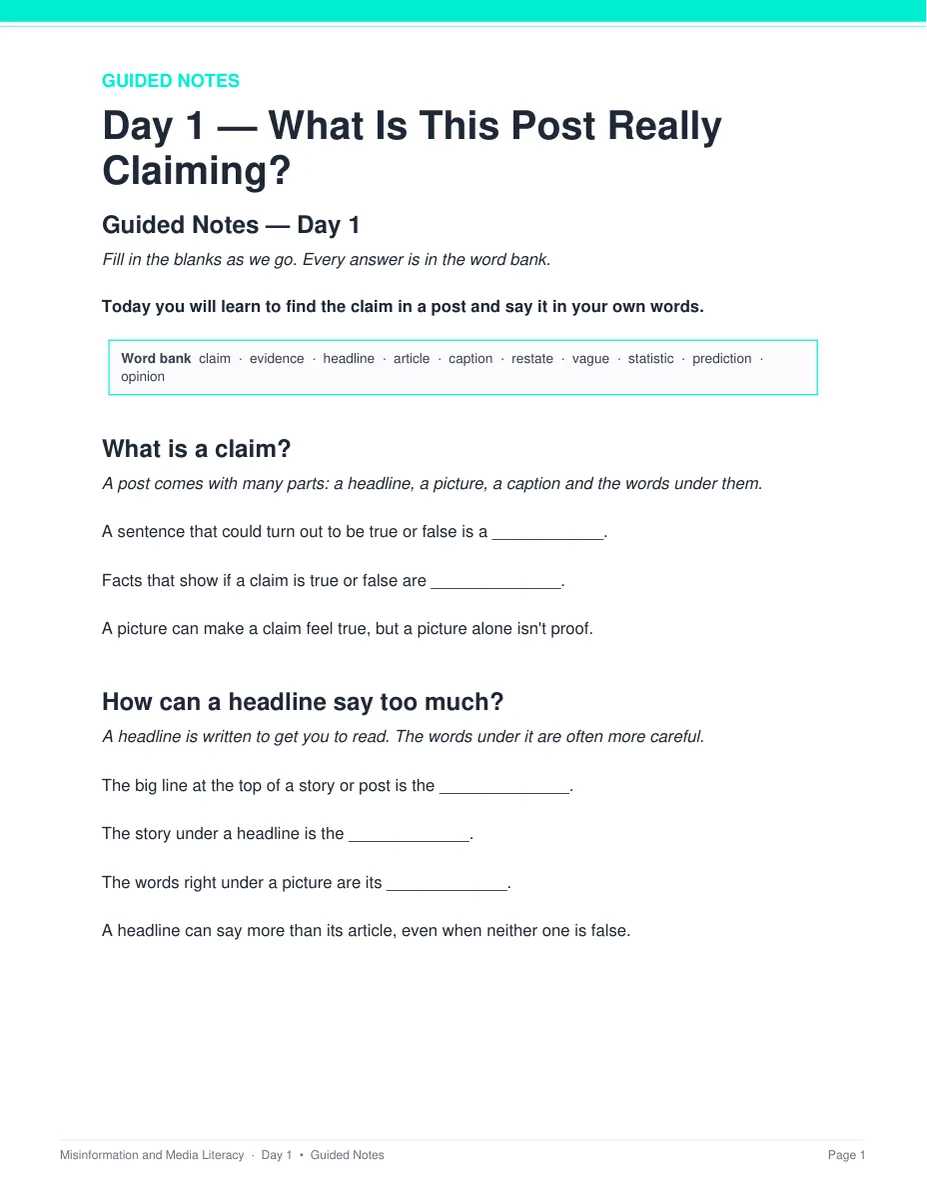
Notes students fill in as you teach
Two pages a day with the word bank printed at the top, ten blanks to fill as the deck goes by, and a REMEMBER box at the end. Editable Word and print-ready PDF, and every one has a complete key.
- ✓ Three days, Word and PDF
- ✓ 10 blanks a day, 30 key words in all
- ✓ Full answer key for every page
A source that is careful and still overreaches
Two long-form cases about towns and people who do not exist. Students read the actual documents, find the sentence the record does not support, and write the correction that names what was wrong.
- ✓ Ridgeway Township and Cedar Grove
- ✓ 3 points each, with a hint under question 1
- ✓ Teacher key with a model answer for every question
Six posts a day, and every call gets defended
Students pick the label and then write the reason it fits, so the page is an argument rather than a fill-in-the-blank. Nothing to cut out and nothing to laminate.
- ✓ Print and go, no prep
- ✓ 7 points each, keyed item by item
- ✓ Answer keys for all three activities
Why teachers pick this unit
 It teaches the step before fact-checking
Every other lesson starts at “check your sources.” This one starts a step earlier — say in your own words what the post is actually claiming — because you cannot check a claim nobody has named yet.
Nothing says “answers will vary”Every written question ships with what to look for, a model answer, and a line that says when to give the point.
The timings are measuredEvery activity was costed against real reading and writing rates. Each day is 5 minutes of bell ringer, 13 of slides and notes, 20 of activity and 7 of exit ticket, and every day fits a 45-minute period with time to spare.
 No background needed
Written for a general-education class — digital citizenship, English, social studies, advisory or technology. Nothing to prepare beyond hitting print, and every day stands alone as a sub plan.
 It stays out of politics
Every post, website, person and place in the unit is made up, so no page names or judges a real news source. The examples are school-scale on purpose rather than national news.
Print and digitalPrint-ready PDFs plus four self-grading Google Forms™ for the quiz and all three exit tickets.
What Teachers Say
Be the first to review this
Reviews help me a lot, and they help other teachers pick the right resources for their classes. It takes about a minute.
Leave a reviewQuestions teachers ask
How do I get the files after I buy?
Instant download right after checkout. You get editable PowerPoint and Word, print-ready PDF of everything, and the links for the self-grading Google Forms™.
I don't know how to teach fact-checking myself. Can I still teach it?
Yes. Each day has a plan, the speaker notes tell you what to say, and every page has a key. The READ FIRST guide says exactly what to print and in what order.
Will this get political?
No. Every post, website, person and place in the unit is made up, so no page judges a real source. The examples are school-scale on purpose — a town's report on its own ball fields, not national news.
When does the unit quiz happen?
After the three lessons, not inside them. The quiz is about 25 minutes and all three periods are full lessons, so run it as a Day 4 in class or set it as homework with the Google Form. Either way you already have a grade for every student from the three exit tickets.
What standards does it map to?
It is a general-education digital-literacy unit, so it maps onto reading standards rather than a computer science framework: CCSS RI.9-10.8 and RI.9-10.1 with its 11-12 equivalent, plus ISTE 1.3.b and ISTE 1.2.b, every code checked against its official wording. A Skills Map is included, plus a page of step-by-step directions and a ready-to-paste AI prompt for finding your own state's codes.
Can I buy this with the other digital citizenship units?
Yes. The Digital Citizenship Unit Bundle holds this unit plus seven more — 27 teaching days in one download, and it costs less than buying the units one at a time.