
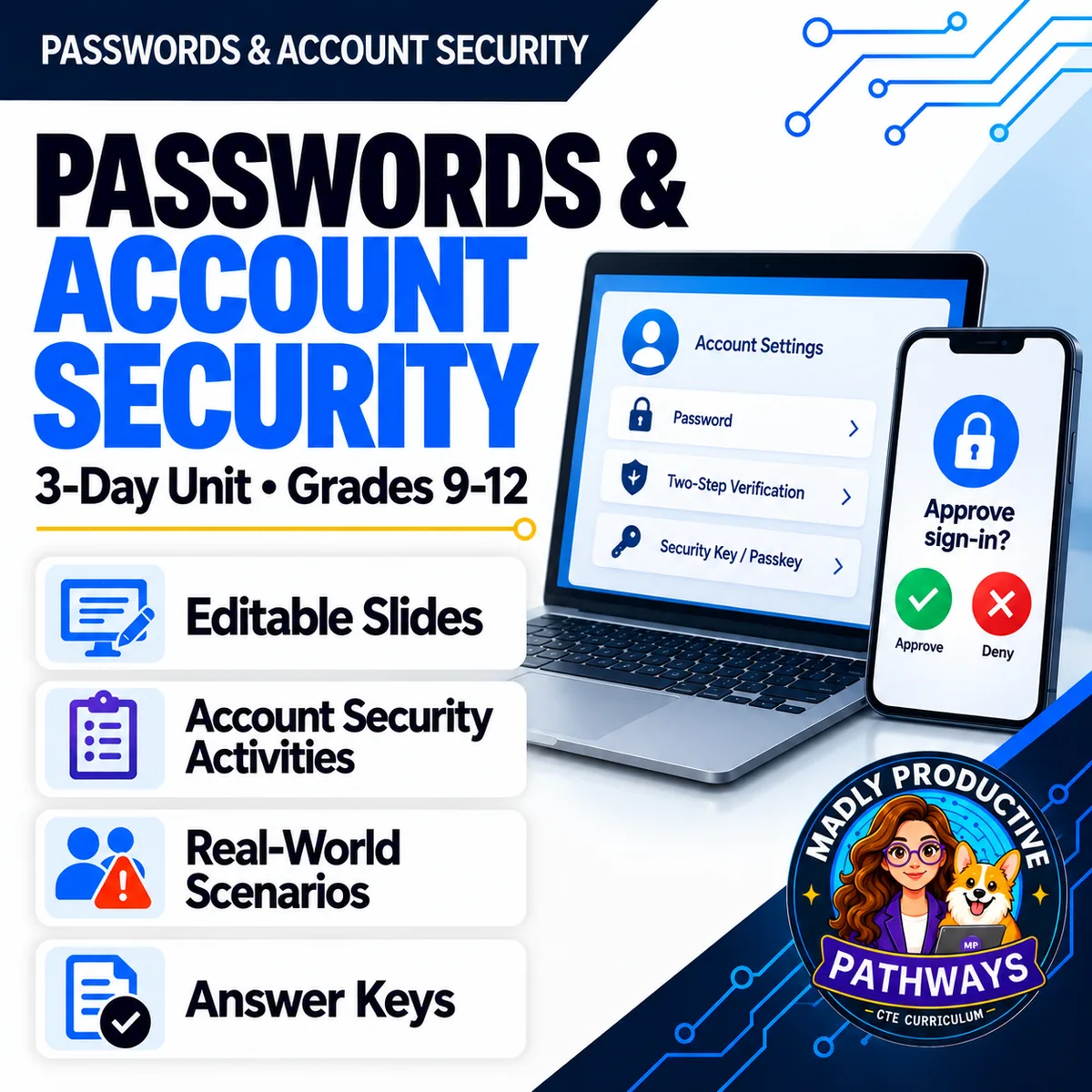
Passwords & Account Security
 Cybersecurity Grades 9–12 3-day unit 32 deliverables
 Half of what your students know about passwords is out of date, and so is a lot of what the rest of us were taught. Three complete lessons on what actually holds: why length beats symbols, why a second step is not a finished job, and what order to fix things in when an account is taken.
● Instant download · Lifetime access · Editable & print-ready
 Editable formatsPowerPoint, Word, PDF & Google
 Every page keyedNothing says “answers will vary”
 Self-grading formsThe quiz and all 3 exit tickets
 No background neededPrint it and teach it
What does this unit cover?
Change it every month. Make sure it has a symbol. The 2025 standard dropped both, and most classroom material has not caught up. This unit was rebuilt on it. Students learn why length and being uncommon do more work than symbols: a careful site stores salted hashes rather than passwords, so a stolen file still has to be cracked by guessing.
How Passwords Get Cracked, Proving It's Really You, Taking an Account Back. Day 2 sorts sign-in setups into password only, can be bypassed, and phishing-resistant — a texted code and a push with no number to match land in the middle, and a passkey or a physical key lands at the end. Day 3 is the one nobody teaches: what the attacker still has after the password changes, and what order to fix it in.
This is the defense half of the cybersecurity line. Phishing covers how someone talks you out of a password and Cyber Attacks covers what gets onto the device — this is the only unit about setting the account up so it survives, which is why it works either as a follow-on or entirely on its own.
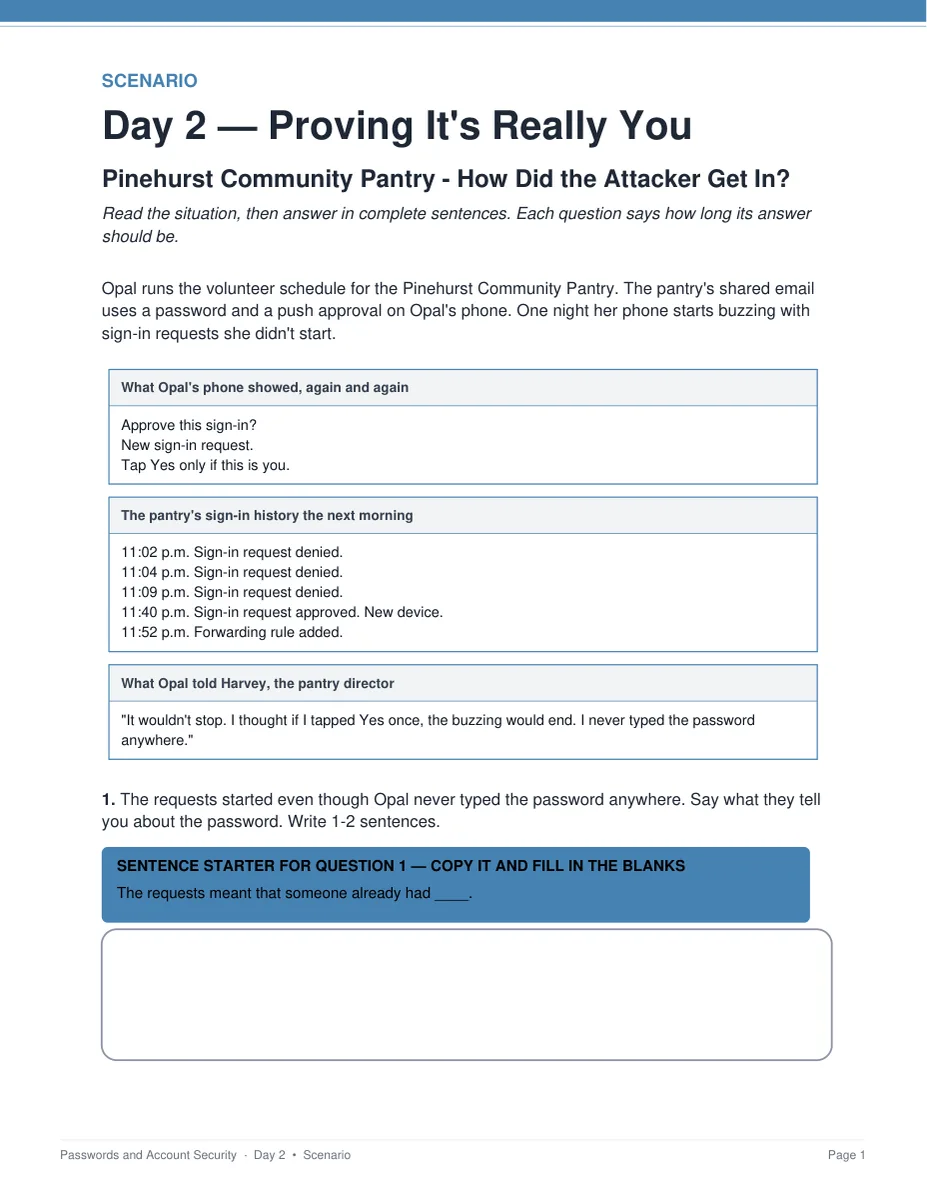
Pinehurst Community Pantry — How Did the Attacker Get In?
A volunteer's phone fills with sign-in approval requests she never started. Late at night she taps Yes to make them stop, and the pantry's email is gone. Students say what those requests prove about the password, why the second step did not stop the attacker anyway, and name one change that would have — number matching, a passkey or a security key. Two pages, six points, keyed.
Everything that's included
 00 Start Here: Teacher
- READ FIRST guide: what to print, in what order
- Teacher guide and pacing: measured minute-by-minute timings
- Skills Map and state standards, with a Convert to YOUR State's Standards page
 01 Present: Whole class
- One editable PowerPoint deck per day — 37 slides in all
- Three printable bell ringers, one per day
 02 Student Handouts
- Guided notes for all three days, in editable Word and print PDF
- Vocabulary glossary: all 30 terms from the word banks, defined
 03 Scenarios
- Pinehurst Community Pantry — How Did the Attacker Get In?, keyed
- Maple Grove Swim Club — What Did the Attacker Keep?, a second long-form case, keyed
 04 Activities
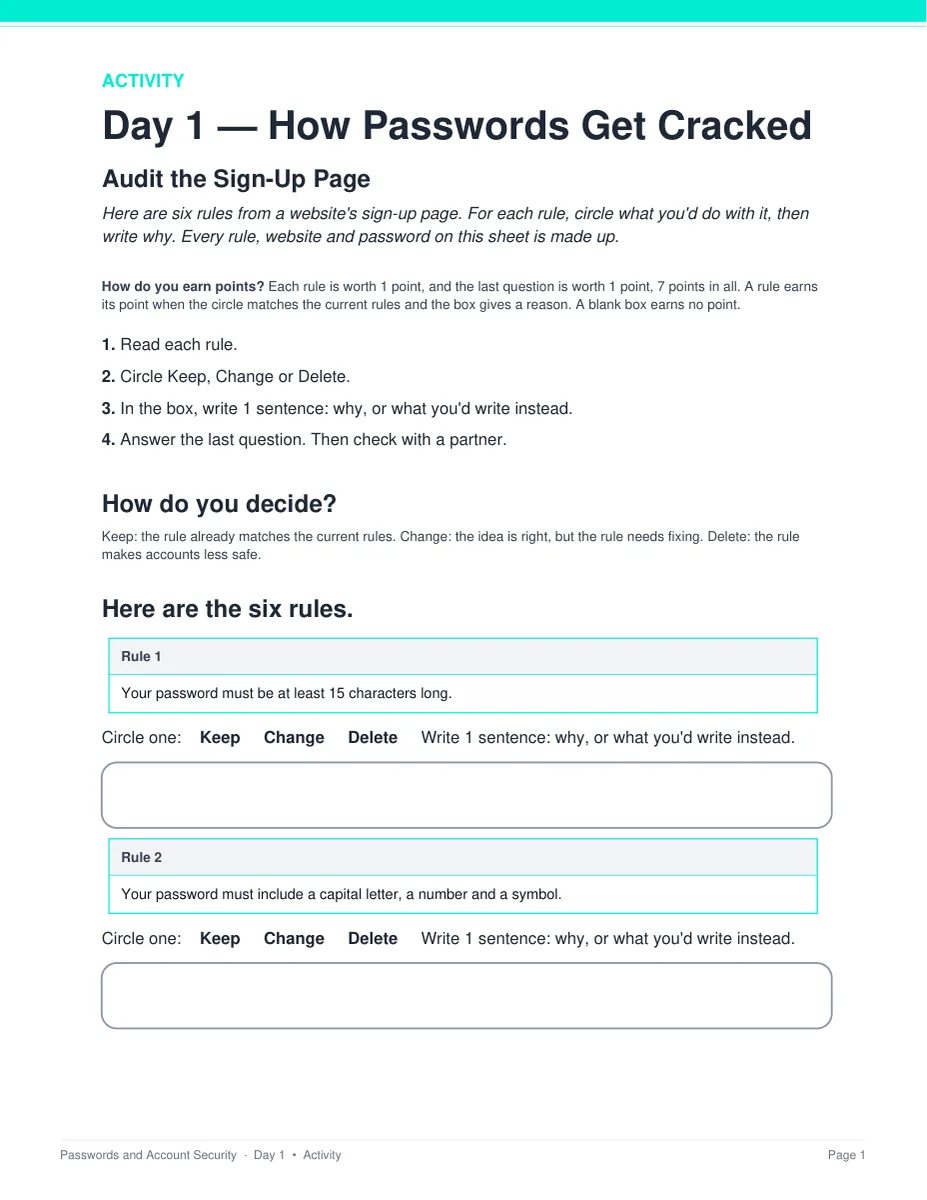
- Audit the Sign-Up Page: six rules to keep, change or delete — and three of them are already right
- Rank the Sign-In: password only, can be bypassed, or phishing-resistant
- Find the Master Key: which accounts fall if the phone number goes, and the one change that protects four at once
 05 Assessment
- Three exit tickets, one per day, 4 points each
- Unit quiz: 28 points, 20 multiple choice and 4 written at 2 points each
Digital: self-grading Google Forms™
- The unit quiz and all three exit tickets as ready-to-assign forms (26 auto-graded items)
- Multiple choice grades itself on submit, with feedback on every wrong answer; written responses land in your response sheet
06 Answer Keys
- Six key PDFs, 18 pages: every activity, scenario, exit ticket and the quiz
- Every written prompt keyed with what to look for, a model response, what else to accept, and what to reject
See the actual pages
Page one of four real files out of the download, exactly as they print.
One editable deck per day
Twelve to thirteen slides a day, low text, with the diagrams drawn as real vector shapes rather than flat images. Recolor them to match your room, or delete any of them.
- ✓ 37 slides across the three days
- ✓ Native PowerPoint, opens in Google Slides
- ✓ The guided notes follow the slides in order
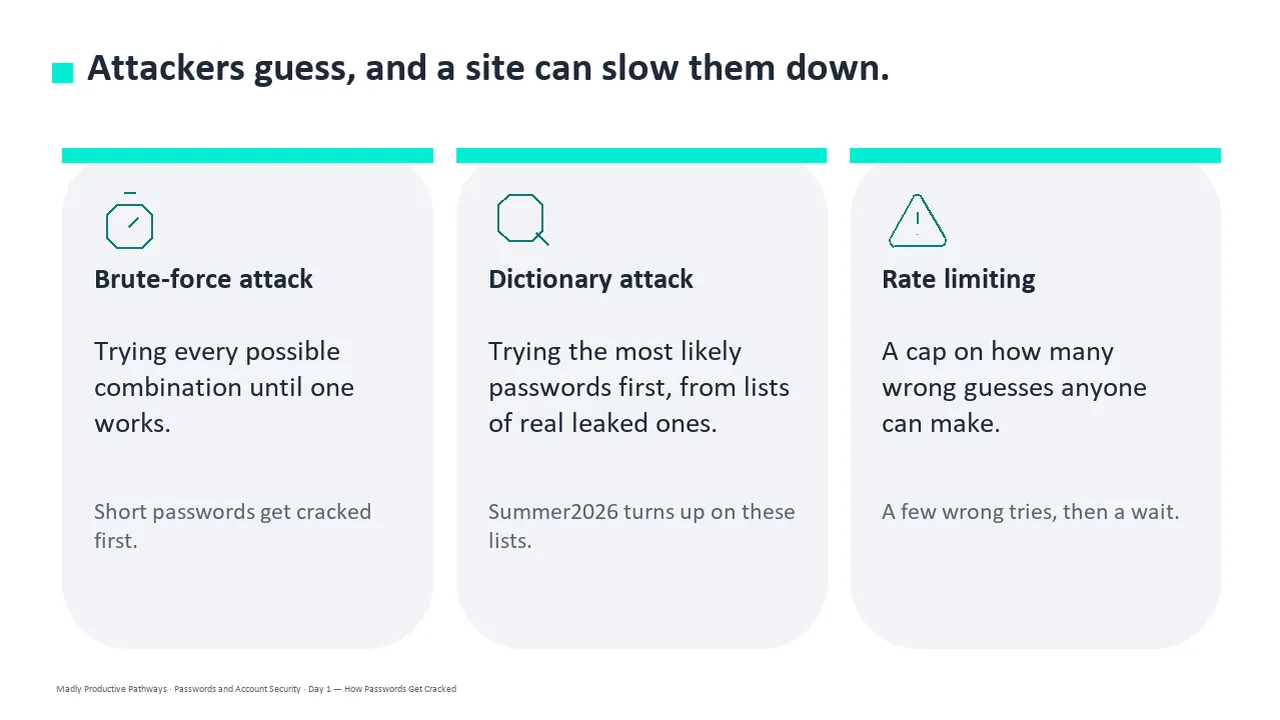
Notes students fill in as you teach
A two-page packet per day with a word bank at the top and real room to write. Editable Word and print-ready PDF, and every one has a complete key.
- ✓ Three days, Word and PDF
- ✓ Grade 9-10 reading level
- ✓ Full answer key for every page
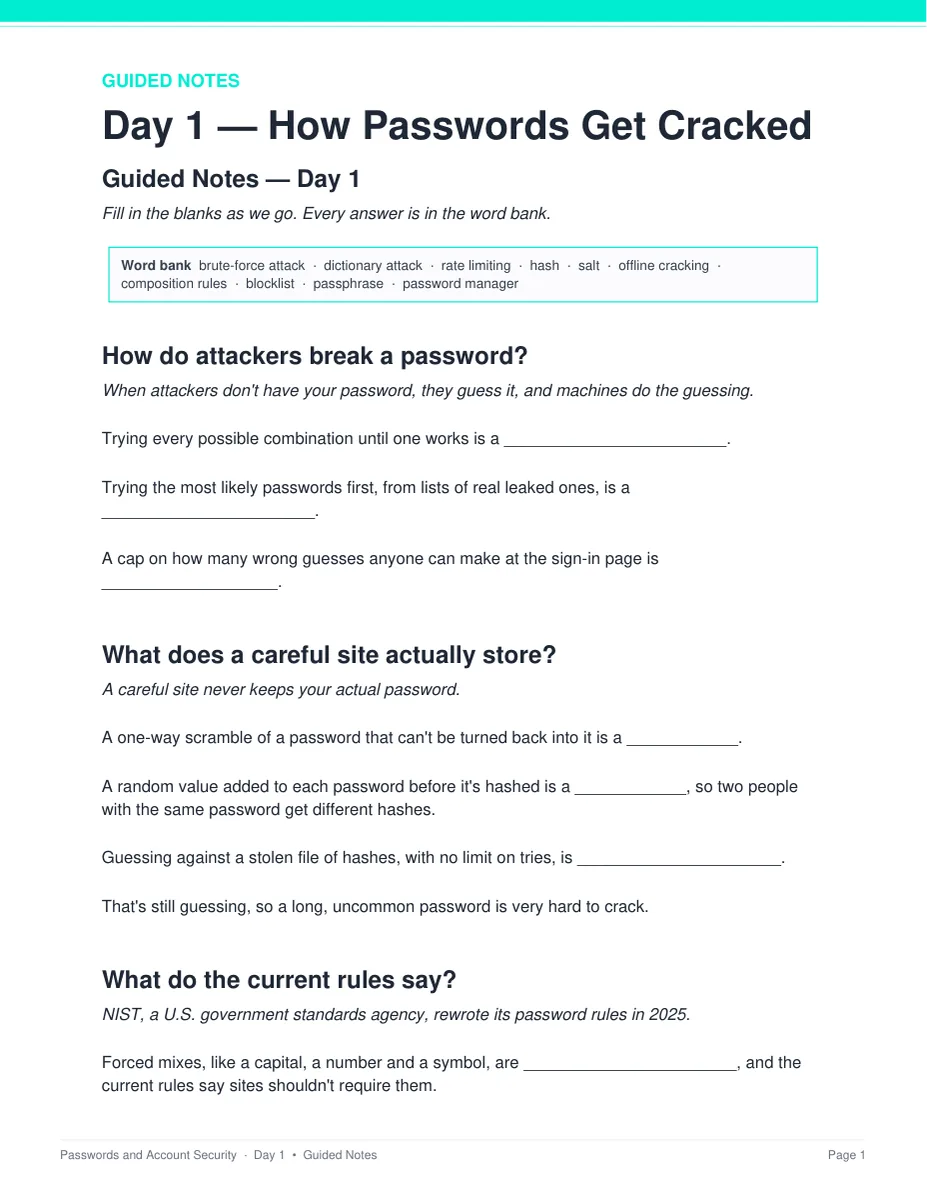
An account taken, and what to do first
Two long-form cases about organizations that do not exist. Students name what the attacker still had after the password changed, say why the email had to be fixed first, and defend the order.
- ✓ Pinehurst Community Pantry and Maple Grove Swim Club
- ✓ Two pages and six points each
- ✓ Teacher key with sample answers
One printed sheet a day
Six items, three options and a line for the reason. Day 1's sign-up page has three rules that are already right, so a student who deletes everything loses points. The answer boxes are on the same page — nothing to cut out, laminate or post.
- ✓ Three sheets, 2 pages and 7 points each
- ✓ Nothing to cut, laminate or store
- ✓ Answer keys for all three activities
Why teachers pick this unit
 It corrects what students believe
Symbols and numbers beat a long simple password — that is the belief in the room, and it is wrong. Length and being uncommon usually do more work.
 It is on the current standard
Rebuilt on the 2025 password guidance, which dropped forced symbols and scheduled changes. Most classroom material still teaches the rules that were retired.
Nothing says “answers will vary”Every written question ships with what to look for, a model response, what else to accept, and what to reject.
The timings are measuredFive minutes of bell ringer, 14 of slides and notes, 19 of activity, 7 for the exit ticket. The pacing gate puts each day at 39 to 40 minutes of work.
 No background needed
Written for a general-education class. Nothing to prepare beyond hitting print, and every day stands alone as a sub plan.
 Defense only, on purpose
No activity asks a student to type or share a real password, including into an online strength checker, and no page names a real password manager, authenticator app, bank or phone company.
What Teachers Say
Be the first to review this
Reviews help me a lot, and they help other teachers pick the right resources for their classes. It takes about a minute.
Leave a reviewQuestions teachers ask
How do I get the files after I buy?
Instant download right after checkout. You get editable PowerPoint and Word, print-ready PDF of everything, and the links for the self-grading Google Forms™.
Do I need a cybersecurity background?
No. This is a general-education digital-literacy unit written for a teacher who has never taught the subject. The READ FIRST guide says exactly what to print and when, and every page has a key.
Do students type in or test real passwords?
No. No activity asks a student to type or share a real password, including into an online strength checker, and no page names a real password manager, authenticator app, bank or phone company. The unit teaches defense and deliberately does not explain how any attack is carried out.
Is there anything to cut out, laminate or prepare?
No. Each day's activity is one printed sheet, two pages and seven points, with the answer boxes on the same page the student writes on. Students work it alone first, then check with one partner. There is nothing to cut, laminate, post or store between classes.
When does the unit quiz happen?
It sits after the three lessons, not inside them. The quiz is 28 points and about 25 minutes, and all three periods are full lessons. Run it as a Day 4 in class or set it as a take-home with the Google Form. Either way you already have a grade for every student from the three exit tickets.
What standards does it map to?
The Skills Map names the standards that match rather than claiming alignment: 2026 CSTA HS-SYS-SE-31, HS-SYS-SE-32 and HS-SYS-SE-33, with the 2017 codes beside them wherever CSTA's crosswalk maps one; Common Core RI, W and SL for grades 9-10 and 11-12; and ISTE 1.2.d. A Convert to YOUR State's Standards page is included.
Can I buy this with the other cybersecurity units?
Yes. The Cybersecurity Unit Bundle holds this unit plus Phishing & Social Engineering, Deepfakes & AI Scams, Cyber Attacks & Malware, and Encryption & Cryptography — 17 days in one download, for less than the five bought separately.