
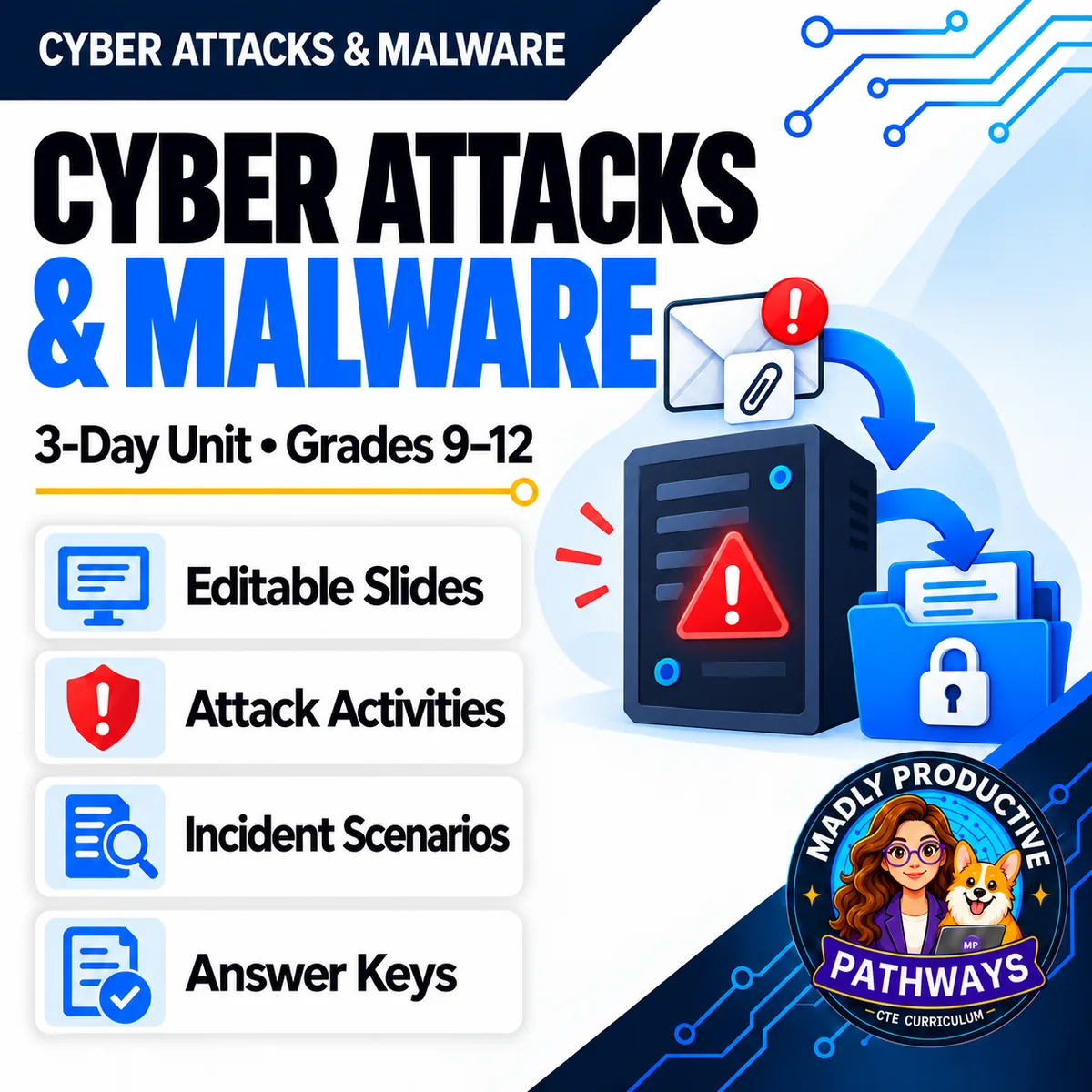
Cyber Attacks & Malware
 Cybersecurity Grades 9–12 3-day unit 32 deliverables
 Your students think every attack is a virus. It is not, and that misunderstanding is what this unit exists to break. Three complete lessons on how attacks actually get in, what they are after once they do, and the attacks that put nothing on the machine at all.
● Instant download · Lifetime access · Editable & print-ready
 Editable formatsPowerPoint, Word, PDF & Google
 Every page keyedNothing says “answers will vary”
 Self-grading formsThe quiz and all 3 exit tickets
 No background neededPrint it and teach it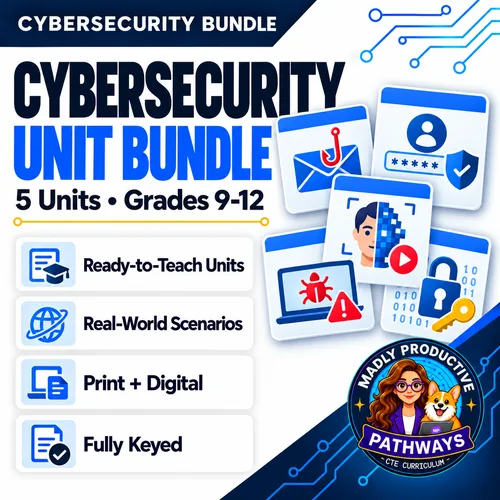
What does this unit cover?
Three days that take apart the one thing most students believe: that every attack is a virus. A virus is only one type, and it travels inside a file somebody runs. How It Gets In covers the real ways — a file someone opens, a fake update, a paste trick, an unpatched hole, and products that arrive with malware already on them. What It Does Once It's In is about the motive: money, your information, or your device's power. When There's No Malware is the day that surprises them.
Each day runs the same way: a bell ringer, guided notes off the deck, a printed activity in the middle where the learning actually happens, and an exit ticket collected on the way out. Every activity was costed against real reading and writing rates, so each day fits inside a 45-minute period with time to spare.
Everything follows the same open-and-teach folders as the rest of the line: 00 Start Here / 01 Present / 02 Student Handouts / 03 Scenarios / 04 Activities / 05 Assessment / 06 Answer Keys. Every student page is written at a grade 9-10 reading level, with real terms taught and then used.
Fennhurst Print Shop — What Did the Attackers Take?
On Monday morning every computer in a small print shop shows a note saying the files are locked — and that the customer files were copied first. The records show an attachment opened on Friday afternoon, a sign-in that night, a large amount of data leaving early Saturday. The backup drive stayed plugged in and got locked with everything else. Students say what the attackers want and the two separate things they did, who else could be hurt, and what the shop should change about its backups. Two pages, six points, keyed.
Everything that's included
 00 Start Here: Teacher
- READ FIRST guide: what to print, in what order
- Teacher guide and pacing: measured minute-by-minute timings
- Skills Map and state standards, with a Convert to YOUR State's Standards page
 01 Present: Whole class
- One editable PowerPoint deck per day — 42 slides in all
- Three printable bell ringers, one per day
 02 Student Handouts
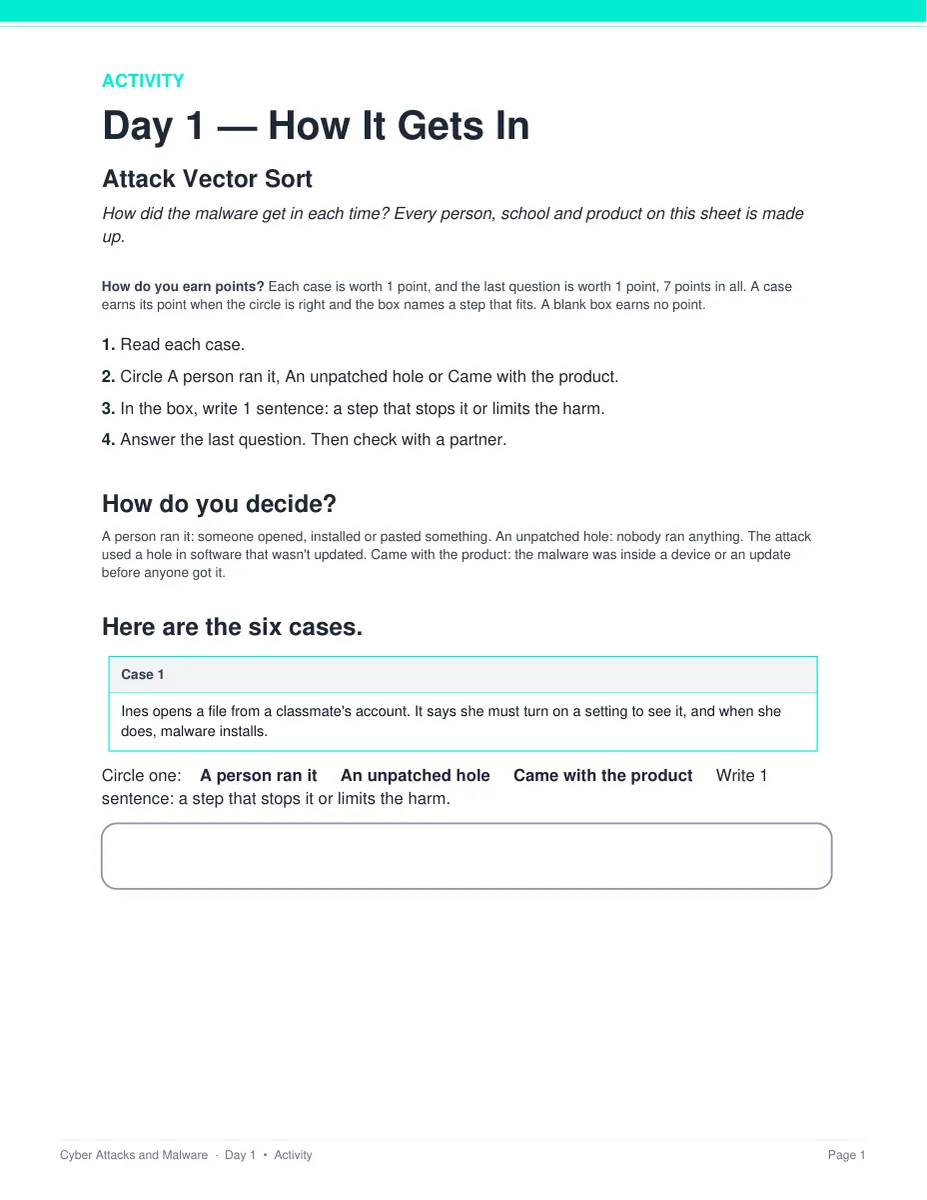
- Guided notes for all three days, in editable Word and print PDF
- Vocabulary glossary: all 30 terms from the word banks, defined
 03 Scenarios
- Fennhurst Print Shop — What Did the Attackers Take?, keyed
- Tamsbury High School — What Let Them In?, a second long-form case, keyed
 04 Activities
- Attack Vector Sort: a person ran it, an unpatched hole, or it came with the product
- What Does It Want: money, your information, or your device's power
- Incident Triage: malware, no malware, or can't tell yet — and what to do first
 05 Assessment
- Three exit tickets, one per day, 4 points each
- Unit quiz: 28 points, 20 multiple choice and 4 written at 2 points each
Digital: self-grading Google Forms™
- The unit quiz and all three exit tickets as ready-to-assign forms (26 auto-graded items)
- Multiple choice grades itself on submit, with feedback on every wrong answer; written responses land in your response sheet
06 Answer Keys
- Six key PDFs, 19 pages: every activity, scenario, exit ticket and the quiz
- Every written prompt keyed with what to look for, a model response, what else to accept, and what to reject
See the actual pages
Page one of four real files out of the download, exactly as they print.
One editable deck per day
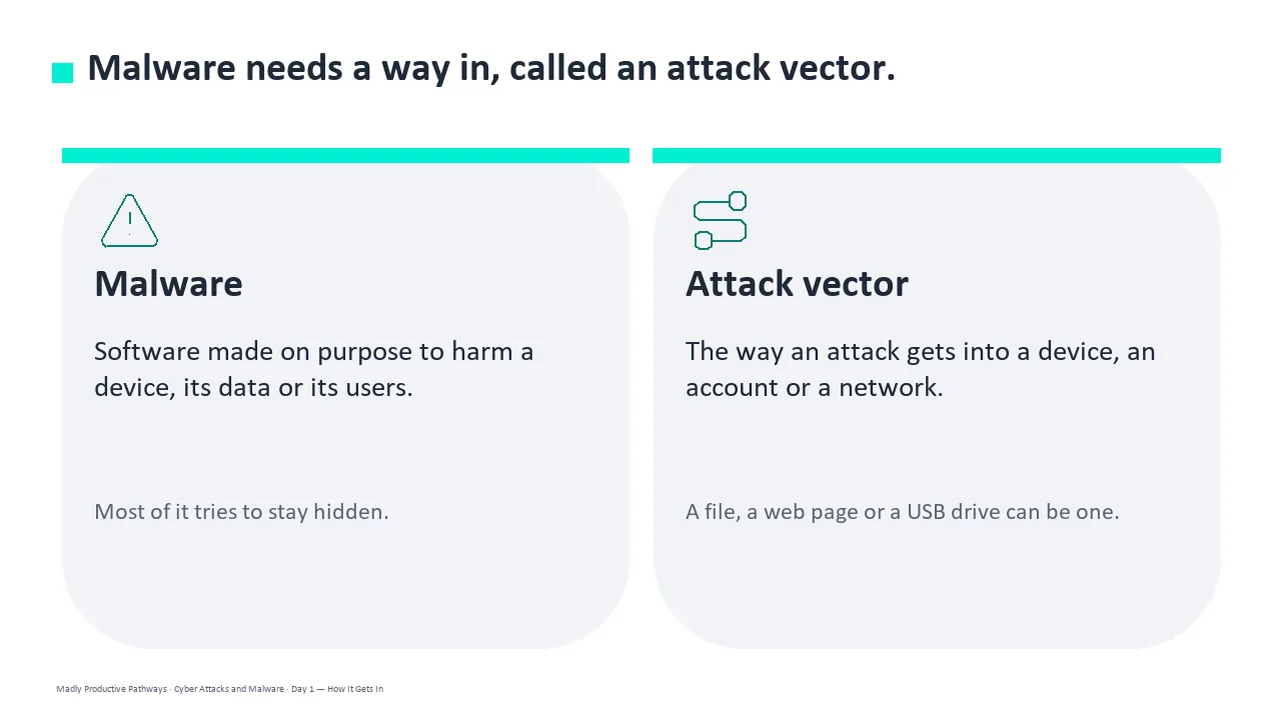
Fourteen slides a day, low text, with the diagrams drawn as real vector shapes rather than flat images. Recolor them to match your room, or delete any of them.
- ✓ 42 slides across the three days
- ✓ Native PowerPoint, opens in Google Slides
- ✓ The guided notes follow the slides in order
Notes students fill in as you teach
A two-page packet per day with a word bank at the top and real room to write. Editable Word and print-ready PDF, and every one has a complete key.
- ✓ Three days, Word and PDF
- ✓ Grade 9-10 reading level
- ✓ Full answer key for every page
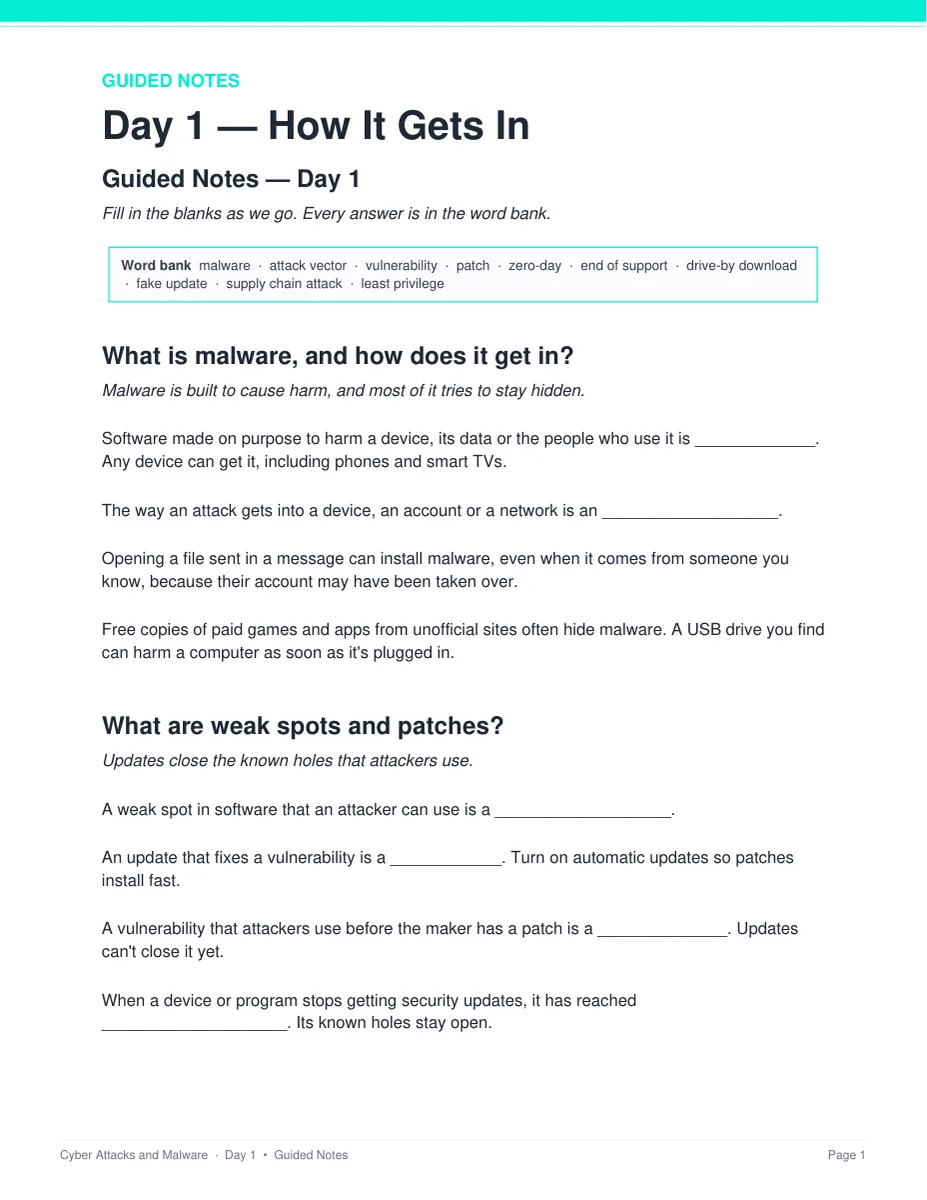
An incident that happened to nobody real
Two long-form cases about organizations that do not exist. Students work out what happened and what would actually have stopped it, then defend the call.
- ✓ Fennhurst Print Shop and Tamsbury High School
- ✓ Two pages and six points each
- ✓ Teacher key with sample answers
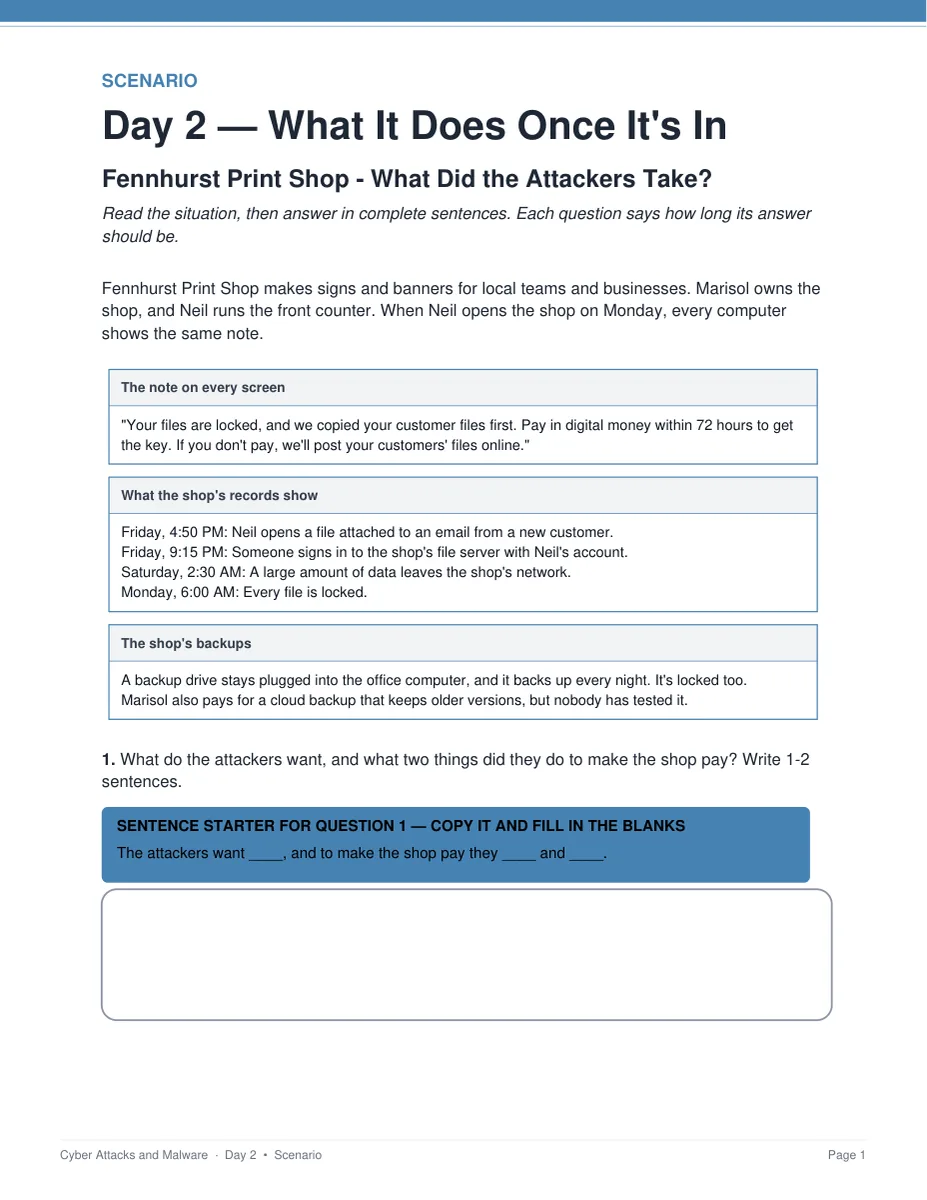
One printed sheet a day
Six made-up cases, three options and a line for the step that would stop it. The answer boxes are on the same page, so there is nothing to cut out, laminate or post. Students work alone first, then check with one partner.
- ✓ Three sheets, 2 pages and 7 points each
- ✓ Nothing to cut, laminate or store
- ✓ A sample answer and when to give the point
Why teachers pick this unit
 It corrects what students believe
“Every attack is a virus” is where most classes start. Three days later they can name the way in, the motive, and the case where nothing was installed at all.
Nothing says “answers will vary”Every written question ships with what to look for, a model response, what else to accept, and what to reject.
The timings are measuredFive minutes of bell ringer, 14 of slides and notes, 19 of activity, 7 for the exit ticket. The pacing gate puts each day at under 42 minutes of work.
 No background needed
Written for a general-education class. Nothing to prepare beyond hitting print, and every day stands alone as a sub plan.
 Nothing to cut out
Every activity prints on the page the student writes on, with the answer boxes right there. Nothing to cut, laminate or post between classes.
 Nothing in it is a how-to
No tool is named, there is no command and no line of code, and no task asks a student to make, send or try anything. A blocking build check enforces it.
What Teachers Say
Be the first to review this
Reviews help me a lot, and they help other teachers pick the right resources for their classes. It takes about a minute.
Leave a reviewQuestions teachers ask
How do I get the files after I buy?
Instant download right after checkout. You get editable PowerPoint and Word, print-ready PDF of everything, and the links for the self-grading Google Forms™.
Do I need a cybersecurity background?
No. This is a general-education digital-literacy unit written for a teacher who has never taught the subject. The READ FIRST guide says exactly what to print and when, and every page has a key.
Does it teach students how attacks are carried out?
No. The unit explains attacks at the level of what happens, never at the level of how to make it happen. No tool is named, there is no code, and every incident already happened to somebody who does not exist. That line is held by a blocking check in the build rather than by good intentions on the day.
Is there anything to cut out, laminate or prepare?
No. Each day's activity is one printed sheet, two pages and seven points, with the answer boxes on the same page the student writes on. Students work it alone first, then check with one partner. There is nothing to cut, laminate, post or store between classes.
When does the unit quiz happen?
It sits after the three lessons, not inside them. The quiz is 28 points and about 25 minutes, and all three periods are full lessons. Run it as a Day 4 in class or set it as a take-home with the Google Form. Either way you already have a grade for every student from the three exit tickets.
What standards does it map to?
The Skills Map names the standards that match rather than claiming alignment: 2026 CSTA HS-SYS-SE-31 with the 2017 codes 3A-NI-06 and 3A-NI-08 and ISTE 1.2.d on Day 1, HS-SYS-SE-32 with Common Core RST.4 on Day 2, and HS-SYS-SE-33 with RST.3 on Day 3, printed for grades 9-10 and 11-12. A Convert to YOUR State's Standards page is included.
Can I buy this with the other cybersecurity units?
Yes. The Cybersecurity Unit Bundle holds this unit plus Phishing & Social Engineering, Deepfakes & AI Scams, Passwords & Account Security, and Encryption & Cryptography — 17 days in one download, for less than the five bought separately.