
Functions
Seven lessons on writing functions with parameters and return values, scope and tests, ending with a function toolbox. Each level is a short program students write and check in CodeGrove.
Coding levels for every unit of the second-year course. Students write, run and check real Python programs in CodeGrove, our code lab that works right in the browser.
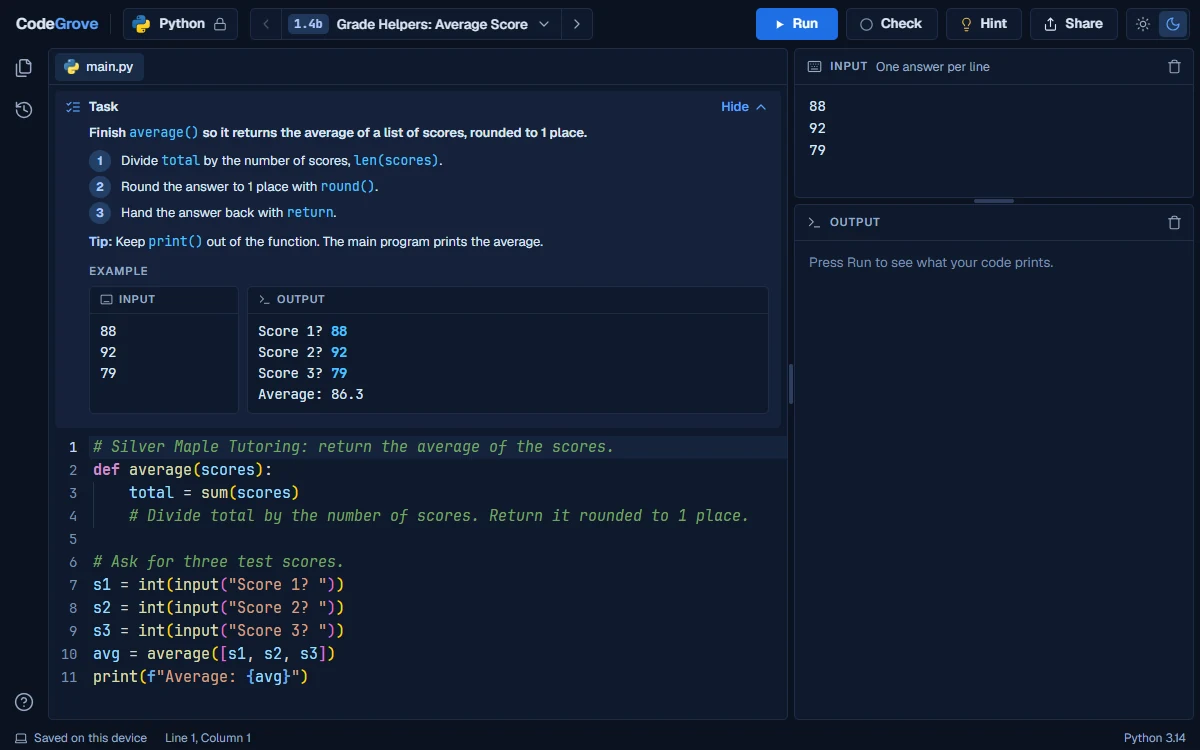
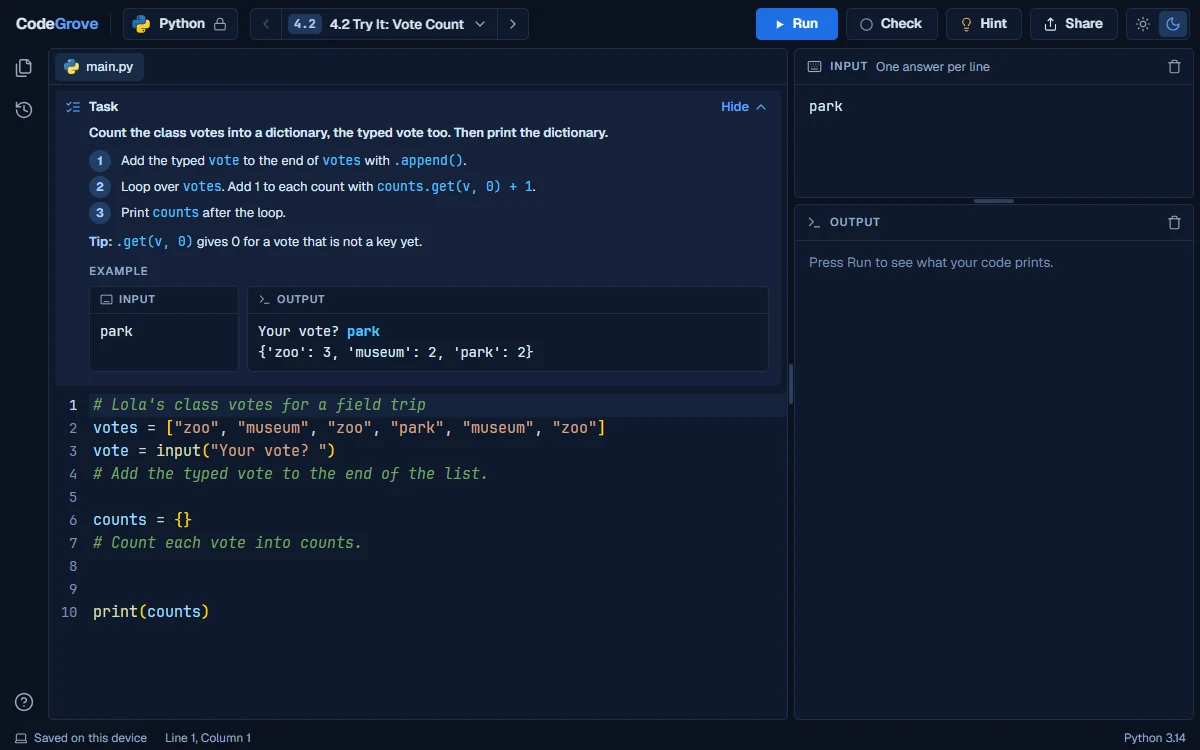
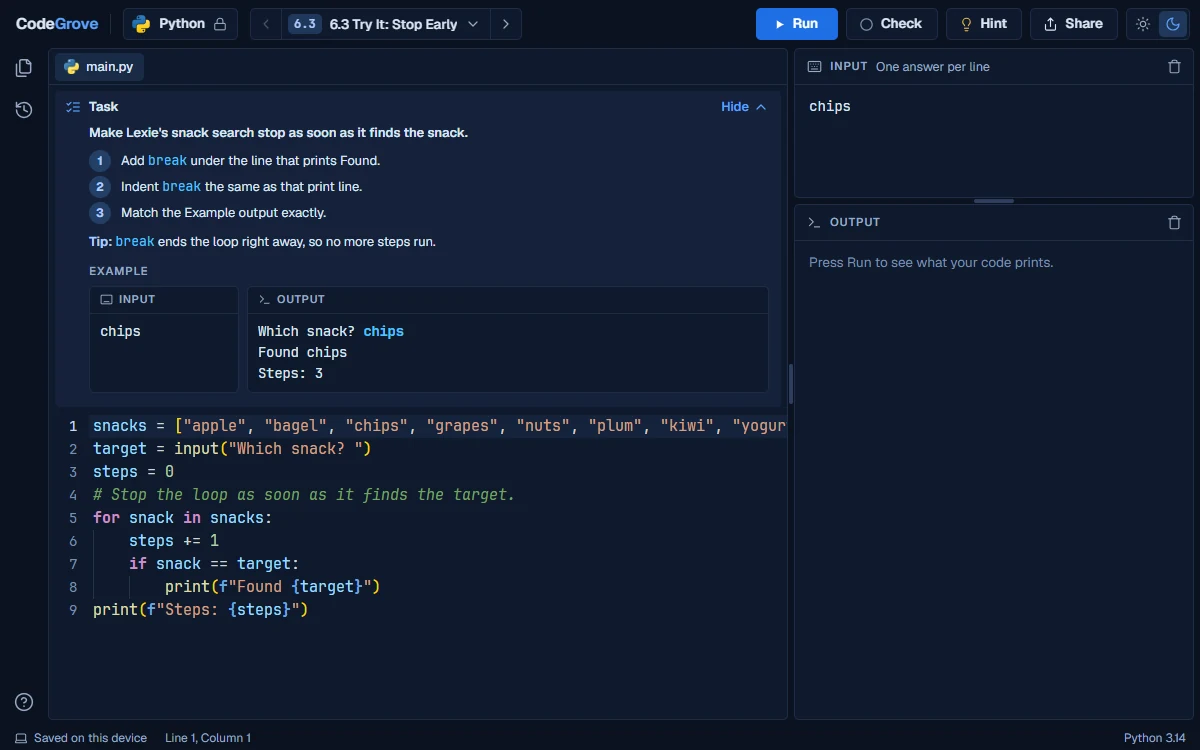
Seven lessons on writing functions with parameters and return values, scope and tests, ending with a function toolbox. Each level is a short program students write and check in CodeGrove.

Seven lessons on slicing strings, output that lines up, checking input, try and except and a cipher, ending with a sign-up checker. Each level is a short program students write and check in CodeGrove.

Six lessons on list methods, loop patterns, copies and tuples, grids and sets, ending with a grid game. Each level is a short program students write and check in CodeGrove.

Five lessons on dictionaries, counting with them, records and hashed passwords, ending with a records program. Each level is a short program students write and check in CodeGrove.

Six lessons on text and CSV files, answering questions with data and huge data sets, ending with a data report. Each level is a short program students write and check in CodeGrove.

Six lessons on searching, sorting, counting steps, recursion and simulations, ending with a nature simulation. Each level is a short program students write and check in CodeGrove.

Seven lessons on modules, libraries and APIs, how code runs, classes and unittest, ending with an app. Each level is a short program students write and check in CodeGrove.

Six lessons on a web page that runs Python, built and tested by a team with version control and code review. Each level is a short program students write and check in CodeGrove.
Yes. Every level is free to use, with no trial and nothing to buy. They are companions to our course, and you can use them without owning it.
No. A student opens the link and the level starts. There is nothing to install: the code runs in the web browser.
Chromebooks, yes; phones, no. CodeGrove runs in a web browser on Chromebooks, laptops, desktops and larger tablets. Students type code, so it needs more room than a phone gives and says so when it is opened on one.
CodeGrove never asks for a name, an email or an account. A student's code runs inside their own browser and is never sent to us, and their work is saved on that device only. The page itself counts anonymous visits with Google Analytics, the same as the rest of this site.
Each level gives a task and a starting program. Run shows what the program prints. Check tests it with the task's example and some hidden tests, then says what passed and what to fix. Check is practice feedback, not a grade.
No. The two courses have their own levels, and CodeGrove saves each course's work separately on the student's device, so a level in one never overwrites the other.
Grades 9 to 12, for students who already know Python's basics: variables, if statements, loops and simple functions. The levels pick up where Intro to Python Programming ends, and each one was built for one lesson of this course.
No. Every level explains its task, so it can stand alone. It lands best right after the lesson it was built for, which is why each level is tied to a specific lesson of the course.