Securing Networks
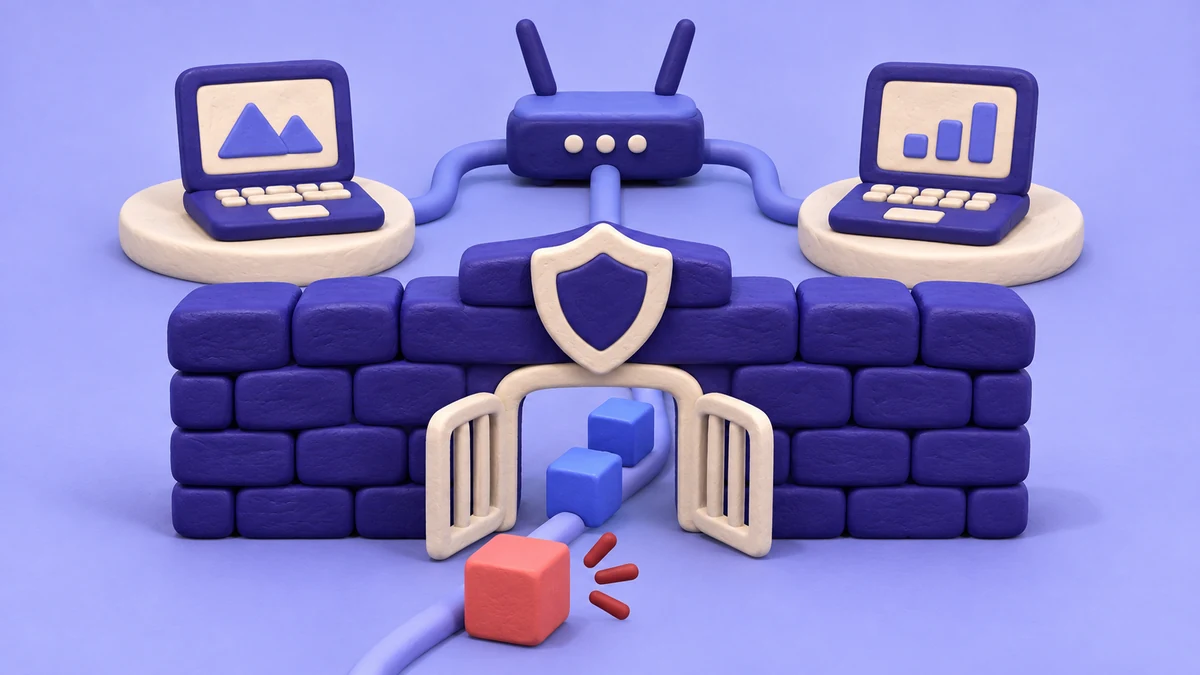
Five lessons on how networks are attacked, protected and watched. In the ShellGrove Linux lab, students fix a store's buggy firewall rules and test them from inside and outside the network.

Hands-on Linux labs for seven lessons in Units 3 to 5, plus an FRQ practice. Students fix a firewall, read logs and lock down keys in ShellGrove, our online practice computer that works right in the browser.
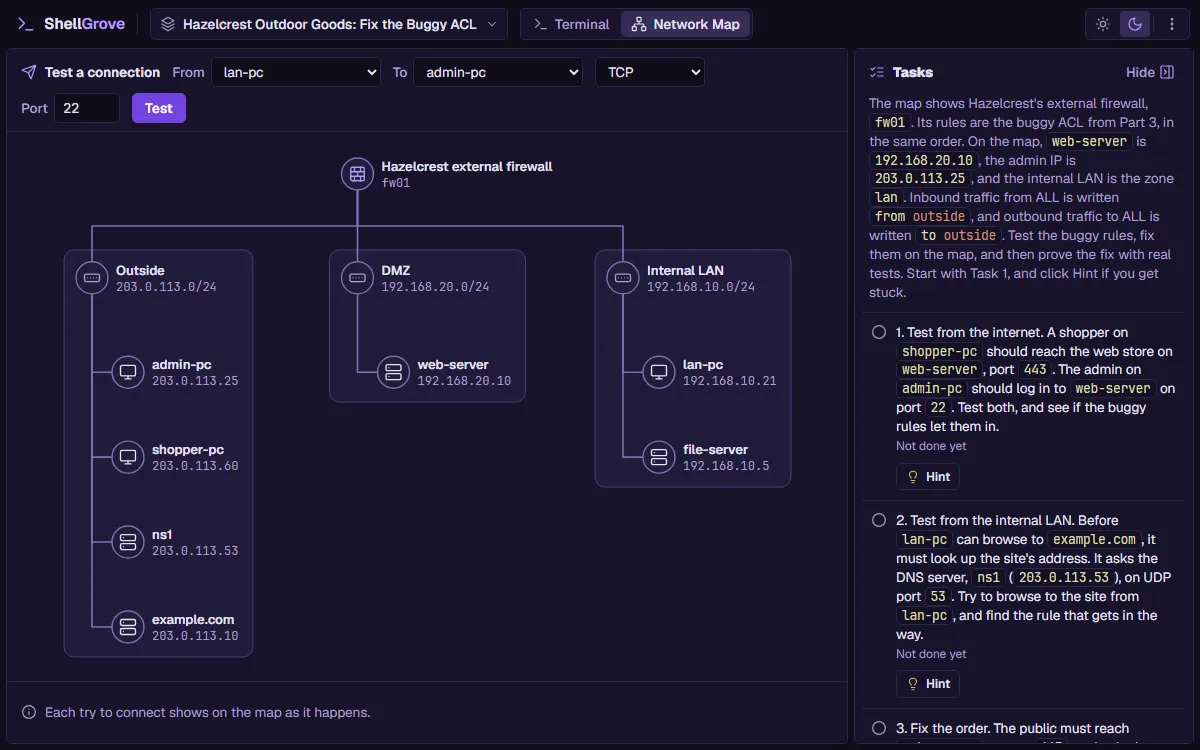
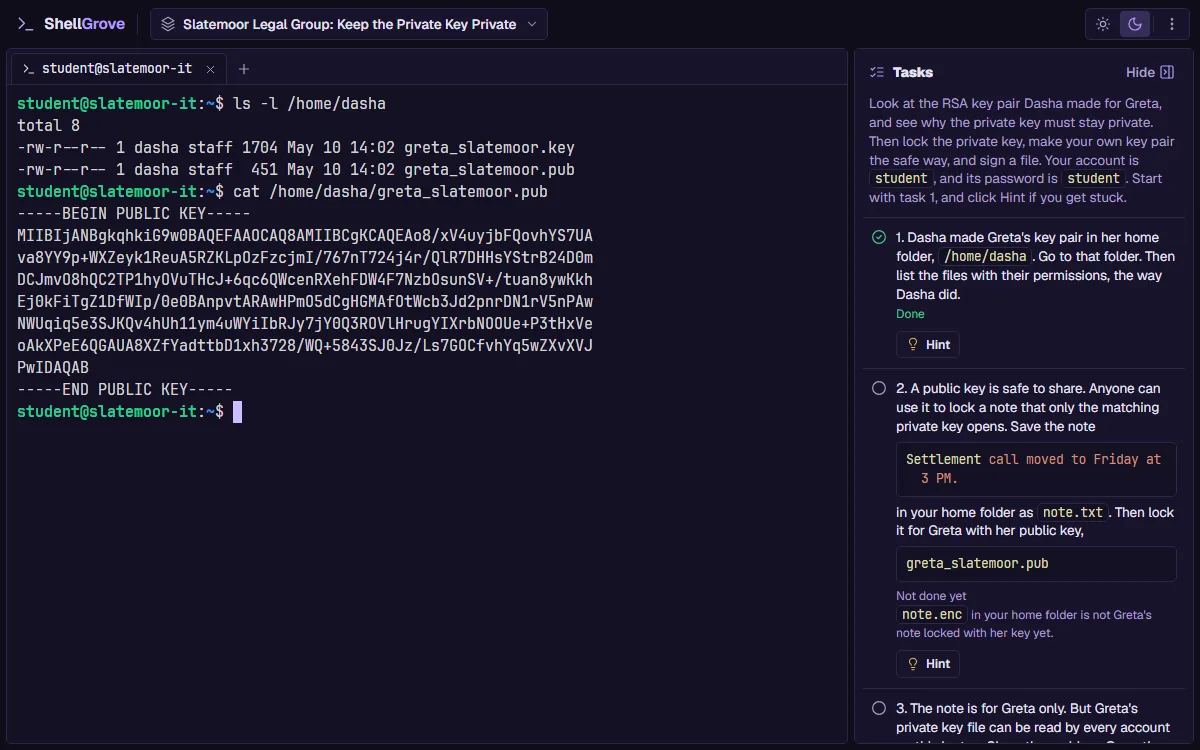
Five lessons on how networks are attacked, protected and watched. In the ShellGrove Linux lab, students fix a store's buggy firewall rules and test them from inside and outside the network.
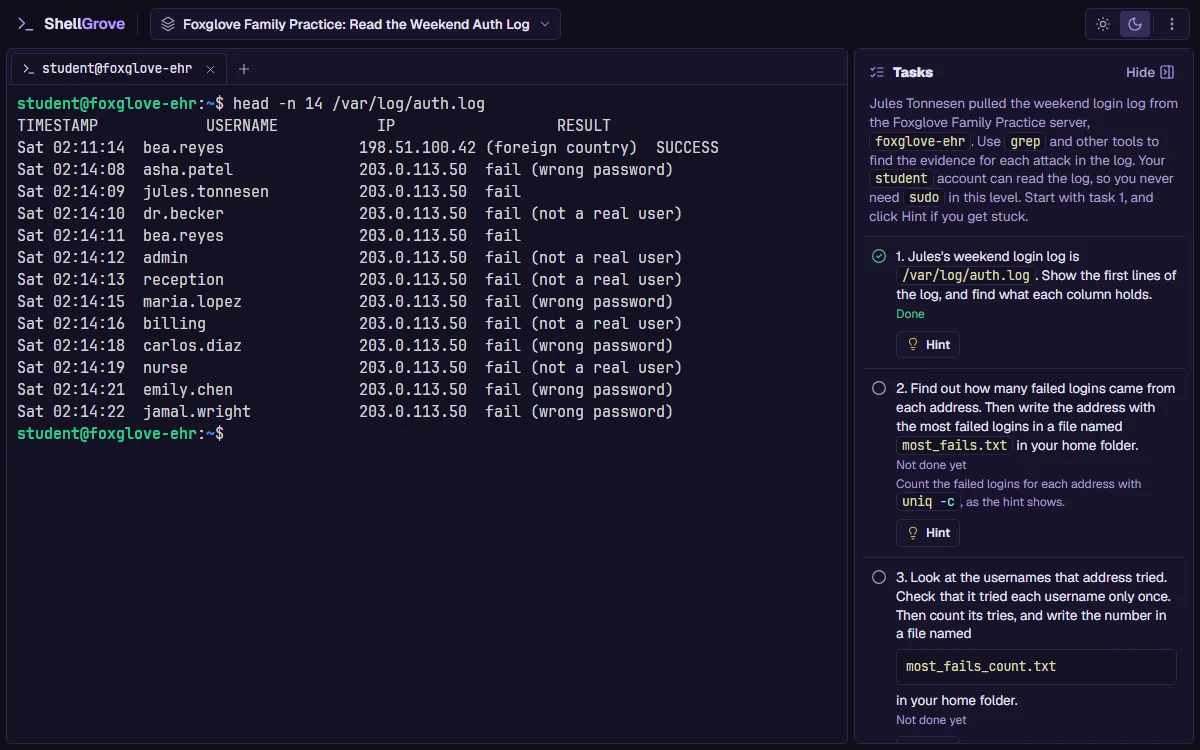
Four lessons on how devices are attacked, protected and watched. In ShellGrove's Linux labs, students build a server's firewall and read an auth log to find a break-in.

Six lessons on how applications and data are attacked, protected and watched. In ShellGrove's Linux labs, students lock files, guard AES and RSA keys and triage a library's alerts, and an FRQ practice ties the course together.
Yes. Every lab is free to use, with no trial and nothing to buy. They are companions to our course, and you can use them without owning it.
No. A student opens the link and the lab starts. There is nothing to install: the whole pretend computer runs in the web browser.
Chromebooks, yes; phones, no. ShellGrove runs in a web browser on Chromebooks, laptops, desktops and tablets. Students type commands, so it needs more room than a phone gives and says so when it is opened on one. On a small tablet, turn it sideways.
ShellGrove never asks for a name, an email or an account. The pretend computer runs inside the student's own browser, and nothing they type is sent to us. Their work is saved on that device only, and they can copy it out to carry it to another device. The page itself counts anonymous visits with Google Analytics, the same as the rest of this site.
Each lab gives a short list of tasks on a pretend computer or a small pretend network, like fixing a firewall's rules, reading an auth log or locking a private key. Students type real Linux commands. Each task shows when it is done, and each one has a hint for a student who is stuck.
It can. Each lab is the online way of one paper activity, with the same company, the same files and the same answer key. The paper version stays in its lesson, or in the bonus folder for the FRQ practice, so you can pick either one.
Yes. ShellGrove also opens as free practice, a pretend computer with no tasks.It is atmadlyproductivepathways.com/shellgrove.
Grades 11 and 12, for students in an AP Cybersecurity class. Each lab was built for the course and keeps the names, files and vocabulary of the paper activity it goes with.
No. Every lab explains its tasks, so it can stand alone. It lands best right after the lesson it was built for, which is why each lab is tied to a specific lesson of the course.