
Slides
 AP Cybersecurity Grades 9–12 24 topics · all 5 units 27 deliverables
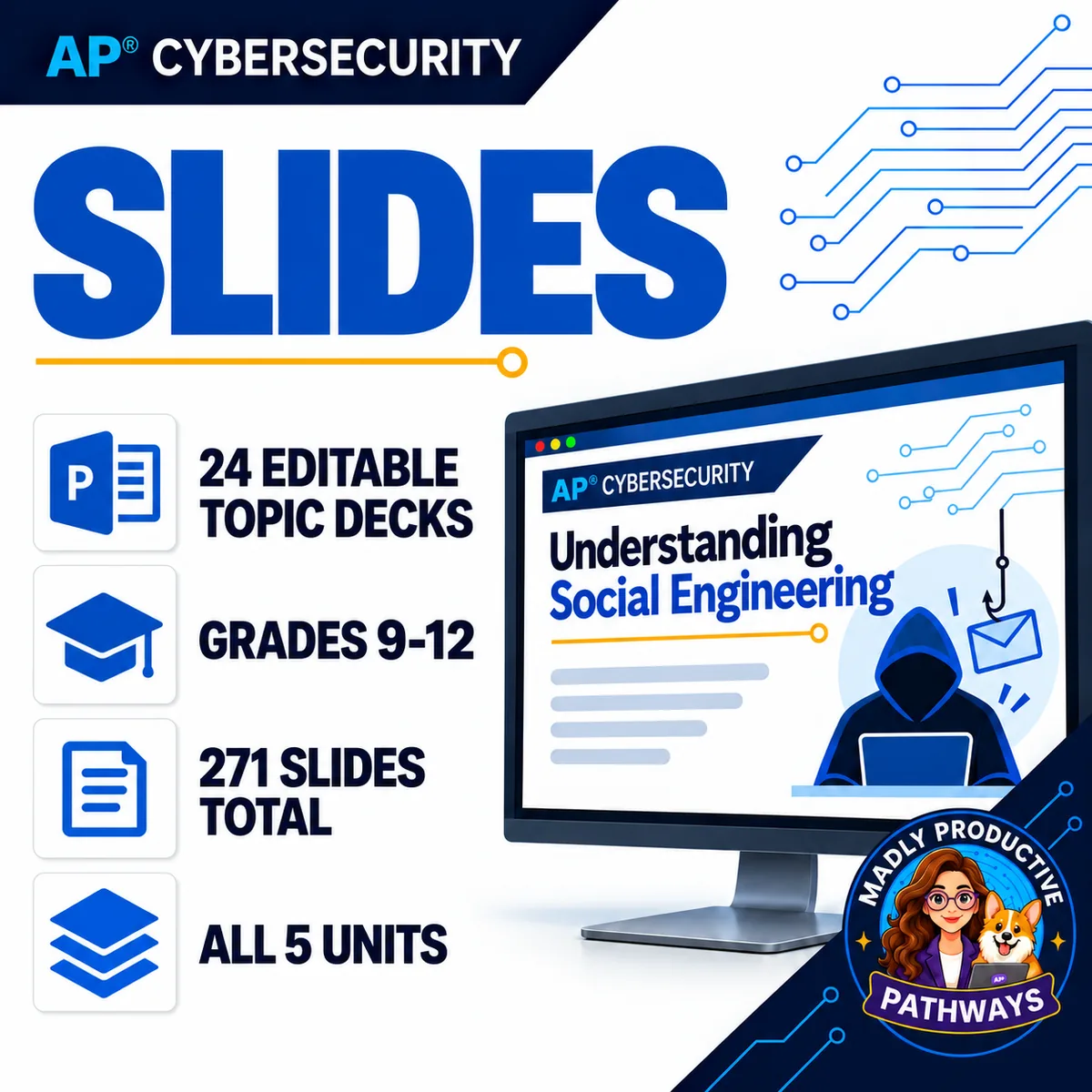
 Every lesson deck for AP Cybersecurity: 24 editable topic presentations, 271 slides in total, as one combined deck and as one file per topic. Native PowerPoint text and shapes throughout, never flattened images, so every word stays editable.
● Instant download · Lifetime access · Editable & print-ready
 271 slides24 topic decks, all 5 units
 Editable, not imagesReal text and shapes throughout
 Combined + per topicOne big deck, or open just today's
 No prepOpen it and present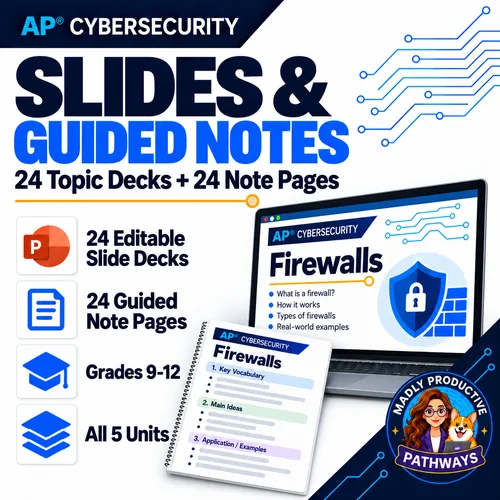
What is this?
The slides are the lesson. This is every deck for the AP Cybersecurity course — 24 topic presentations, 271 slides, built in one consistent visual system — as a combined deck you can run straight through and as one file per topic you can open on the day.
Every slide is native text and real shapes, never a flattened image. Change any word, cut what you do not need, recolor it to match your room, or lift a single slide into a deck you already build. It opens in PowerPoint, Keynote or Google Slides.
Multi-period topics are split into labeled days rather than one undifferentiated run of slides, and each deck opens on the unit, topic number, title and class-period count, so students always know where they are.
Everything that's included
Combined editable deck
- All 24 topic decks merged into one presentation, 271 slides, in teaching order
- Native text and shapes throughout — never flattened images
- Opens in PowerPoint, Keynote or Google Slides
- Reuse it whole for review before the exam
Every deck as its own file
- 24 editable presentations, one per topic
- Sorted into one subfolder per unit
- Open just the lesson you are teaching instead of scrolling one enormous deck
 What every deck contains
- A topic opener with unit, topic number, title and class-period count
- Day markers, so a multi-period topic is split into labeled days
- Large type, high contrast, one idea per slide — built for the back row
Also in the download
- An all-in-one PDF of all 24 decks (272 pages) in topic order
- A clickable table of contents, and every entry as a PDF bookmark
- A one-page Start Here guide, plus the Terms of Use
Why teachers pick it up
The year, presentedA deck for every topic in teaching order. Open it and teach — there is nothing to build first.
Genuinely editableReal text and shapes, not pictures of slides. Every word can change; nothing is locked.
One file per topicOpen today's lesson, not a 271-slide monolith you have to scroll through.
Built for the back rowLarge type, high contrast, one idea per slide — not paragraphs shrunk to fit.
Days are labeledMulti-period topics are split into marked days, so you know where a lesson stops.
 Matches the course
These are the decks out of the full AP Cybersecurity curriculum, so they line up with the notes and assessments exactly.
What Teachers Say
8 course ratings
Add your review
Reviews help me a lot, and they help other teachers pick the right resources for their classes. It takes about a minute.
Leave a reviewQuestions teachers ask
How do I get the files after I buy?
Instant download right after checkout: the combined 271-slide deck, the 24 per-topic decks sorted by unit, the all-in-one PDF and a one-page Start Here guide.
Are these really editable, or images of slides?
Really editable. Every slide is native text and shapes — nothing is flattened to an image — so you can rewrite any wording, delete slides, recolor to match your room, or lift one slide into your own deck.
What is NOT in this?
This is the slide set only. It does not include the guided notes, original scenarios, collaboration activities, assessments or answer keys — those are in the full AP Cybersecurity course. For the decks plus the matching note pages, see Slides & Guided Notes.
Will they open in Google Slides?
Yes. Upload the .pptx to Drive and open with Slides, or use PowerPoint or Keynote. Some fonts may substitute in Slides, which is normal for any uploaded deck.
Do I need the full course to use them?
No. The decks stand on their own and work with whatever else you already teach from. They are drawn from the full AP Cybersecurity curriculum, so they line up exactly if you do have it.