
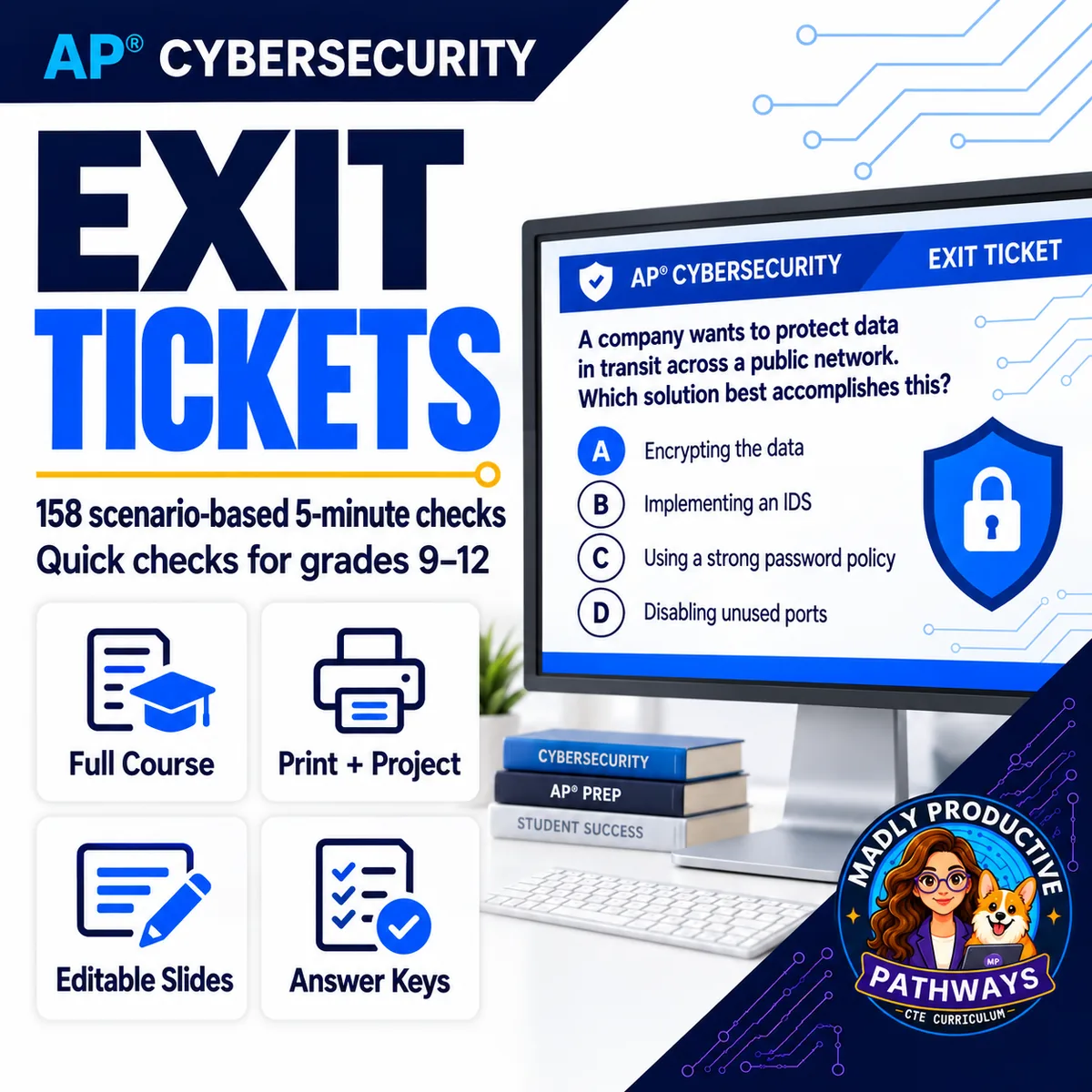
Exit Tickets
 AP Cybersecurity Grades 9–12 158 tickets · all 5 units 320 deliverables
 158 scenario-based five-minute checks for understanding — two parallel forms for every standard — each with a full answer key and its own self-grading Google Form™. A 325-page PDF, a 159-slide editable deck, and every ticket as its own file.
● Instant download · Lifetime access · Editable & print-ready
 158 exit ticketsTwo parallel forms per standard
 158 answer keysEach after the item it marks
 158 Google Forms™Every ticket, self-grading
 5 minutesSized to close class, not extend it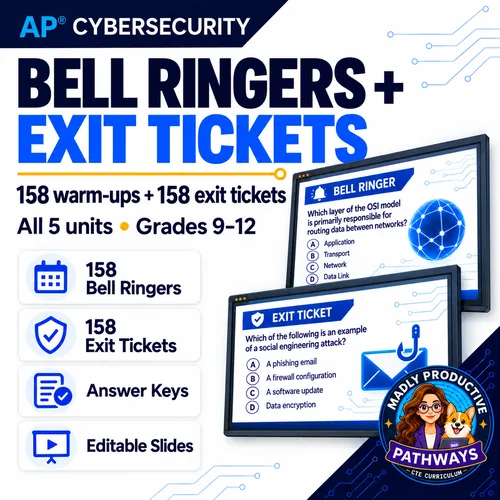
What is this?
The last five minutes decide whether the middle of the lesson worked. This is a written check for every standard in the AP Cybersecurity course — 158 exit tickets, two parallel forms per standard, each built on a short scenario rather than a vocabulary prompt.
Two parallel forms means you can use one this year and the other next, run different versions across two sections, or give the second as a retake without writing anything new. Every ticket has an answer key and its own self-grading Google Form™.
The Forms do the marking. Click a copy link and an editable copy lands in your own Drive; the multiple choice grades itself and can show a student why an answer was right, while written responses collect in your response sheet.
This is the exit ticket set only. It does not include the lesson slides, guided notes, scenarios, collaboration activities or unit tests — those are in the full course.
Everything that's included
All-in-one PDF
- All 158 exit tickets in one file, 325 pages, in topic order
- 158 answer keys, each placed directly after the item it belongs to
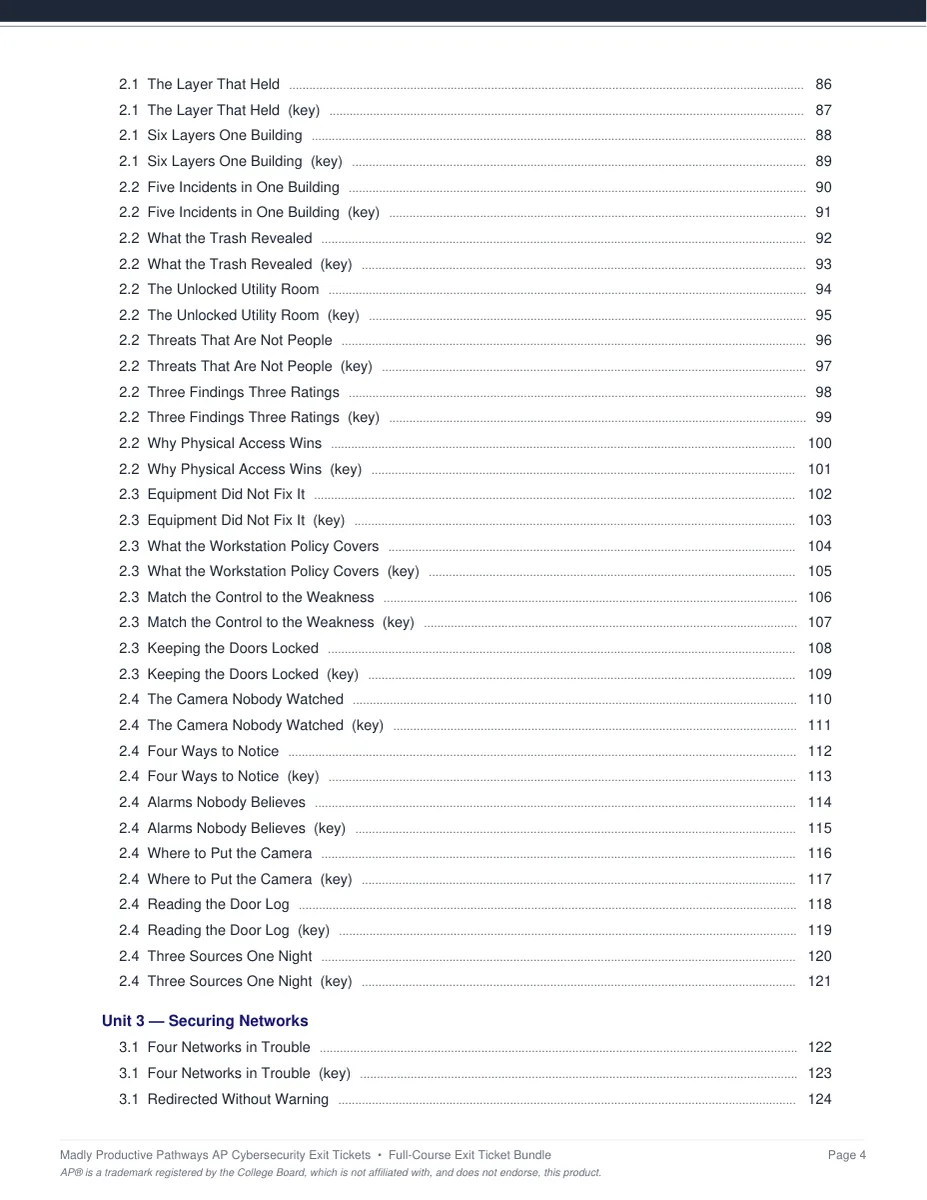
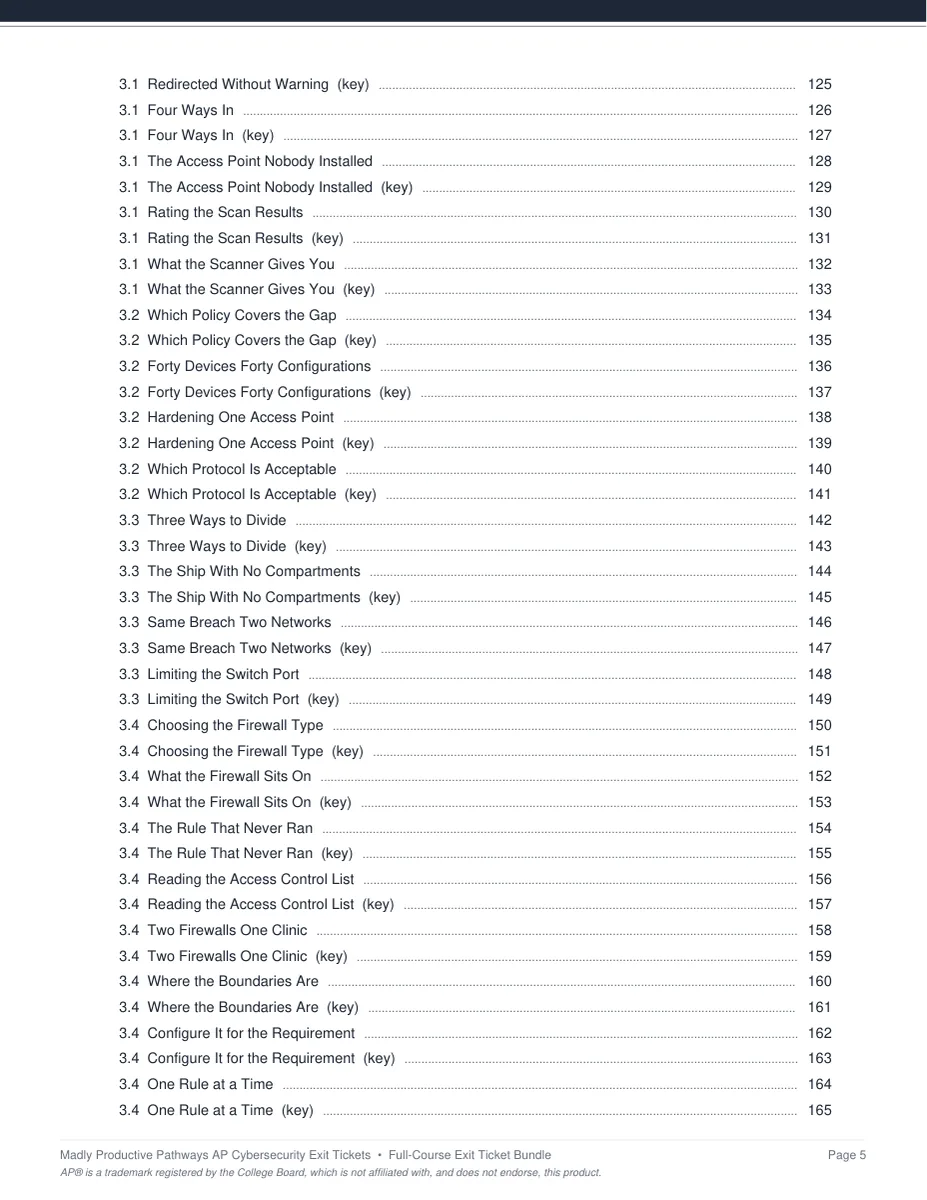
- Cover page and a clickable Table of Contents
- Every entry is also a PDF bookmark, so you can jump from your reader's sidebar
158 self-grading Google Forms™
- One for every exit ticket, with a copy link you click to put an editable copy in your Drive
- The multiple choice marks itself and can show students why an answer was right
- Written answers land in your response sheet
- You are never sharing an original — every teacher gets their own copy
 Editable slide deck
- 159 slides: one per exit ticket plus a title slide
- Native editable text, not images — change any wording or recolor to match your room
- Opens in PowerPoint, Keynote, or Google Slides
- Teacher preview notes in the Notes pane, naming the topic each slide closes
 Every ticket as its own file
- 316 individual PDFs — each exit ticket and its key, separately
- Sorted into subfolders, so you can print or assign just the one you need
- All 5 units and 24 topics, in teaching order
See the actual pages
Two pages out of the file, exactly as they print.
A short scenario, then the check
Each ticket puts the day's idea in a situation and asks students to apply it, rather than asking them to recite a definition. Sized for the last five minutes of the period.
- ✓ Scenario-based, not recall
- ✓ Topic and skill tagged at the top
- ✓ Half-sheet, quick to collect
Keyed, and right where you need it
Every ticket's key sits directly after the ticket it belongs to, so marking a stack does not mean flipping between two documents or opening a second file.
- ✓ One key per ticket
- ✓ Placed immediately after its item
- ✓ Also built into the Google Form
Why teachers pick it up
The whole year, closedA written check for every standard, in teaching order. The last five minutes are planned through May.
It marks itself158 self-grading Forms. Click the link, get your own copy, send it out — the multiple choice comes back done.
Two parallel formsUse one this year and the other next, split them across sections, or give the second as a retake.
 Scenario, not recall
Every ticket applies the idea to a situation instead of asking for a definition back.
Keys where you need themEach key sits right after its ticket, so marking never means opening a second file.
 Matches the course
These are the exit tickets pulled from the full AP Cybersecurity curriculum, so the design and order line up exactly.
What Teachers Say
8 course ratings
Add your review
Reviews help me a lot, and they help other teachers pick the right resources for their classes. It takes about a minute.
Leave a reviewQuestions teachers ask
How do I get the files after I buy?
Instant download right after checkout: the 325-page all-in-one PDF, the 159-slide editable PowerPoint, all 316 individual files, the Google Forms™ copy links, and a one-page Start Here guide.
How do the Google Forms™ work?
Each link opens a copy prompt. Click it and an editable copy of the Form lands in your own Drive — you are not sharing an original with anyone. The multiple choice self-grades and can show students why an answer was right; written responses collect in your response sheet.
Why are there two for every standard?
Two parallel forms let you use one this year and the other next, run different versions in two sections, or hand the second one back as a retake — without writing anything new.
What is NOT in this?
This is the exit ticket set only. It does not include the lesson slide decks, guided notes, original scenarios, collaboration activities, unit tests or practice exams — those ship with the full AP Cybersecurity course.
Can I edit them?
Yes. The deck is native editable text rather than images, so you can change any wording or recolor it to match your room. The Google Forms™ copies are yours to edit once they are in your Drive.
Do I need the full course to use it?
No. The exit tickets stand on their own and work with whatever materials you already teach from. They are drawn from the full AP Cybersecurity curriculum, so they line up with it exactly if you do have it.